Compare NodeTool with other AI tools
Each page puts NodeTool next to one product: what the other product does well, what NodeTool does differently, a feature table, and when to pick which. NodeTool is an open-source, agent-first creative workspace that runs on your own provider accounts, on the desktop or self-hosted.
Node editor
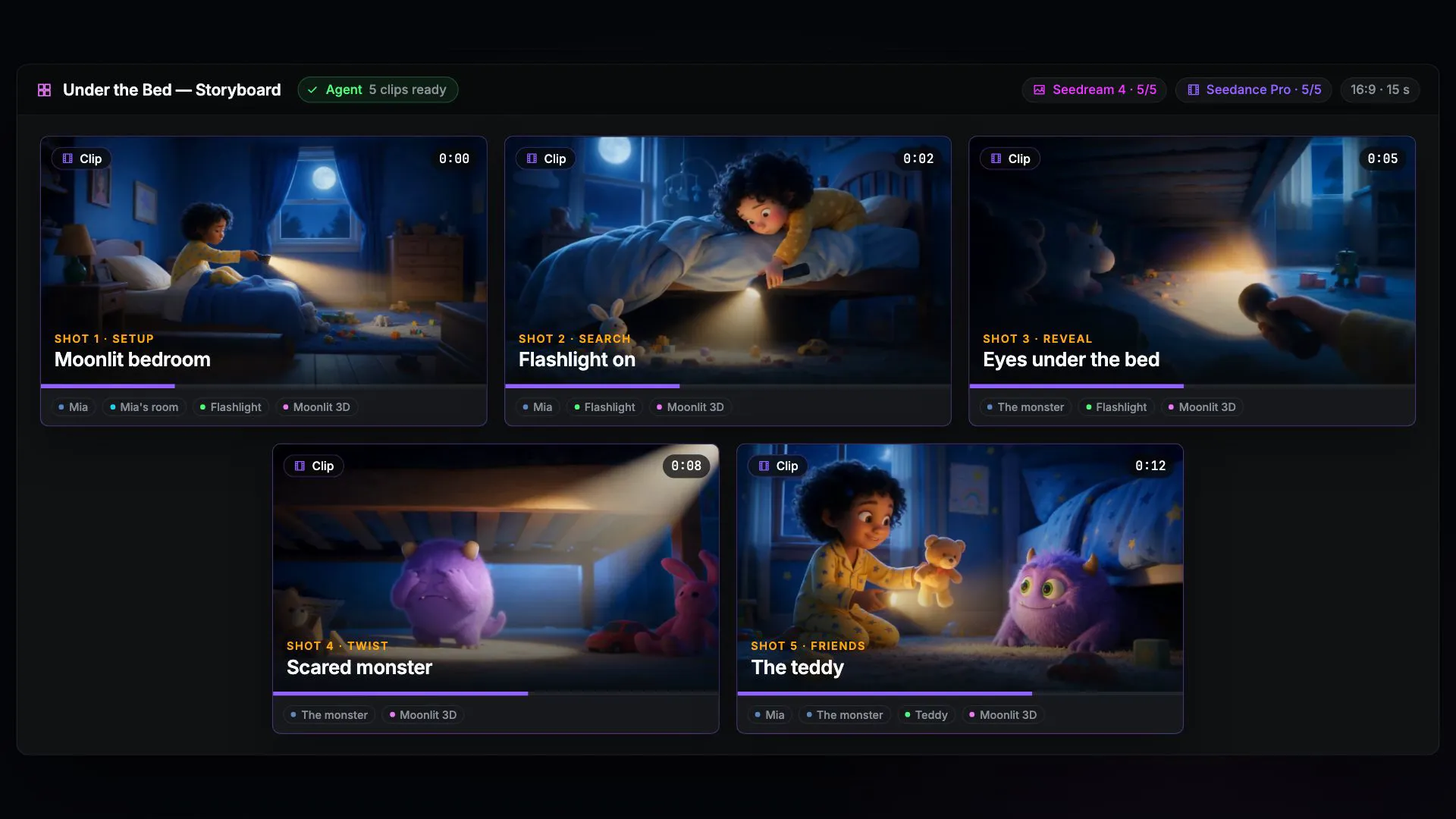
Beyond the node graph.
Create with AI agents, refine with visual editors, and finish in an editable production workspace.
Video studio
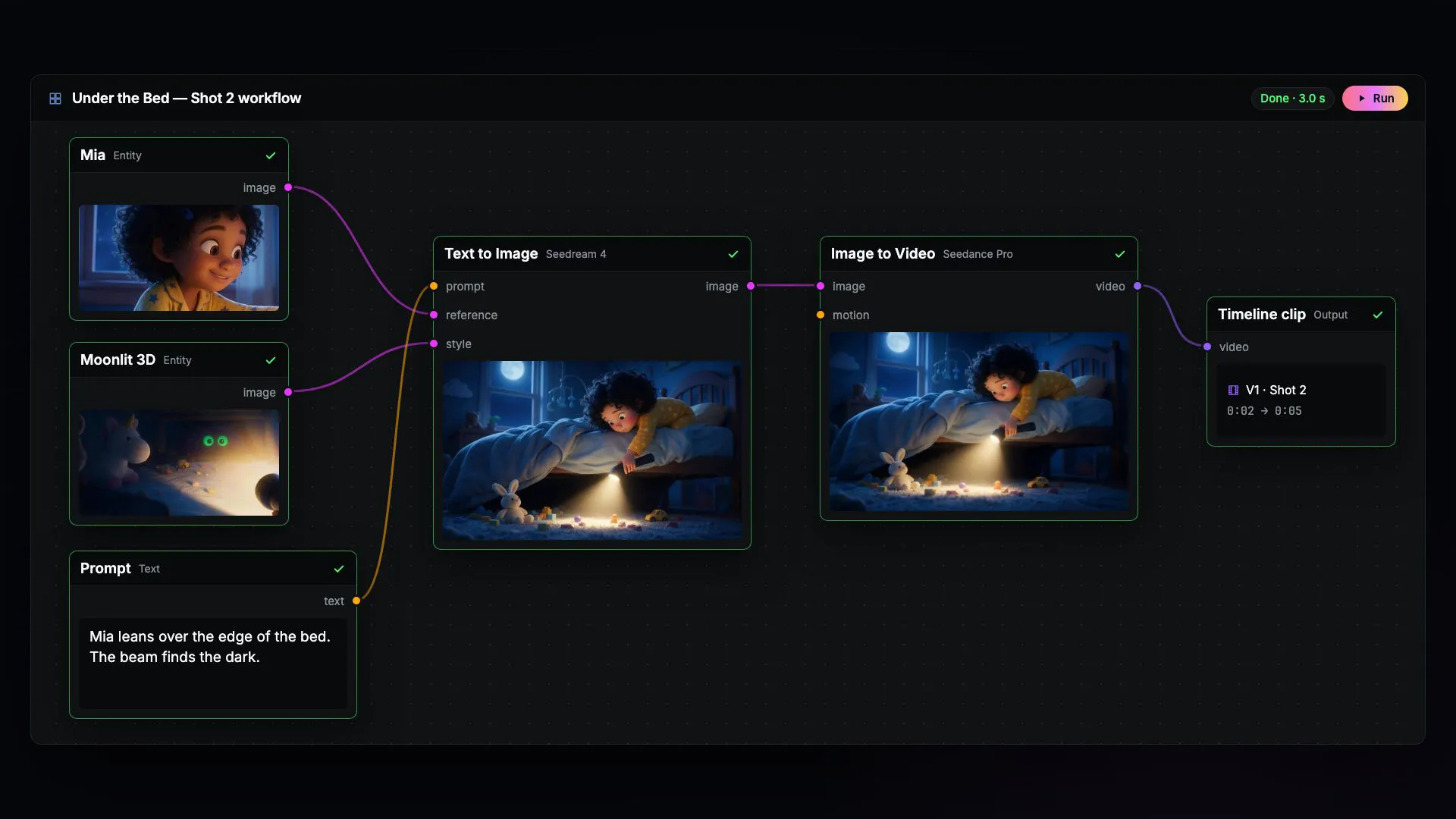
Every shot stays editable.
Generate with the video model you choose, then arrange, trim, and re-render single shots on a multi-track timeline in the same project.
- NodeTool vs OpenArtHosted image, video, and audio creation studio
- NodeTool vs Kling AICreative video platform with motion and reference controls
- NodeTool vs PikaHosted creative platform for video, images, and audio
- NodeTool vs Luma Dream MachineCreative workspace for image and video ideas
- NodeTool vs PixVerseGenerative media platform with production APIs
- NodeTool vs DreaminaHosted creative platform for images, video, and avatars
- NodeTool vs RunwayHosted video studio
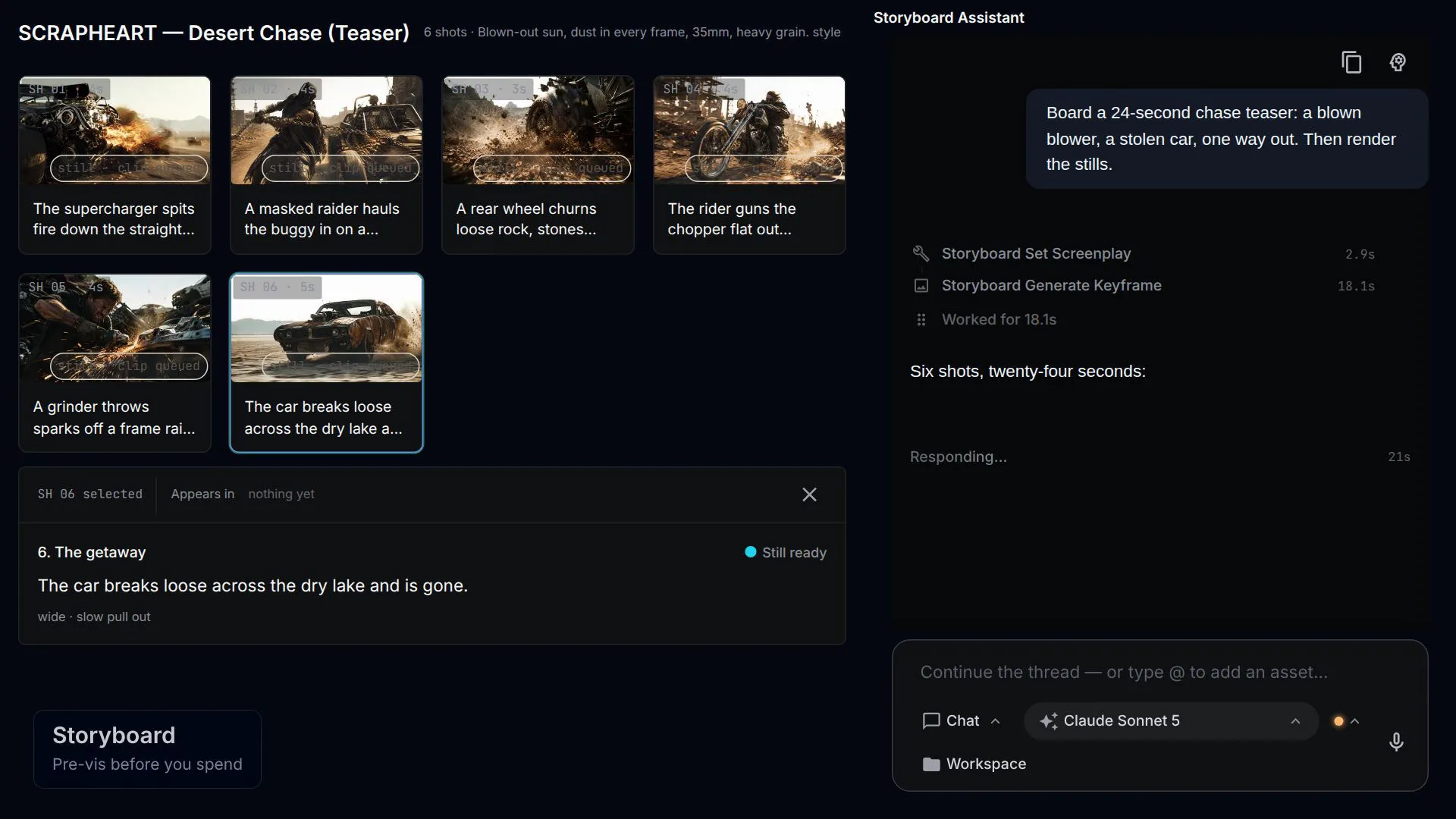
AI filmmaking
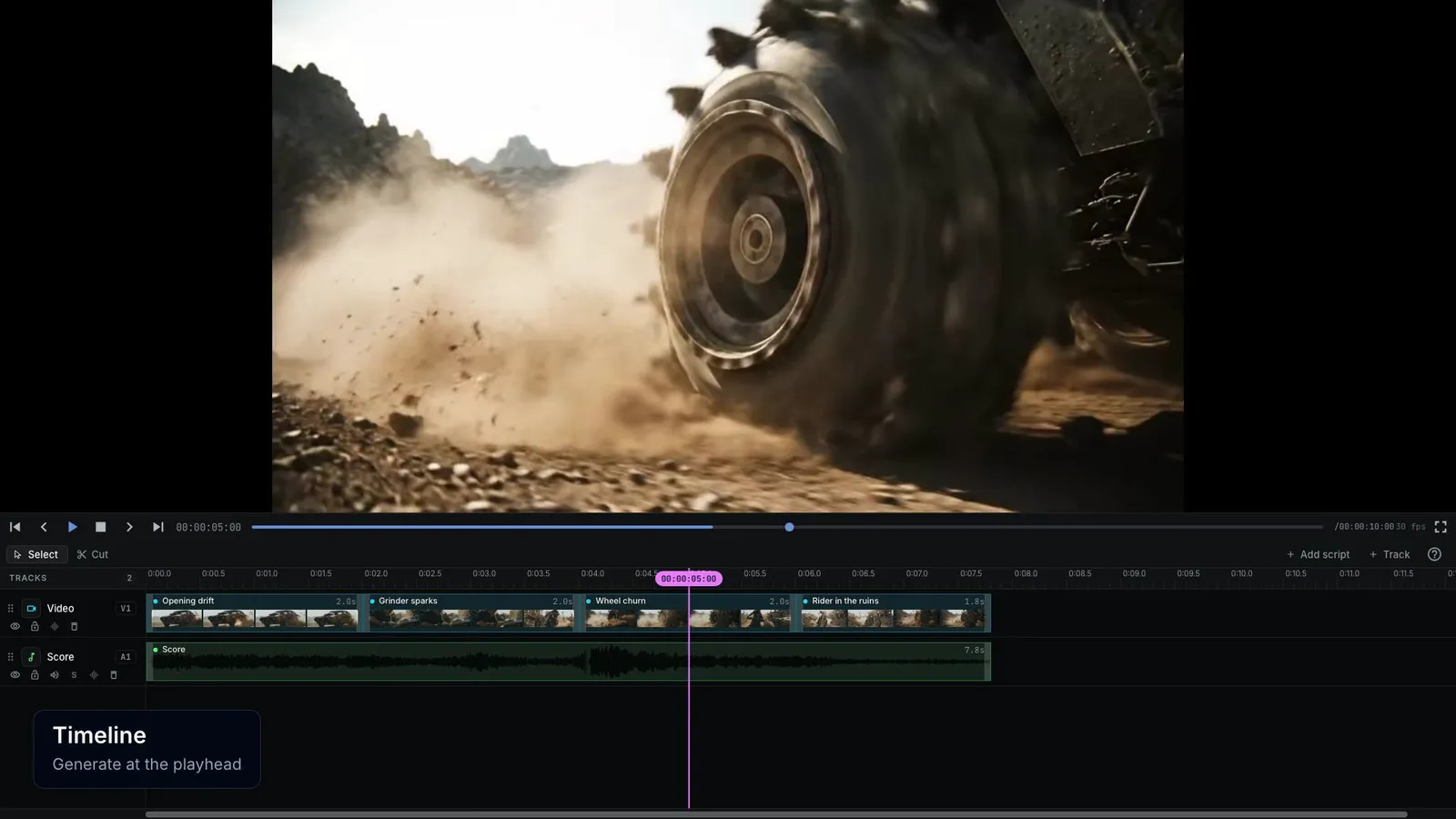
From brief to editable cut.
An agent plans the storyboard and renders the shots. You keep the workflow, the storyboard, and the timeline, and can change any of them.
- NodeTool vs HiggsfieldHosted preset studio for AI video, characters, and ads
- NodeTool vs LTX StudioHosted AI video production workspace
- NodeTool vs Google FlowCreative studio for connected film scenes
- NodeTool vs Artlist StudioHosted production studio with casting and shot direction
- NodeTool vs InvideoBrowser filmmaking platform with production agents
- NodeTool vs KatalistScript-to-video creative studio for storyboards and ads
- NodeTool vs Storyboarder.aiFilm pre-production platform for boards and animatics
- NodeTool vs Story.comHosted storytelling platform with an AI movie editor
- NodeTool vs MootionVisual storytelling studio with directed multi-scene creation
- NodeTool vs Moonvalley MareyFilmmaking video model with dedicated shot controls
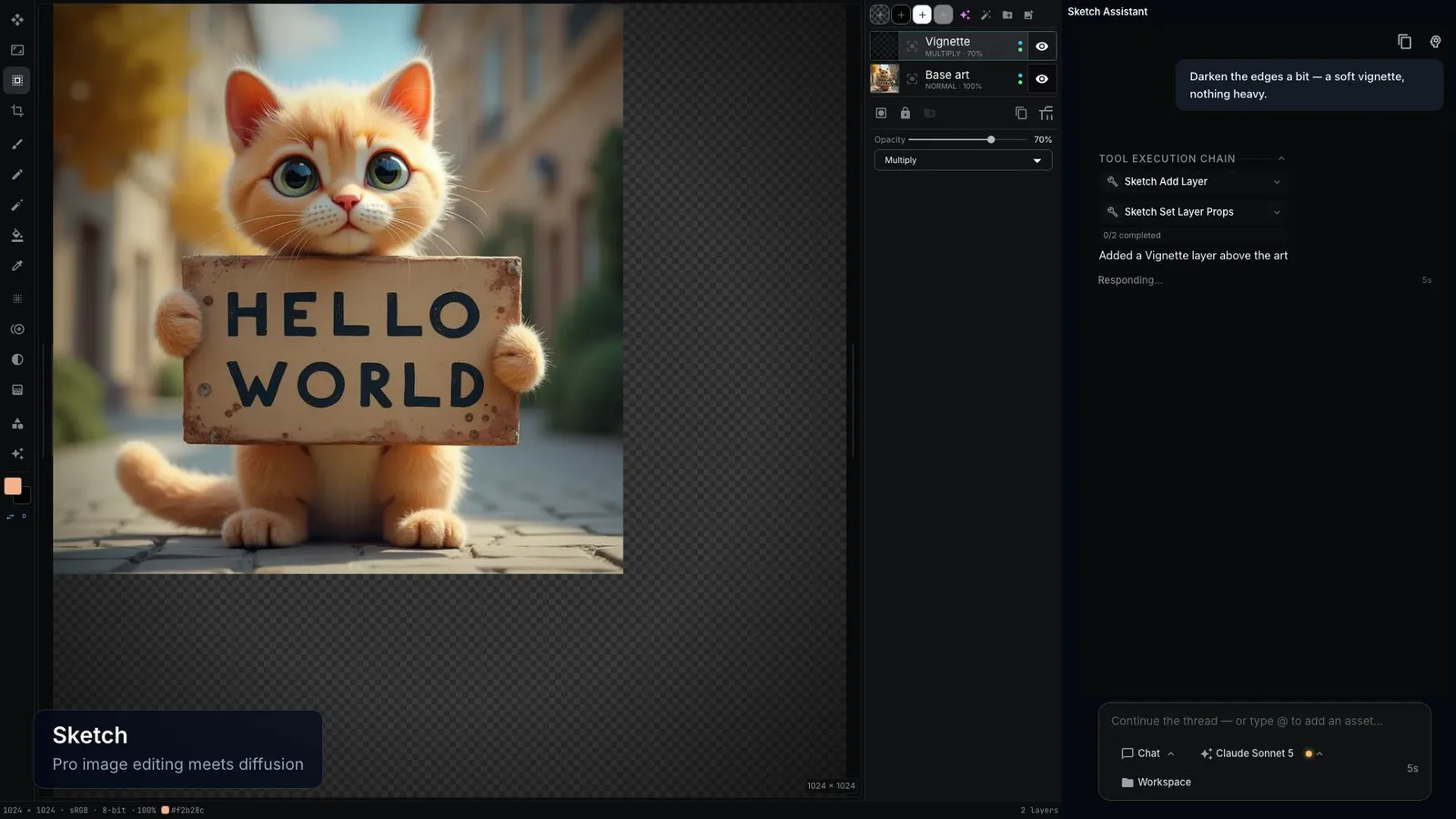
Creative canvas
Keep the prompt, the layers, and the workflow.
Generate with models from the providers you connect, repaint one layer without touching the others, and rerun the workflow behind every image.
- NodeTool vs Leonardo AIHosted creation platform for images, video, and design
- NodeTool vs MidjourneyImage and video creation service with a web editor
- NodeTool vs Adobe FireflyCreative AI suite with Adobe and partner models
- NodeTool vs IdeogramGenerative media platform with typography and creative apps
- NodeTool vs RecraftAI design platform for images and vector graphics
- NodeTool vs WeavyClosed SaaS canvas, now Figma Weave
- NodeTool vs Figma WeaveHosted AI canvas in the Figma ecosystem
- NodeTool vs FloraHosted infinite canvas
- NodeTool vs KreaHosted real-time studio
Workflow automation
Automation that makes media.
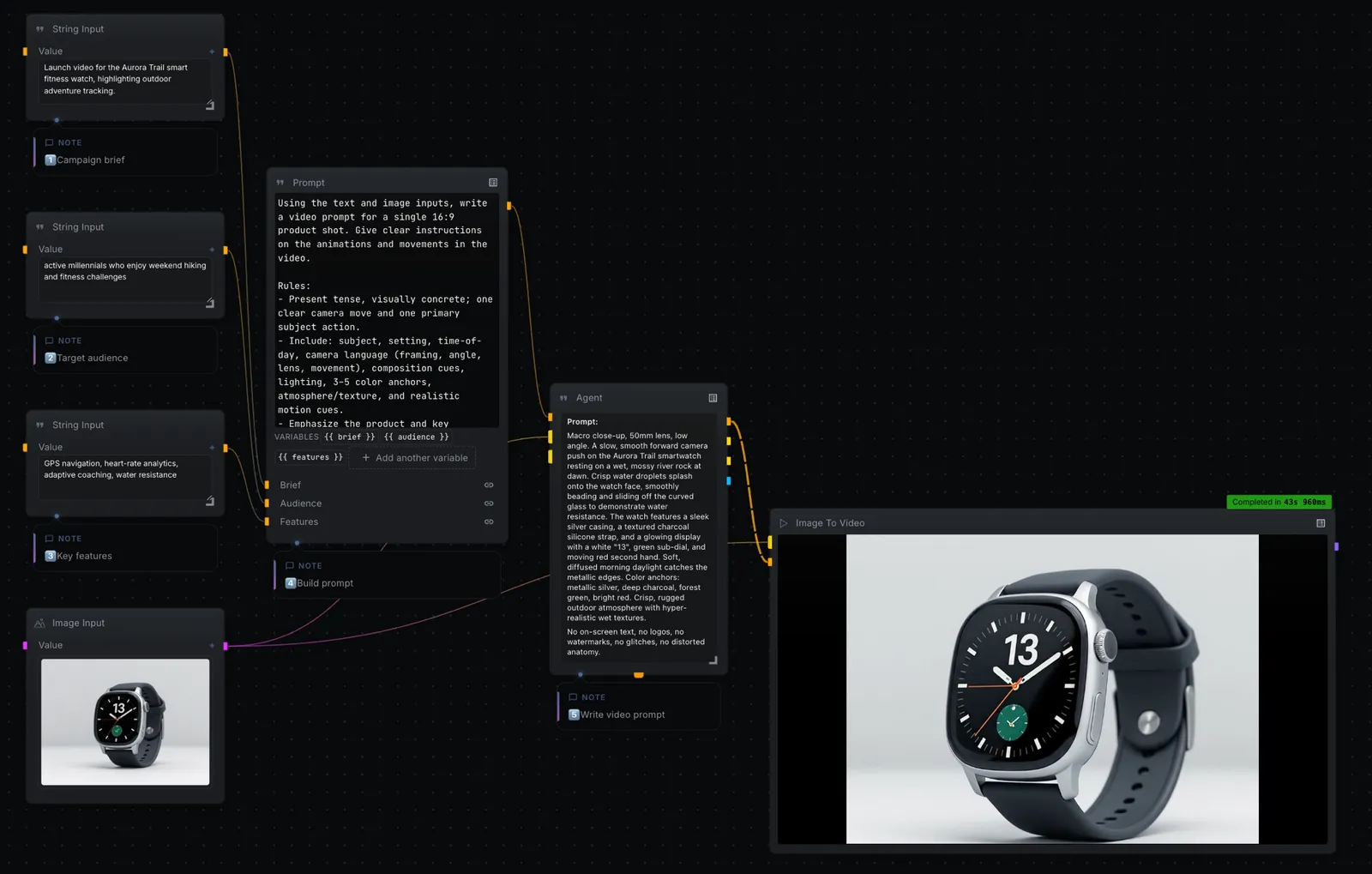
Agents, document search, and native image, video, and music generation nodes on one canvas. Describe the pipeline and an agent builds and runs it.
Chatbot & agent builder
Agents with a creative canvas.
Chat, document search, and agents on the same canvas as native image, video, and music generation.
Agent automation
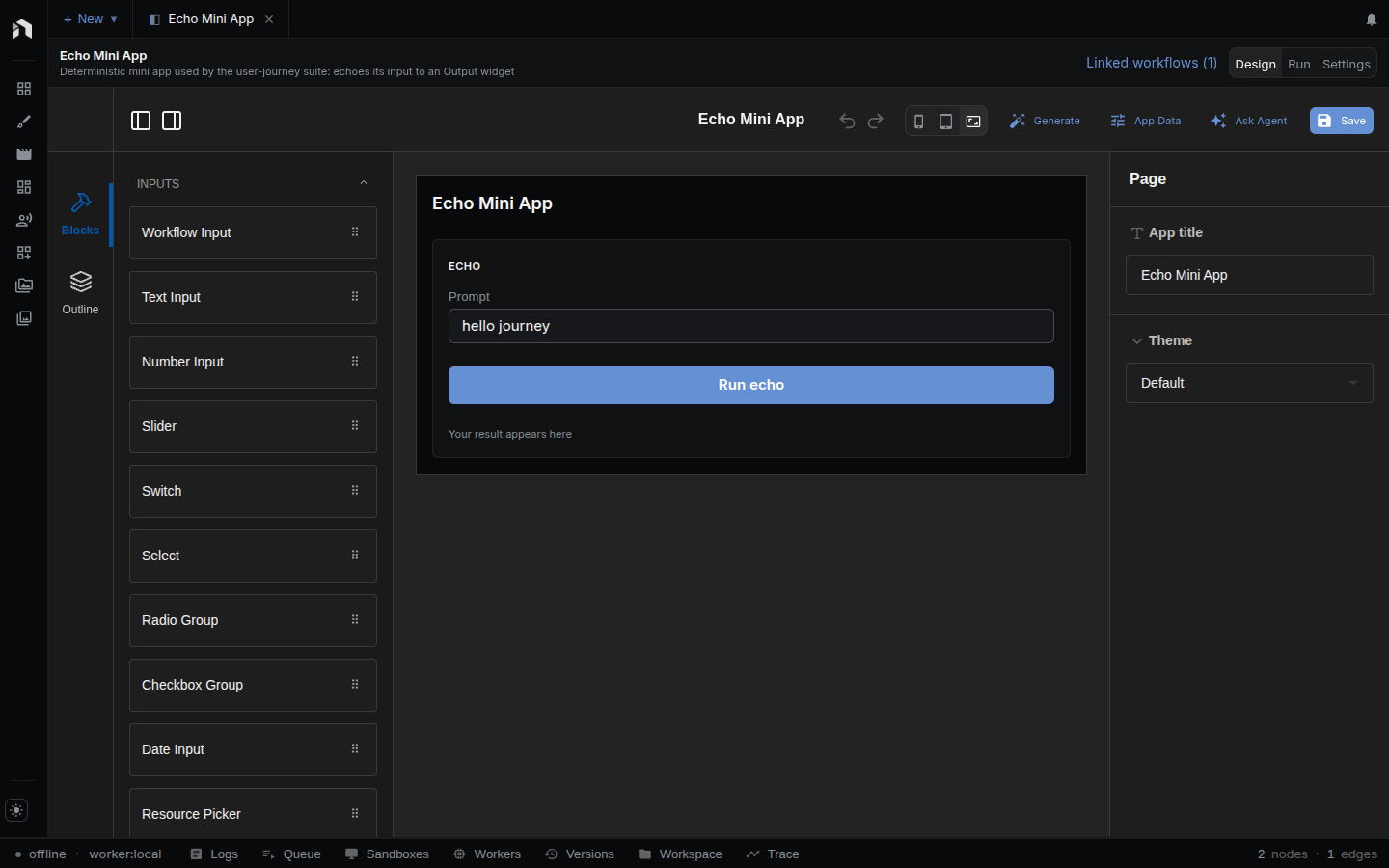
Agents you can open and inspect.
Describe the job and an agent builds a workflow you can see, run step by step, and edit.
Local language model runtime
Local models, beyond chat.
Run models through Ollama, MLX, or llama.cpp, then use them in agents, document search, and image, video, and music workflows.

Game engines
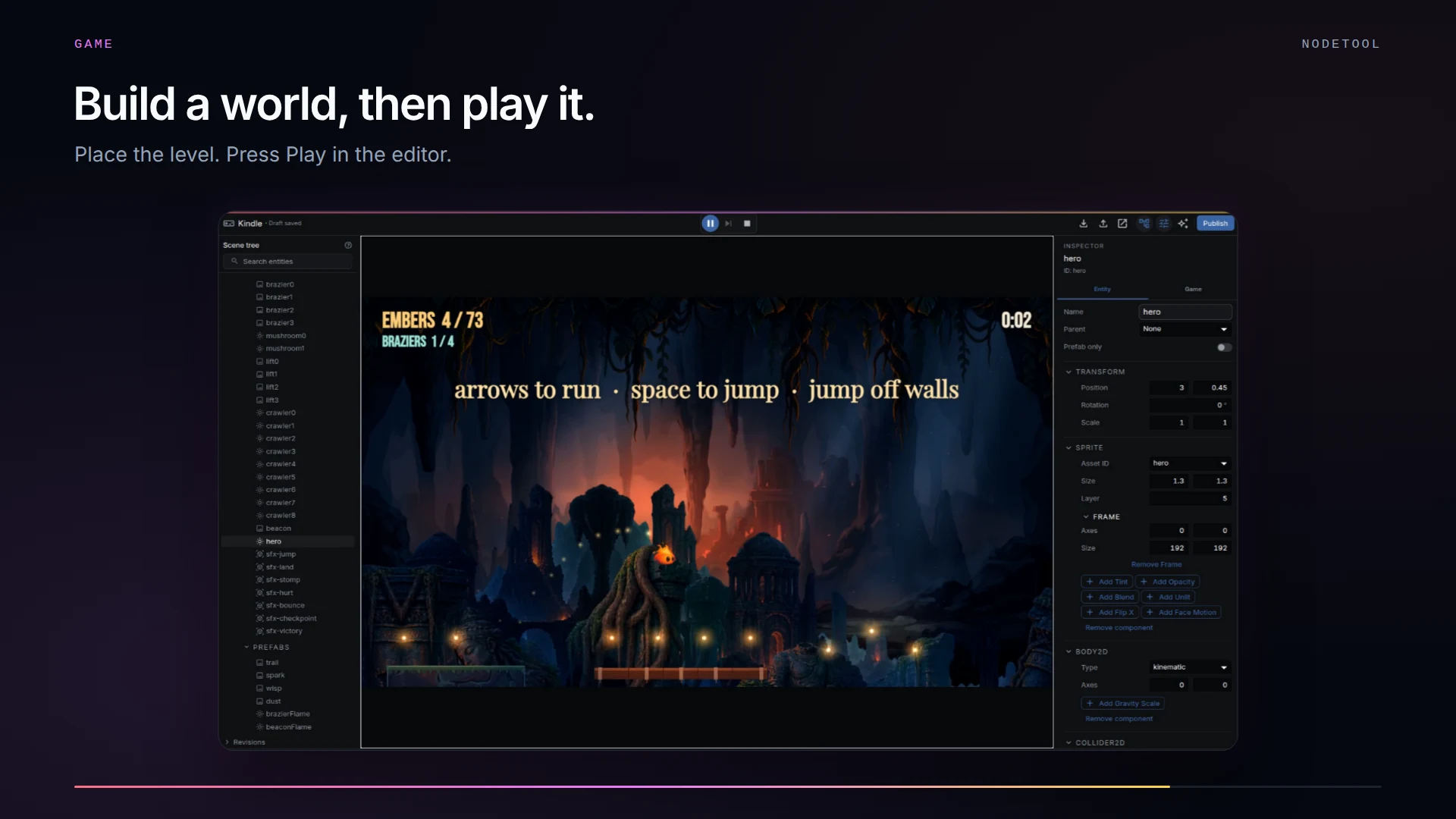
NodeTool, Unity, Godot, Roblox Studio, Summer Engine, and Rosebud compared for games an AI agent builds.
AI game engines compared