NodeTool Cloud는 알파 단계입니다. 브라우저에서 영화를 연출하고 워크플로를 실행하세요. 내 키를 사용합니다.NodeTool Cloud는 알파 단계입니다. 사용해 보기 →

NodeTool 예시 프로젝트
연출형 캠페인 키트
제품 이미지 하나를 역동적인 캠페인 히어로, 서로 맞춘 소셜 포맷, 한 번의 통제된 수정으로 바꿉니다.
그 기세를 이어 가세요.
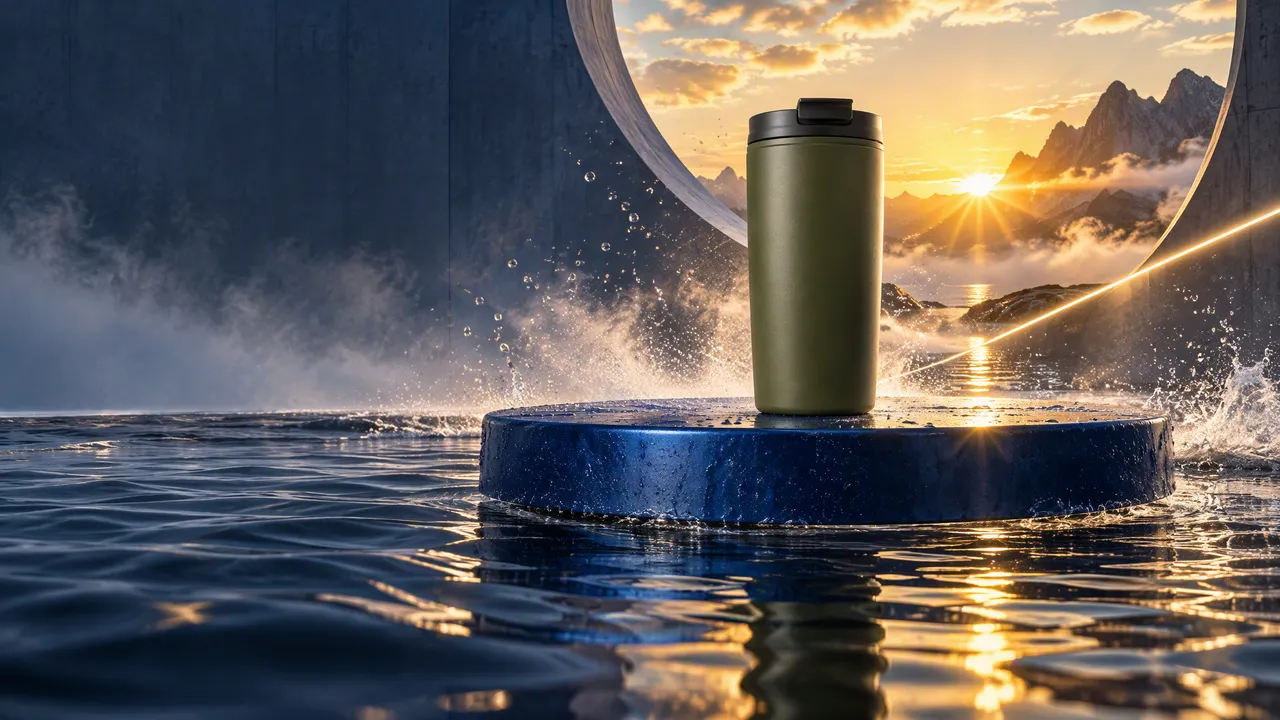
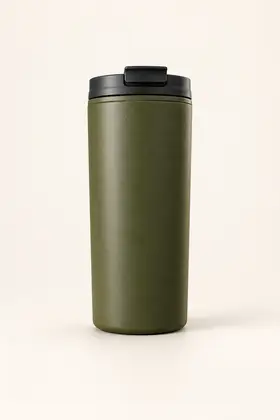
깔끔한 컵 레퍼런스 하나가 역동적인 런칭 세계, 두 가지 소셜 포맷, 범위를 정한 한 번의 수정으로 이어집니다.
NodeTool에서 AtlasCloud를 통해 GPT Image 2.5 Sunburst로 캠페인을 생성하고 수정했습니다.
Directed Campaign Kit 가이드를 따라 진행하기
깔끔한 제품 레퍼런스로 시작해 과감한 비주얼 세계 하나를 고르고, 그 세계를 히어로, 소셜 포맷, 통제된 수정까지 이어 갑니다.
- 브리프
- 방향
- 히어로
- 포맷
- 수정
준비할 것
- 선명한 제품 이미지 한 장
- 선택 사항: 캠페인 방향 메모나 레퍼런스 이미지
- NodeTool에 설정된 언어 모델과 이미지 모델
예시 브리프 써 보기
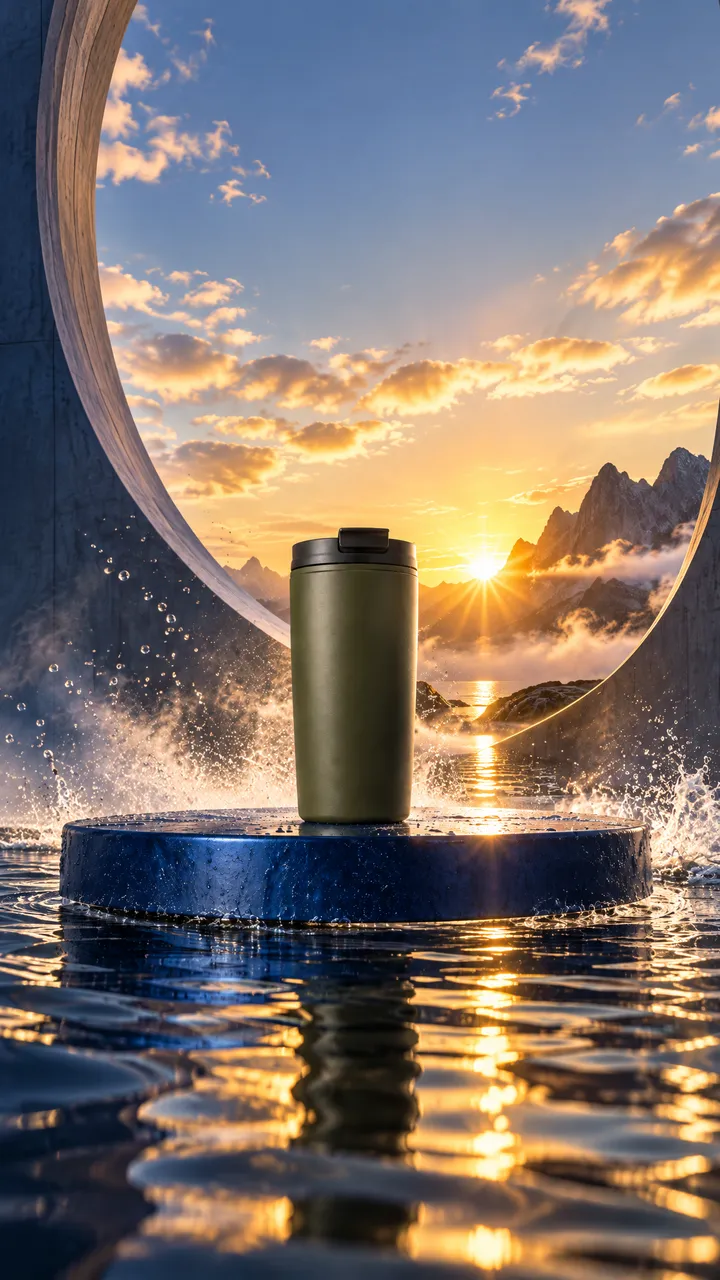
Create a premium launch campaign for the fictional olive travel cup in the supplied image. Audience: design-conscious commuters who want everyday objects to feel energizing. Message: carry momentum into the day. Visual direction: an olive cup on a cobalt circular platform above mirrored water, framed by monumental curved architecture and an amber mountain sunrise. Freeze fine droplets and use one diagonal streak of light for motion. Keep the exact cup recognizable. Leave clean dark-blue space for editable copy. No generated text, logos, extra cups, handles, or performance claims. Deliver a 16:9 hero, 1:1 social card, 9:16 story frame, and one controlled hero revision with reduced splash and wider copy space.
이 실행에서 실제로 쓴 영어 브리프입니다.
이 예시에 대해
히어로는 AtlasCloud를 통해 GPT Image 2.5 Sunburst로 생성했습니다. 정사각형, 스토리, 수정본, 깔끔한 제품 레퍼런스 프레임은 짝이 되는 GPT Image 2.5 편집 모델로 만들었습니다. 컵은 시연용 가상 제품이며, 모든 문구는 생성된 이미지 밖에서 계속 편집할 수 있습니다.
단계 다이어그램에는 실제 실행에서 쓴 영어 화면 표시와 프롬프트를 그대로 실었습니다.
Goes in
Campaign prompt (optional)
For example: premium but outdoorsy, aimed at design-conscious commuters
In NodeTool
Directed Campaign Kit · Brief
Reads the product and writes the campaign
- Uploading the image starts the analysis
- A multimodal language model fills the brief and proposes three directions
Comes out
Filled in for you
- Product name
- Campaign message
- Audience
- Exact headline
- Exact CTA
- Directions A, B, C
No image is generated yet.
1/6단계 · 브리프
제품으로 시작하기
Directed Campaign Kit을 엽니다. 원하면 캠페인 방향 메모를 먼저 넣고, 선명한 제품 이미지 한 장을 업로드합니다. 업로드하면 언어 모델 분석이 자동으로 시작됩니다.
제품 이미지 업로드
내 아이디어로 시작하기
NodeTool Studio를 설치하고 새 프로젝트를 만든 뒤 Directed Campaign Kit를 고르세요. 브리프와 레퍼런스를 추가하고, 미디어를 생성하기 전에 프로바이더 키를 연결하세요.
Studio는 무료 오픈소스입니다. 미디어 생성 비용은 프로바이더에 직접 냅니다. 위의 가이드를 따라 내 프로젝트를 만들어 보세요.
다른 레시피 보기
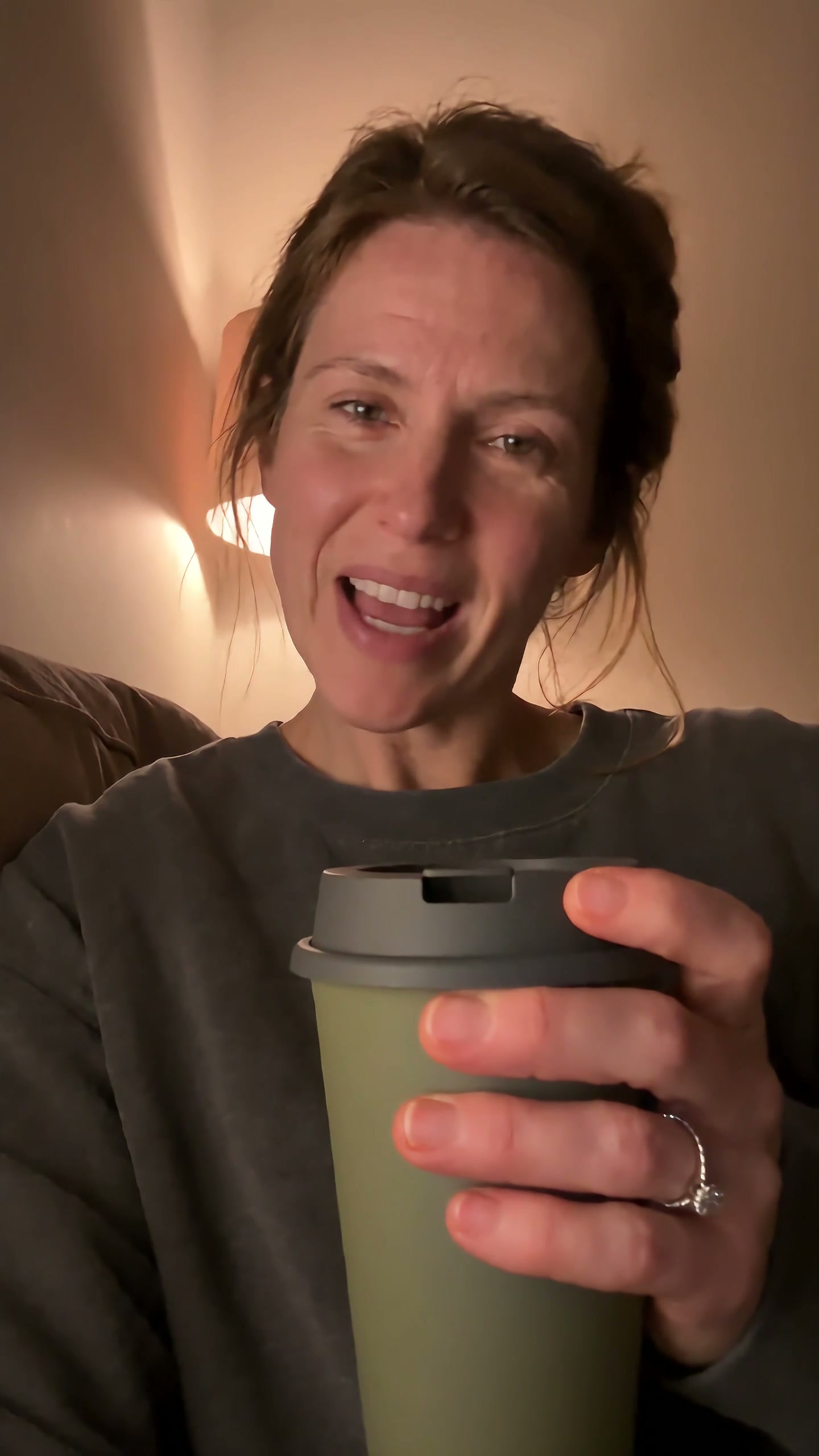
- 레시피UGC 제품 영상크리에이터와 제품 레퍼런스를 15초짜리 일상 이야기로 바꿉니다. 컵이 든든한 동반자가 됩니다.
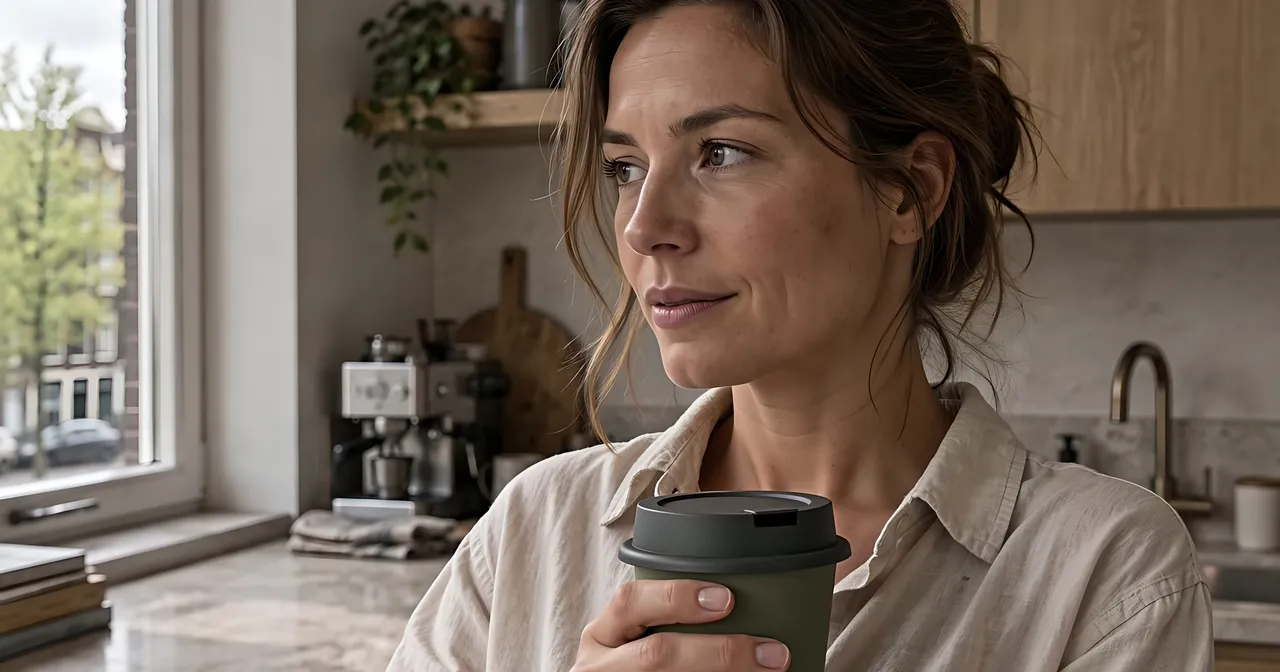
- 레시피제품 광고 영상제품에 이야기를 입히세요. 샷을 연출하고, 사운드를 다듬고, 타임라인에서 광고를 마무리합니다.
- 레시피다국어 영상번역을 검토하고, 목소리를 고르고, 대사를 한 줄씩 다듬습니다. 새 언어의 보이스오버나 별도의 립싱크 작업으로 마무리합니다.

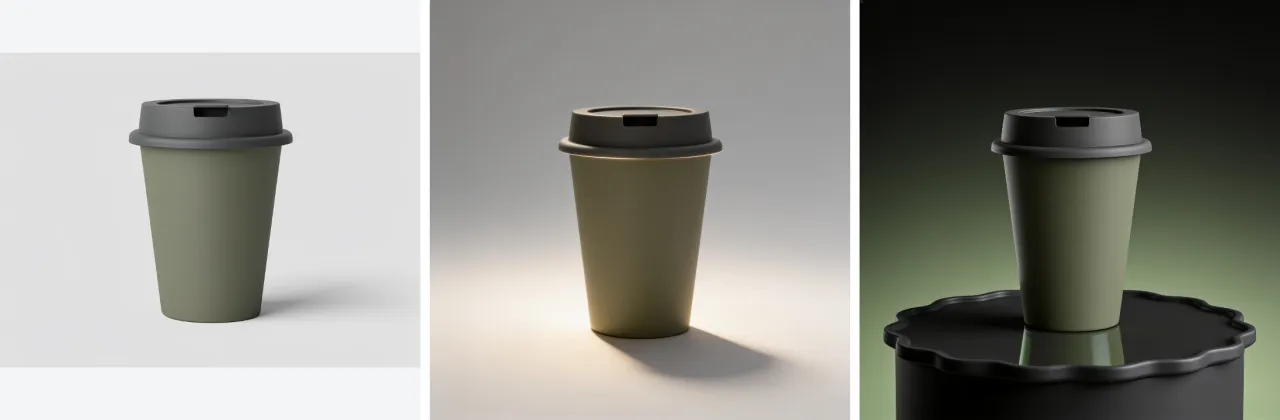
- 레시피제품 카탈로그 소재제품 레퍼런스 하나를 스튜디오 이미지, 시즌 장면, 짧은 모션 클립 세트로 바꿉니다.
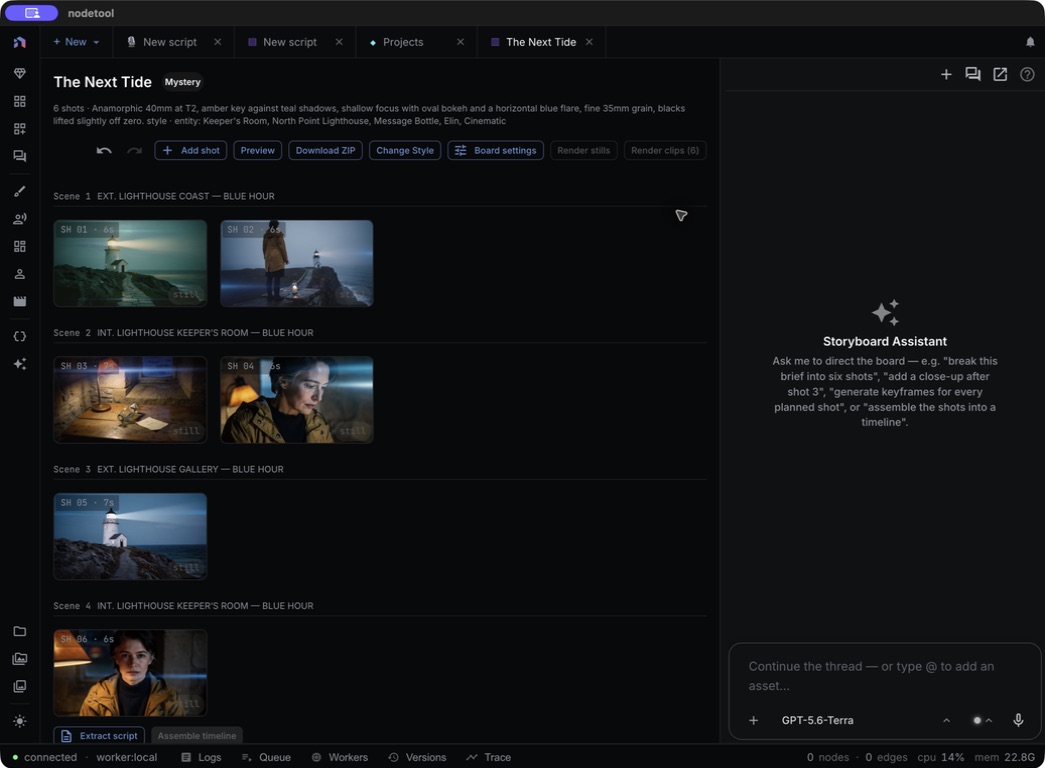
- 레시피스토리보드에서 트레일러로이야기 아이디어를 6샷 스토리보드로 만든 뒤, 같은 작업 공간에서 목소리, 모션, 편집까지 이어 갑니다.
- 레시피불가능한 제품 세계거대한 컵 속에 숨은 수영장까지 수영하는 사람을 따라간 뒤, 그 컵으로 물을 마시며 원래 크기로 돌아옵니다.