NodeTool Cloud is in alpha — run workflows in the browser, on your own keys.NodeTool Cloud is in alpha. Try it →

AI workflow templates
Ready-to-run NodeTool workflows for image, video, audio, agents, and marketing. Open one in Studio, connect your keys, and run it, then rearrange it to suit your own work.
Templates are editable workflow graphs: inspect the nodes, change the connections, and make them your own. For a simpler guided experience, browse the runnable mini apps or learn how node-based AI workflows work.
Looking for the whole job?
A recipe chains several of these templates in order and ships that chain inside Studio, with the keys each step needs and where the money goes.
Image & Design

A certified starter that runs as-is with no asset, provider, or API key. Build vector art in a Code node, rasterise it, and inspect the generated 800×480 PNG.

Generate a 3:4 portrait poster from a prompt. Change the subject, colors, and style to make your own.

A seamless tile for backgrounds. Prompting for the tiling explicitly matters — an unseamed texture is visibly wrong the moment it repeats.

Square cover art. The aspect ratio is the requirement here — every platform crops to it, so generating anything else creates work.

Grayscale first, then a soft-edged threshold. Thresholding colour directly gives you the luminance of whichever channel happens to dominate, which is rarely what you want.

Pull one colour channel, then blur it. A deliberately odd chain: it exists to check that single-channel output stays a valid image for the next node rather than silently losing its mode.

Soften an image. Useful for backplates behind text, or for anonymising a background before publishing. Local pixel work - no model, no key, no cost.

Turn a brand name and vibe into a whole social kit in one run: the graph fans out to two branches at once — a streamed gallery of four on-brand, text-overlaid social images (Instagram, LinkedIn, X, product launch) and a one-page brand brief (voice, palette, tagline options). Differentiator: structured multi-asset outputs from a single fan-out graph. Uses fal-ai flux/schnell for images (paid) and gpt-5-mini for text.

Three SVG elements — circle, ellipse and line — written as one Code node, so the array order is the paint order.

Fan one creative brief into a gallery of concept-art variations. An art-director agent turns your brief, style, and mood into a detailed direction, then a list generator writes N distinct image prompts that all render into an append-style variant gallery. Differentiator: one run, many on-brief variations you can compare side by side and regenerate. Text runs on gpt-5-mini; images on fal-ai/flux/schnell.

Cut a rectangle out of an image by pixel bounds. The blunt instrument - use Fit when you want the whole frame at a new size. Local pixel work - no model, no key, no cost.

Two image steps composed: cut to a region, then scale that region into a thumbnail box. Doing it in this order means the crop decides the subject and the fit only decides the size.
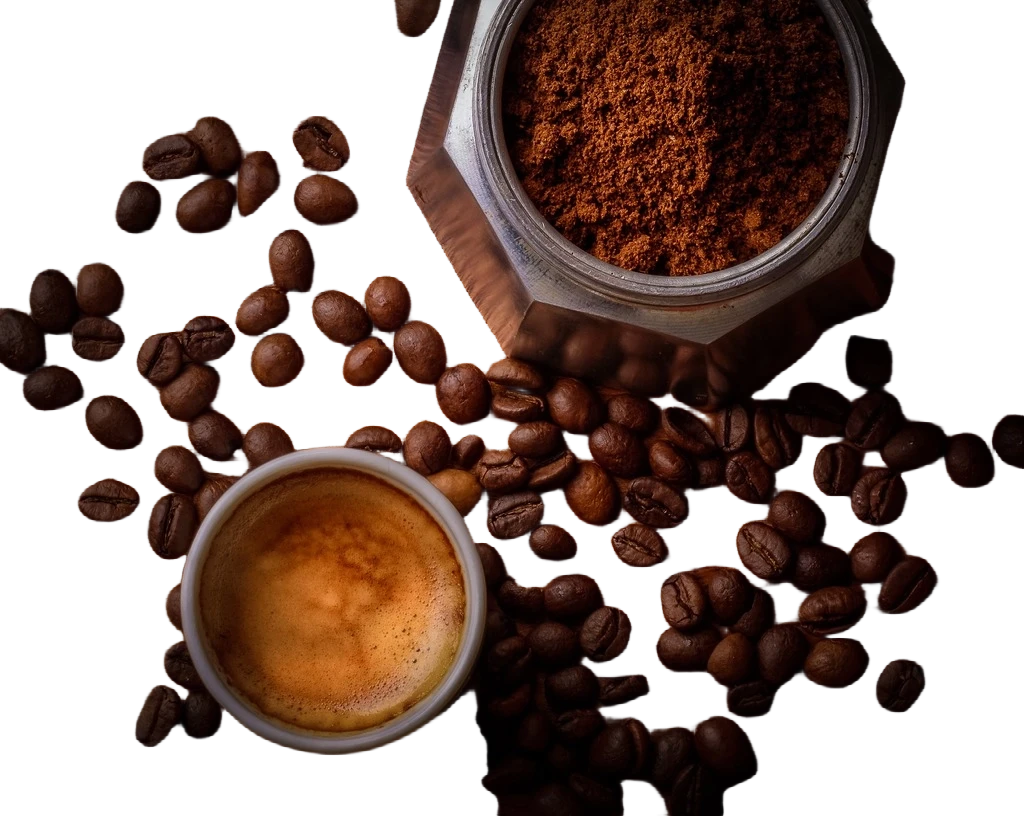
Remove the background and adjust edge softness without blurring the product. Set edge softness to 0 to keep the original cutout.

Strip an image down to its subject on transparency, ready to composite over any background. The usual first step for a product cut-out or a cast of characters that has to sit on brand colour.
Compose a badge from SVG elements rather than generating one. Every shape is an element you can reposition or recolour later — no regeneration, no resampling.
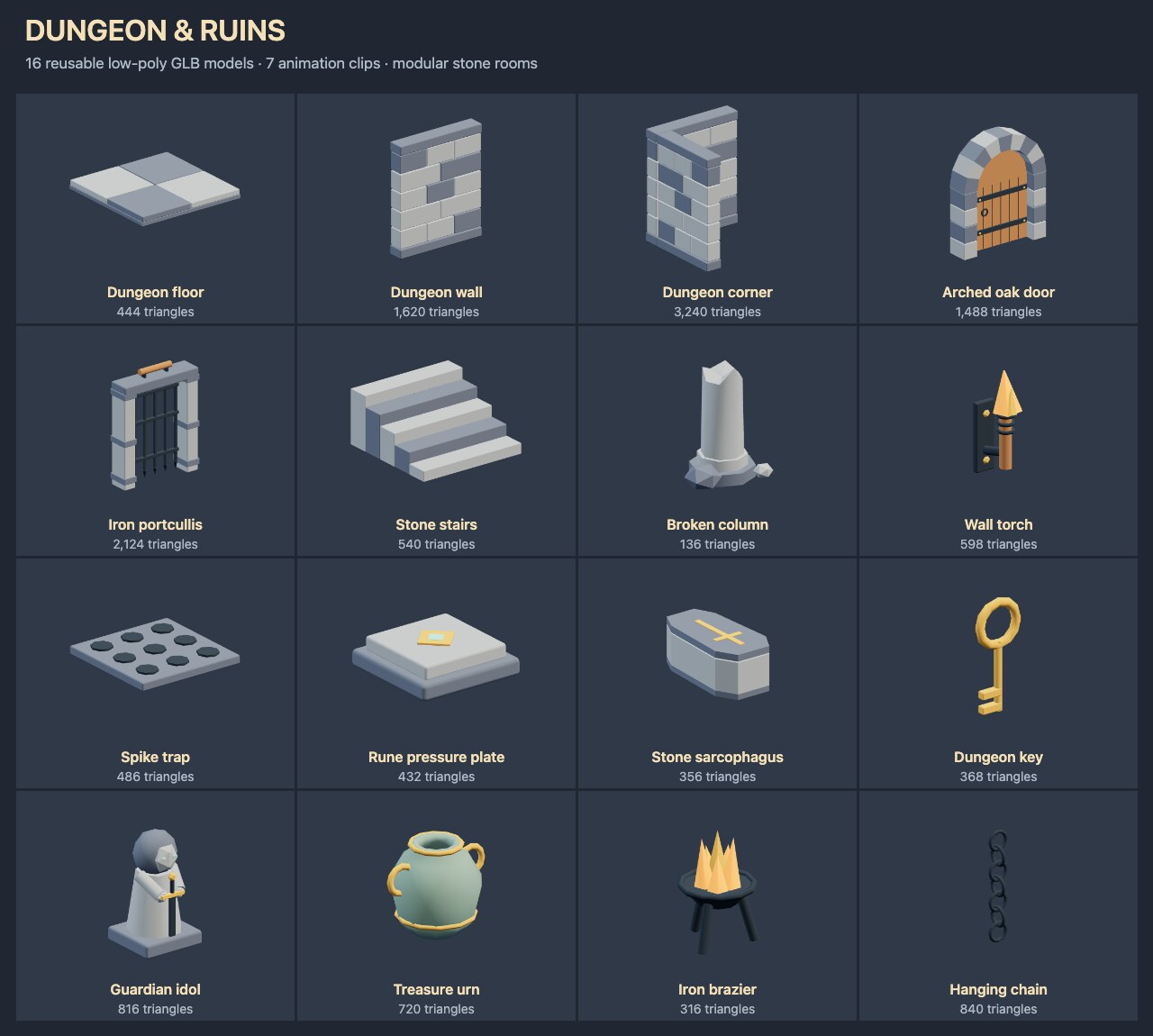
Low-poly dungeon models for adventure games: modular stone rooms, doors, gates, traps, torches, tombs and treasure. Includes seven animation clips. Run to expose each GLB as a named output. No provider or API key required.

Change an image by describing the change. Nano Banana edits in place rather than regenerating, so composition and subject survive - the instruction should name what to alter and leave the rest unsaid.
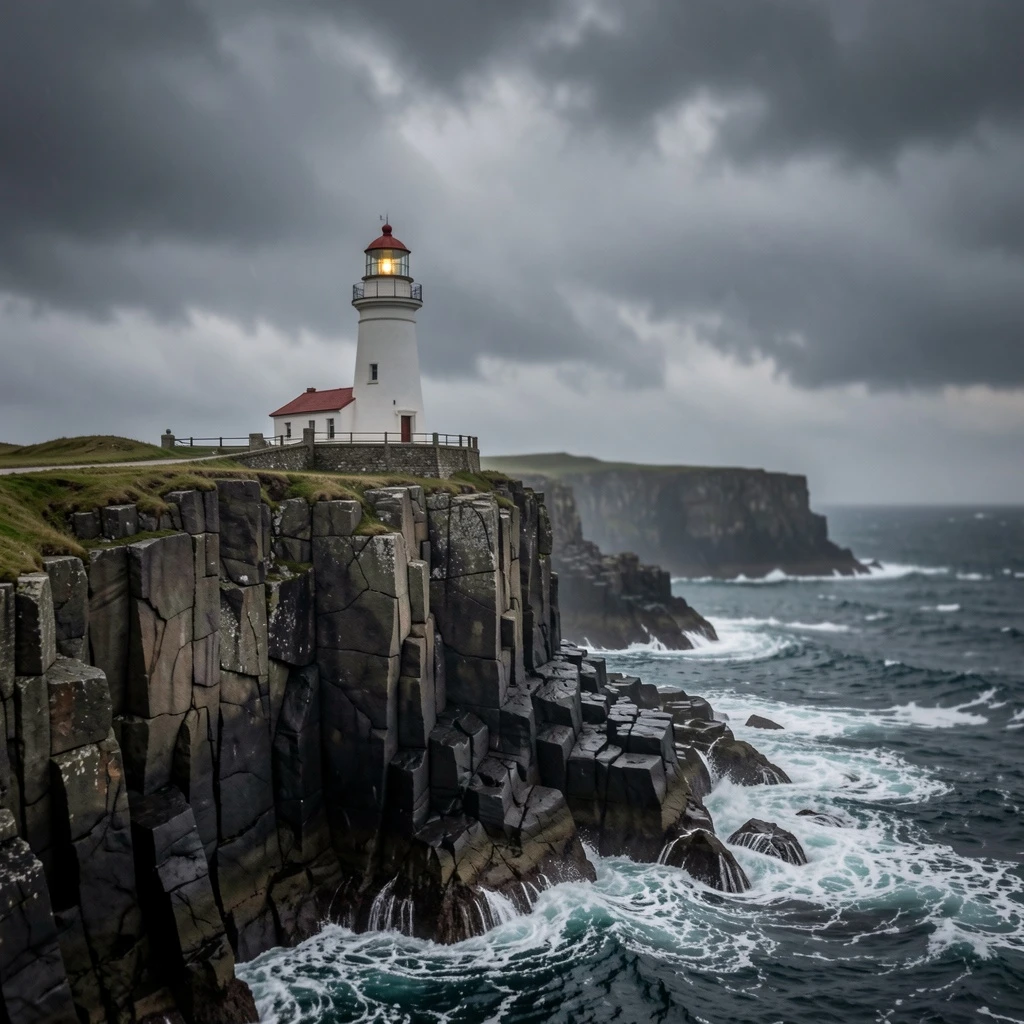
One line of subject text becomes a finished editorial photograph. A Template node holds the house look so the caller only supplies the subject. Billed per image, but FLUX.2 [klein] at six steps is among the cheapest ways to get a usable frame.

Turn the image into a relief. Emboss reads gradients rather than colour, so a flat region goes grey and only the edges survive.
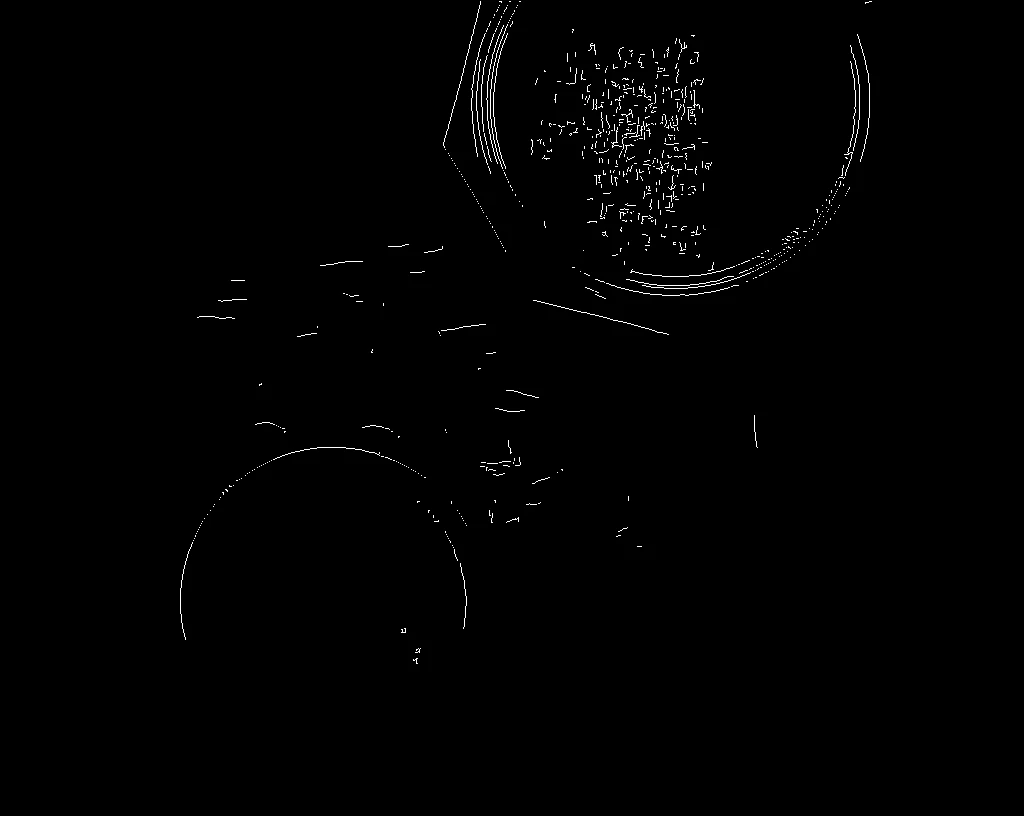
Canny edge detection with the two thresholds it actually turns on: the low one decides what counts as a weak edge, the high one what counts as certain.

Scale an image to fit a box while keeping its aspect ratio. What you want for thumbnails, where a hard resize would distort. Local pixel work - no model, no key, no cost.

Generate small and cheap, then pay for resolution only on the frame you keep. Iterating at 1K and upscaling once at the end costs a fraction of generating every draft at full size.

A live photo editor: five GPU filters chained into one pipeline, each exposing a numeric property the app binds to a slider. Drag Denoise, Brightness, Contrast, Saturation, and Sharpen and the preview updates in place — the filters run in-browser, so there is no model, no API key, and no per-run cost.

A straight negative — every channel flipped. The cheapest way to see whether a filter chain is operating on the pixels you think it is.
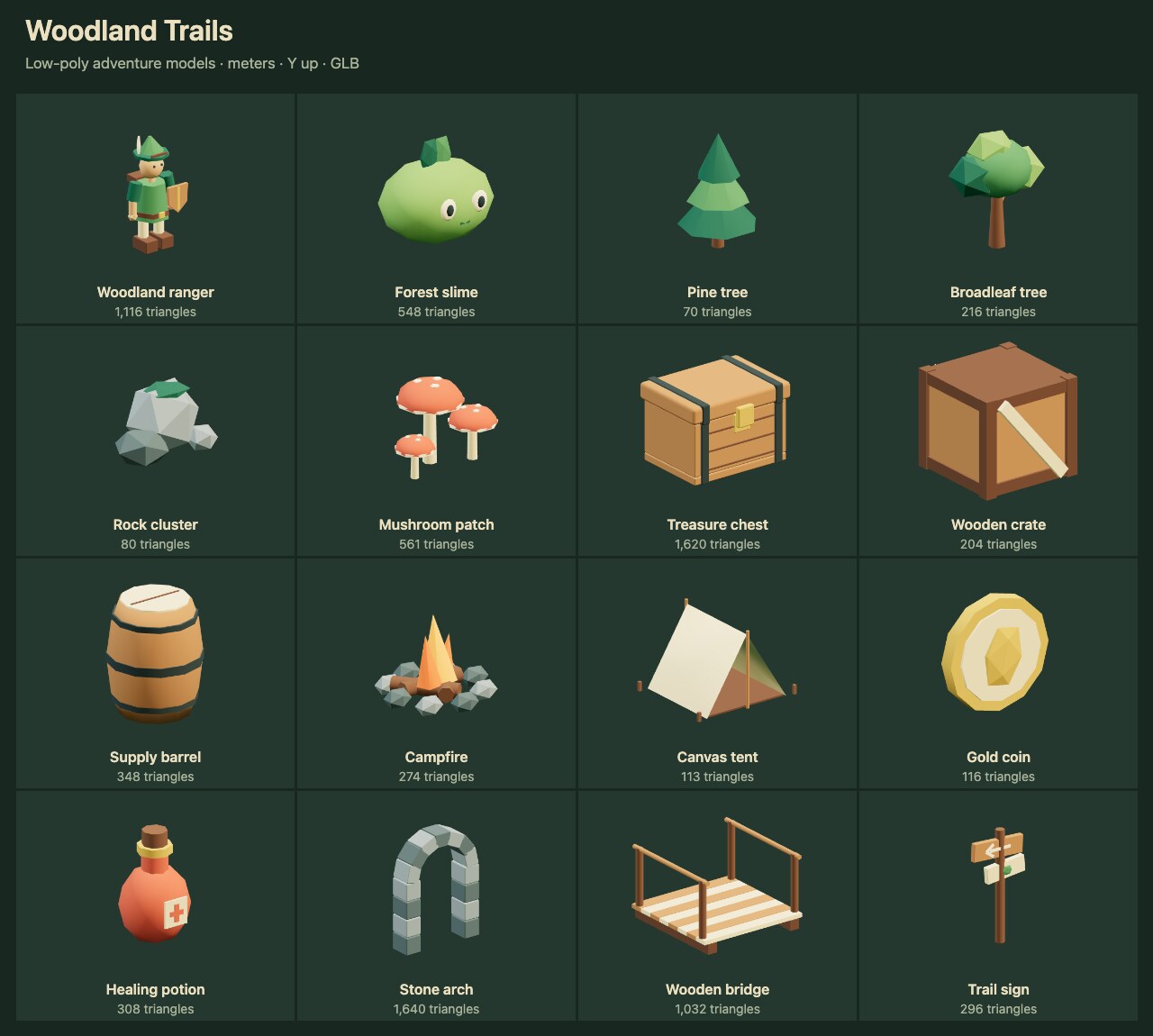
Low-poly woodland models for adventure games: a ranger, an animated slime, trees, camp props, treasure and modular scenery. Run to expose each GLB as a named output. No provider or API key required.
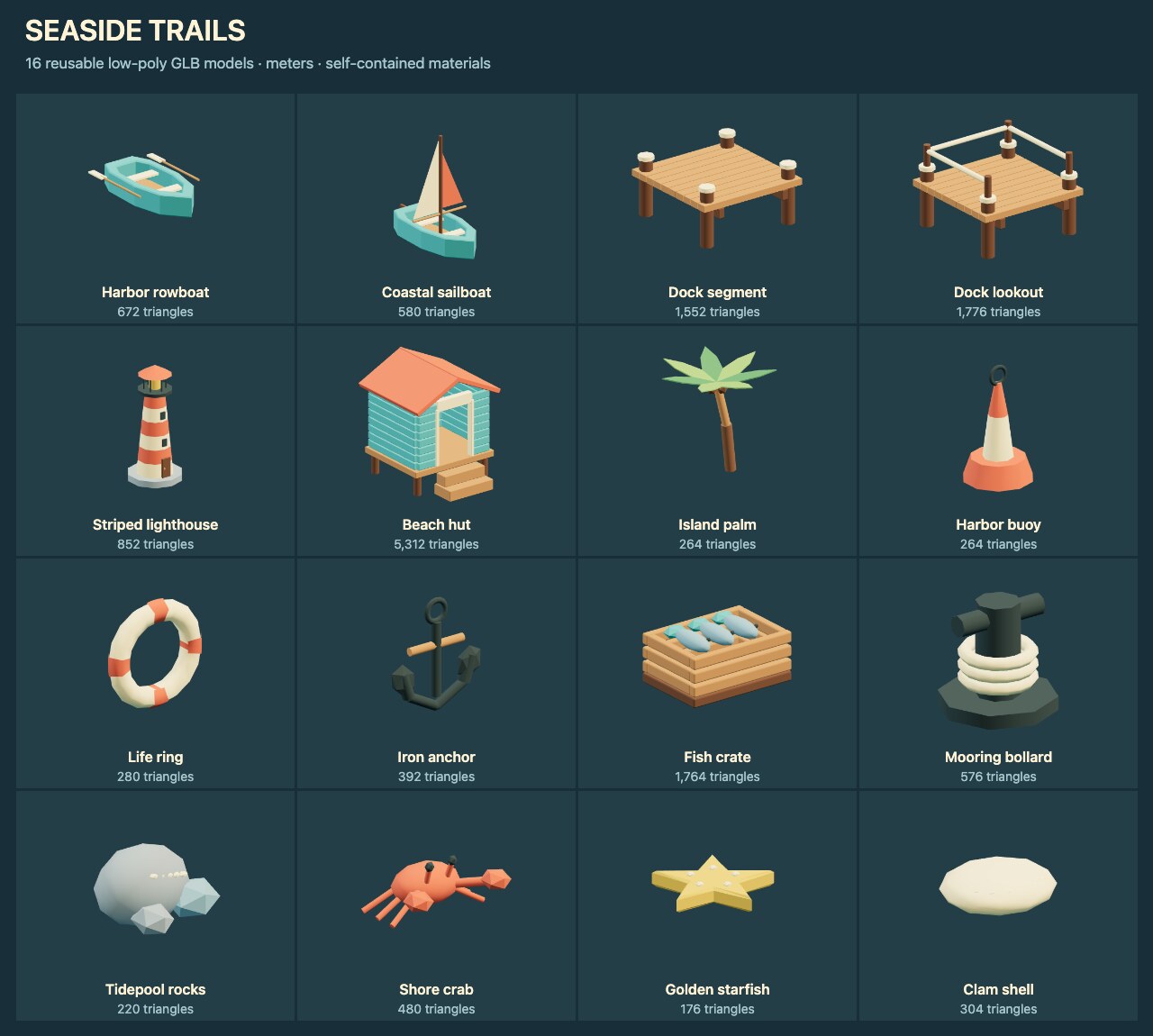
Low-poly coastal models for games: boats, dock pieces, a lighthouse, a beach hut, fishing props and shore collectibles. Run to expose each GLB as a named output. No provider or API key required.

One frame of a moodboard, generated from a described direction. Cheap enough to run a dozen times and pick, which is how moodboards actually get made.
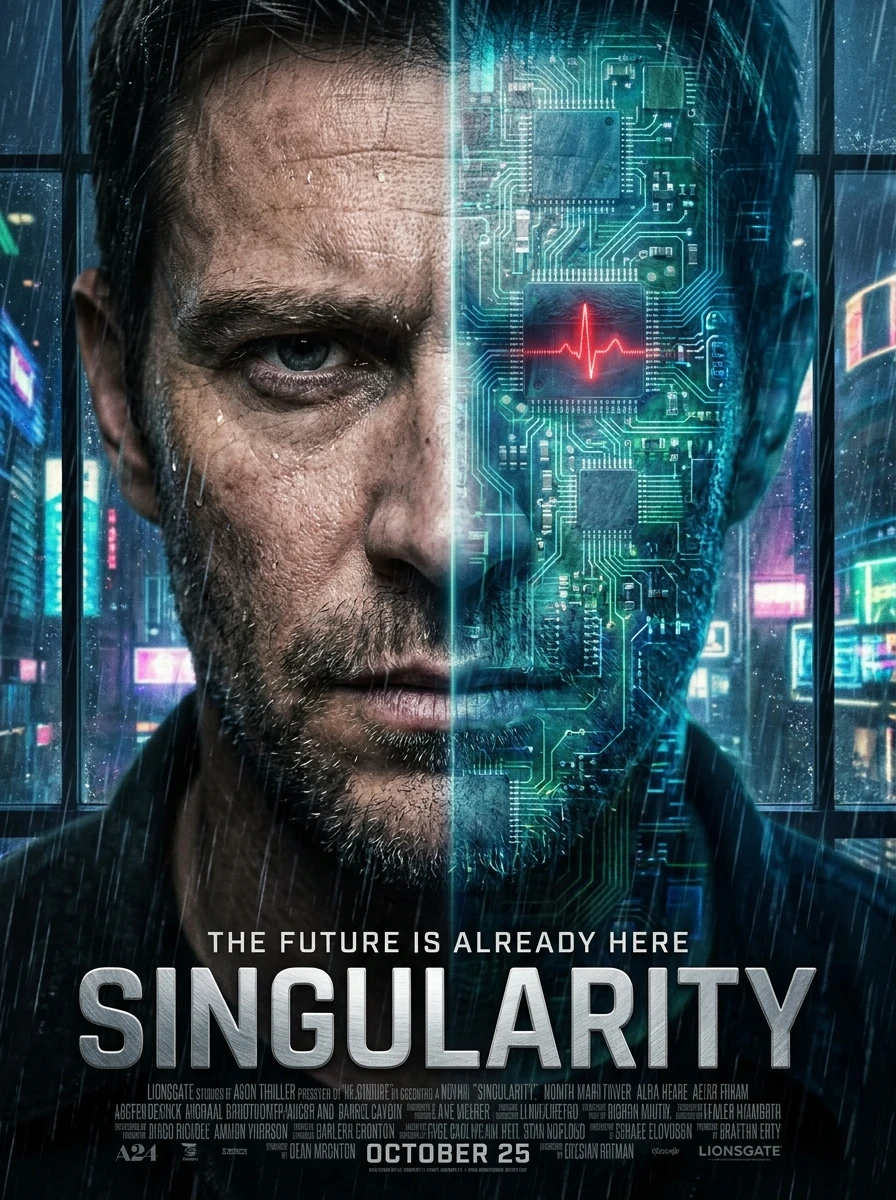
Turn a title, genre, and visual style into finished theatrical one-sheet posters. An art-direction agent first writes a key-art brief (positioning, palette, typography), which drives every generated poster — the differentiator is the agent-authored creative strategy, not a raw prompt.

Place an image on a larger canvas without scaling it - the way to letterbox a landscape shot into a square post without cropping the subject. Local pixel work - no model, no key, no cost.

Batch-enhance a list of photos through a fixed retouch chain — auto-contrast, color, sharpening, and an AI cinematic-grade pass — with no folder path required, just drop images in.

Cell size is the whole control. Useful for redaction, and the one filter where a bigger number is more privacy rather than more effect.
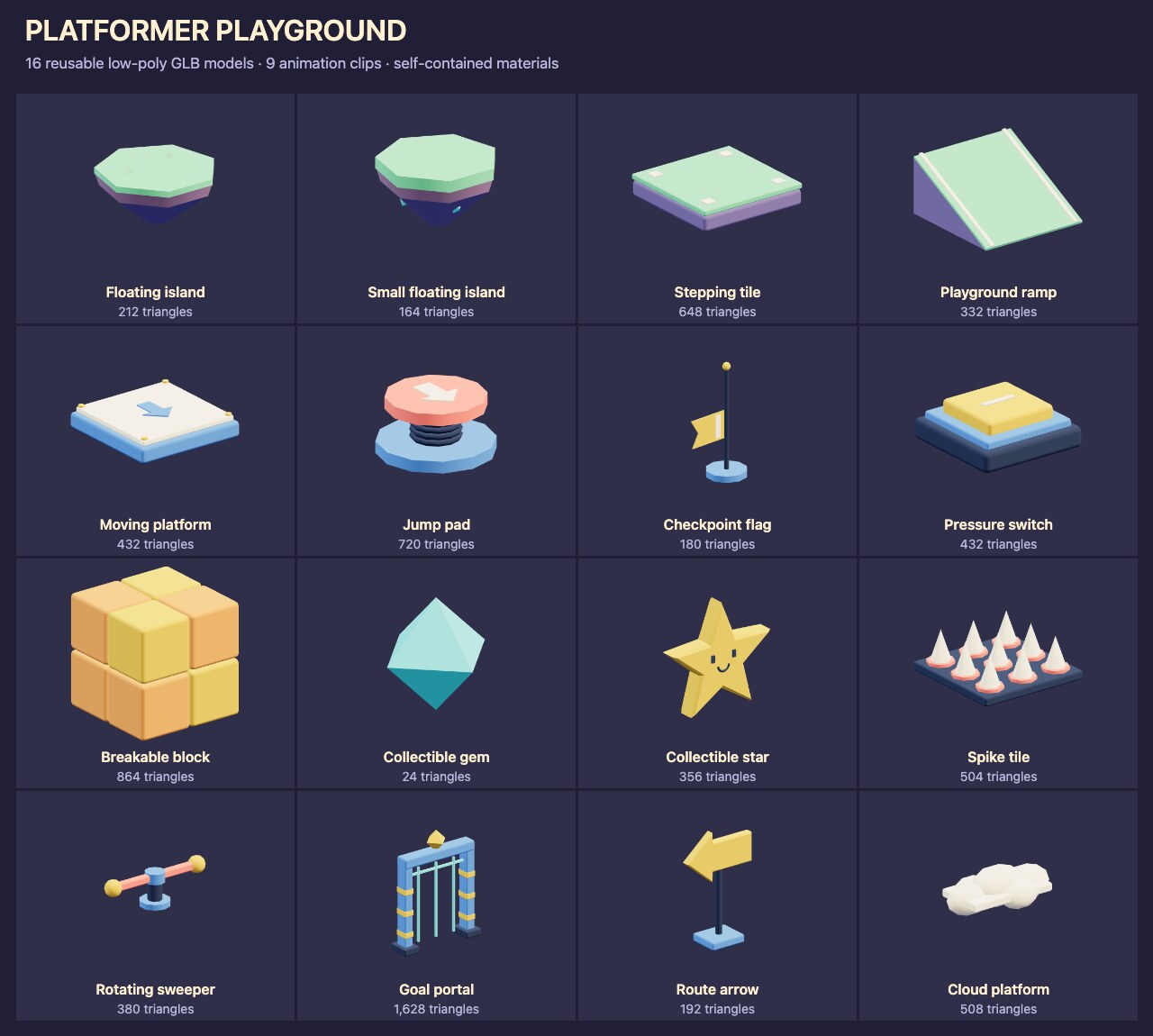
Low-poly playground models for platform games: floating islands, platforms, spring pads, checkpoints, switches, hazards and collectibles. Includes nine animation clips. Run to expose each GLB as a named output. No provider or API key required.

Generate a poster-style image through Kie's Seedream 4.5. Kie fronts several model families behind one key, so this is the shortest path to checking a Kie credential actually works.
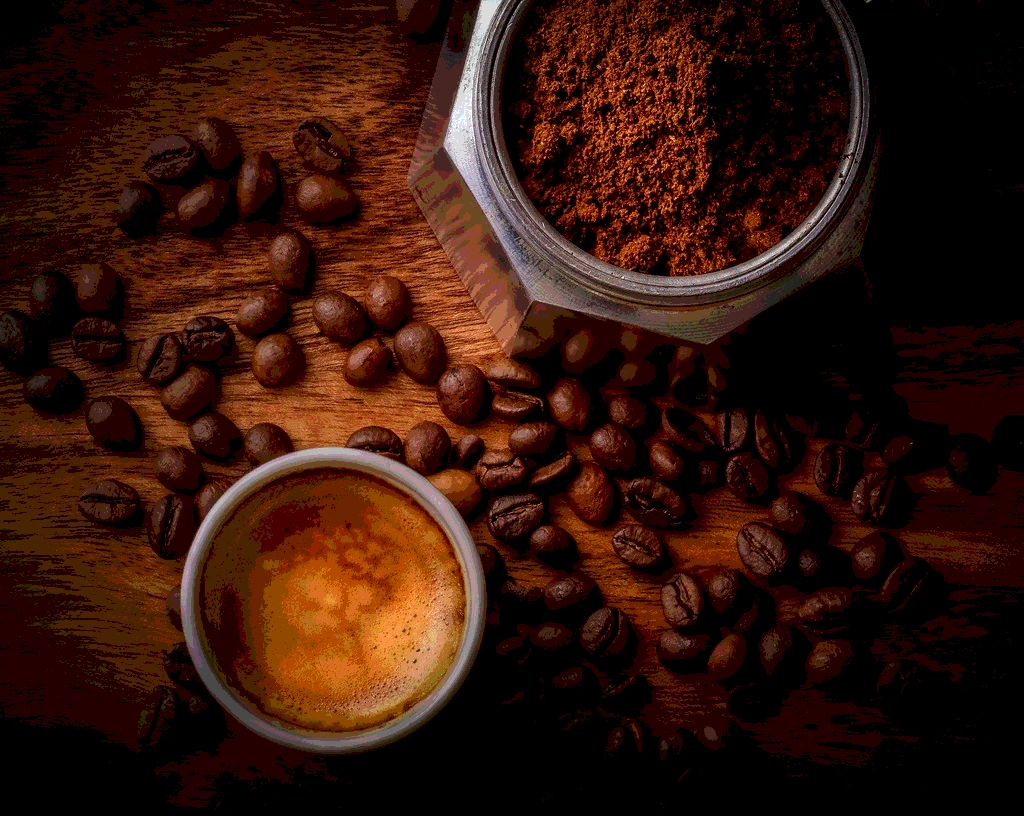
Reduce the bits per channel and the image collapses into flat bands — a screenprint look, and a quick way to see banding before it bites you.

Turn one product photo into a whole set of polished lifestyle mockups. An LLM art-director designs a varied shot list from your product description, then each scene is rendered with FLUX and finished with a brightness/contrast polish. Differentiator: the model invents the scenes, so a single input fans out into a coordinated mockup set — not one prompt, one image.

The starter pattern behind almost every NodeTool workflow: typed inputs fill a reusable prompt template, an LLM answers it, the output renders. Explains a topic for any audience — swap the prompt to reuse the pattern for anything.
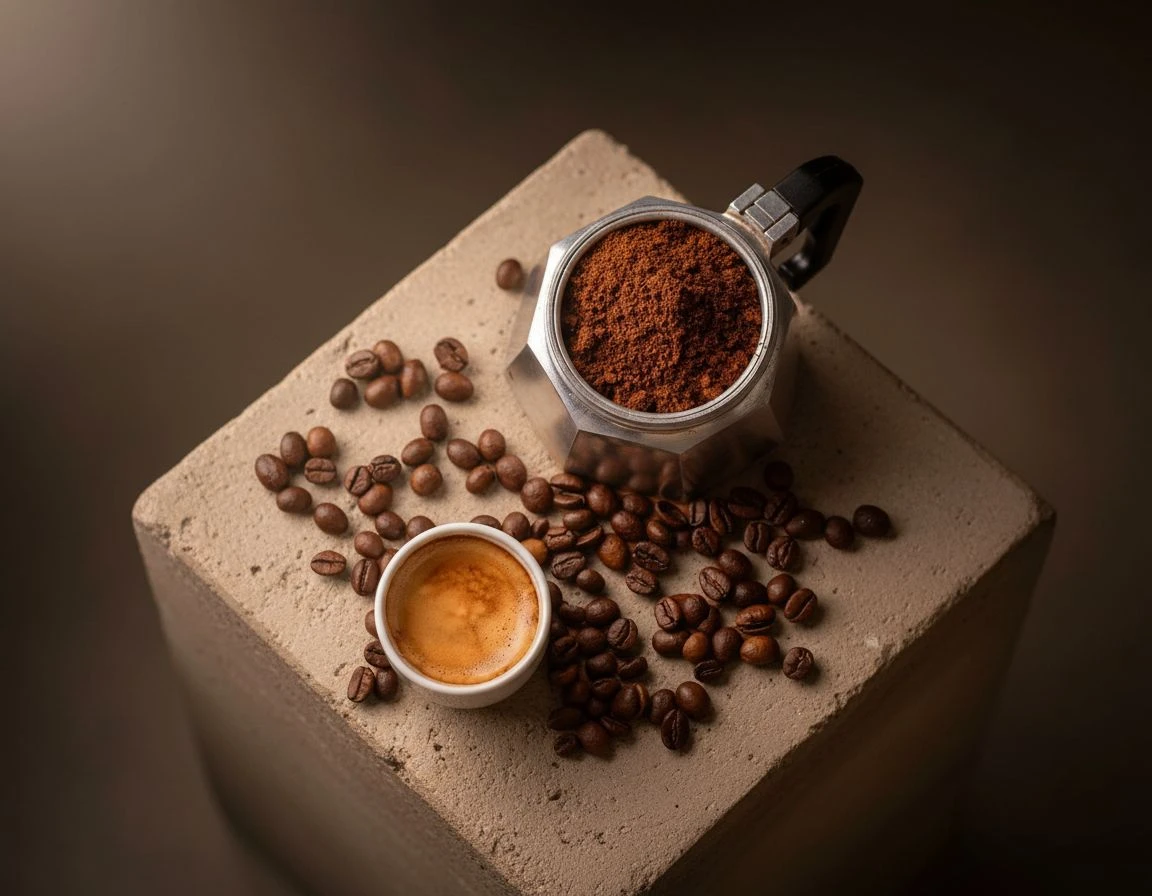
Remove the background, soften the cutout edge, and place the product in a new studio scene.

Same product, different season, no reshoot. Relighting keeps the geometry and materials and changes only where the light comes from.

Keep the composition, change the medium. Strength is the dial: low preserves the photograph, high redraws it into something new.
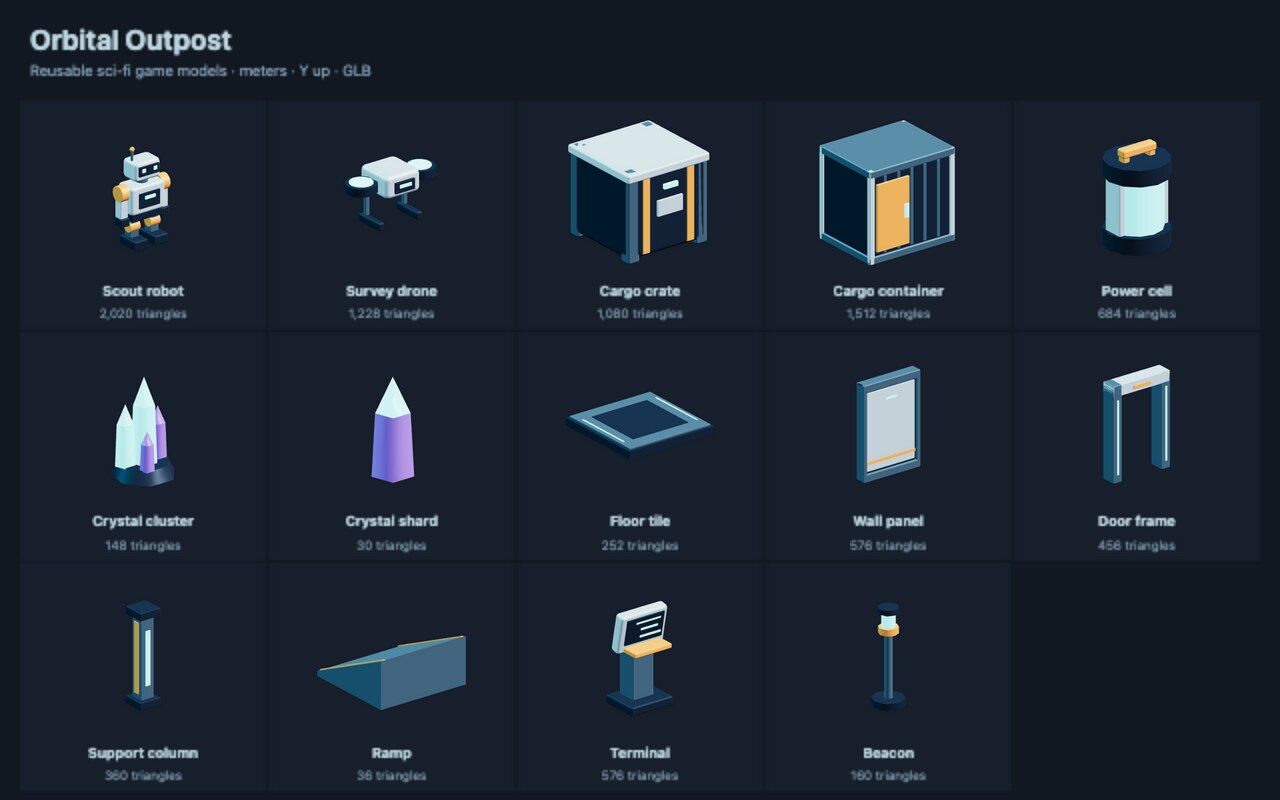
Reusable sci-fi GLB models: a scout robot with an idle animation, a drone, cargo, crystals, and modular station pieces. Run to expose each model as a named output. No provider or API key required.
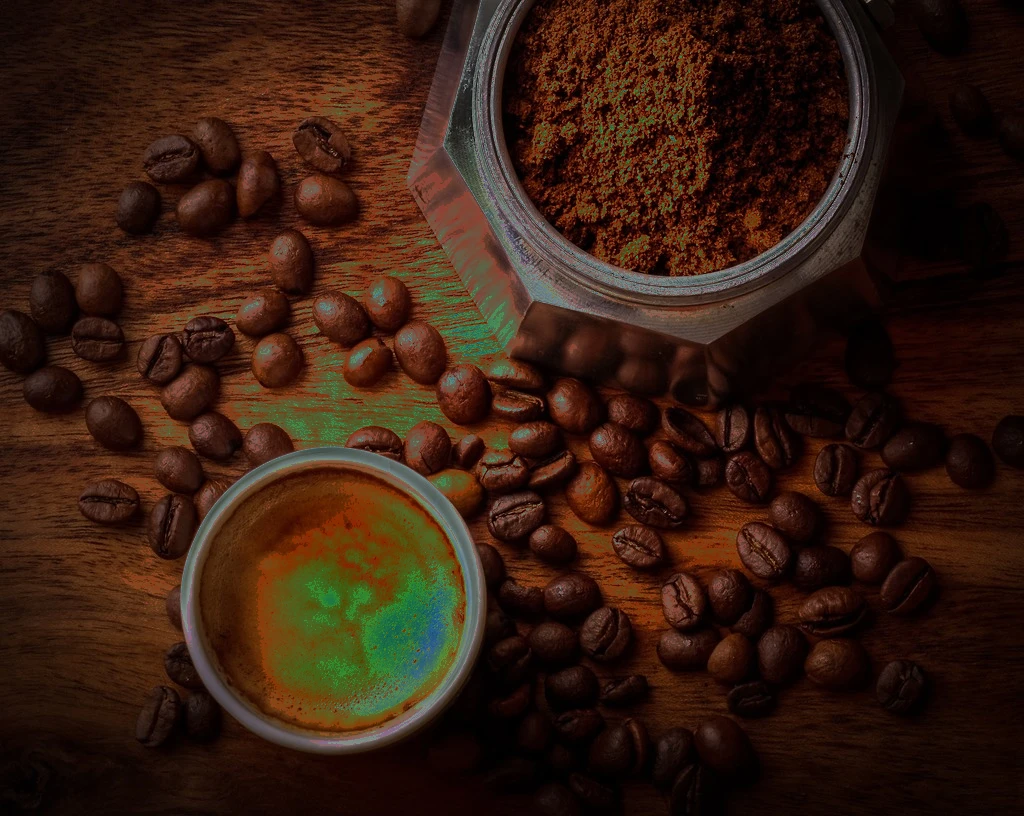
Invert only the tones above a threshold — the darkroom accident that became a look.

Pull one colour channel out as its own image. A quick way to inspect where an artefact lives, or to build a mask from one channel. Local pixel work - no model, no key, no cost.
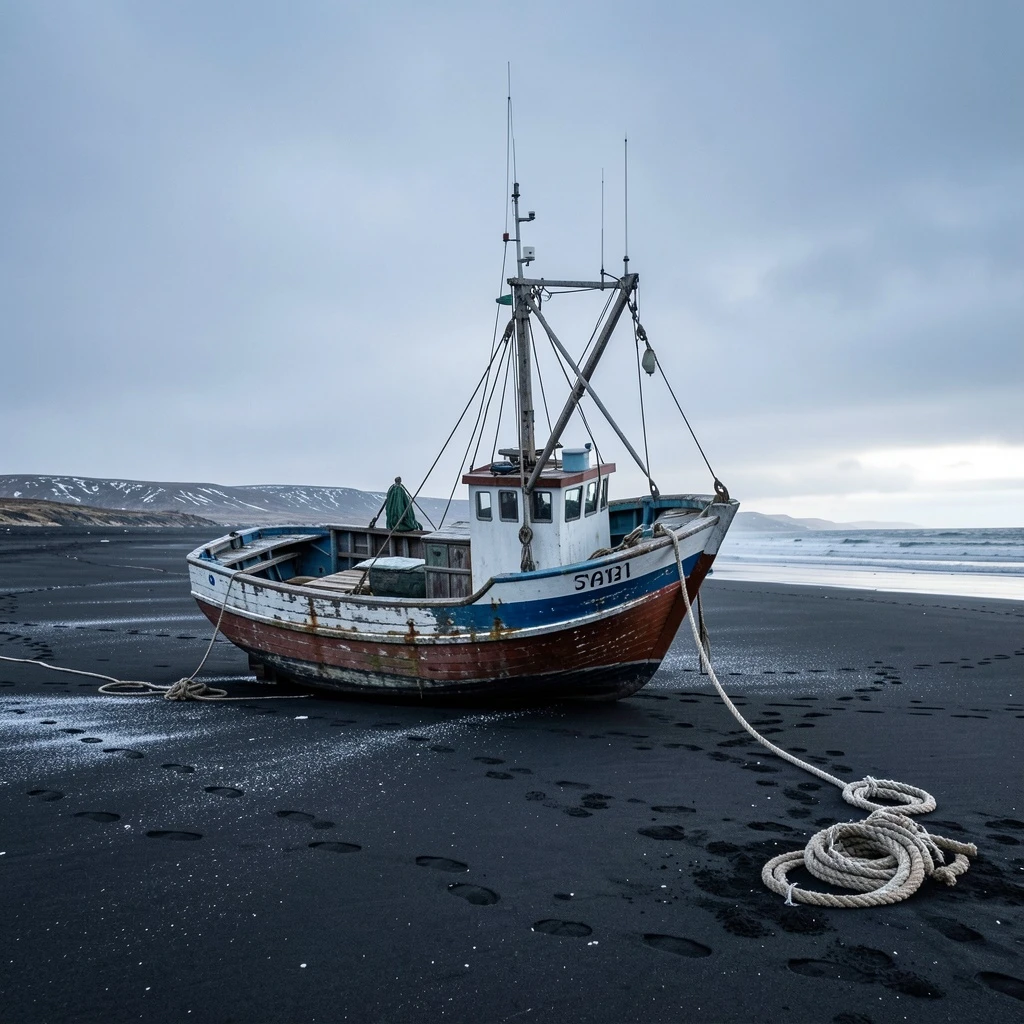
Generate an image through Replicate rather than fal. Same graph shape as the fal and Kie variants - swapping provider is a model-field change, not a rewrite, which is the point worth demonstrating.

Upscale the approved product photo, then sharpen fine detail with an adjustable, light finishing pass. Set sharpness to 0 to disable it.

A raster logo cannot be set on a billboard or embroidered. Tracing to SVG paths gives a mark that scales to any size a supplier asks for.

Enlarge an image without the softness a plain resize gives you. ESRGAN on fal reconstructs detail rather than interpolating it, which is what makes a 4x blow-up hold together in print. Billed per image.

Generate a flat mark, then trace it to true vector art. Raster generators cannot produce clean vectors, so the two steps are separate: FLUX draws the shape, Recraft converts it to SVG paths that scale without resampling.

Darken the corners to pull the eye inward. Radius sets where the falloff starts, softness how abruptly it arrives.

Hand the model the photograph rather than a description of it. Marketplace copy written from the actual image catches details a spec sheet omits — finish, proportion, what it sits next to.

The model writes its own image prompt from a plain description. Useful when the person with the idea does not want to learn prompt craft — and the intermediate prompt stays visible, so it can be corrected rather than guessed at.
Compose one accepted hero into deterministic 1080×1350 and 1080×1920 PNG and self-contained SVG formats, then export a portable versioned campaign record.
Start at zero and add one on each pass. Stop when the result reaches three, then return the final value.
Validate one product brief and optional role-labelled reference, then propose exactly three written campaign directions before any image generation.
Select one captured direction deterministically, edit the product reference into a 16:9 hero, and emit its creative contract only after the image succeeds.
Paste a website and an agent researches the brand behind it: it opens the site with a browser, searches the web for what the site leaves out, and writes cited notes. An extractor turns the notes into a brand name, audience, voice, description and tagline that a brand kit can use. Uses Claude Sonnet 5 with browser and web search tools, and GPT-5 mini for extraction.
Apply one bounded revision to the accepted campaign hero while recording the exact change, preservation instructions, allowed response, and parent contract.
Video

Turn a single product photo into a short looping ad. A prompt node writes the motion brief, Kling 2.6 on Kie animates the still, and a speed pass slows it into a hero loop. Needs a KIE_API_KEY; the video step is billed per generation.
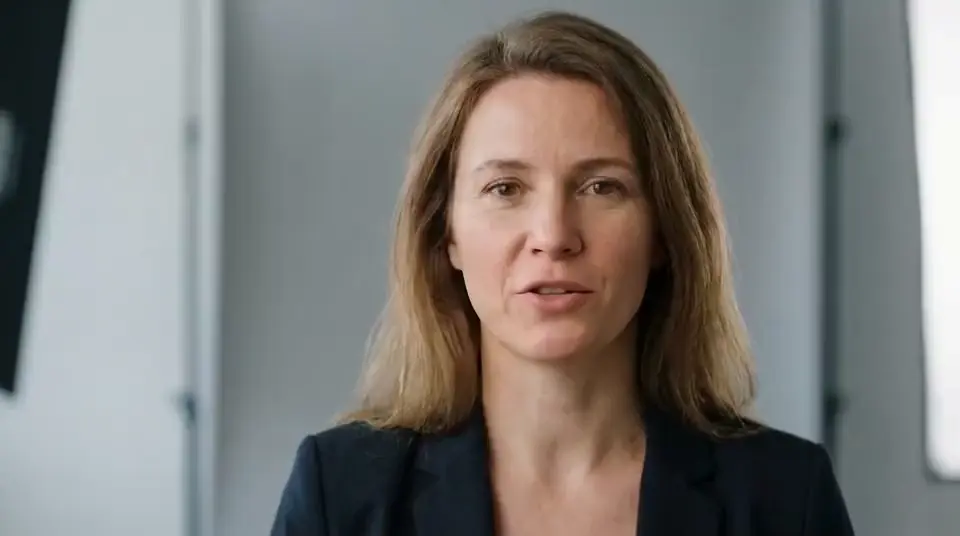
Turn a script into speech, normalise the volume, and soften the audio edges before syncing it to your presenter clip.
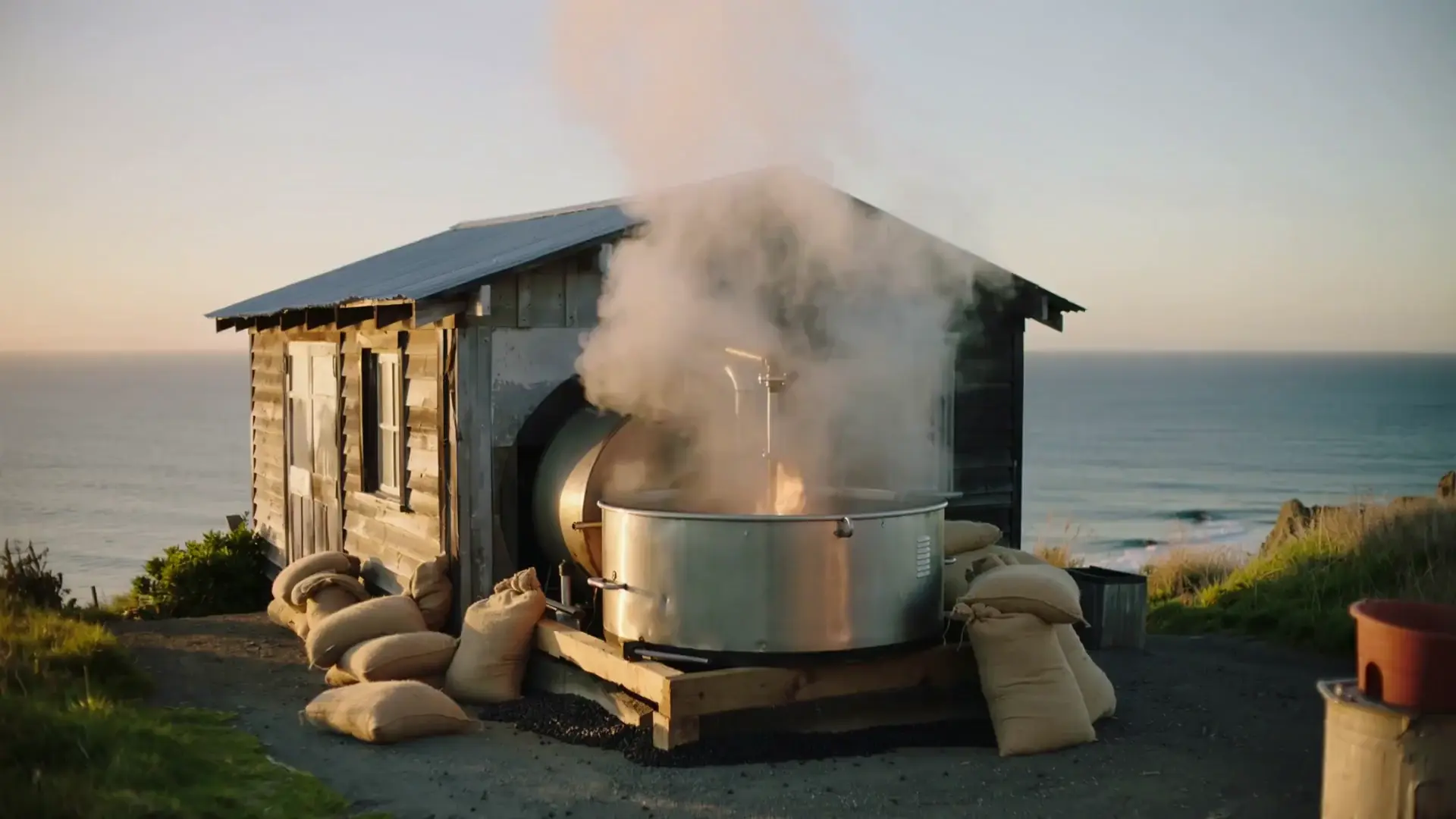
One line of direction becomes a two-shot b-roll reel. Prompt nodes expand the brief into a wide establishing shot and a matching detail shot, text-to-video renders both, and a crossfade cuts them together. Two paid video generations per run.

Push colour intensity. Values above 1 saturate, below 1 move toward greyscale. Unlike the Color Boost template this runs in ffmpeg, so it needs no GPU. Runs locally through ffmpeg - no API key and no per-run cost.

Turn one image into a short moving shot. The brief forbids restyling so the model may move the camera and add atmosphere but not redraw the subject - the same constraint the product templates rely on.

Generate a short clip through Kie's Kling 2.6. The Kie counterpart to Single Shot from a Line - useful for comparing what the same direction yields across providers before committing a template to one.

Grade a video by splitting it into frames, applying exposure/contrast and saturation/vibrance adjustments per frame, then reassembling the result — differentiator: bring your own clip and a single Grading Intensity slider drives the saturation pass live, no per-node tweaking.

Design the frame first, then animate the one you kept. Committing to a still before paying for video is the cheapest way to work — video calls cost many times an image.
Footage arrives 16:9 and the channel wants 9:16. Resizing to the vertical frame is the unglamorous step between having a film and being able to post it.

Reduce sensor grain in footage shot at high ISO. Higher strength smooths more and softens fine detail with it. Runs locally through ffmpeg - no API key and no per-run cost.
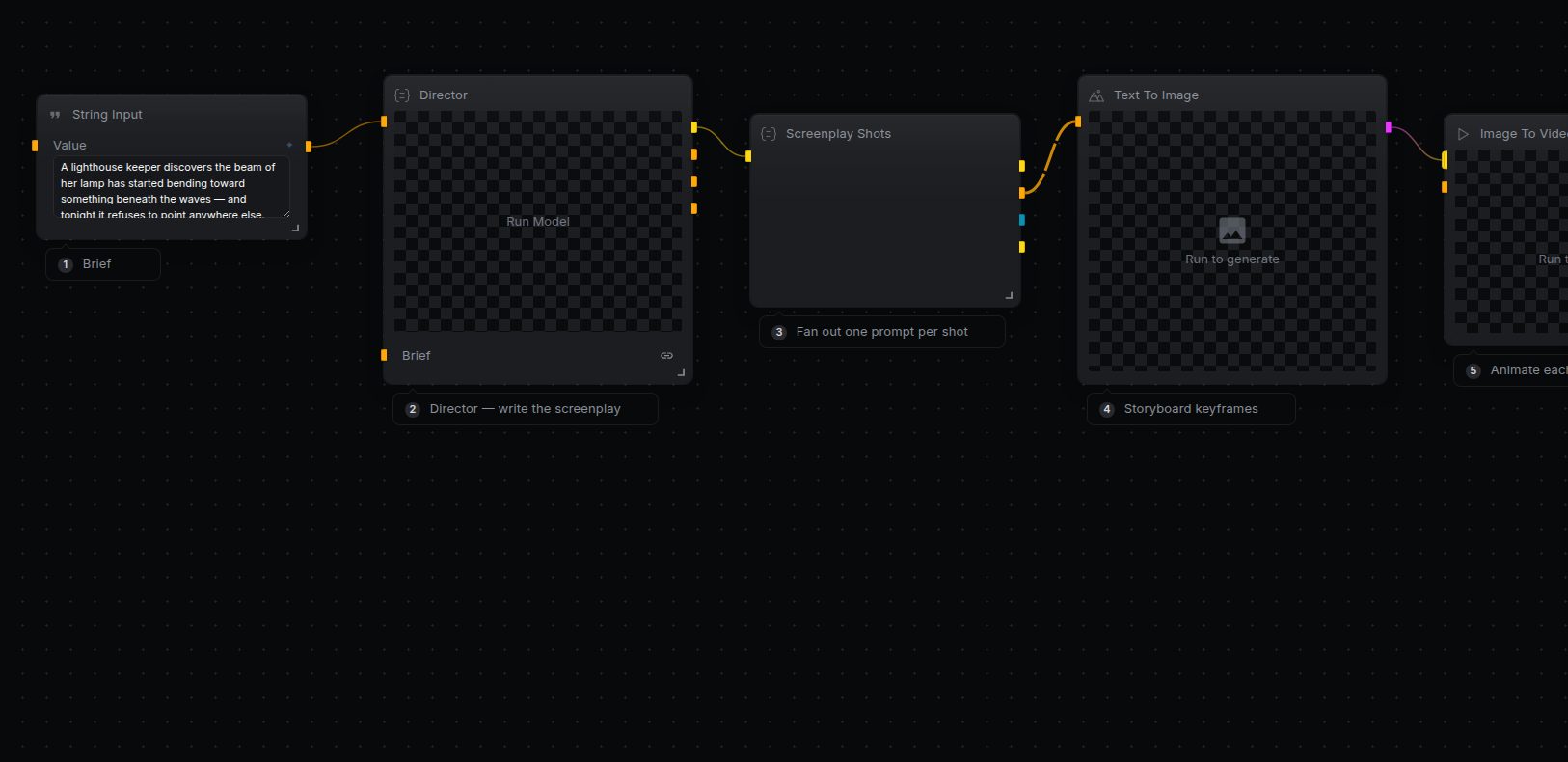
Turn a one-line brief into an editable rough cut. A Director agent writes a screenplay of shots, each shot is fanned out into a keyframe prompt, rendered as a still, animated into a clip, then all clips are collected, appended to a timeline sequence, and rendered to a single video you can keep editing.

A paragraph of explanation becomes narration and a matching visual. The agent writes the shot description, so the picture follows the words rather than being prompted separately and drifting from them.

Ease a track in from silence so it does not start on a hard edit. Pulls the audio out of a video first, so it works on footage as well as on a bare track. Local ffmpeg - no API cost.

One video topic in, a full thumbnail pack out: scroll-stopping hook lines plus a color-graded, ready-to-post thumbnail for each. The differentiator is the fan-out — one hook stream drives a whole gallery of matching images in a single run. Uses fal-ai/flux/schnell (cheap, fast).
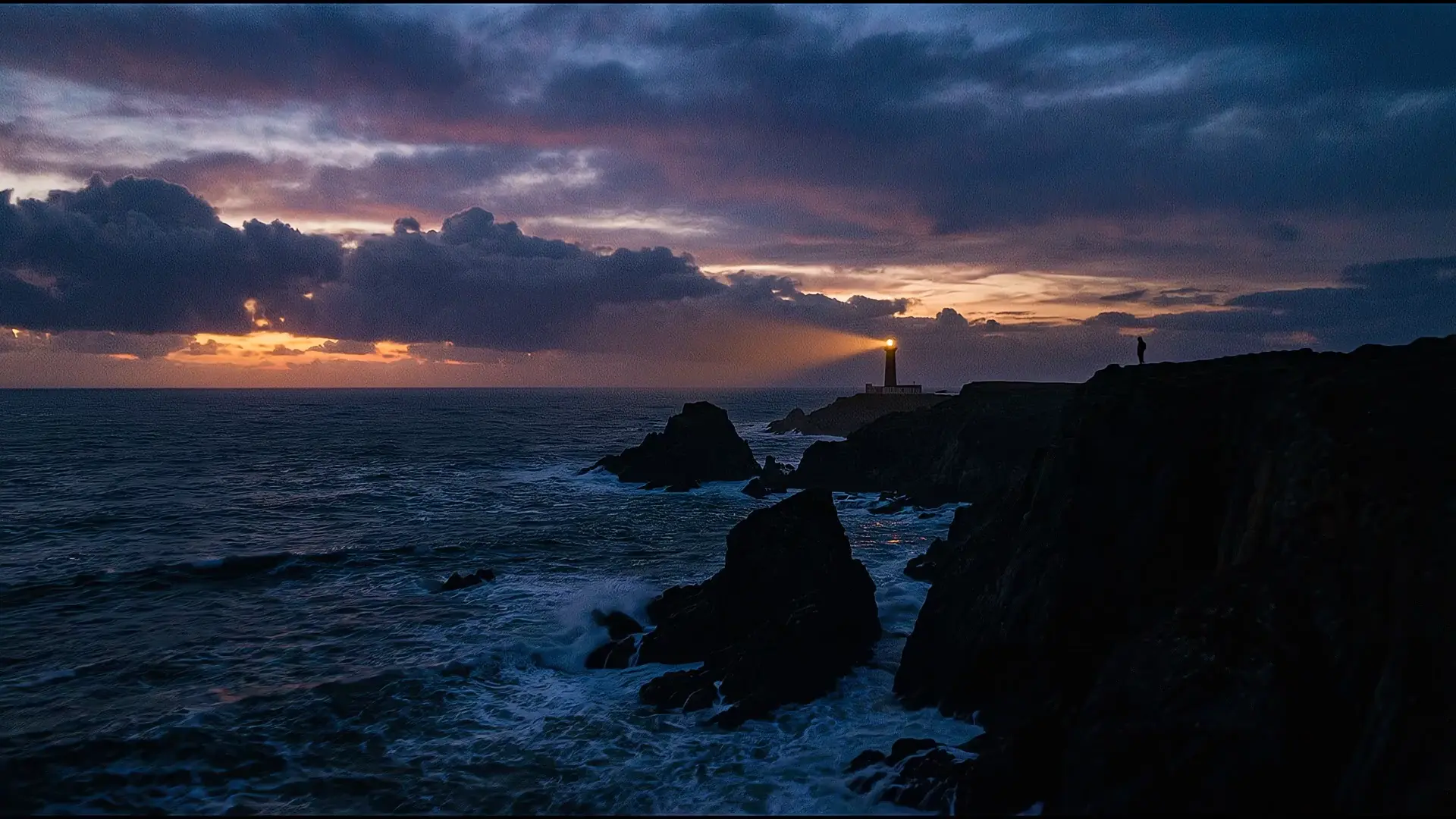
Generate a high-quality still from text, then animate it into a short cinematic clip. Uses Veo 3.1 for the animation step, which costs more per run than image-only templates.

Read a clip's duration, dimensions, frame rate and codec straight from its header. Cheap pre-flight before an expensive generation step - check what you actually have before paying to transform it.
Chroma key with the two dials that matter: similarity decides how much of the colour range goes transparent, blend softens the edge.
Type a single logline and get back a cinematic teaser. The Director node writes the storyboard — a screenplay of shots with camera direction and one style bible — Screenplay Shots turns each shot into an image prompt, and the frames are rendered, animated, and cut together. Cost note: each shot runs through Veo 3.1 image-to-video, which is metered per second of generated video and is the most expensive step in the pipeline — a 6-shot trailer makes 6 Veo calls.

Turn a track into a sequence of AI visuals. Read the lyrics, generate matching scenes, fit each frame to 720p, and time the sequence to the audio.

Even out loudness on a track that was recorded too quiet or too hot. Pulls the audio out of a video first, so it works on footage as well as on a bare track. Local ffmpeg - no API cost.
Inset one clip over another - a webcam corner over a screen recording, or a reaction shot over the footage being reacted to. The inset's audio is muted by default so the main track stays clean.

Turn a product description into a short commercial spot — no photo needed. A prompt assembles a studio hero-shot brief, FLUX.2 [klein] renders the still, then LTX-2.3 animates that exact frame following only the camera notes. Cost note: the animation step is billed per second of output, so this costs more per run than an image-only template.
Turn a campaign brief, audience, features, and a product photo into a realistic 16:9 launch video — an agent writes the motion prompt, then Veo animates the shot. Cost note: Veo is a paid per-second video model, so this run costs noticeably more than an image-only template.
Grab a single frame at a given timestamp - the quick way to get a thumbnail or a reference still out of footage you already have. Runs locally through ffmpeg.

Fps reads the rate off the header without decoding the video. Cheap enough to run before deciding whether a clip needs conforming.

Play a clip backwards. Useful for loop-and-return transitions where the return leg is the same footage reversed. Runs locally through ffmpeg - no API key and no per-run cost.

Play a track backwards - the basis of reverse-cymbal risers and pre-echo effects. Pulls the audio out of a video first, so it works on footage as well as on a bare track. Local ffmpeg - no API cost.

Rotate a clip by a fixed angle - the fix for phone footage that arrives on its side. Runs locally through ffmpeg - no API key and no per-run cost.

The agent watches nothing — it reads your description of the mood and writes the music prompt. Splitting it this way means you can adjust the mood in words rather than re-describing the music.
Generate a soundtrack to match your clip. Trim the music to the video length, normalise the volume, and add gentle fades before mixing.

The smallest complete video pipeline: a written line becomes a voice, and a described scene becomes footage, then the two are married. Generating the voice and the picture separately is what lets you re-record one without paying for the other.
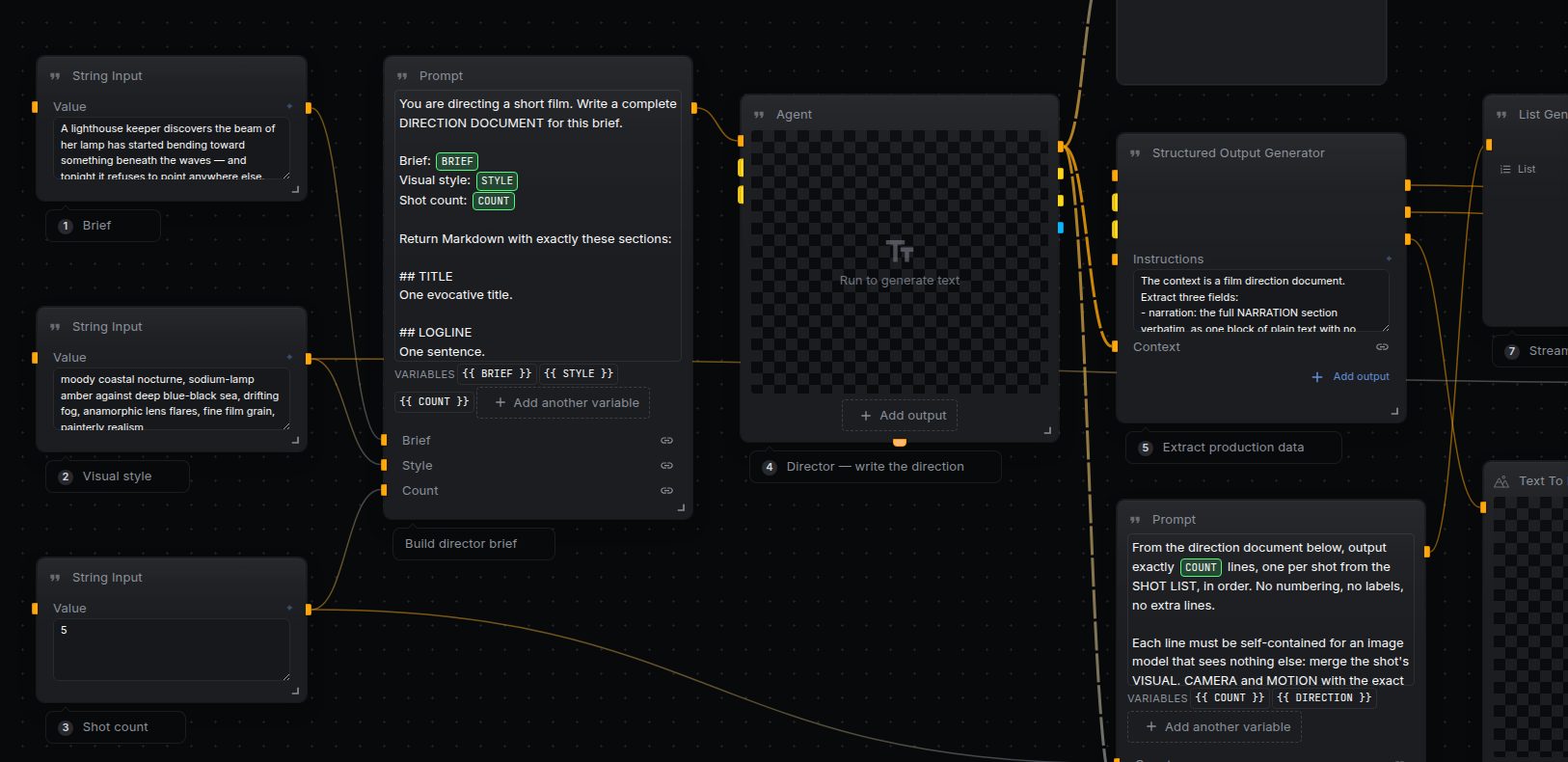
Full production spine: a Director agent turns your brief into a direction document (characters, style bible, shot list, narration, music). A style frame anchors every keyframe for consistency, keyframes form a cheap storyboard you can approve before video spend, then each shot is animated, cut together, and mixed with voiceover and music.

Add apparent detail back after a denoise or a downscale. Luma carries most of the perceived sharpness; chroma is kept low to avoid colour fringing. Runs locally through ffmpeg - no API key and no per-run cost.

A synopsis becomes numbered shots with framing and duration — the document a generation pipeline can iterate over, where prose is not.

The smallest possible text-to-video graph: a line of direction, a template that adds the house look, one render. Useful as a smoke test for video credentials before running a template that bills several generations per run.

Blur a clip so it can sit behind titles or a picture-in-picture inset without competing for attention. Runs locally through ffmpeg - no API key and no per-run cost.

A still becomes motion for the product page. Image-to-video keeps the product identical and adds only the camera move, which a text-to-video model would not.
Smooth out handheld camera shake. Stabilising moves the frame, so `crop_black` trims the empty edges it exposes. Runs locally through ffmpeg - no API key and no per-run cost.

The beat structure a trailer needs — hook, escalation, turn, title card — written before any footage is paid for.

Cut a clip down to an in and out point. `accurate` re-encodes so the cut lands on the exact frame instead of the nearest keyframe. Runs locally through ffmpeg - no API key and no per-run cost.

Repaint an existing clip in a new visual style while its motion stays put. A prompt node turns a short style note into a full restyle brief, then a video-to-video model applies it. Strength is the dial: low keeps the original read, high commits to the new look.

Per-channel colour balance — lift red, drop blue. A grade you can apply without a GPU, since it runs through ffmpeg rather than a shader.
Keep the creator on camera for the full vertical testimonial and place the product demonstration over her as a silent picture-in-picture proof moment.
Turn one continuous vertical creator clip into a polished branded reel. The workflow extracts the native audio, transcribes it with word timestamps, groups the words into short animated phrases, builds an editable NodeTool timeline with MORROW motion graphics, and renders the finished video.
Type a brief; get a cut film. A language model directs — it writes the screenplay, the shot list and the narration — then each shot is filmed and the clips are assembled into a timeline and rendered. Two video models, not one, and that is deliberate: shot 1 has nothing to seed from so it is text-to-video, while every later shot is seeded from the previous clip's last frame for continuity, which is image-to-video. Kie publishes those as separate model ids, so Continuation Model carries the second. On a provider where one id does both (Gemini/Veo) you can leave it empty. Cost scales with shot count — at three shots on Kling 2.6 this is roughly a dollar of video plus pennies of text.
Turn creator and product references plus one short script into a continuous 15-second Seedance 2.5 testimonial with native voice and lip-sync.
One brief, one narrator and one approved b-roll board become an explainer in every language you list. WriteScript writes the words with the narrator as its cast, VoiceScript pays only for the lines whose text moved, and the board is read and never written — its stills become the picture under the voiceover.

One approved board becomes one ad per product. CreateEntity upserts the SKU's entity on its stock code, RecastStoryboard copies the board onto it and keeps every frame whose prompt did not change, the render nodes pay only for the stale ones, and the assembled cut inherits the template's titles and music before the overlay is filled with this product's name and price. Run it once per SKU — from a CSV loop, a webhook, or by hand.
One approved cut, three deliverables. RetargetTimeline derives a new sequence per aspect ratio and never writes the source, so the trims and placements a person signed off carry over unchanged — only the frame moves. `cropped` names the clips the 9:16 crop cuts into, which is where a shot may need a board of its own.
Audio & Music

A recording becomes a list of commitments with owners. Anything without a clear owner is listed separately rather than assigned to someone the model guessed at.

Put a dry vocal in a room. Wet level is the send, dry level the original — keeping both is what makes it sound like a space rather than a wash.
Speak an image into existence: no keyboard needed. Whisper transcribes your audio, then FLUX renders the description as an image — the whole pipeline runs from a single voice note.

Long audio is unnavigable without chapters. The model proposes the topic boundaries; you keep the ones that match how the conversation actually moved.

The repair chain for a recording made in a real room: gate the noise floor, cut the rumble below speech, even out the level, then stop it clipping. Every step is cheap and local — no model involved.
Quantise to fewer bits and decimate the sample rate. Two independent controls: bit depth is the vertical resolution, sample-rate reduction the horizontal.
Taper a track to silence over the last few seconds so a cut does not end on an abrupt chop. Set the duration longer than you think - a fade that reads as deliberate is usually slower than it feels while editing.

Silence anything below the threshold, so the hiss between phrases disappears while the phrases themselves are untouched.

Make a silent audio track of a fixed length. Used as spacing between concatenated takes, or as a placeholder while the real voiceover is still being written.

Transcribe a clip and count the tokens. Worth knowing before you feed a transcript to a model that bills per token or caps context.

Upload any photo and a vision agent narrates a spoken story about it — one image in, one audio clip out

Read sample rate, channel count, duration and format from a clip's audio track. Worth running before a lip-sync or transcription step, both of which are picky about what they are fed.

Translate a script into Spanish, generate speech, and even out the volume. Short fades soften the start and end without changing the timing.

The three-stage chain a voice gets before it ships: compress to even out the peaks, lift the level, then limit so nothing clips. Order matters — limiting first would leave nothing for the compressor.
Summarize a meeting from a recording or a pasted transcript — either input works, and action items come back as structured rows instead of another paragraph to scan.

Transcribe a clip and turn the first words into a URL-safe slug. A small chain that shows speech becoming a filename rather than a document.

Turn written copy into a voice track with ElevenLabs multilingual v2 on fal. Pair it with Score a Silent Clip to build a narrated cut from text alone. Billed per character.

Voice a script over a quiet music bed. Match the music to the voiceover and fade the start and finish.
Shift pitch in semitones while duration stays put — the counterpart to time stretch.

The job every podcast has and nobody enjoys. Transcribe, then write the notes — summary, topics with rough timings, and the links mentioned.
Drop in one podcast episode and ship the whole content pack: episode titles and show notes, a newsletter edition, five social posts, and quote cards rendered as square images. Whisper transcribes once; four writer branches fan out from the transcript.
Five verbatim quotes, chosen for standing alone. Insisting on verbatim is what makes the output usable — a paraphrased quote is worse than none.

Voice a script over a quiet music bed. Match the music to the voiceover and fade the start and finish.
Time stretch changes duration and leaves pitch alone — which is the whole point. Changing playback speed instead would take the pitch down with it.
Synthesise speech and strip the dead air off both ends. TTS often leaves padding; RemoveSilence gives you a tight clip you can drop into a timeline.

Transcribe, then break into subtitle-length lines. The line-length rule is what separates a subtitle file from a wall of text.

The summary someone reads instead of listening again: what was decided, what is open, what happens next.

A phaser sweeping under a feedback delay. Both are mix-based, so the dry signal survives underneath rather than being replaced.

Generate music and slice a short section out of it. Cheaper than regenerating when you only need a sting rather than a full bed.

Band-limit to a narrow midrange and drive it. Cutting both ends is what sells the effect — the distortion alone just sounds loud.

Pull the spoken words out of a video. Audio is extracted locally, then transcribed. Note the provider choice: fal and Replicate both list speech-to-text models in their manifests, but neither provider implements the transcription capability, so those entries cannot execute. OpenAI, Gemini, HuggingFace, MiniMax and Together do implement it.
Instant Whisper transcription: drop in an audio clip, get a clean text transcript back — one step, auto-runs on upload.

Cut an audio track to a start and end point. Pair it with Inspect a Clip's Audio when you need the duration before deciding where to cut.

Spoken delivery and written prose are different registers. The instruction to restructure rather than transcribe is what stops the output reading like a transcript with paragraphs.

A two-hander needs two voices. Synthesising each part separately and joining them is what lets you re-record one line without re-rendering the whole exchange.

Synthesise a mono voice and place it in a stereo field. Most TTS returns mono; anything mixed for stereo playback needs both channels.
A native top-down game asset pack. LoadGameTemplate streams the slots; SlotPrompt sizes each asset request; each result is checked before StageGameAssets writes content-addressed candidates. Install selected bindings into a game revision to play them.
Agents & Research
Turn a one-line topic into a structured dataset — define the columns once, get validated rows back instead of paragraphs of prose.

Scrape the Hacker News front page and get a topic-filtered digest written directly as Markdown — no separate formatting step.

One brief, three frontier models, answered side by side, then a fourth model judges them blind. The same prompt fans out to OpenAI, Anthropic, and Google in a single pass, each answering in the same structure. A judge reads the three answers as A, B and C without knowing which model wrote which, scores them against a fixed rubric, and names a winner. Swap the model on any lane, or the judge, to build your own bracket.

Give it a topic and an audience; the agent runs real web searches, opens the best sources, and streams back a cited markdown briefing. Differentiator: genuine multi-step tool use (search + browse) with inline citations — not a single prompt call.

Messy notes become a markdown table with one row per option. Unknown cells are marked as unknown rather than filled in, which is the entire value of the exercise.
Composition demo: an orchestrator agent delegates to two specialist sub-agents wired in as callable tools via control edges — Research (Gemini) gathers the facts, Copy Editor (Claude) polishes the draft, and the manager (GPT-5 mini) decides when to call each. Shows how a self-contained unit of work becomes a tool another agent can invoke, all inside one graph.
The trigger you reach for when nothing external should decide the timing — a person does. It waits, and whatever payload you hand it comes out of `data`, with the caller in `source` so two senders stay distinguishable. Useful as the front of a pipeline you want to fire by hand, from a script, or from another workflow.
A clock, and the two numbers a schedule actually needs: which tick this is, and when it fired. Set `interval_seconds` and the trigger emits on its own — no input, no caller. Everything downstream of it becomes a cron job. Leave `max_events` at 0 to run forever, or set it to stop after N.
A drop folder as an interface. Point `path` at a directory, narrow it with `patterns`, and the graph wakes whenever a matching file appears or changes — you get the event kind and the full path. The agent here just names what arrived; replace it with the work you actually want done on the file. `debounce_seconds` exists because editors write a file more than once.
Marketing & Content

One long piece becomes a numbered thread. The constraint that each post stand alone is what stops the model producing a summary chopped into pieces.

An autonomous agent researches a prospect on the web and drafts a personalized cold email — opening with a real, specific detail — as structured fields (subject, body, follow-up) instead of one prose blob, ready to drop straight into a CRM or email tool.
One topic in, a keyword-targeted article batch out — each article lands as typed fields (title, meta description, keywords, body) instead of one markdown blob, ready to paste straight into a CMS. A strategist agent plans the topic cluster, a list generator turns it into briefs, and every brief becomes a full article with an editorial hero image.

The two fields every CMS demands, written to their real limits — 60 and 155 characters — so nothing is truncated in the results page.

Marketing copy translated for effect rather than word-for-word, with the formal/informal choice stated. That decision is the one that most often gets a translation rejected.

Text & Data

A brief becomes a concept with a line, a visual idea and three channel executions. Asking for the executions is what forces the concept to be one that survives contact with a media plan.
The same offer written plain, playful and premium. Register is usually the variable a team argues about, so produce all three and let the work settle it.

Group a stream into fixed-size batches. The standard shape for anything rate-limited or priced per call: batch, send, repeat, rather than one request per item.

Facts in, a structured release out — headline, dateline, body, boilerplate. Keeping the quote attributable to a named role stops the model inventing a spokesperson.

Retrieval-augmented Q&A over your own documents. Index a small knowledge base into a vector collection, pull the passages matching a search keyword, and get a Markdown answer that cites its sources and refuses to guess when the answer isn't in the docs. NodeTool's first RAG example. The answer step uses gpt-5-mini (OpenAI key); the collection is configured for Ollama nomic-embed-text embeddings.

Teaching example for control flow: one number drives two independent decision structures built entirely from If nodes — there is no dedicated numeric-compare or boolean-logic node in NodeTool, so this shows the actual pattern: PadText + Compare + Equals turn the number into a boolean, then pairs of If nodes sharing one condition (each holding its own value, taking the opposite branch) act as the ternary select and OR you'd otherwise reach for. No LLM calls.

Count the items flowing through a stream. The counter sits on the stream rather than on a stored array, so it works the same whether the items came from a constant, a folder scan, or a generator. Runs entirely in-process: no model, no key, no cost.

A containment check returning a boolean — the branch condition for a workflow that routes on what a document says.

Questions in, answers out, each short enough to survive being pasted into a help centre without editing.

Pass each distinct value through once and swallow repeats. Set `key` to dedupe objects on one field instead of on the whole value. Runs entirely in-process: no model, no key, no cost.

Skip a fixed number of items off the front of a stream — the header rows of a feed, or a warm-up you do not want to pay to process.

Cross product of two streams — every left item against every right one. The sweep you build before a batch of paid renders, so you can see the count before you pay for it.

One page for someone who will not read twelve. Leading with the decision required is what makes it a briefing rather than a précis.
Separates the factual claims from the opinions, and rates how checkable each one is — the triage step before any verification work.

Substitute values into a text template. This is the seam between a workflow's inputs and a model prompt - keep the wording in one Template node rather than scattering it across several prompt fields.

Swap one substring for another across a block of text. The find and replace terms are inputs rather than baked into the node, so the same graph can be reused from the API without editing it.
FindAllRegex returns each match rather than the first, which is what you want when pulling figures out of a report.

Headline variants for a test. Asking for a stated angle per line makes the set genuinely different rather than five rewordings of the first idea.

Equality filter over a stream. `invert` turns it into a reject list without a second node.

Collapse a stream to its final item. The natural end of a loop that refines a value rather than accumulating one.

Currency, units and address format are where listings actually break in a new market — more often than the prose does.

A tagline in six languages with a back-translation for each, so someone who reads none of them can still see what was actually said.
Turn any mix of real animals into a gallery of original collectible creatures. A style dropdown restyles the whole batch, so one Run yields four cohesive variant designs instead of a single image.

Ask questions about your own notes and documents — fully local, no API keys. Runs end-to-end on a local Ollama model, so the text never leaves your machine. Requires Ollama running with a model pulled (default: llama3.2 — run `ollama pull llama3.2`).

Read a value from JSON text using a dotted path. This example extracts the name Ada.

Split text on one delimiter and rejoin it on another - turning a comma list into a pipe list, or CSV-ish text into newline records. Pure string work: no model, no key, no cost.

A regex replace standing in for the everyday cleanup step — strip personal data out of text before it reaches a model or a log.

Jargon in, plain language out, at a stated reading level. The most common editing job there is, and the one most worth a repeatable workflow.
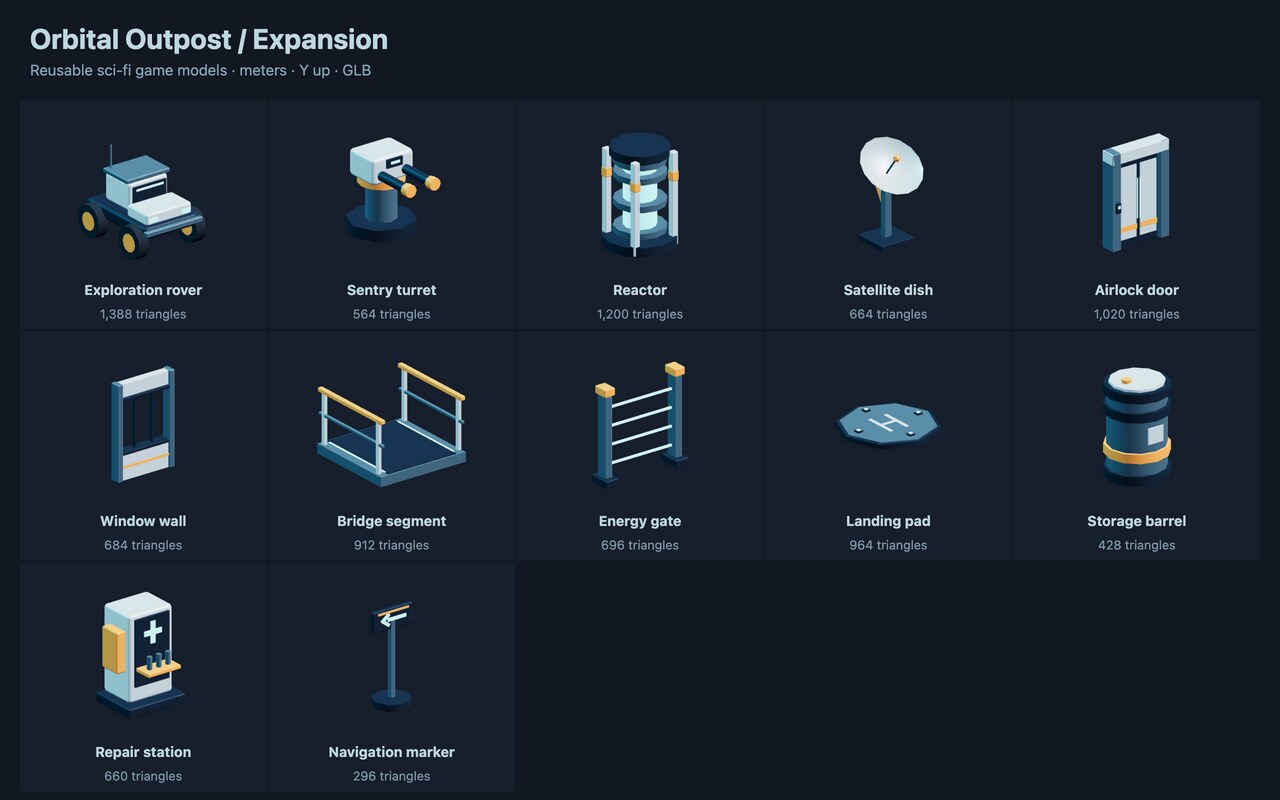
A matching sci-fi model pack with a rover, sentry turret, reactor, satellite dish, airlock and station props. Run to expose each GLB as a named output. No provider or API key required.

Take a fixed range out of a string by index, with an optional step. The blunt way to truncate a caption to a length limit, or to sample every nth character.

Regex split turns one blob into a list. The pattern is the record boundary, which is often more reliable than a fixed delimiter.

Eight subject lines split between curiosity and clarity — the two strategies that behave differently enough to be worth an A/B, unlike eight variations on one.

Stop a stream after n items. The cheap way to cap an expensive downstream step while iterating on a workflow - take 3 while you tune, remove it when you ship. Runs entirely in-process: no model, no key, no cost.
TakeWhile stops at the first item that fails the predicate, unlike a filter, which would keep testing the rest. That difference is the reason to reach for it: it caps work rather than selecting from it. The expression binds each item as `item`.
Raw feedback becomes named themes with counts and a representative verbatim each. The verbatim is what makes the theme arguable rather than asserted.

Three cleanups in a row — collapse runs of whitespace, strip punctuation, then lowercase. The order matters, which is the point of showing it as a chain rather than one node.

Cap text at a character budget with an ellipsis. The everyday fix for a card or preview that must not overflow.

Commit messages are written for engineers; release notes are read by customers. Grouping by what changed for the user is the whole translation.

A frustrated thread becomes something an engineer can act on: steps, expected, actual, environment — with the missing pieces named as missing.

Paste a spec sheet, get copy. The system prompt forbids inventing anything not in the input, which is the difference between usable product text and a liability.
An HTTP POST arrives and the graph replies in prose. The trigger hands you the request body, headers and method; this one reads the body and writes a one-line summary a human can act on. Register the workflow to get a delivery URL, or drive it from the CLI with `--trigger-event '{"node_id":"hook","payload":{"body":{...}}}'`.
Split a long passage into overlapping windows the way a RAG ingest does, then count them. `length` and `overlap` are counted in WORDS, not characters — a 90 here would swallow this whole passage into one chunk. Overlap is the point: a boundary landing mid-sentence loses the claim that straddles it, so neighbouring chunks share a tail. Counting needs Collection first, because Count consumes a stream and a list handed to it arrives as a single item.
Fan a list into a stream, drop the items that fail a predicate, then gather what survived back into a list. Two nodes carry the lesson: Collection is the fan-out — a list fed straight into a stream operator arrives as one item — and Collect is the reverse, without which an output on a stream shows only the last value that passed.
Two regex passes and a whitespace collapse, in the order that matters: redact before you normalise, or the pattern you are matching may already have been reshaped.
Validate a portable schema-version-1 campaign record and restore its accepted original and optional revision without calling a model.