
Game development with NodeTool
Make a world people can play.
Build a game with an agent, then shape its art, levels, and rules in Studio. Start by playing the examples below.
Pick a world. Press play.
Real games made in NodeTool.
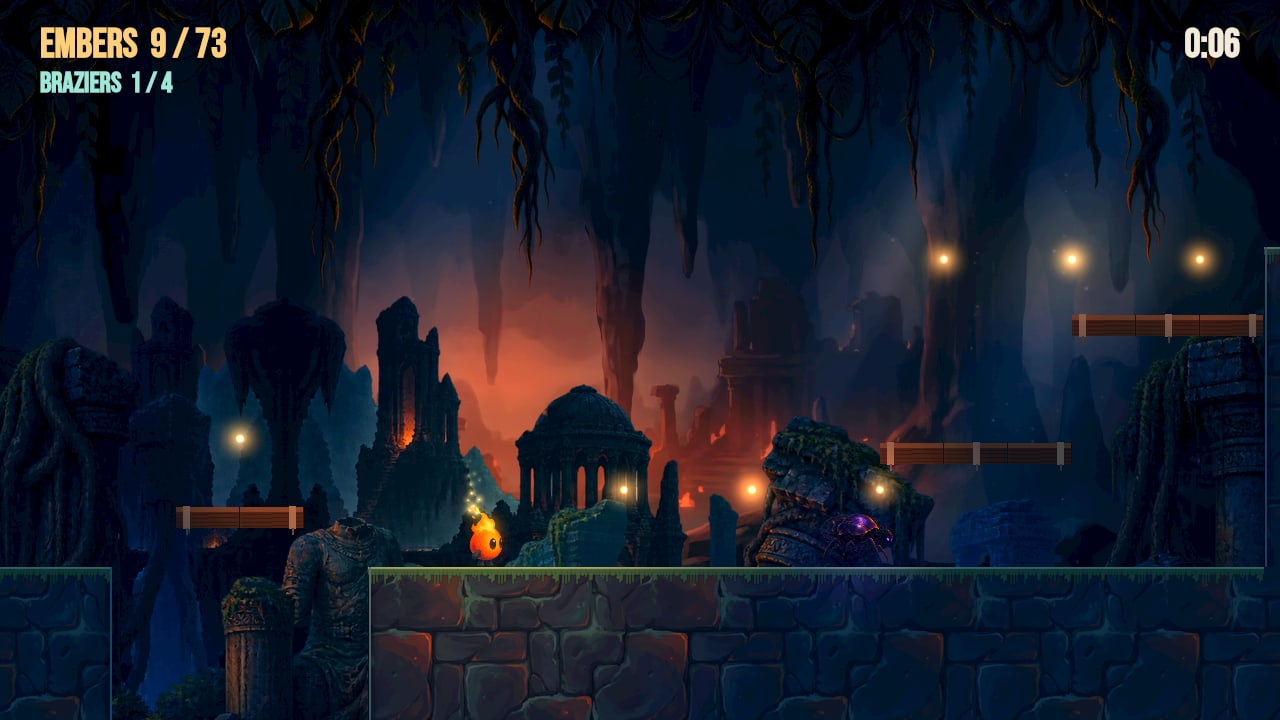
The game loads when you press play.
Platform adventure
Kindle
A jump-and-run through a drowned temple. Run, wall-jump and ride moving lifts to relight four braziers and gather the embers on the way.
Arrows to run · Space to jump · Jump off walls
Open full gameOn a phone, open the full game and turn sideways for touch controls.
Make this game yours
In Studio, open Examples from the logo menu, select Games, find Kindle, then choose “Play and edit”.
From first idea to the next level.
Describe the game
Give the agent a world, a player, and a goal. It can build scenes, wire behaviors, and prepare the assets in an editable game project.
Play, change, play again
Change the art, adjust a jump, move an obstacle, or ask the agent to revise the rules. Play the result in Studio as you work.
Put it in someone else’s hands
Export a standalone web player with the game’s assets. Share it through your own website, with keyboard and touch controls.
Studio is free and open source. Your game stays editable. Connect your own model providers when you want to generate new assets.
Download NodeTool