NodeTool Cloudはアルファ版です。ブラウザで映像を演出し、ワークフローを実行できます。自分のキーを使います。NodeTool Cloudはアルファ版です。 試す →

NodeTool の作例プロジェクト
UGC商品動画
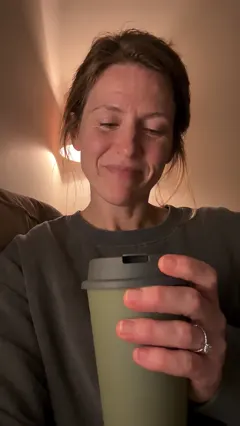
クリエイターと商品の参照から、カップが心強い相棒になる15秒の一日のストーリーを作ります。
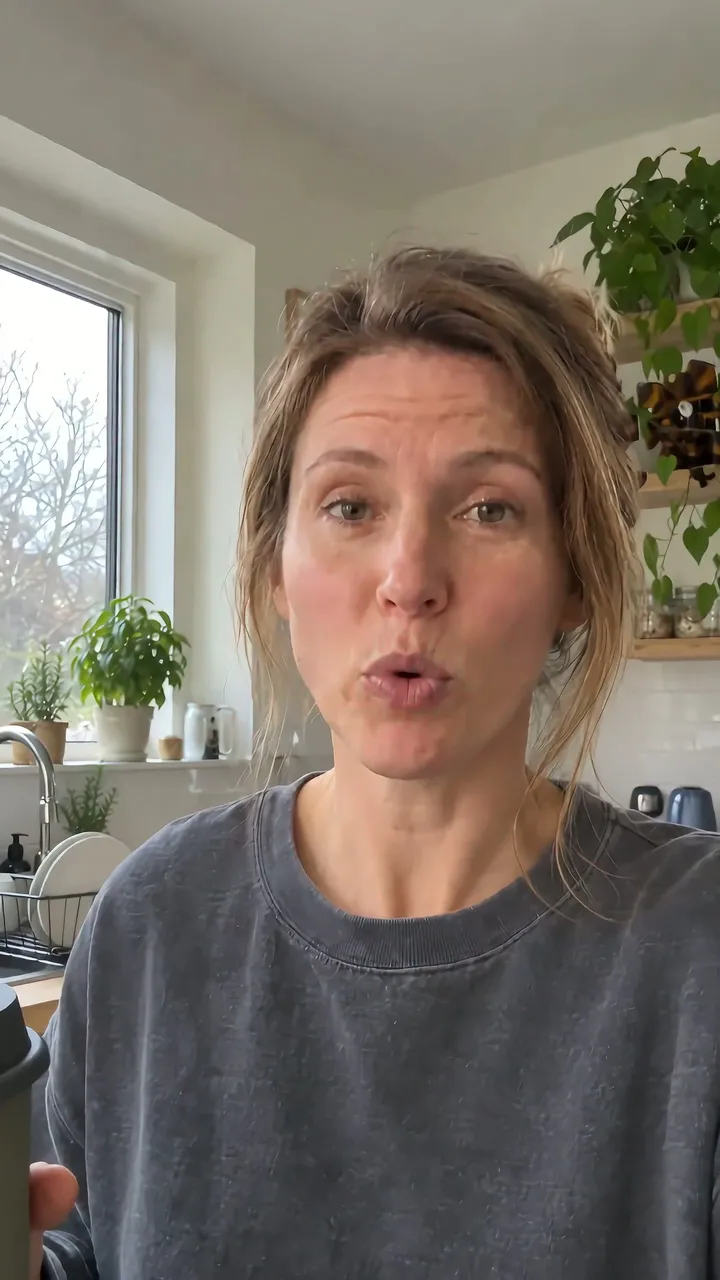
結局、緑のが必要だったみたい。
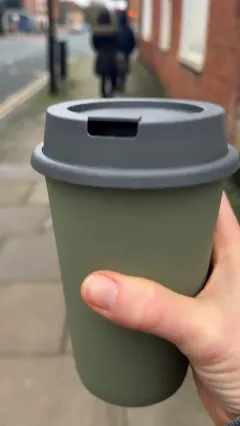
ちょっと照れくさい買い物が、慌ただしい一日に寄り添う同じカップを通して、小さな安心に変わっていきます。

完成した UGC 動画はユーザーから提供されたものです。文字起こしとメディアの計測値はローカルで確認しました。
UGC Product Video のガイドに沿って進める
少し照れくさい商品の告白で始め、慌ただしい一日についていくカップを見せ、最後はカメラに向けた温かいひと言で締めます。
- 切り口
- 参照
- 生成
- 仕上げ
- 確認
用意するもの
- 縦型のクリエイター画像一枚
- すっきりした商品画像一枚
- 確認済みの商品情報
- ネイティブ音声に対応した動画プロバイダー
サンプルのブリーフを試す
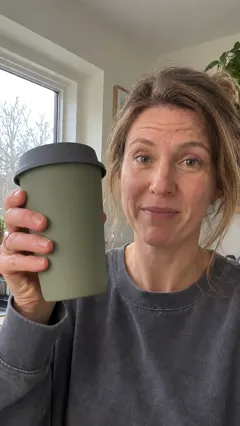
Make a 15-second vertical day-in-the-life UGC video with handheld phone framing, natural room tone, and no music. Keep the same woman, charcoal sweatshirt, olive cup, and grey lid throughout. Start with her speaking to camera in the kitchen, follow the cup as she rushes out, carries it through town, drinks at work, pauses outdoors, and ends at home holding it close. Dialogue: "I bought this because it's green, which is ridiculous because I already have six. But then this morning got a bit chaotic, and suddenly it was my emotional support cup. It kept showing up like, don't worry, I've got you. So yeah, turns out I needed the green one." Keep the voice continuous across the cuts. No music, captions, logos, or extra products.
この実行で実際に使った英語のブリーフです。
この作例について
提供された完成動画は 15.017 秒、1440×2560、AAC ステレオ音声です。焼き込み字幕はありません。MP4 は一本にまとまっているため、このページではカットや音声を編集できません。
ステップの図には、実際の実行で使った英語の画面表示とプロンプトをそのまま載せています。
Starts with
I bought this because it's green, which is ridiculous because I already have six.
In NodeTool
UGC Product Video · Angle
Turn a confession into a three-part story
- The last line answers the first
Comes out
ステップ 1/6・切り口
オチだけでなく、気持ちを積み上げる
彼女がカップを買った、ちょっとおかしな理由から始め、一日を通してなぜ手放せないのかを見せます。最後のひと言で冒頭の思いに答えを出します。
切り口を決める
自分のアイデアから始める
NodeTool Studio をインストールし、新しいプロジェクトを作って UGC Product Video を選びます。ブリーフと参照素材を加え、メディアを生成する前にプロバイダーのキーを接続してください。
Studio は無料のオープンソースです。メディア生成の費用はプロバイダーに直接支払います。上のガイドに沿って、自分のプロジェクトを組み立ててください。
ほかのレシピを試す
- レシピ演出するキャンペーンキット一枚の商品画像を、動きのあるキャンペーンのメインビジュアル、連動するソーシャル向けの各サイズ、範囲を絞った一度の修正に変えます。
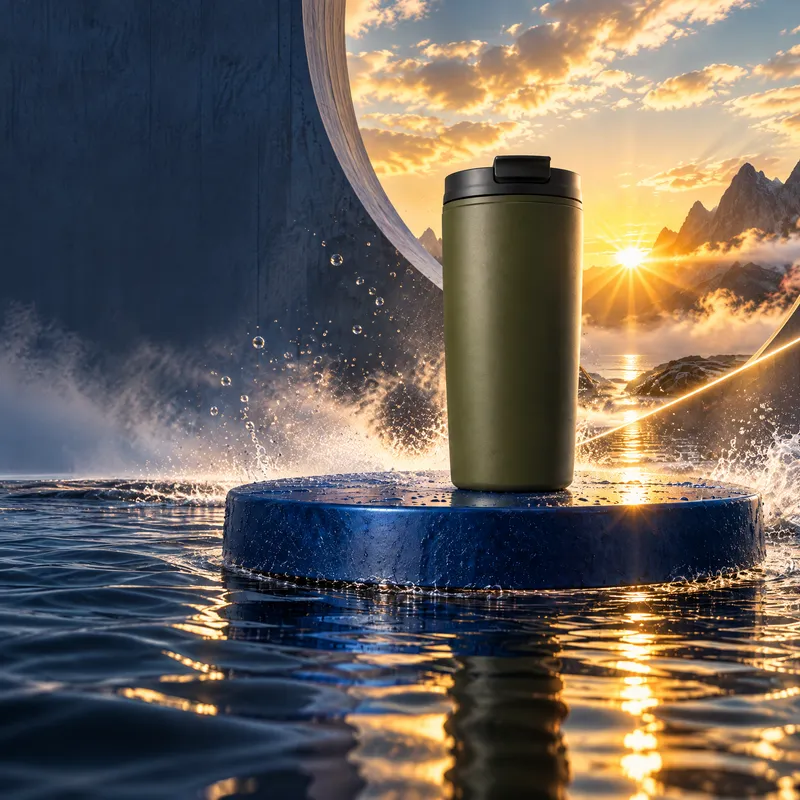
- レシピ商品コマーシャル商品にストーリーを与えます。ショットを演出し、音を整え、タイムラインで広告を仕上げます。
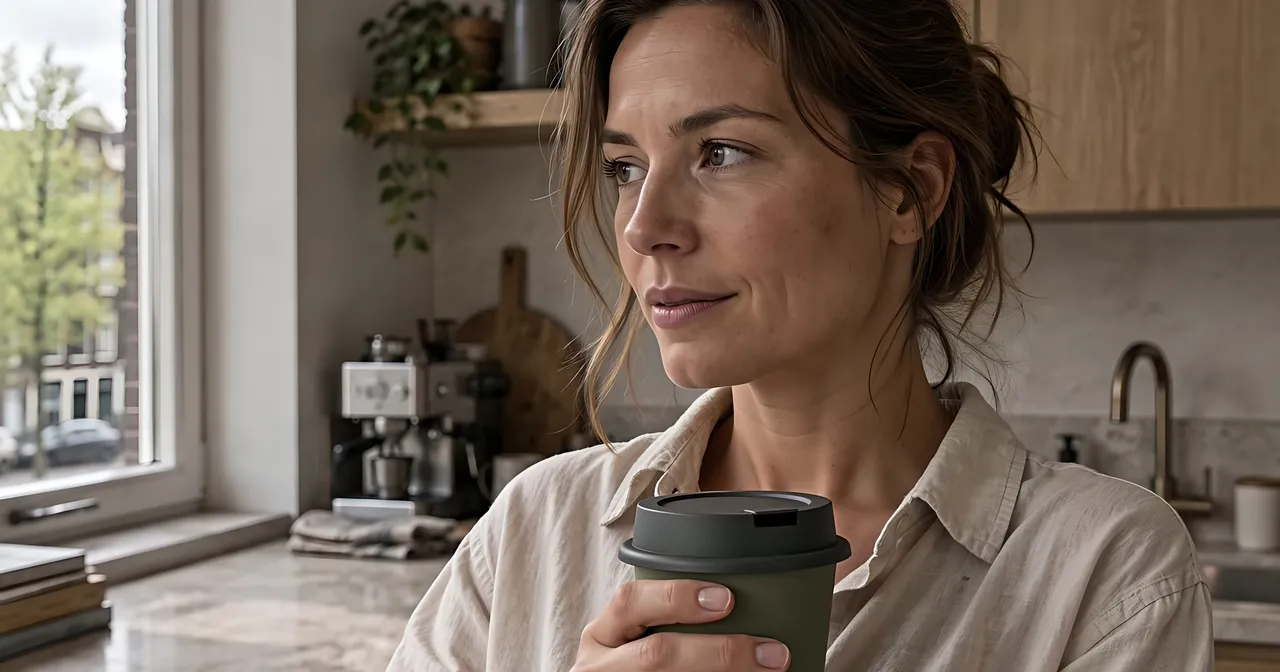
- レシピ多言語動画翻訳を確認し、声を選び、セリフごとに話し方を編集します。新しい言語のナレーションか、別途リップシンクで仕上げます。

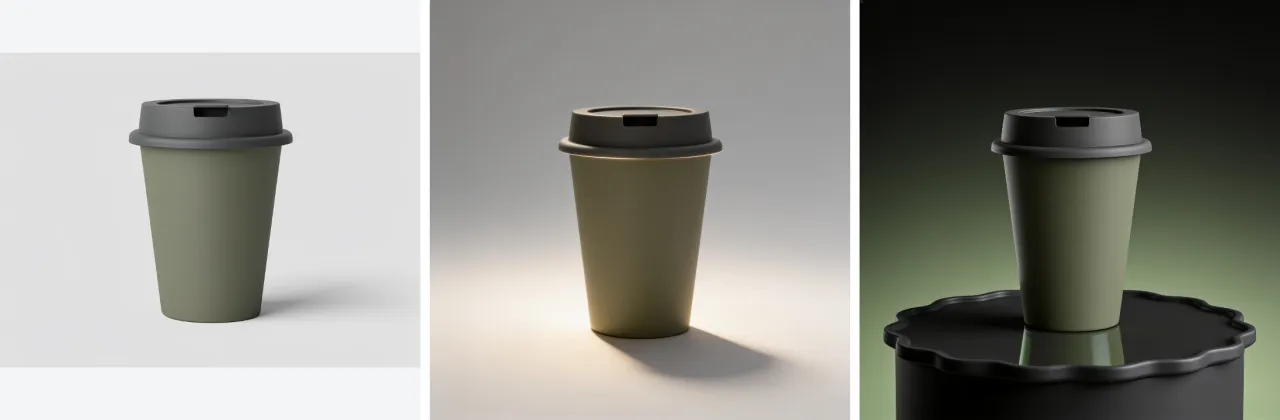
- レシピ商品カタログ素材一つの商品参照から、スタジオ画像、季節のシーン、短いモーションクリップのセットを作ります。
- レシピ絵コンテからトレーラーへストーリーのアイデアを六ショットの絵コンテにし、同じワークスペースで声、動き、編集まで仕上げます。
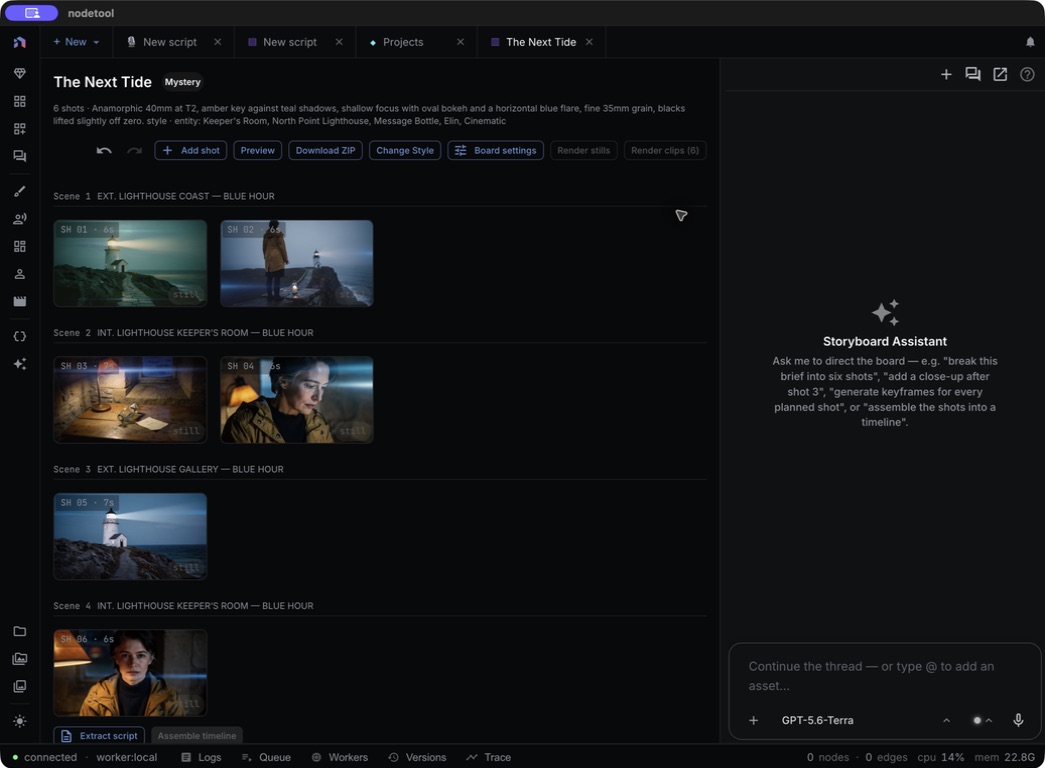
- レシピありえない商品の世界巨大なカップに隠れたプールまで泳ぐ人を追い、彼女がそれを飲むときに人間のスケールへ戻ります。