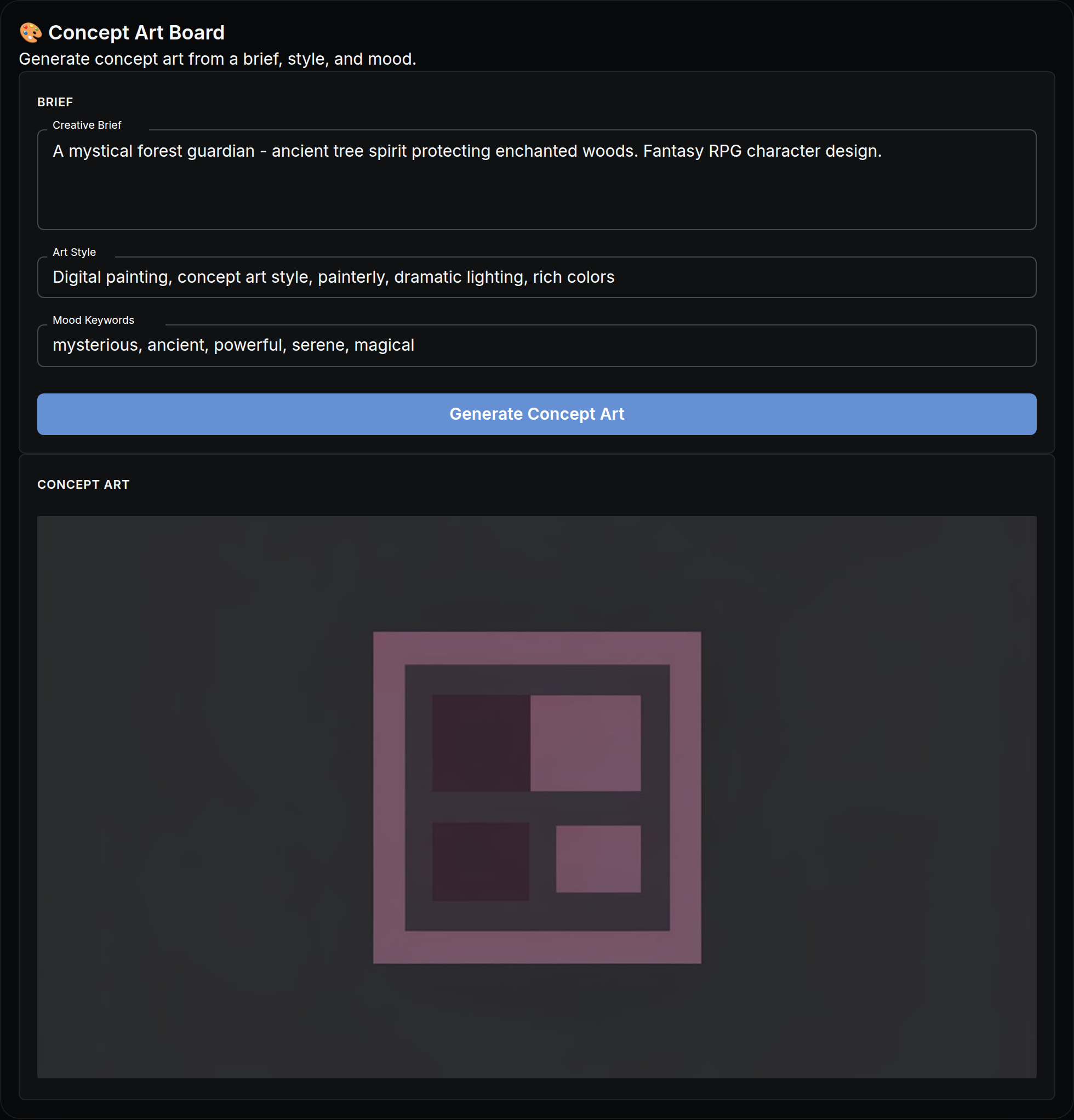
The actual app, as it opens in NodeTool — built with the visual App Builder, no code.
What you put in
- textCreative Brief
- textArt Style
- textMood Keywords
What you get out
- ImagesConcept Art
How it works
- Step 1
Fill in a few fields
Plain-language inputs — creative brief, art style, mood keywords. No settings, no jargon.
- Step 2
Click “Generate Concept Art”
The workflow runs behind the scenes — on your machine or with your own provider keys. You pay providers directly, or run local models for free.
- Step 3
Watch results stream in
Results appear live in the app: concept art.
It's an app until you want more
Every mini app is a real NodeTool workflow underneath. Open the canvas to swap models, change prompts, or add steps — then publish your remix as a new app for your team.
Explore the Concept Art Iteration Board workflowMore mini apps
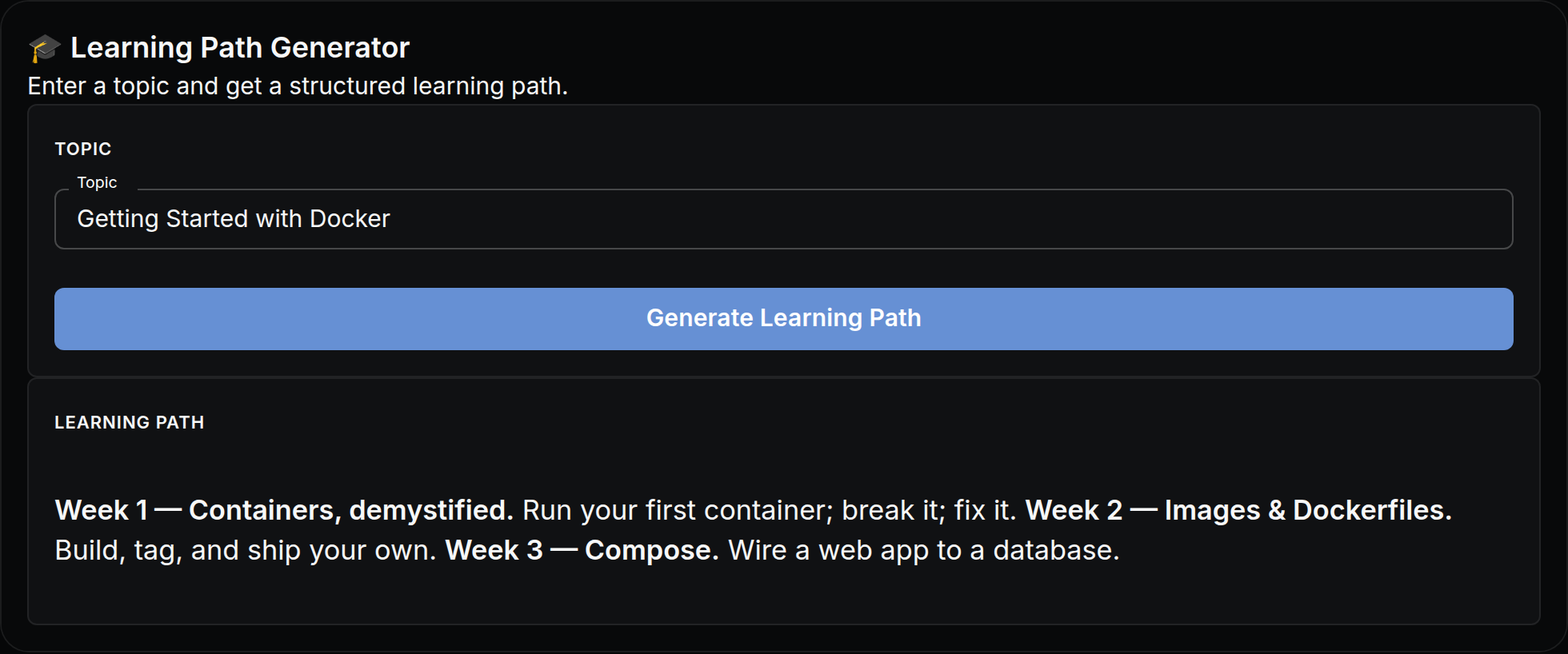
Enter a topic and get a structured learning path.
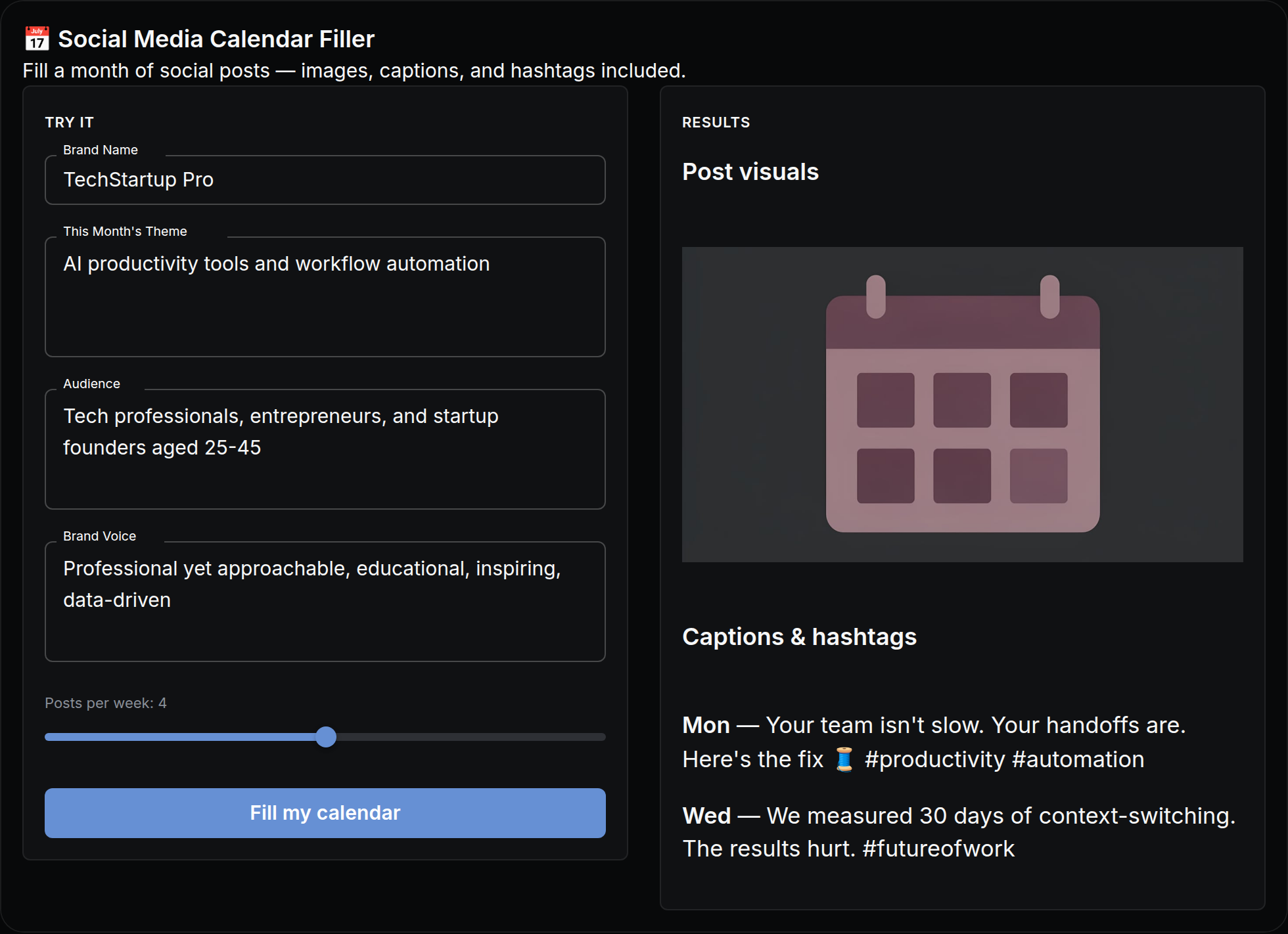
Fill a month of social posts — images, captions, and hashtags included.
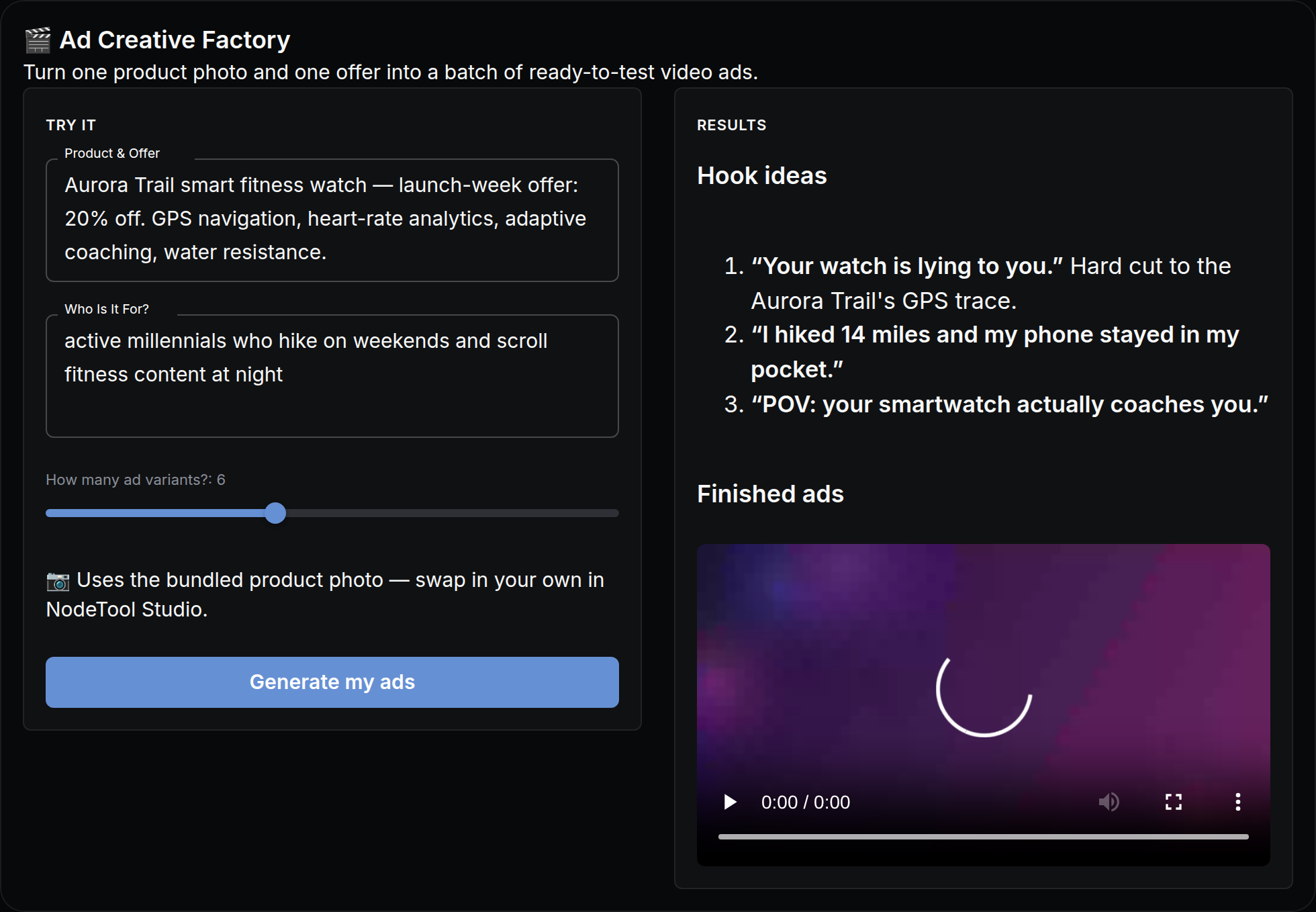
Turn one product photo and one offer into a batch of ready-to-test video ads.
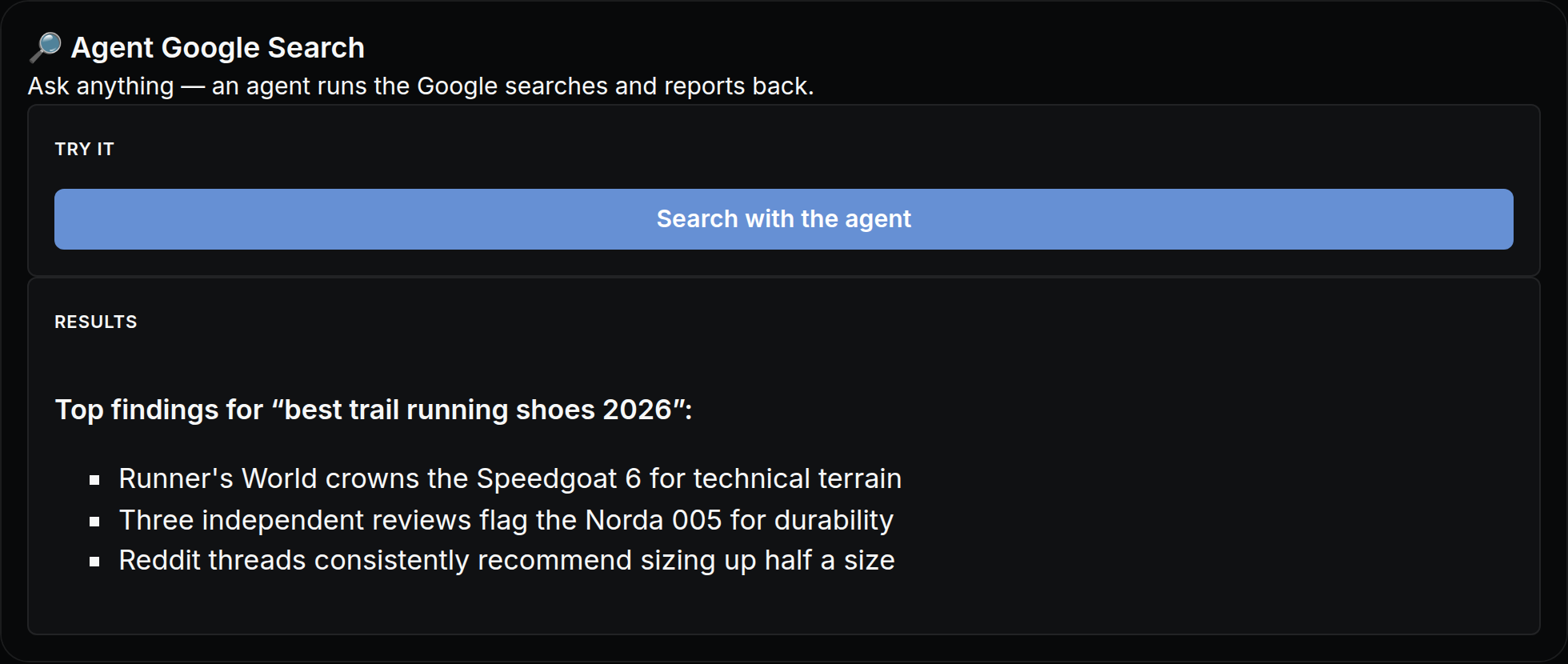
Ask anything — an agent runs the Google searches and reports back.
Describe a scene out loud — get it back as a picture.
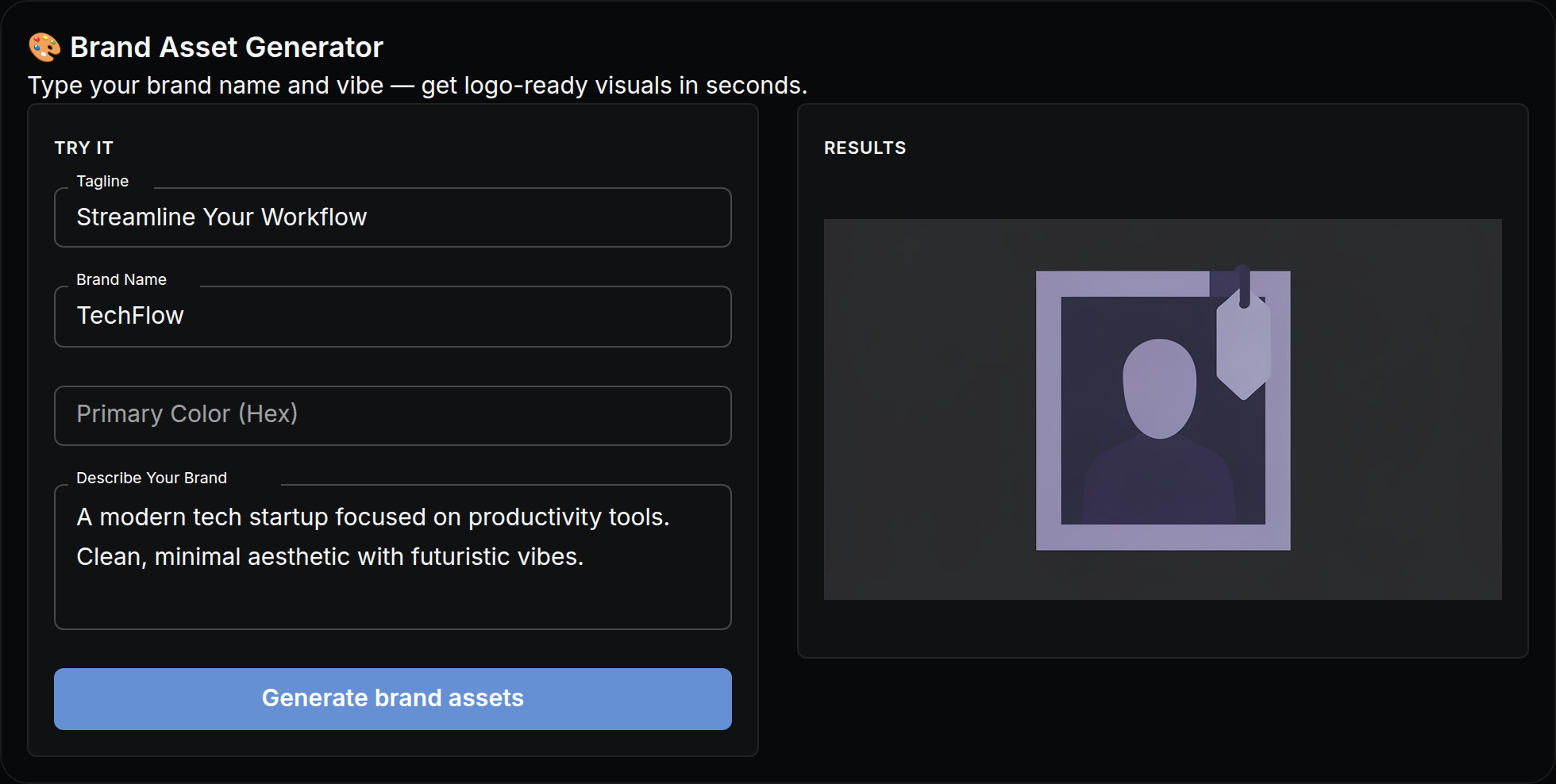
Type your brand name and vibe — get logo-ready visuals in seconds.