NodeTool Cloud is in alpha. Direct films and run workflows in the browser, on your own keys.NodeTool Cloud is in alpha. Try it →

Product
StudioCloud (alpha)AgentsNode-based workflowsAI video editorAI image editorStoryboardsMCP serverSupported modelsDownloadSolutions
DevelopersMarketingGame developmentLocal-firstResearchersAll solutionsResources
TemplatesRecipesPresetsAd libraryCompare alternativesFAQAI for advertising.
NodeTool is open-source AI ad software. Give the agent a product photo and a brief, and it storyboards the spot, renders stills and clips on your provider keys, and cuts a timeline you can edit.
One campaign, end to end
One brief. Four deliverables.
A launch campaign for a fictional olive travel cup, made with the Directed Campaign Kit. One brief asked for a 16:9 hero, a square post, a vertical story, and one controlled revision. The images carry no text, so the headline and call to action stay editable outside the artwork.
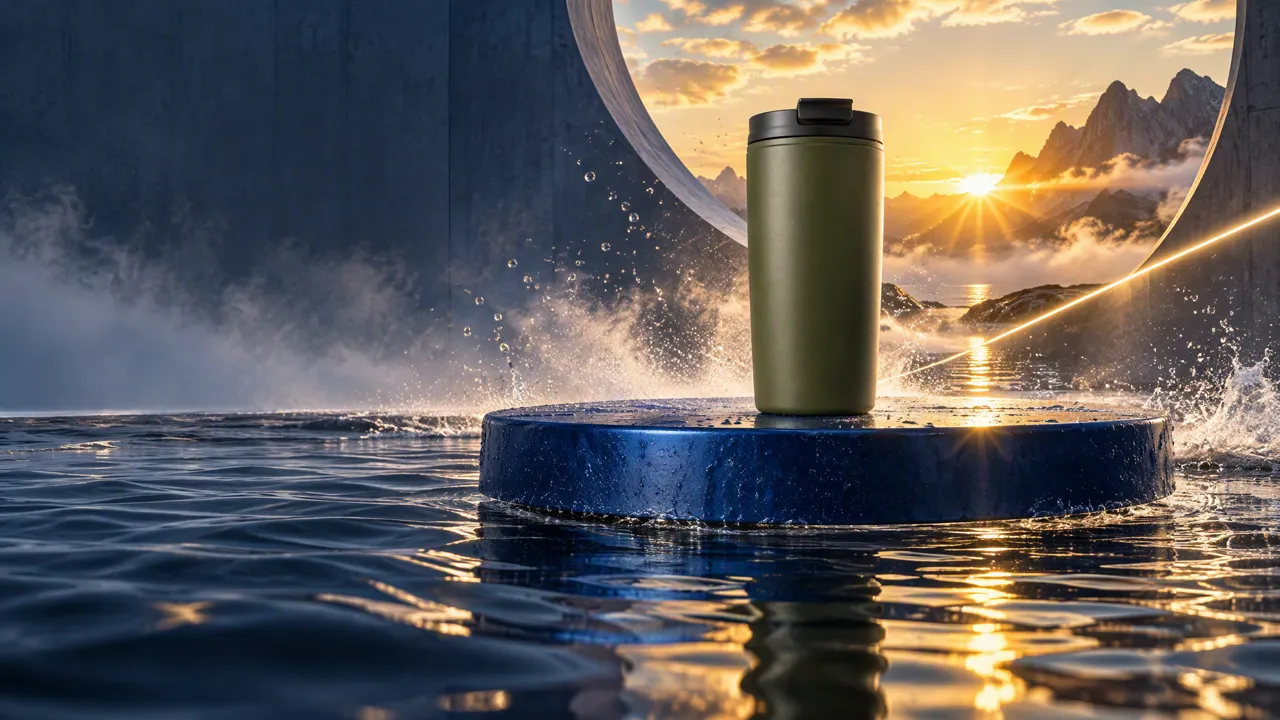
1 · Hero, 16:9
GPT Image 2.5 rendered the hero from the brief: a cobalt platform above water, an amber sunrise, and clean space on the left for copy.
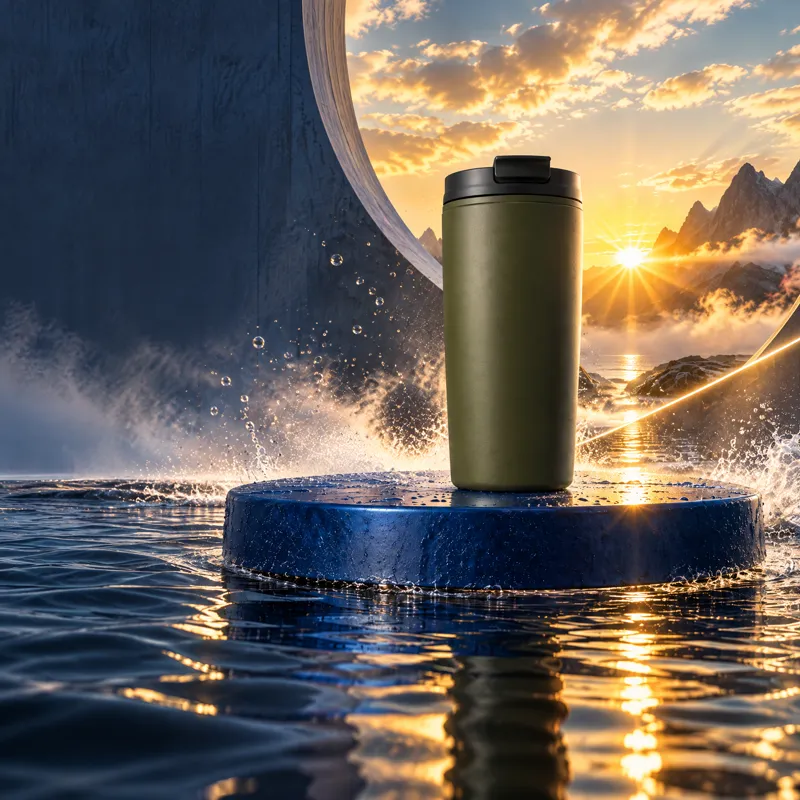
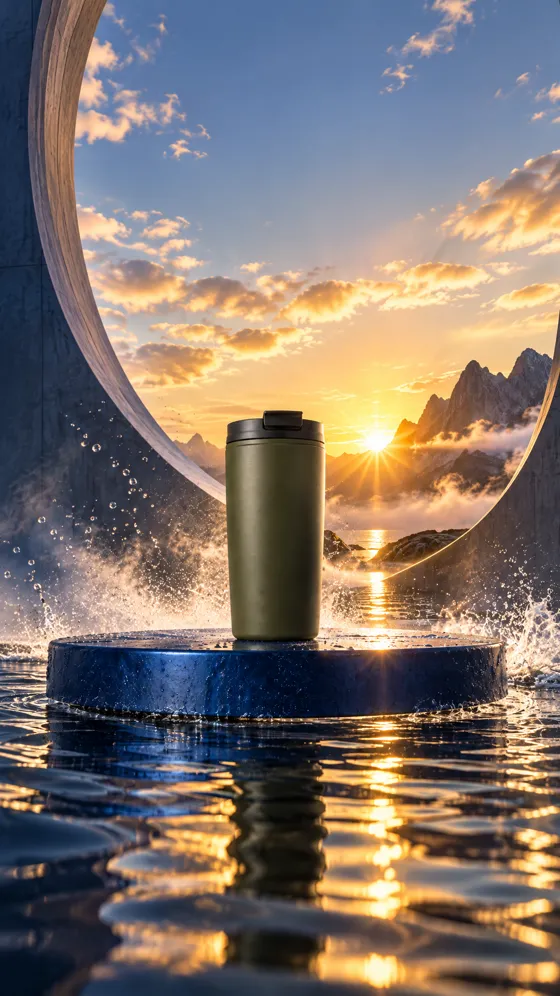
2 · Social, 1:1 · 3 · Story, 9:16
The matching edit model recomposed the hero for each format and was told to keep the cup, set, and grade. The square keeps the upper-left copy space and the story keeps its upper third clear.
Before 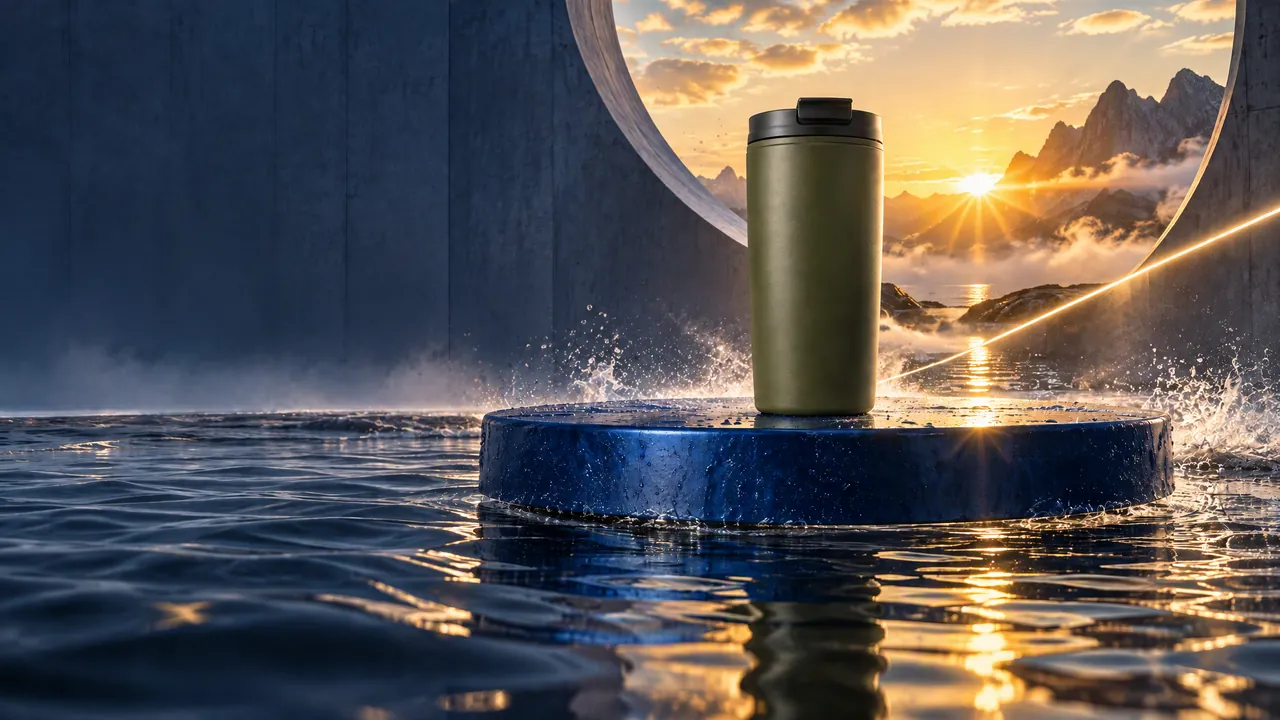
After 4 · Revision
“Reduce the water splash by about half and widen the clean dark-blue copy space on the left.”
The one note sent back. The edit model was told to keep the product, set, palette, and camera, so only the splash and the copy space changed.
The cup is a fictional demonstration product. Compare generated product geometry and materials with a real brand reference before you publish.
Follow the recipe step by stepMore for ad teams
- Ad libraryShort vertical ad templates, each with its beats, timing, copy budget, and a rendered example.
- Example storyboardsFinished commercials with every shot they were built from.
- Guided recipesCampaign kits, UGC videos, product commercials, and catalogue images, step by step.
- Product video from one photoA brief and a product photo become a 16:9 product video you rerun for the next product.
AI ad creative: common questions
- Can AI turn product photos into video ads?
- Yes. In NodeTool you save the product as an entity from its photo, write a brief, and the agent storyboards the spot. Each shot renders a still and then a clip on the image and video models you pick, and Create timeline assembles them into a cut you can trim and export. Compare the generated product with the real one before you publish.
- How do I make 9:16, 4:5, and 1:1 versions of one ad?
- Adapt format in the timeline menu derives a new sequence for each target format (9:16, 1:1, 4:5) from the same source media and leaves the original cut unchanged. You choose a center crop or a reframe that follows a tracked subject, and set a safe margin.
- Can I reuse one ad for other products in a catalogue?
- Yes. The Per-SKU Ad Factory template copies an approved storyboard onto another product with the Recast Storyboard node. It keeps every frame whose prompt did not change, so only the shots that show the product render again.
- What does AI ad creative cost in NodeTool?
- NodeTool is free and open source. Renders run on your own provider keys at the provider's price, and the render dialog shows the estimate before you confirm.
- What does NodeTool not do for advertisers?
- It has no library of stock AI presenters, it does not predict ad performance, and it does not publish to ad platforms. It makes the creative: stills, clips, and an editable timeline that you export and upload yourself.
Run the kit on your next product.
Download the free, open-source studio for macOS, Windows, and Linux, and open the Directed Campaign Kit.
Download NodeToolUpdated