
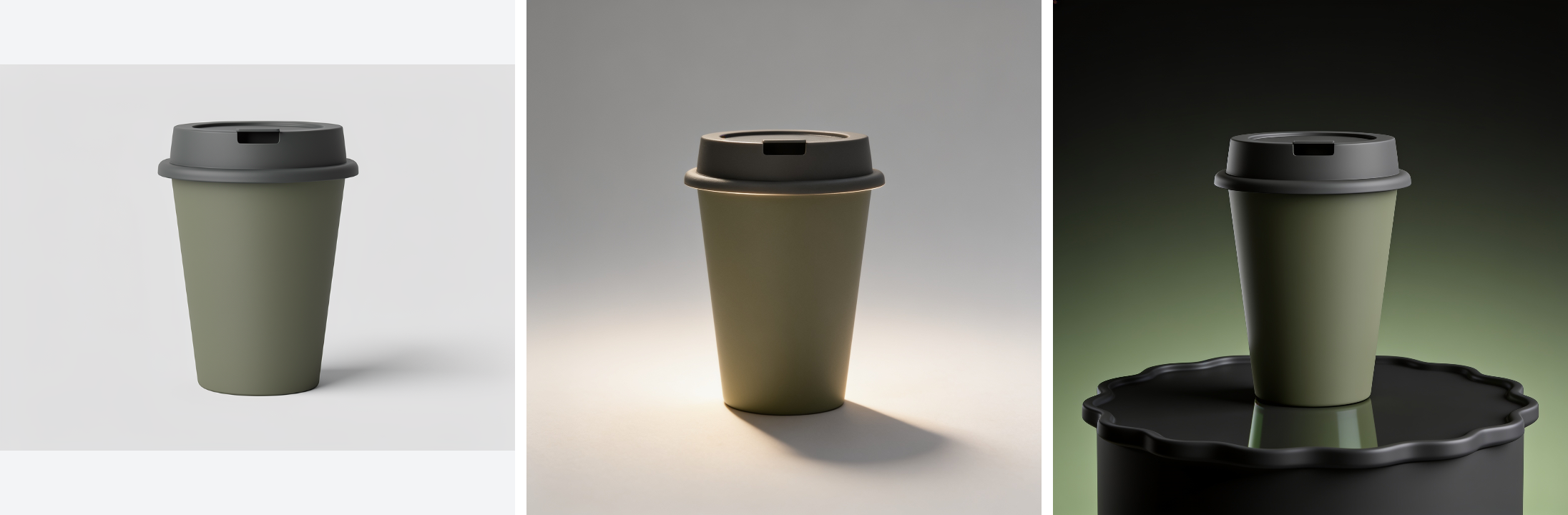
Product catalogue assets
Build a catalogue set from one product reference.
Turn one product photo into a cutout, studio shots, and seasonal scenes.
Explore projectNodeTool Cloud is in alpha — run workflows in the browser, on your own keys.NodeTool Cloud is in alpha. Try it →
Studio is the free NodeTool desktop app. An AI agent creates images, video, audio, and text inside NodeTool's editors. Then you change the storyboard, script, drawing, or video edit yourself, and the project stays on your computer for next time.
Free and open source, AGPL-3.0. macOS, Windows, and Linux. Recommended for real projects.
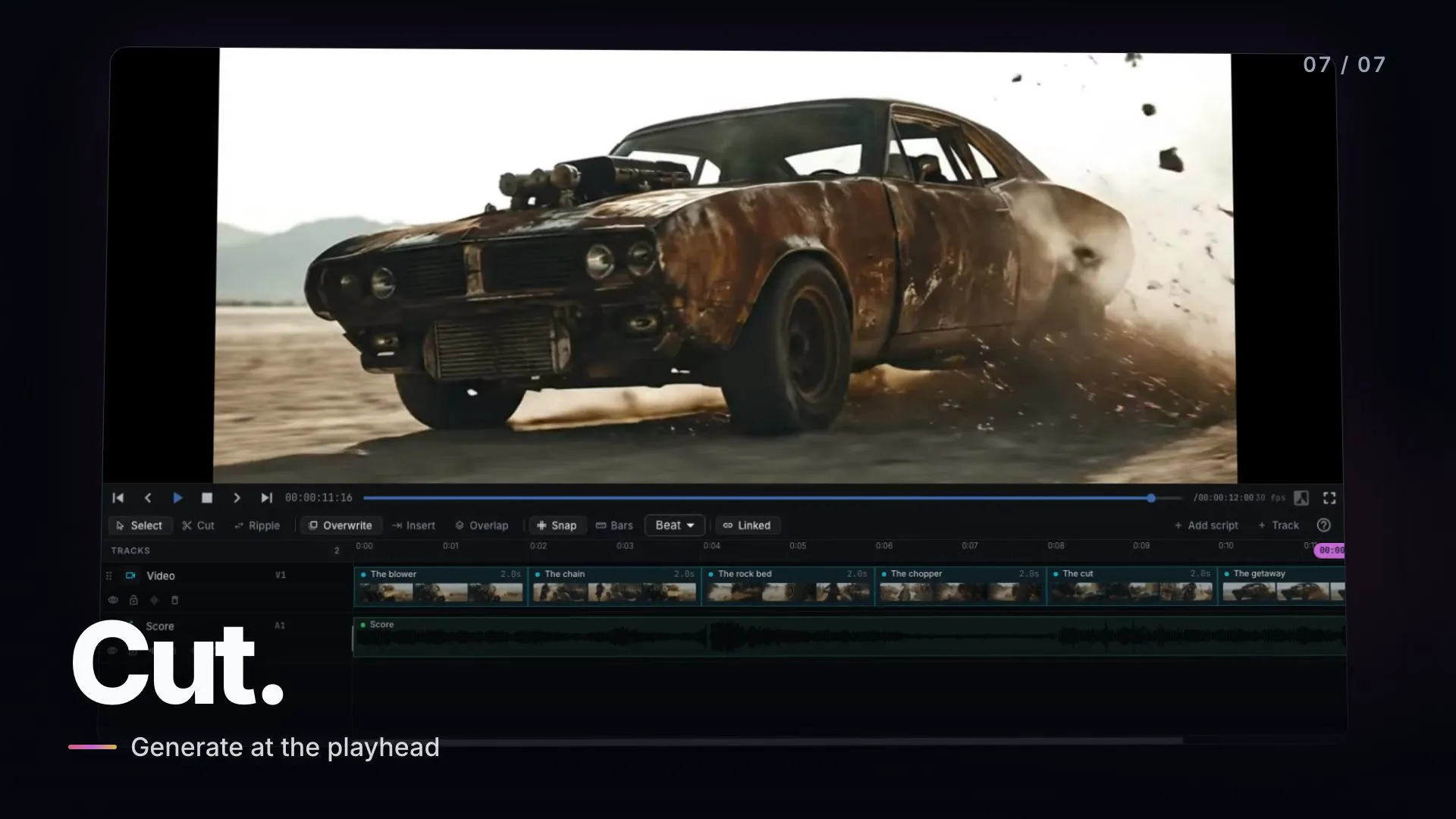
Recorded in the desktop app: the agent plans a storyboard, generates and compares shots, paints, records voices, and edits the video.
Use your subscription
Sign in with ChatGPT or Claude, and the agent runs on your subscription. Your ChatGPT and Gemini plans also generate images, and Gemini generates video. No API key, and no pay-per-call bill for those runs. They count against your plan's own limits.
| Plan | Chat and agent | Images | Video |
|---|---|---|---|
| ChatGPT | |||
| Claude | |||
| Gemini |
Subscriptions run in Studio, the desktop app. Gemini also needs the NodeTool Chrome extension in the browser where you are signed in.
One saved project
The agent can draft the storyboard and edit the clips into a video. The result is a NodeTool project, so you can make the next change yourself in an editor or ask the agent to make it.
Open the same project in the editor that fits the change. Revise a shot, a line reading, a layer, or the timing of the cut without starting over.
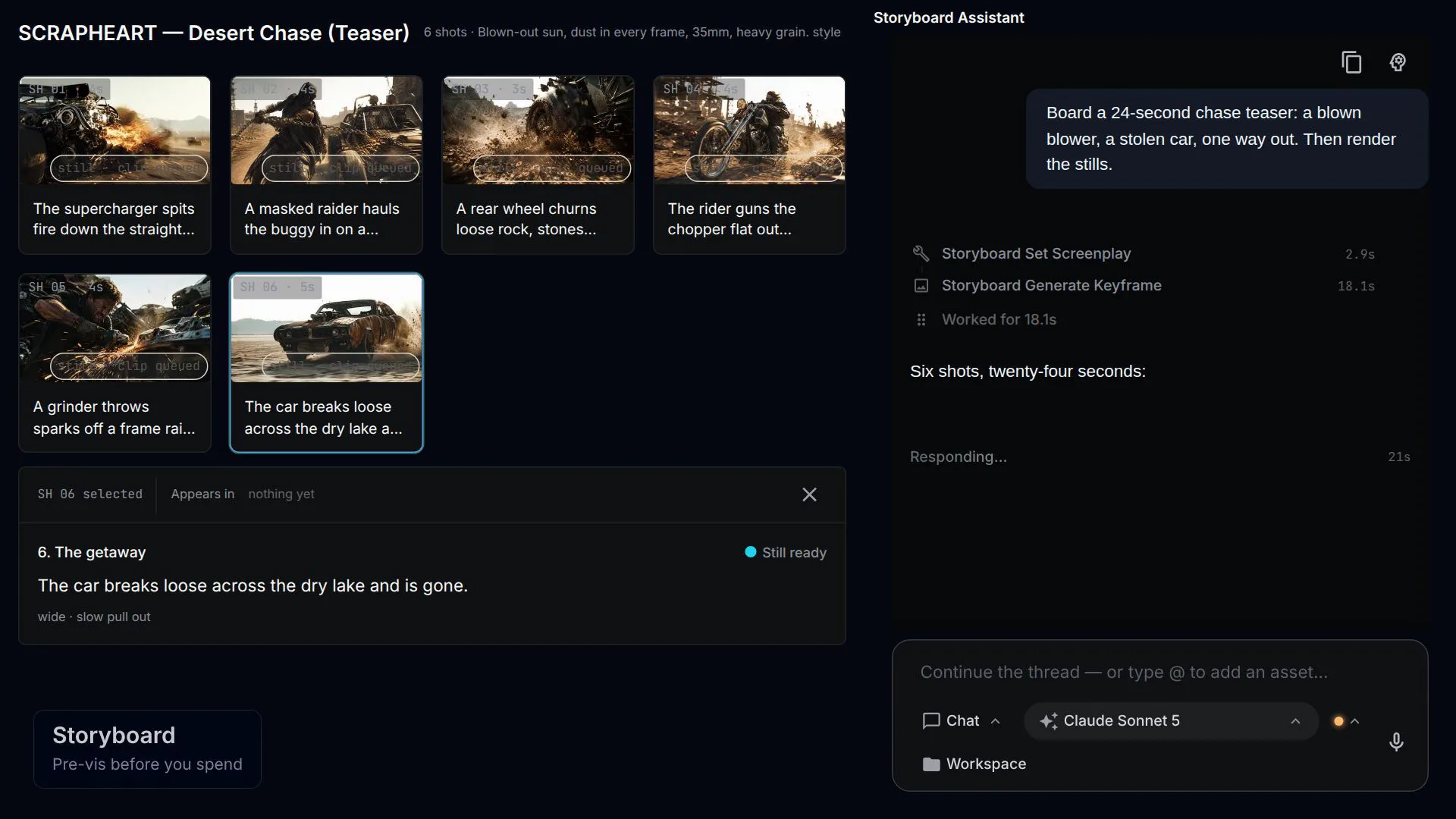
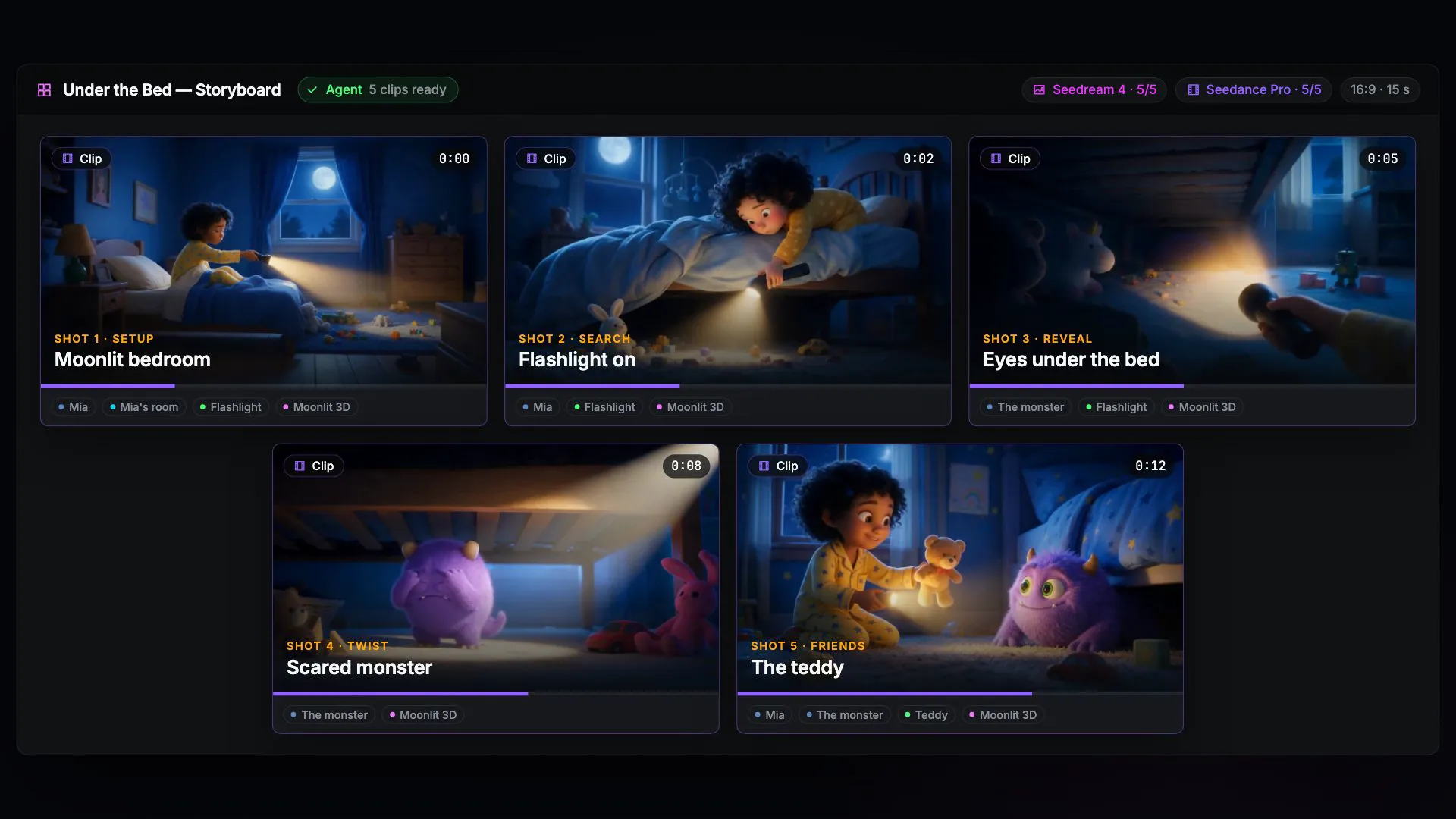
Plan the film one shot at a time. Generate quick still images to settle the look, then turn only the shots you approve into video.
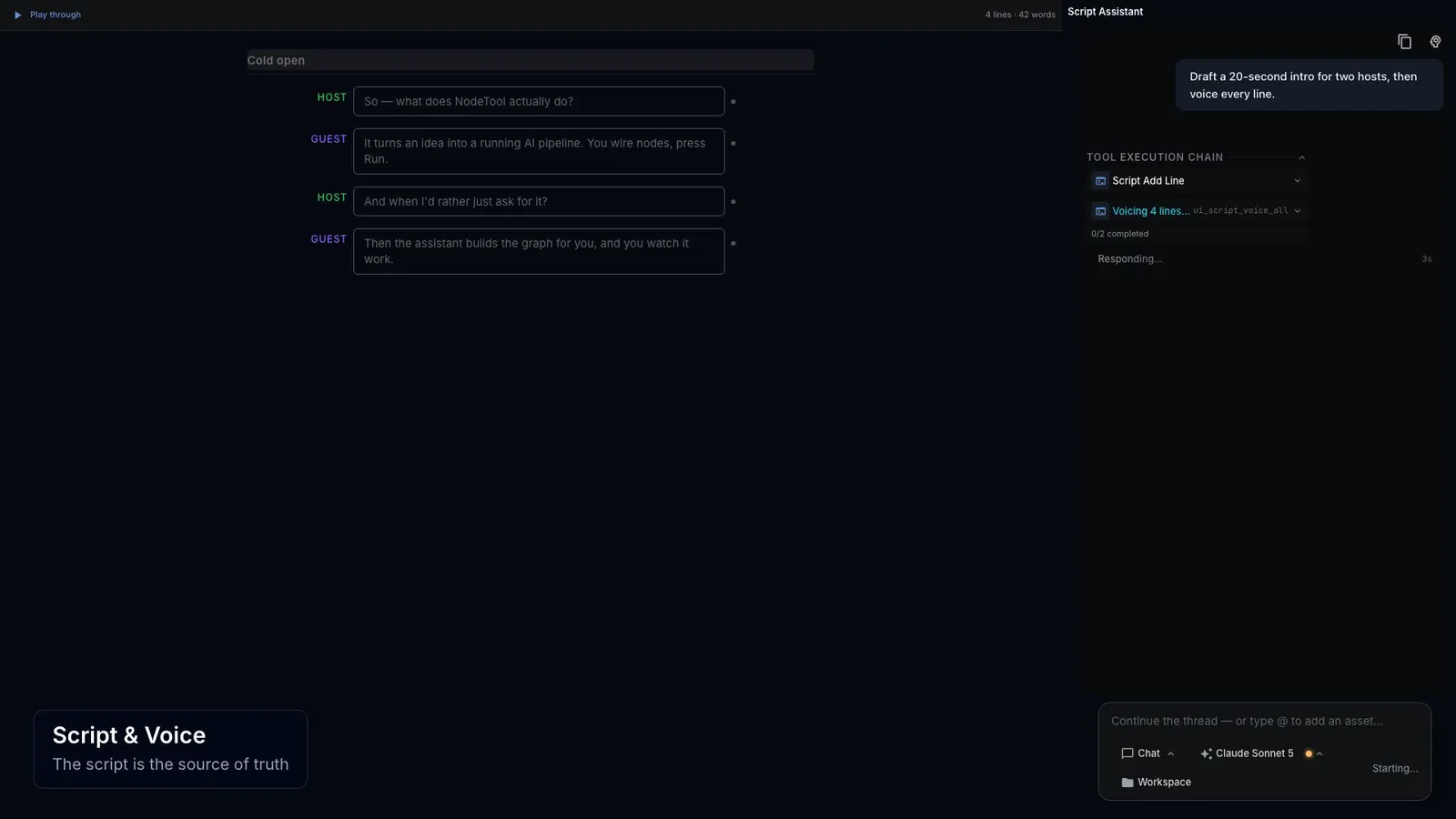
Write the dialogue, pick an AI voice for each character, and compare different readings of a line. Edit a line and its recording is marked out of date, so you can see what needs recording again.
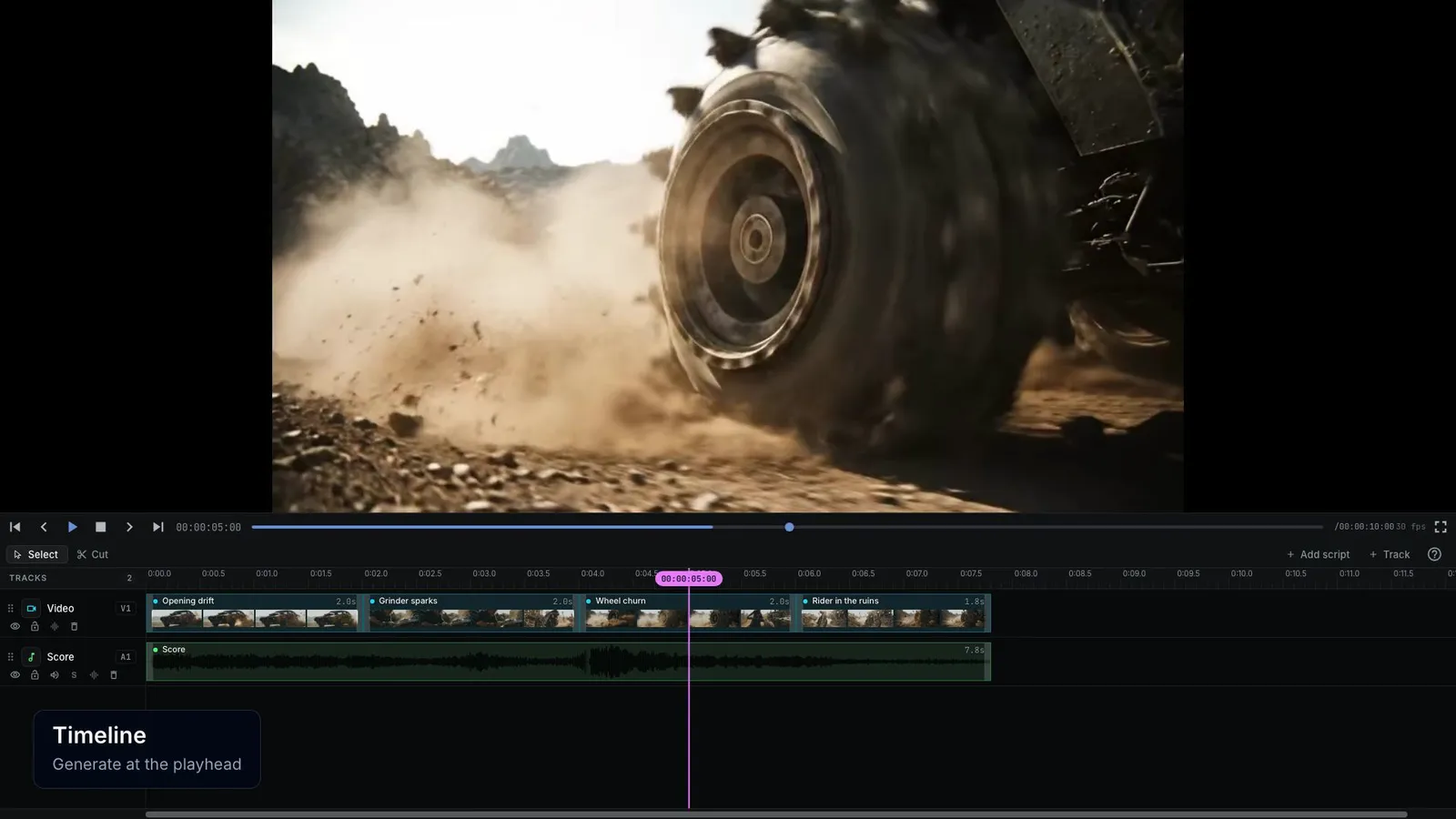
Arrange, trim, and layer video and audio clips on separate tracks, down to a single frame. Ask the agent to tighten the opening and it edits the same timeline.
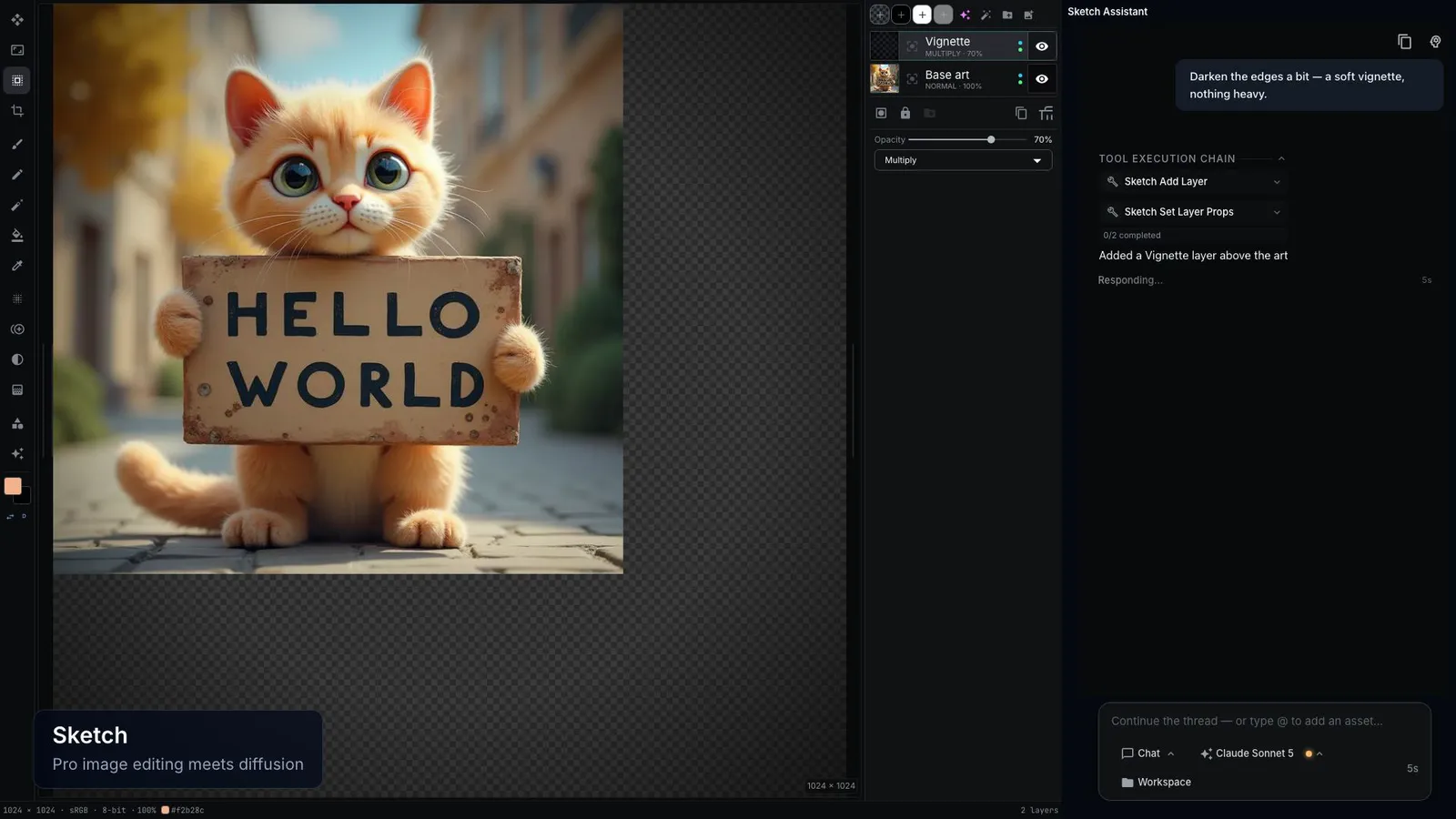
Sketch, paint, and blend your own drawing with AI-generated layers. Give a layer a text description, and the AI redraws that layer without touching the others.
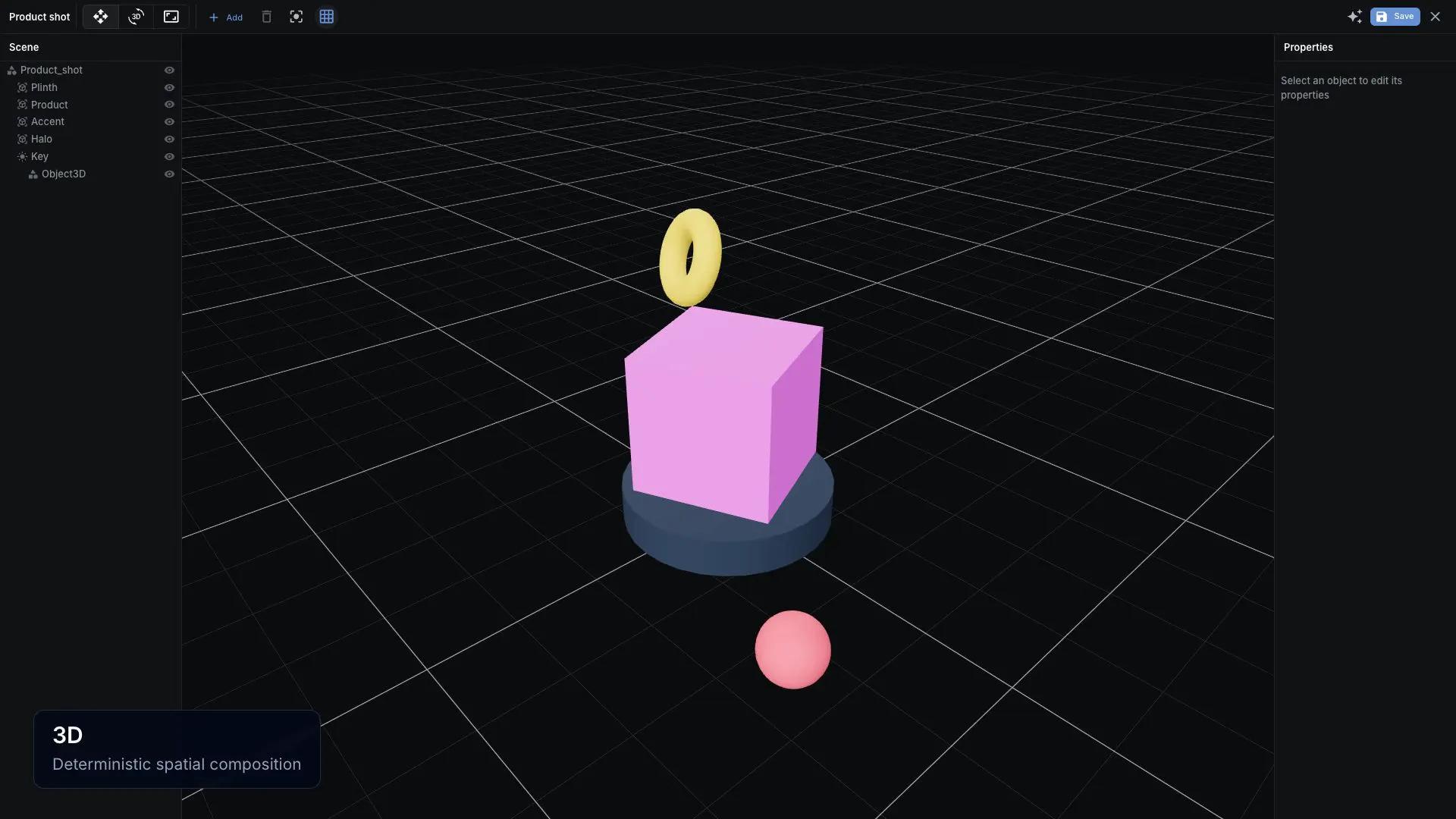
Lay out a scene with simple 3D shapes and lights, by hand or by asking the agent. Render it from any angle and use the image as a guide for a shot.
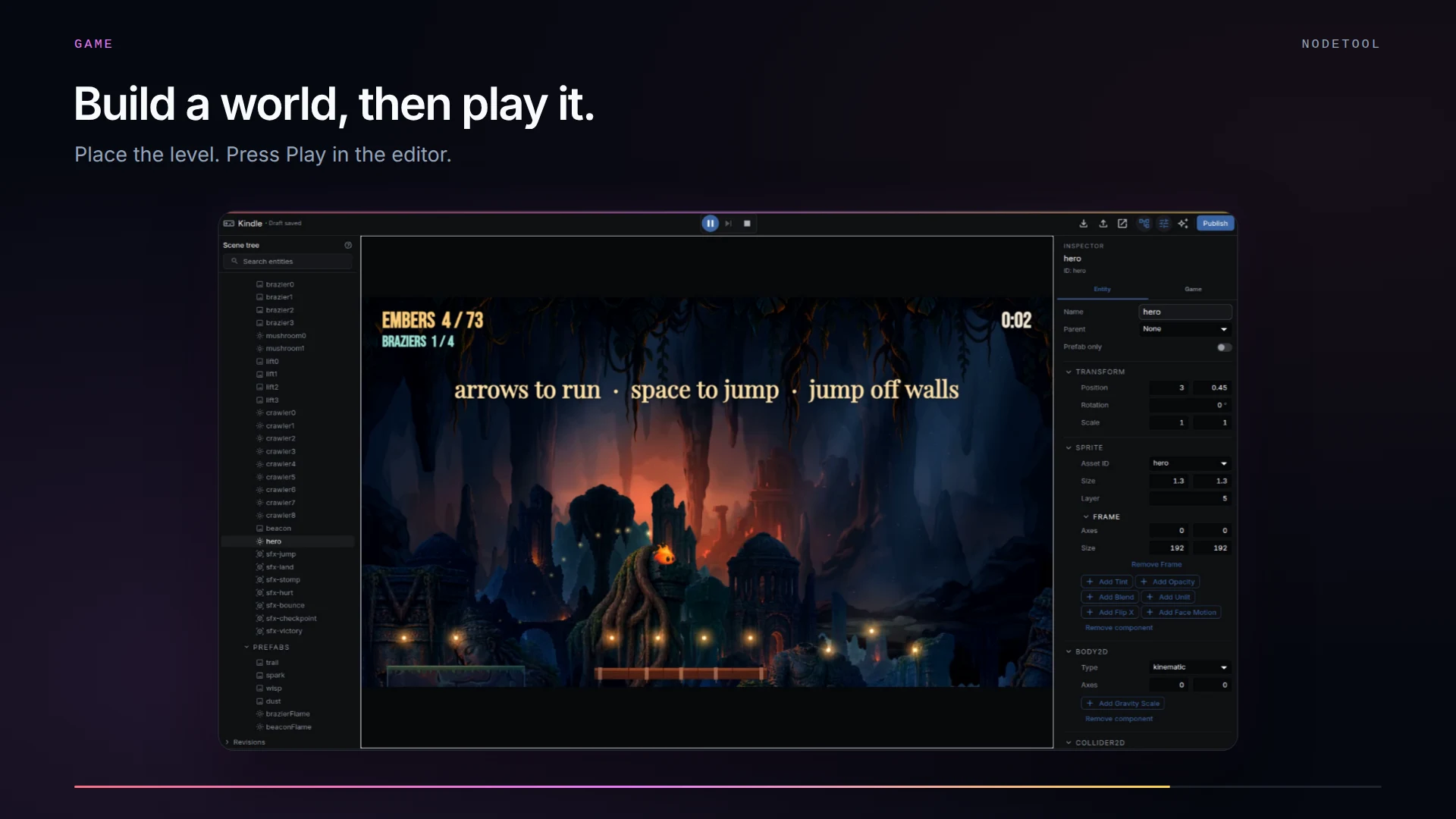
Place the player, the enemies, and the level, then press Play without leaving the editor. Ask the agent for a new rule or a darker level, and export the game to run in any web browser.
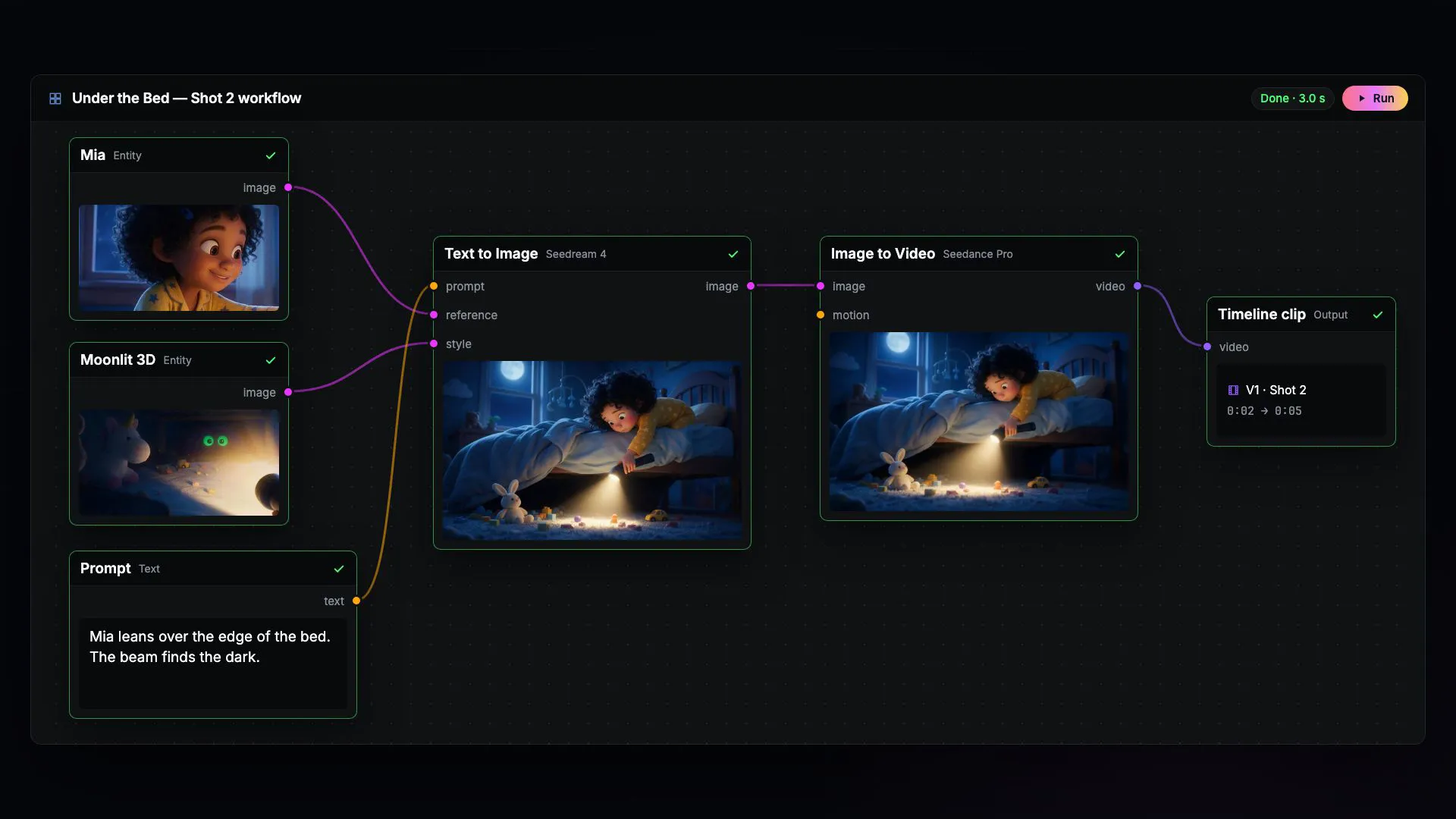
Underneath, every project is a chain of connected steps called a node graph. Connect the steps, press Run, and check the result of each one, from the first text prompt to the finished clip.
These short films were made in NodeTool. Each one is a project, not a flat video file: open it in Studio, the desktop app, and change the scenes, text, and motion.
Software launch film · 26 seconds
An inbox becomes a product story through animated scenes, type, and interface details.
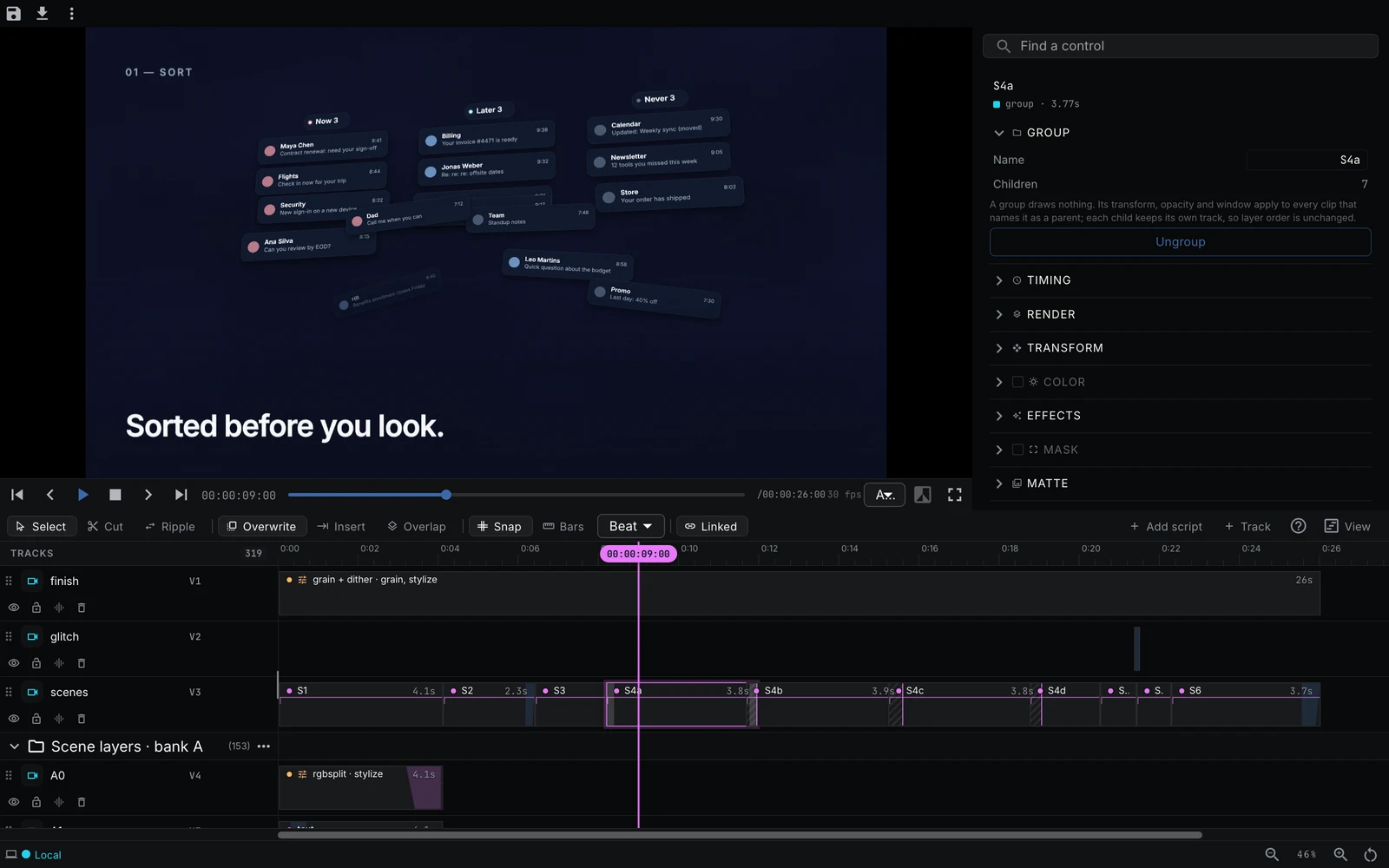
In Studio, open Examples from the logo menu, select Timelines, find Serein, then choose “Open editable timeline”.
Follow a recipe for product images, dubbed video, or a storyboard.
Product catalogue assets
Turn one product photo into a cutout, studio shots, and seasonal scenes.
Explore project
Multilingual video
An English presenter, revoiced in Spanish. Edit the translation and revise individual voice lines.
Explore project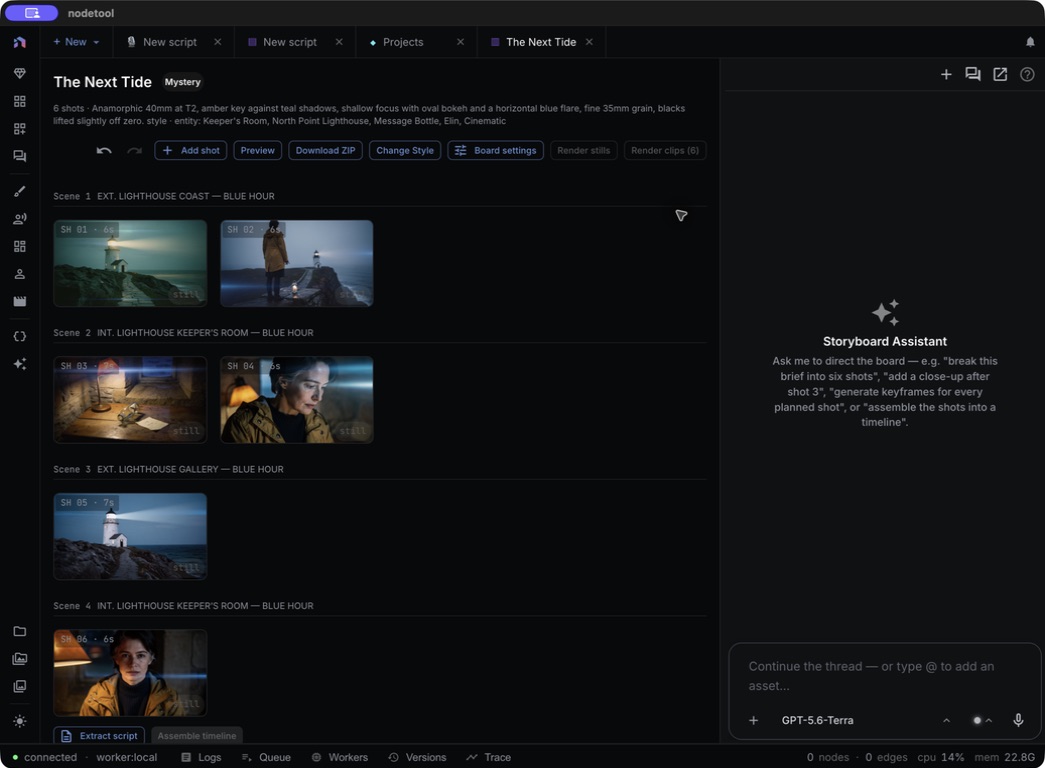
Storyboard to trailer
The Next Tide: a six-shot storyboard with a shared cast, locations, and props.
Explore project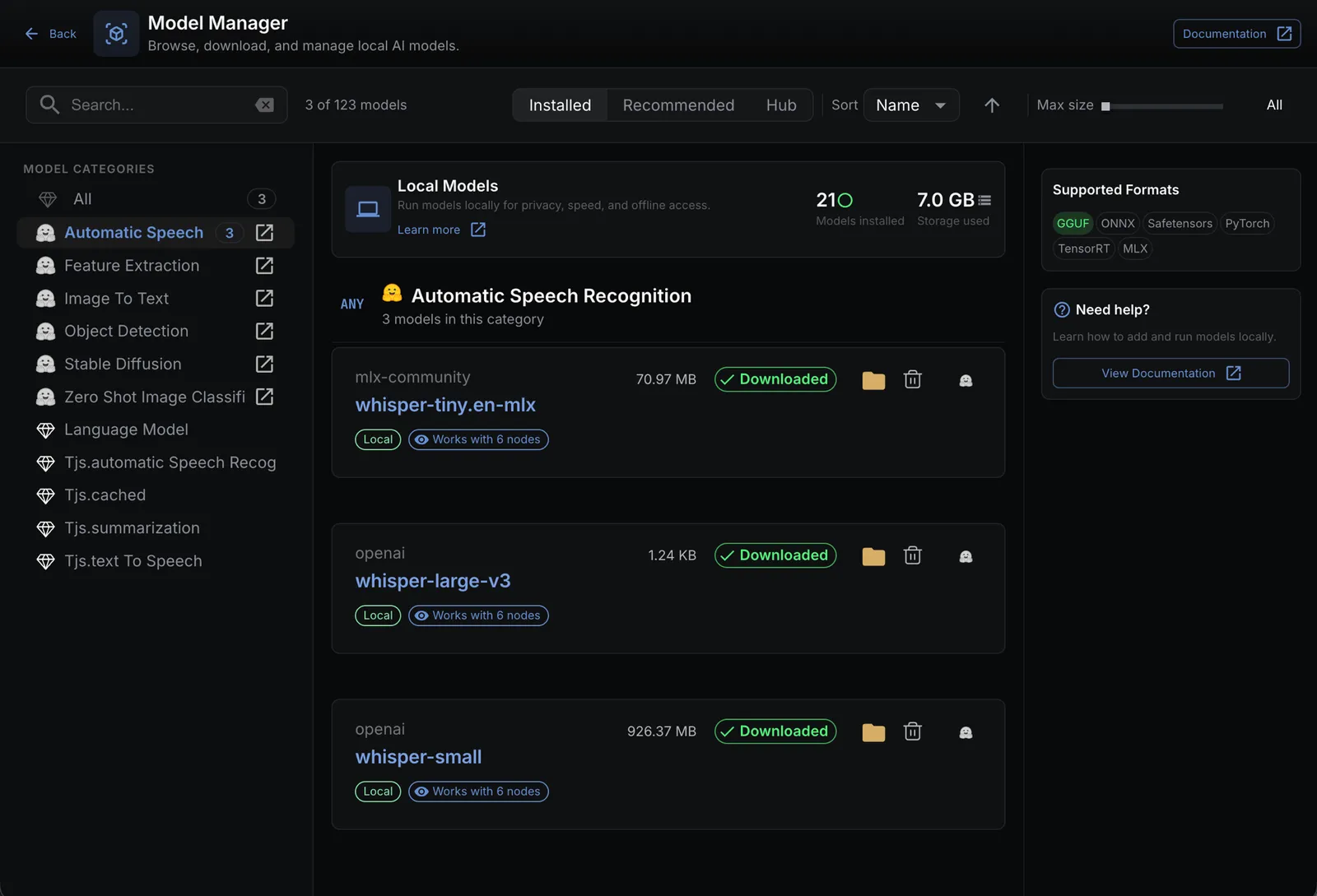
Runs on your computer
Studio keeps the project on your computer. It only goes online when you use an online AI provider or service.
Models
Use leading video, image, audio, and text models, or run free open models on your own computer. Switch models in one click. You connect your own account with each AI provider and pay it directly, at its published price.
Latest models
Cloud providers
Setup
You do not need a powerful computer. Running AI models on your own machine is optional.
It means you connect your own provider accounts and pay each provider directly at its published price. NodeTool does not add a credit system or a provider-price markup. The provider still receives the requests you send to its models. You will sometimes see this written as BYOK.
Read more →Yes, in Studio. Sign in with ChatGPT or Claude, and the agent runs on that subscription instead of an API key. With the NodeTool Chrome extension, NodeTool also uses the ChatGPT or Gemini tab you are signed in to: ChatGPT generates images, and Gemini runs chat, images, and video. Those runs count against your plan's limits, so you get no pay-per-call bill for them. Every run shows up in your ChatGPT or Gemini history.
Read more →Use Studio for real projects. It is the desktop app for macOS, Windows, and Linux. It works with online AI providers without a graphics card, and it can run supported AI models on your own computer if the hardware is strong enough. Cloud runs in your web browser and is in alpha, an early test version, so use it to try NodeTool. Moving projects between Cloud and Studio may not cover everything during the alpha, so check that the move you need works before you rely on it.
Read more →NodeTool Studio stores the workspace, workflows, files, and configured credentials on your machine. Supported open-weight models can run locally through MLX, Ollama, llama.cpp, vLLM, and LM Studio. When you call a hosted model, the request leaves your machine for that provider. Cloud uses hosted project storage; review the current privacy policy and terms before using sensitive material.
Read more →No. Studio can use hosted providers, where the model runs on the provider's hardware. A GPU matters only when you choose to run supported open-weight models on your computer. The requirement then depends on the model and runtime; smaller models may run on CPU at lower speed.
Read more →Studio can keep working without a network when the project uses local files and supported local models already installed on the machine. Remote providers, model downloads, online documentation, and other hosted services still require a connection.
Read more →Example storyboards
Plan the shots in Studio, then render the film. These examples ship with NodeTool.
Film
Two swordsmen face off in a windblown wheat field. One strike.
Commercials
A luxury watch seen as a living mechanism, from gears to wrist.
Nature
A red fox hears a mouse beneath the snow and dives head first.
CommercialsVertical
An iced cold brew ad built on one slow pour and the first cold sip.
NodeTool is open source under AGPL-3.0. Star it on GitHub, join us on Discord, and share workflows with the artists and studios already using it on real jobs.
Download the free desktop app for macOS, Windows, or Linux. The app and its source code are open under AGPL-3.0.
Updated