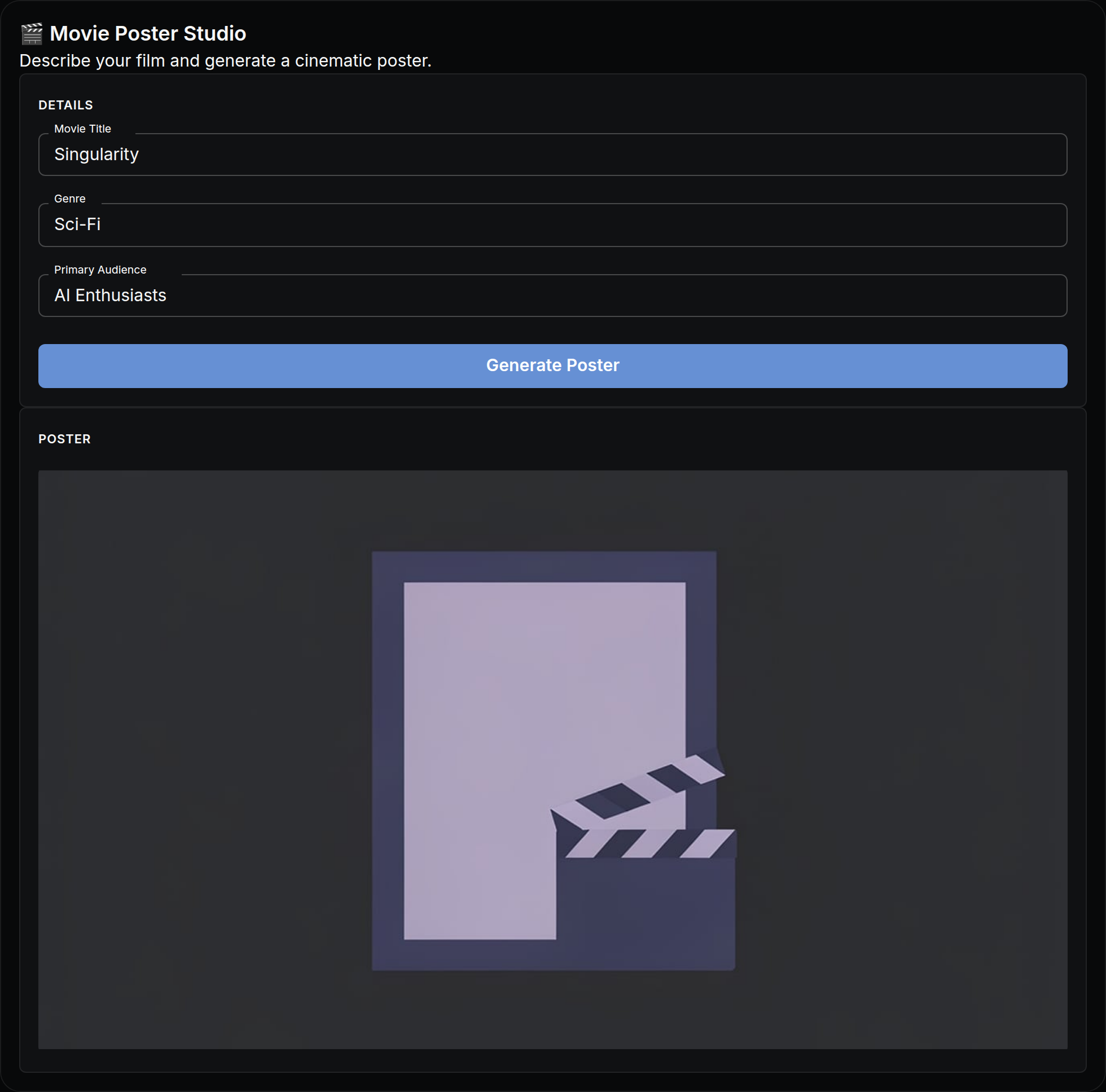
The actual app, as it opens in NodeTool — built with the visual App Builder, no code.
What you put in
- textMovie Title
- textGenre
- textPrimary Audience
What you get out
- ImagesPoster
How it works
- Step 1
Fill in a few fields
Plain-language inputs — movie title, genre, primary audience. No settings, no jargon.
- Step 2
Click “Generate Poster”
The workflow runs behind the scenes — on your machine or with your own provider keys. You pay providers directly, or run local models for free.
- Step 3
Watch results stream in
Results appear live in the app: poster.
It's an app until you want more
Every mini app is a real NodeTool workflow underneath. Open the canvas to swap models, change prompts, or add steps — then publish your remix as a new app for your team.
Explore the Movie Posters workflowMore mini apps
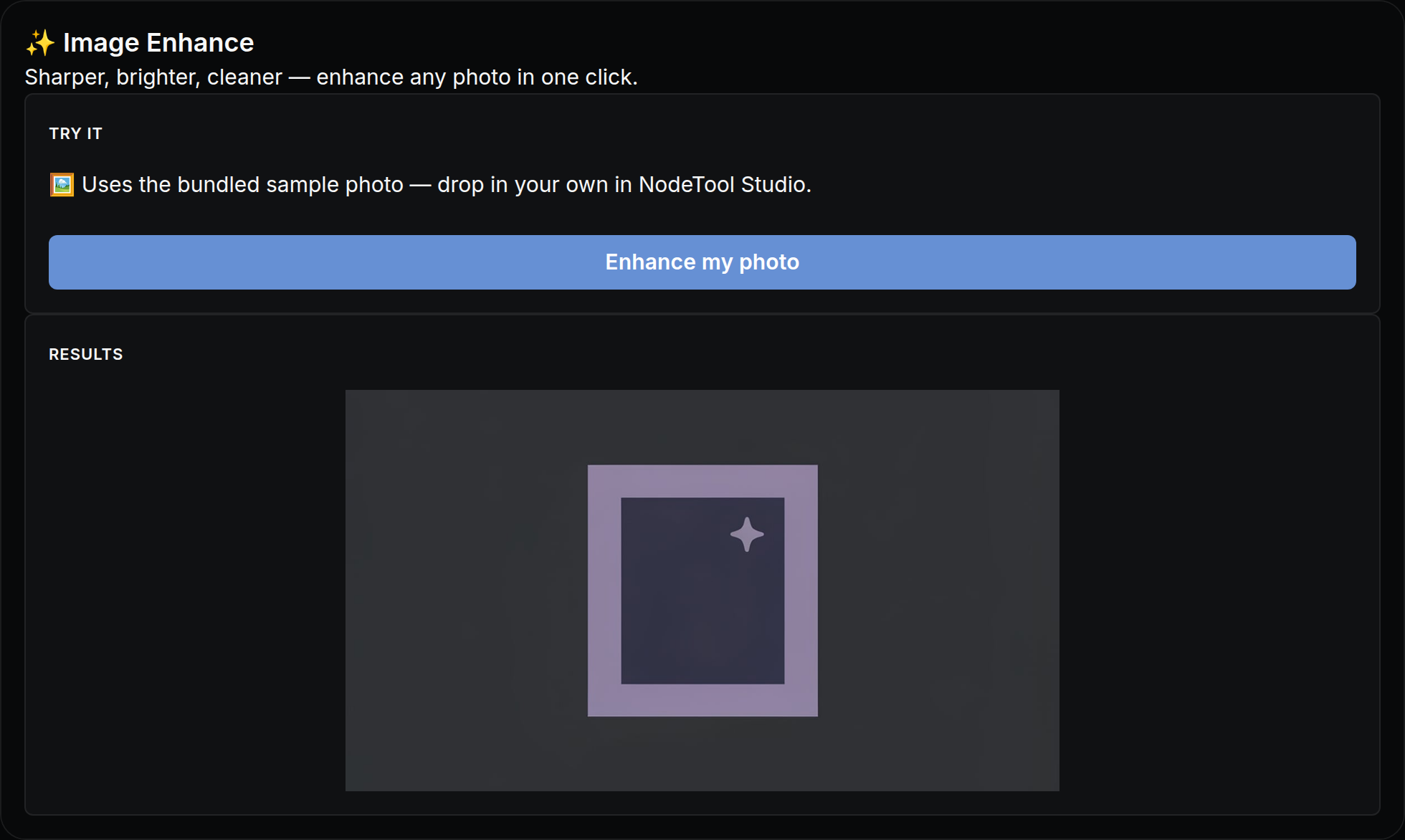
Sharper, brighter, cleaner — enhance any photo in one click.
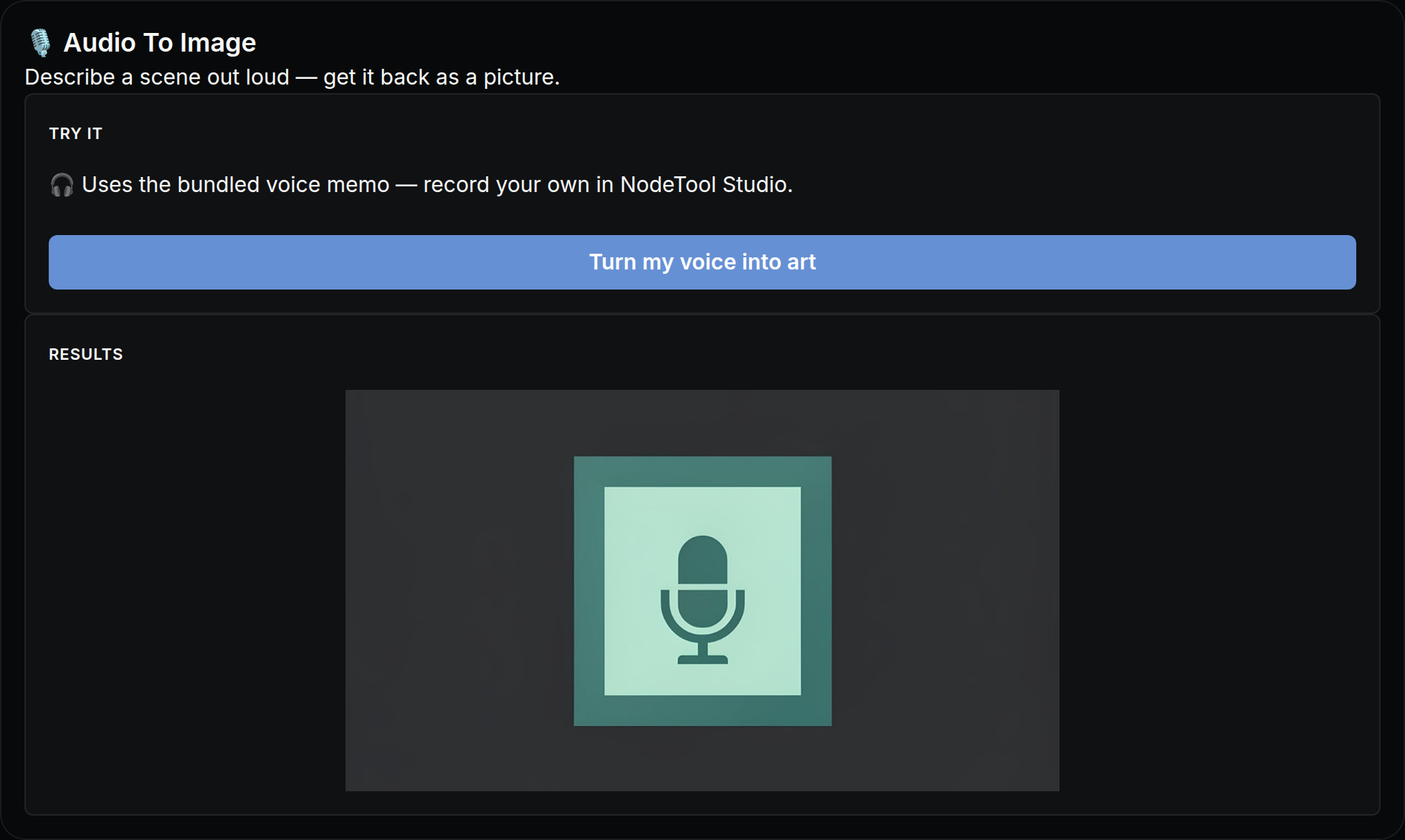
Describe a scene out loud — get it back as a picture.
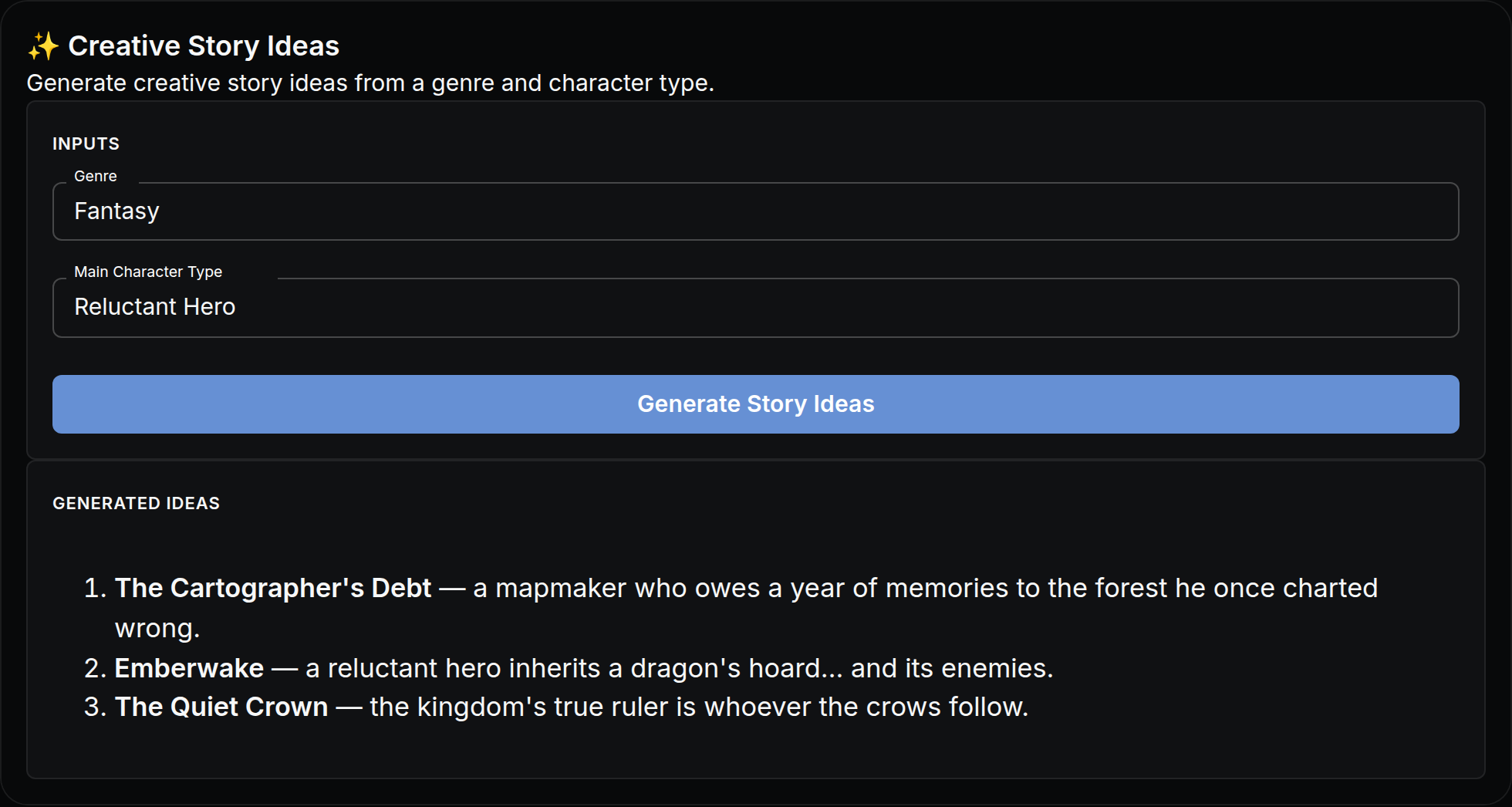
Generate creative story ideas from a genre and character type.
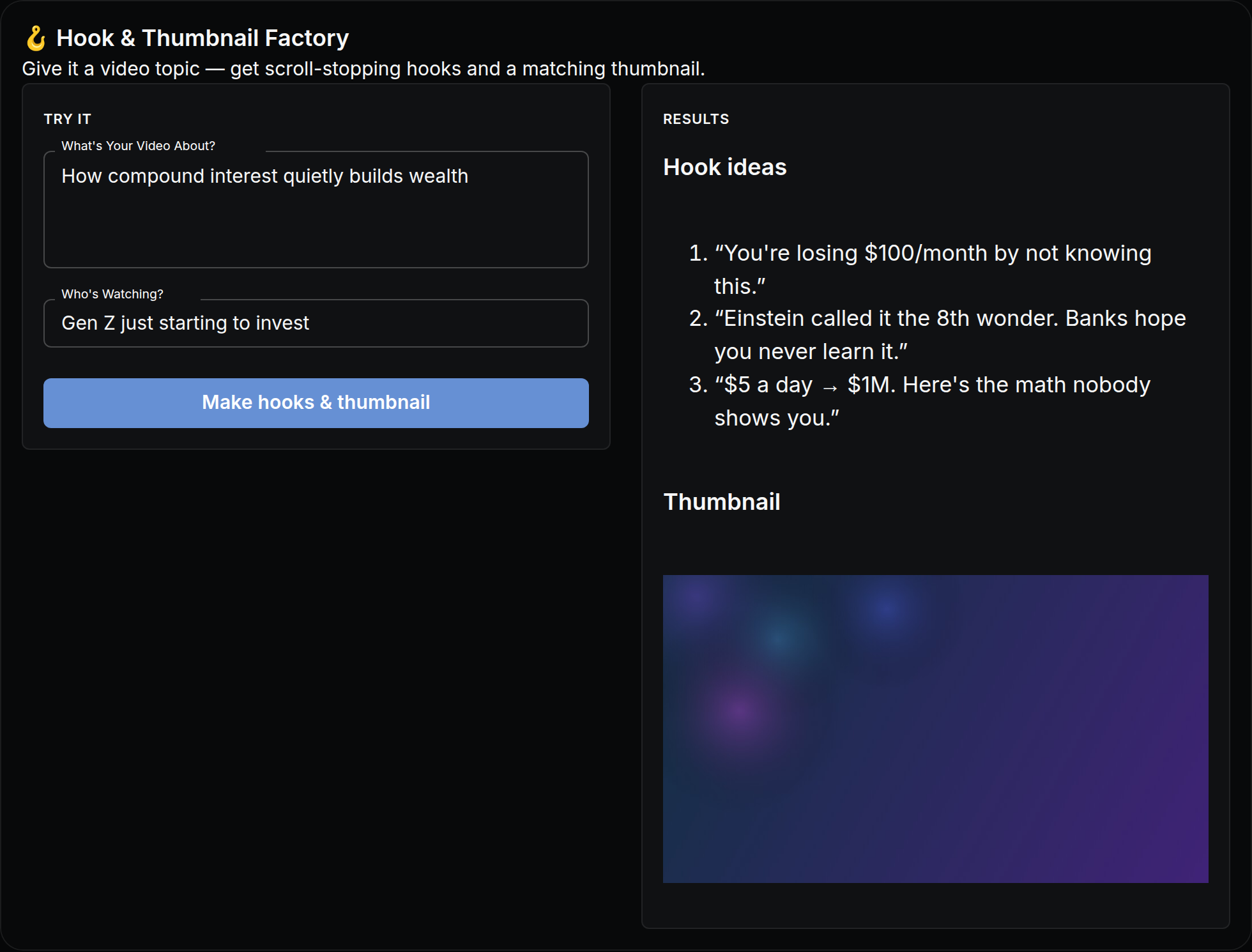
Give it a video topic — get scroll-stopping hooks and a matching thumbnail.
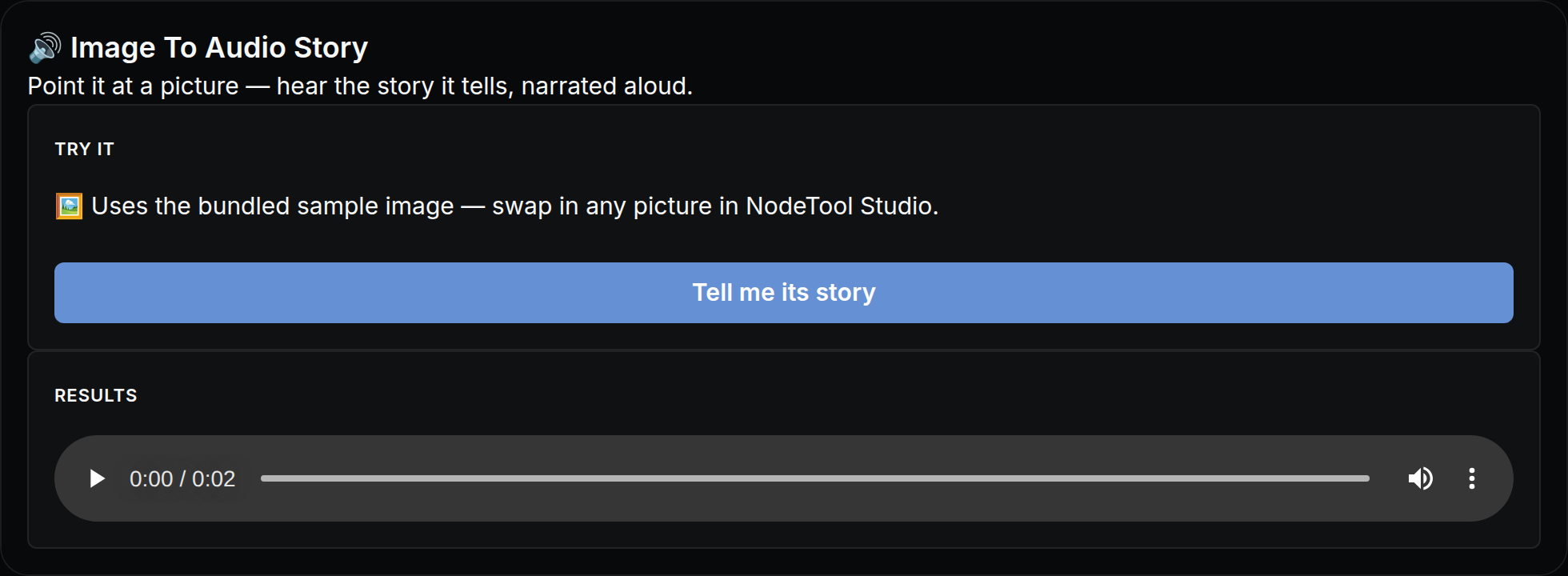
Point it at a picture — hear the story it tells, narrated aloud.
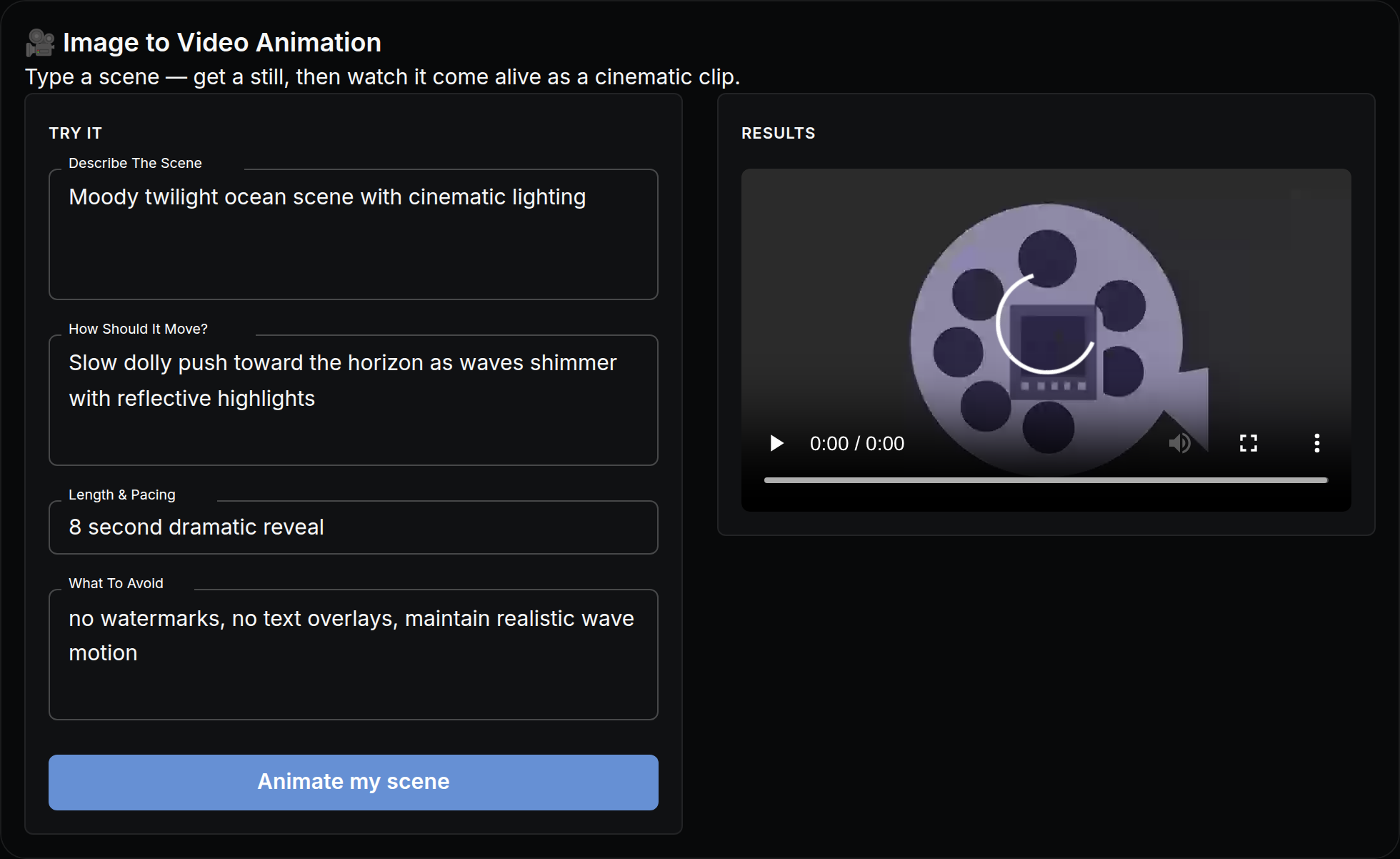
Type a scene — get a still, then watch it come alive as a cinematic clip.