NodeTool Cloud is in alpha — run workflows in the browser, on your own keys.NodeTool Cloud is in alpha. Try it →

📸 Photo Studio
Drag five sliders and watch the photo re-render — then run the same grade over a whole folder.
✨ Enhance is GPU-only and needs no keys. Batch adds a FAL grading pass, so it needs a FAL key.
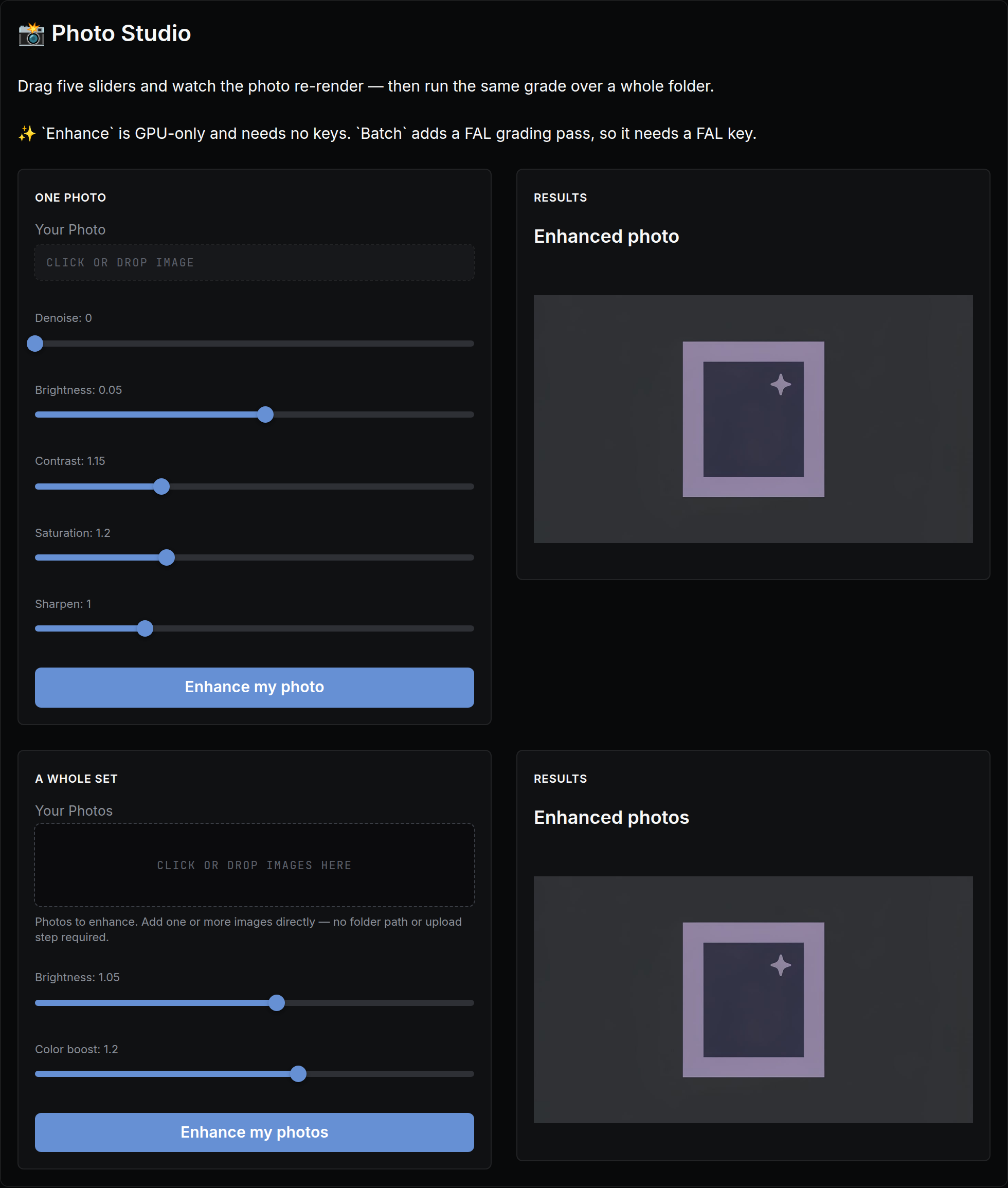
The actual app, as it opens in NodeTool — built with the visual App Builder, no code.
What you put in
- imageYour photo
- numberDenoise
- numberBrightness
- numberContrast
- numberSaturation
- numberSharpen
- imageYour photos
- numberBrightness
- numberColor boost
What you get out
- ImagesEnhanced photo
- ImagesEnhanced photos
How it works
- Step 1
Fill in a few fields
Plain-language inputs — your photo, denoise, brightness, …. No settings, no jargon.
- Step 2
Click “Enhance my photo”
The workflow runs behind the scenes — on your machine or with your own provider keys. You pay providers directly, or run local models for free.
- Step 3
Watch results stream in
Results appear live in the app: enhanced photo, enhanced photos.
It's an app until you want more
Every screen in this app runs a real NodeTool workflow. Open any of them on the canvas to swap models, change prompts, or add steps — then publish your remix as a new app for your team.
More mini apps
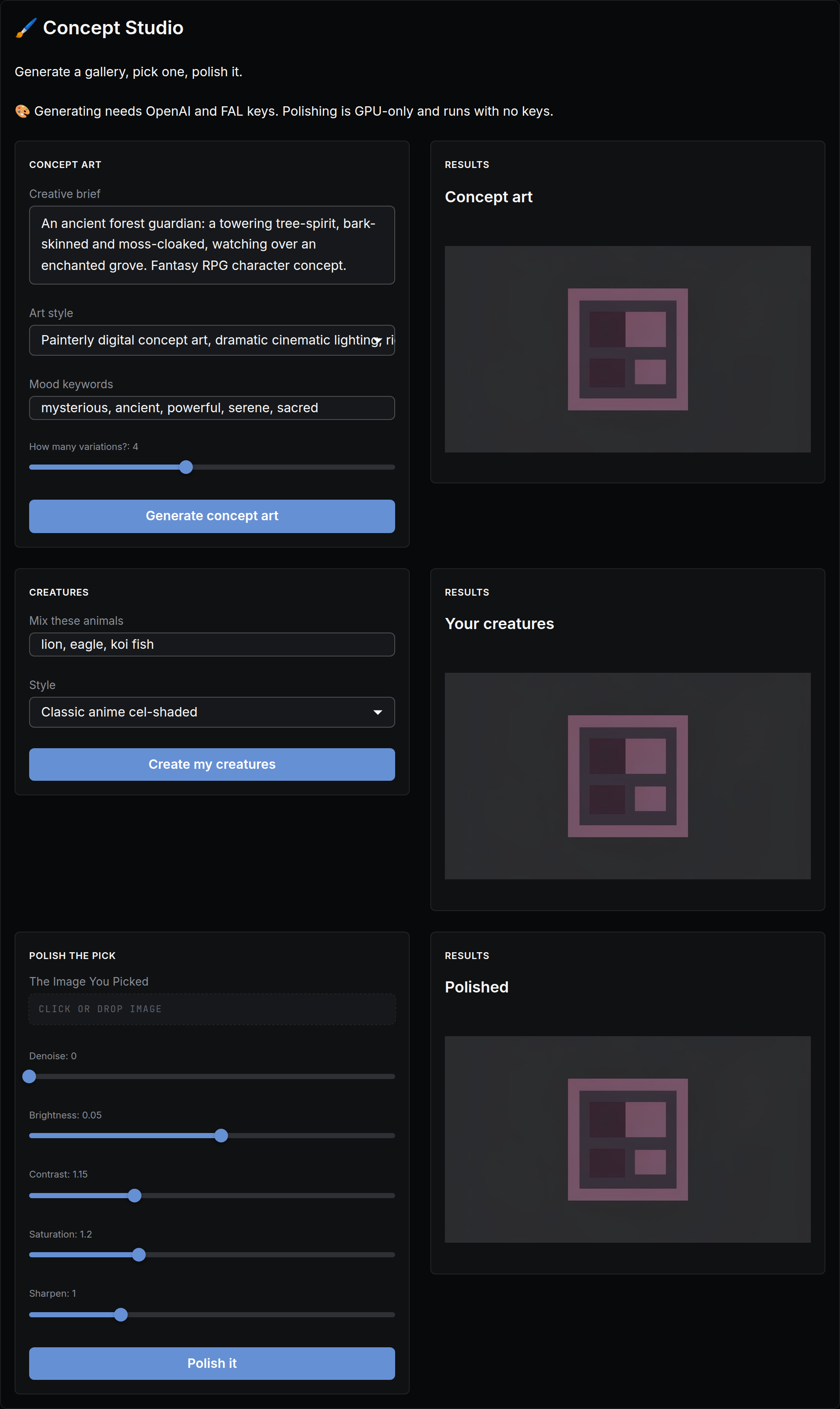
Generate a gallery, pick one, polish it.
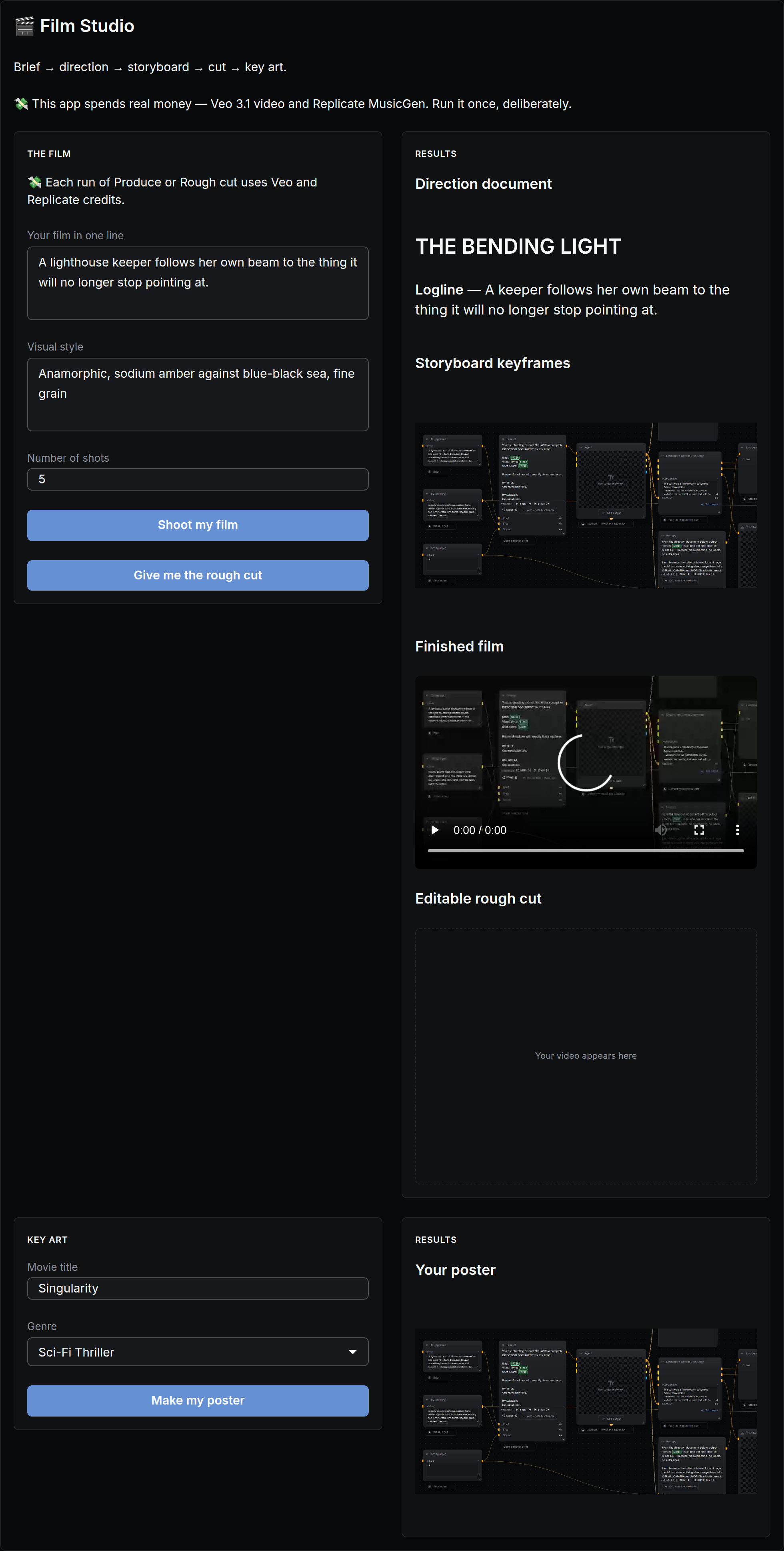
Brief → direction → storyboard → cut → key art.
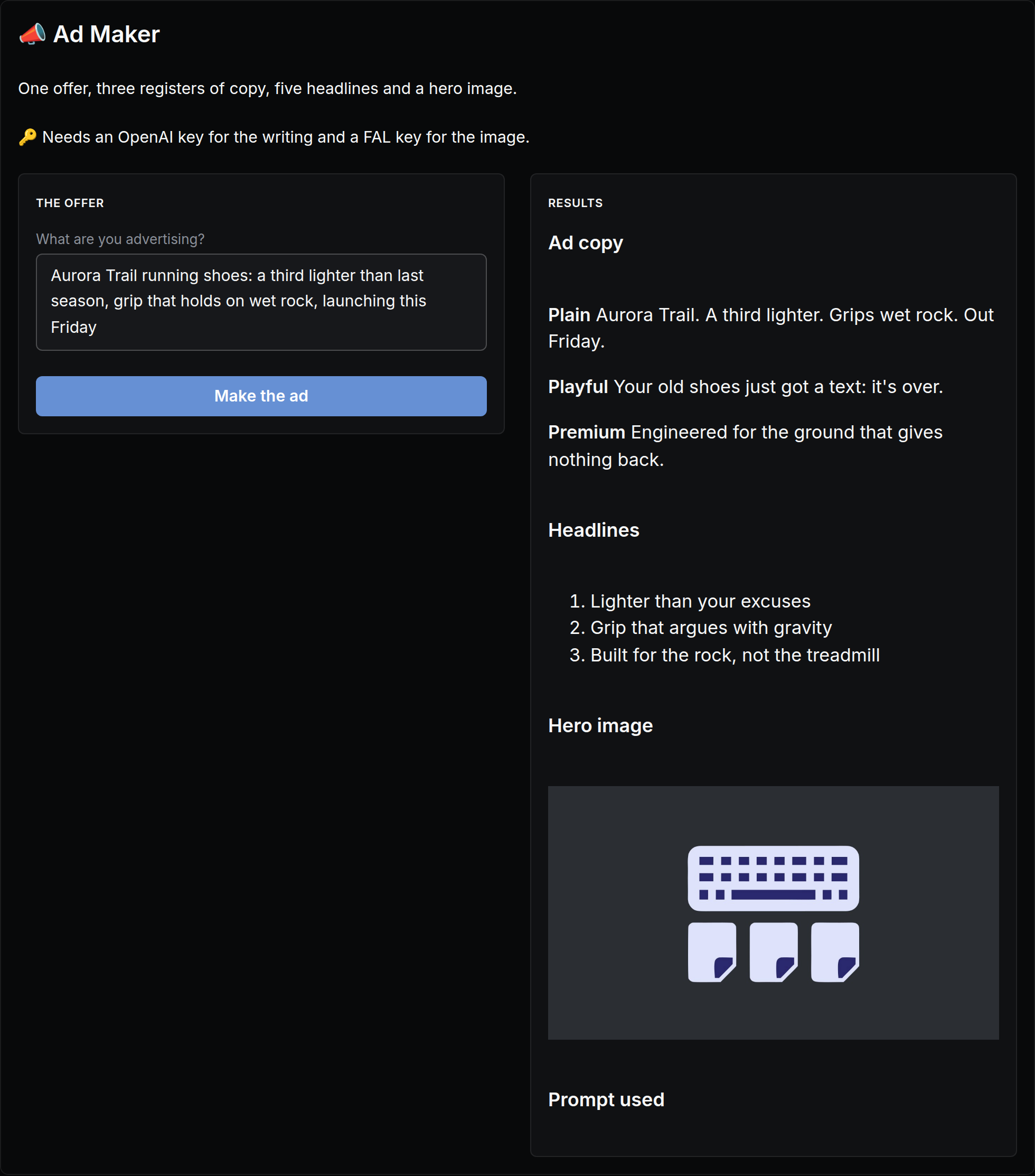
One offer, three registers of copy, five headlines and a hero image.
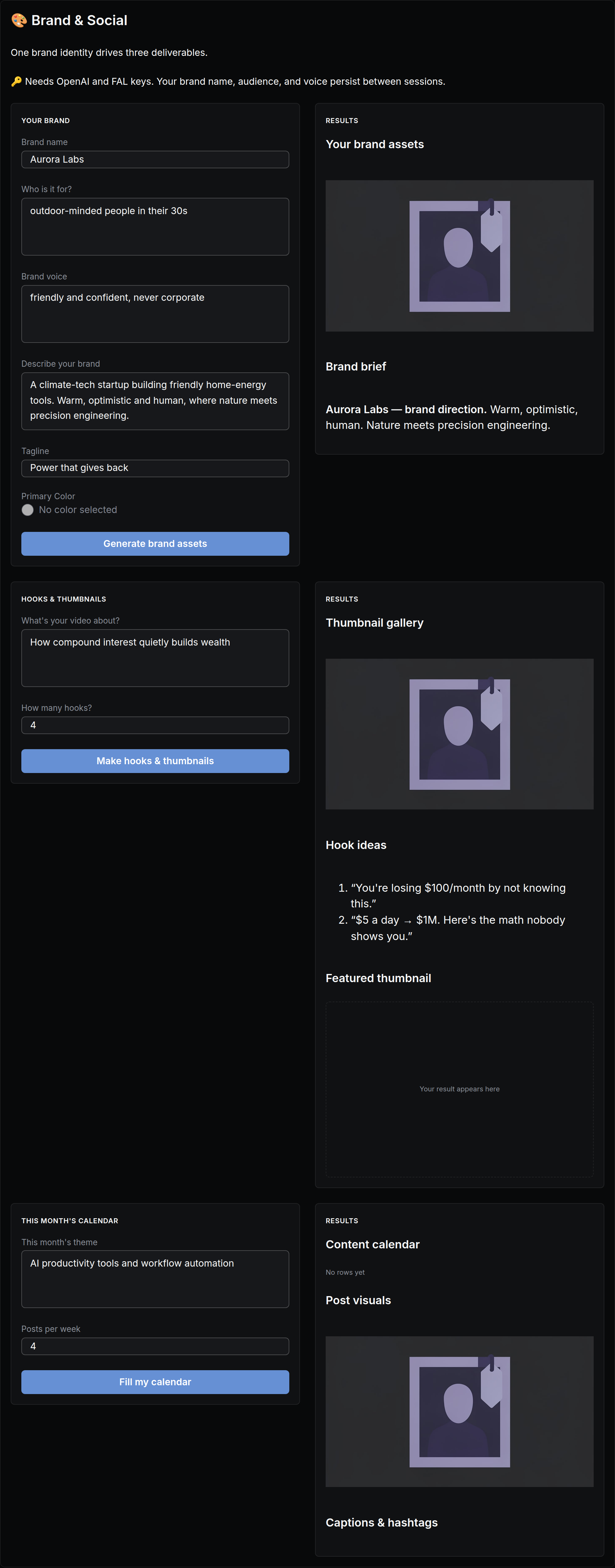
One brand identity drives two deliverables.
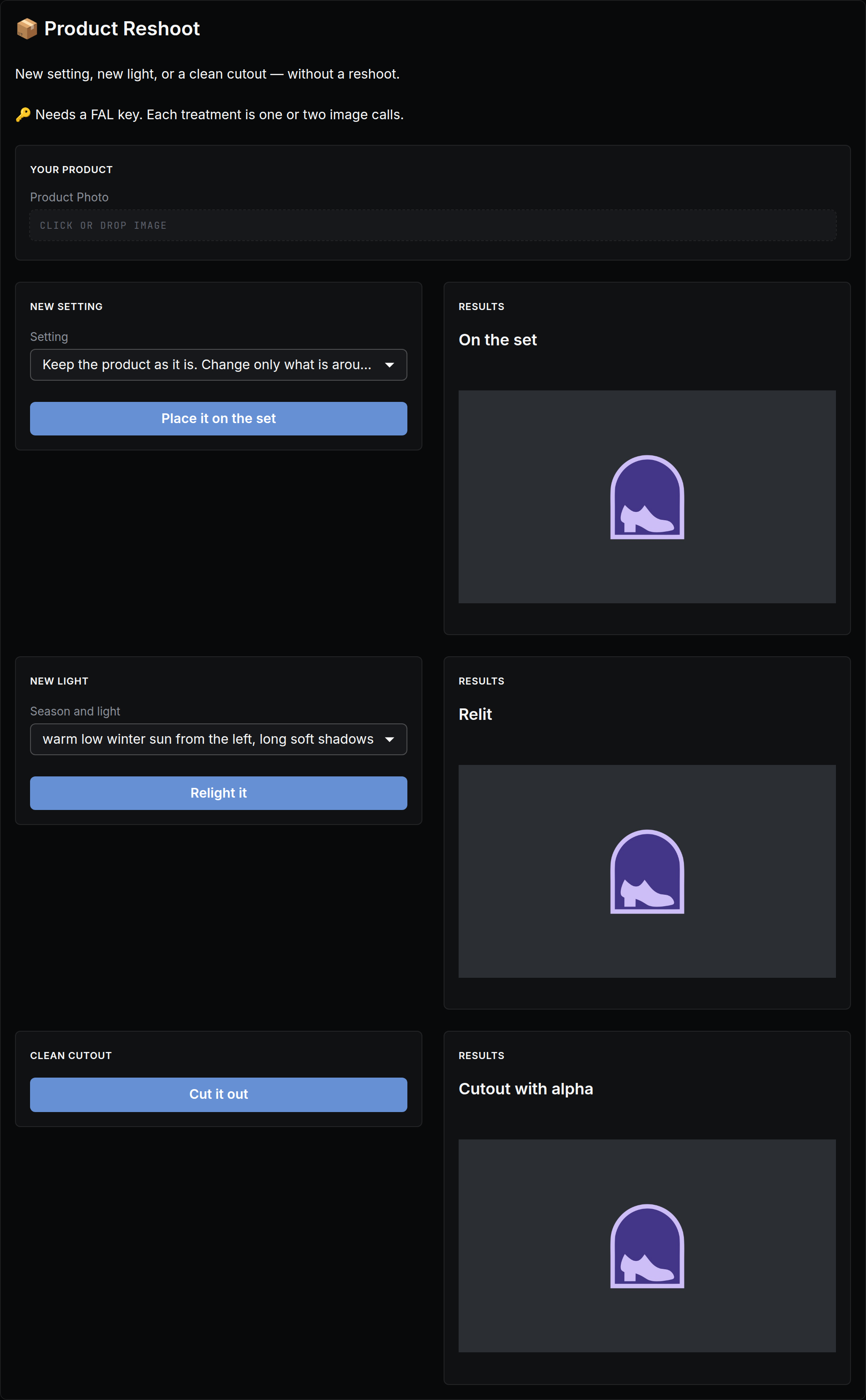
New setting, new light, or a clean cutout — without a reshoot.
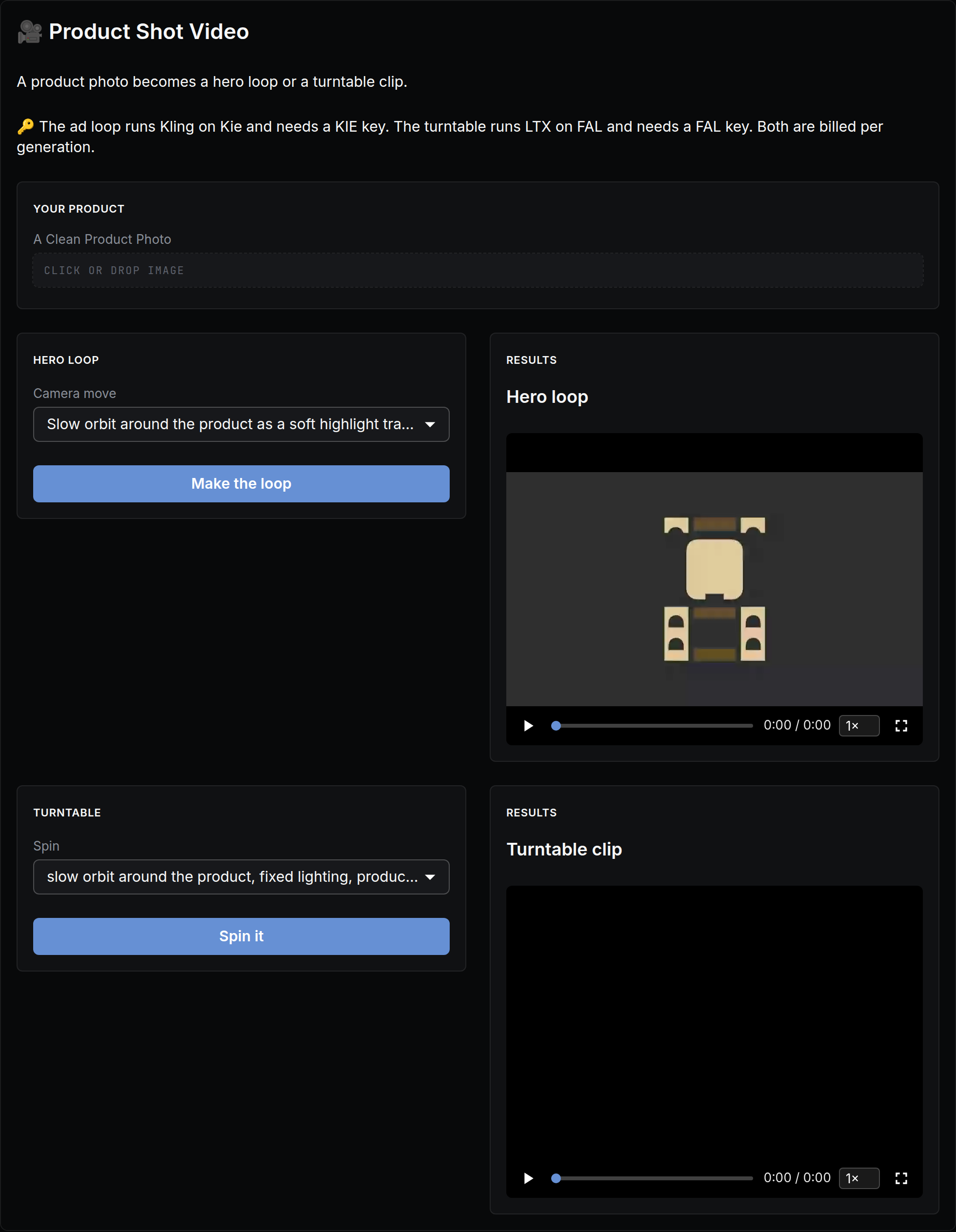
A product photo becomes a hero loop or a turntable clip.