
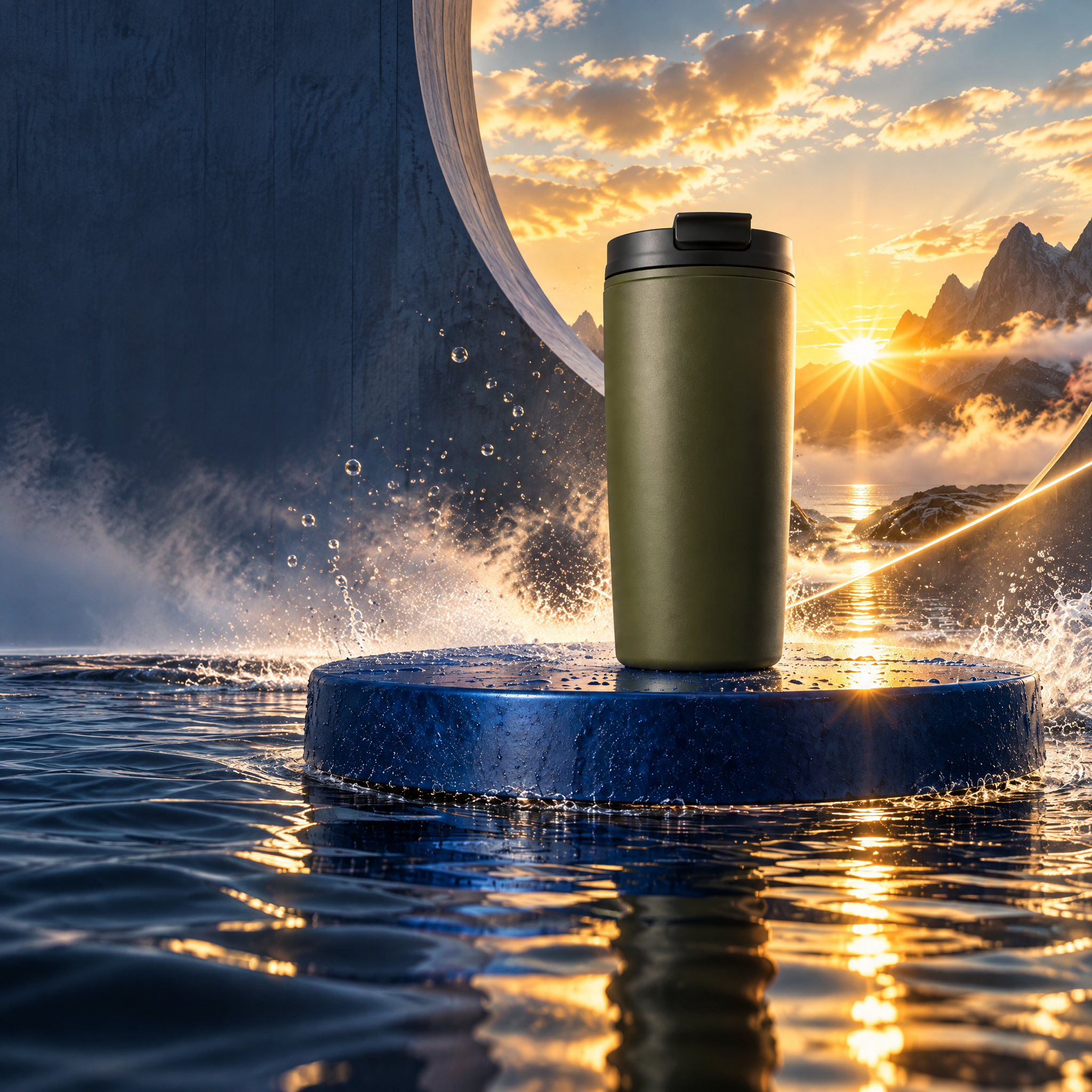
Directed campaign kit
Carry the momentum.
One clean cup reference becomes a kinetic launch world, two social formats, and a bounded revision.
Explore projectNodeTool Cloud is in alpha — run workflows in the browser, on your own keys.NodeTool Cloud is in alpha. Try it →
Guided recipes
Pick what you want to make. Follow the Storyboard or Script guide, review each part, and keep refining in the editor.
Directed campaign kit
One clean cup reference becomes a kinetic launch world, two social formats, and a bounded revision.
Explore project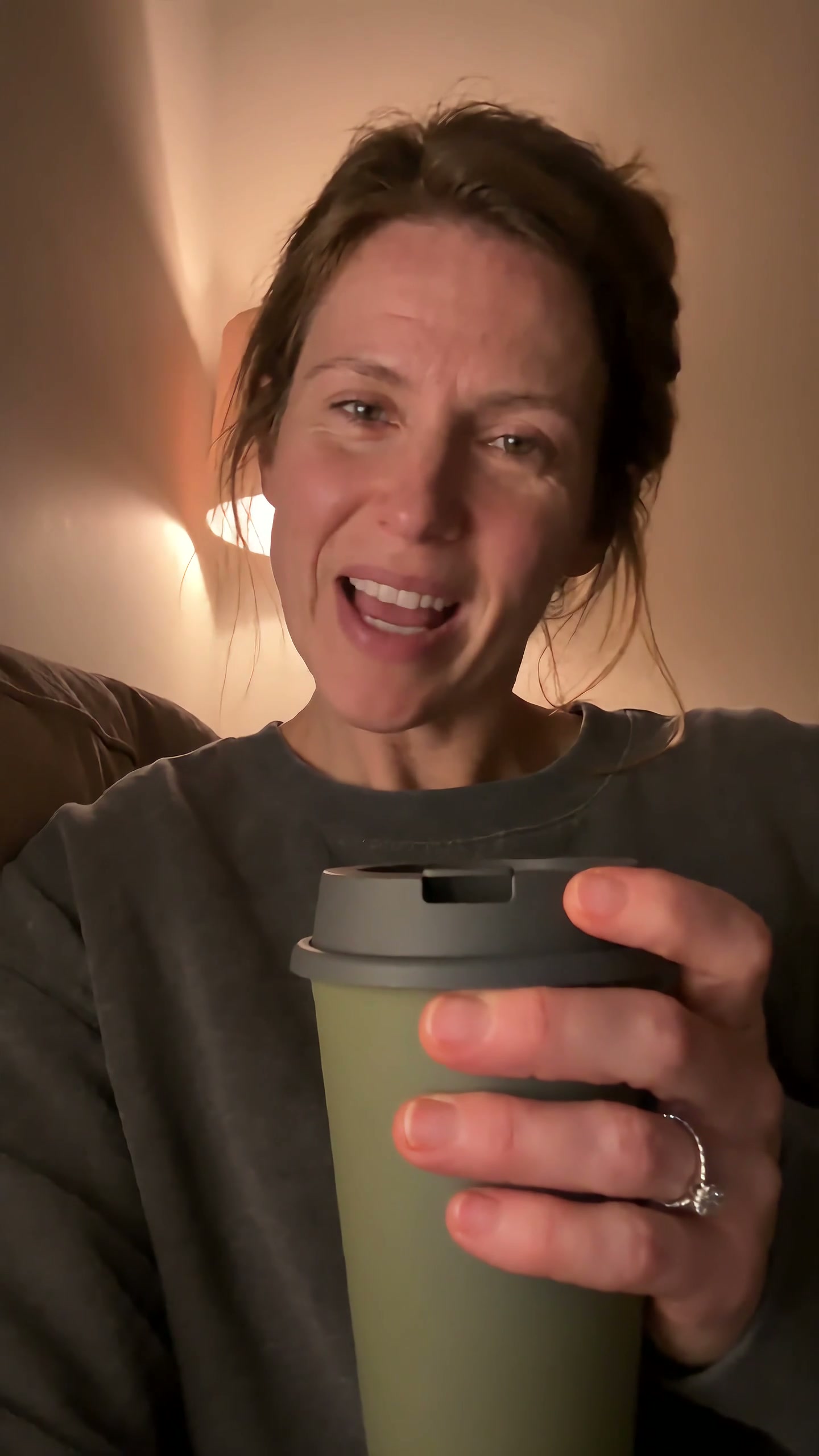
UGC product video
A self-aware purchase becomes a small source of reassurance as the same cup follows one chaotic day.
Explore project
Product commercials
Fresh coffee pours, she takes a quiet moment, then heads out with her cup. Three shots follow one morning ritual.
Explore project
Multilingual video
An English presenter, revoiced in Spanish. Edit the translation and revise individual voice lines.
Explore project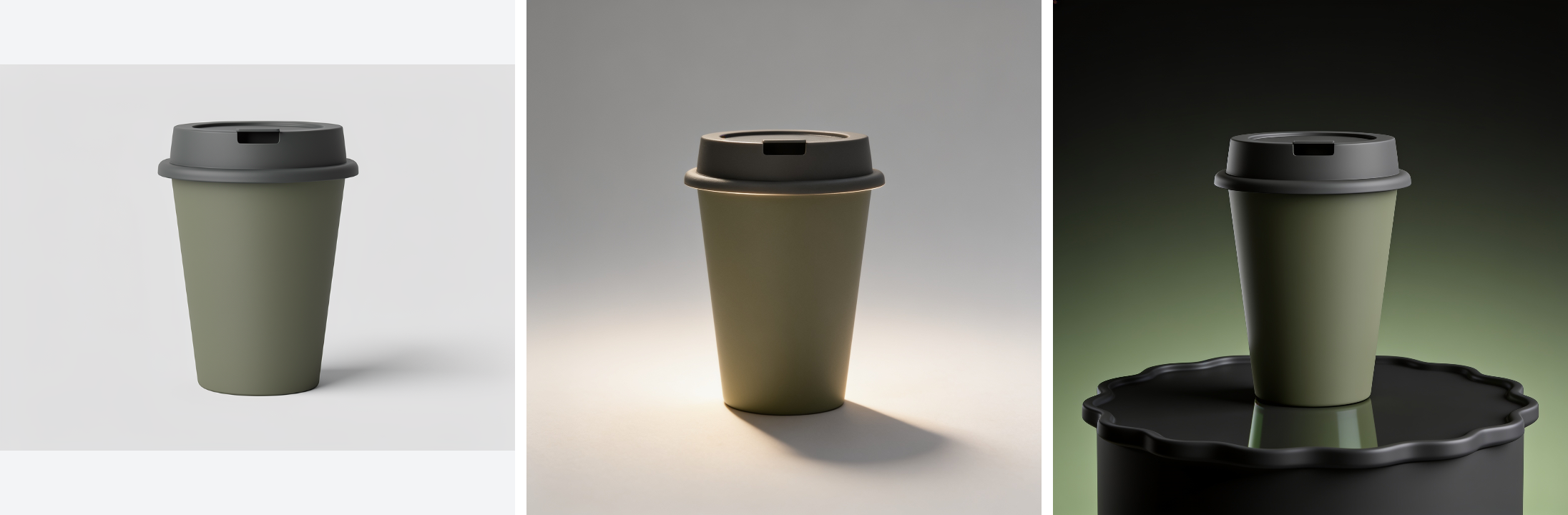
Product catalogue assets
Turn one product photo into a cutout, studio shots, and seasonal scenes.
Explore project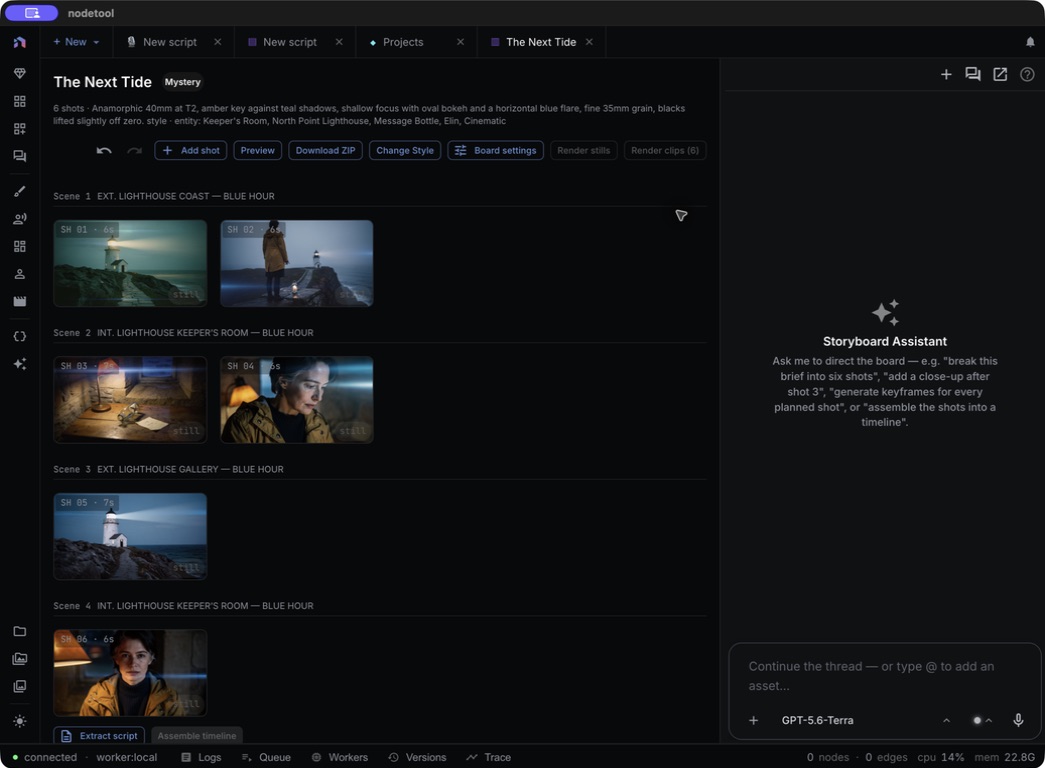
Storyboard to trailer
The Next Tide: a six-shot storyboard with a shared cast, locations, and props.
Explore project
Impossible product worlds
A desert flight reveals a pool in a giant cup. A woman jumps in, then drinks from the same product at human scale.
Explore projectKeep characters and products consistent with entities. Review pictures in a storyboard, tune the script line by line, and bring everything together in the timeline.
Open NodeTool