NodeTool Cloud is in alpha — run workflows in the browser, on your own keys.NodeTool Cloud is in alpha. Try it →

🕵️ Research Desk
One topic, two sources, two briefings side by side.
🔑 Needs an OpenAI key. Both briefings run in parallel from one button.
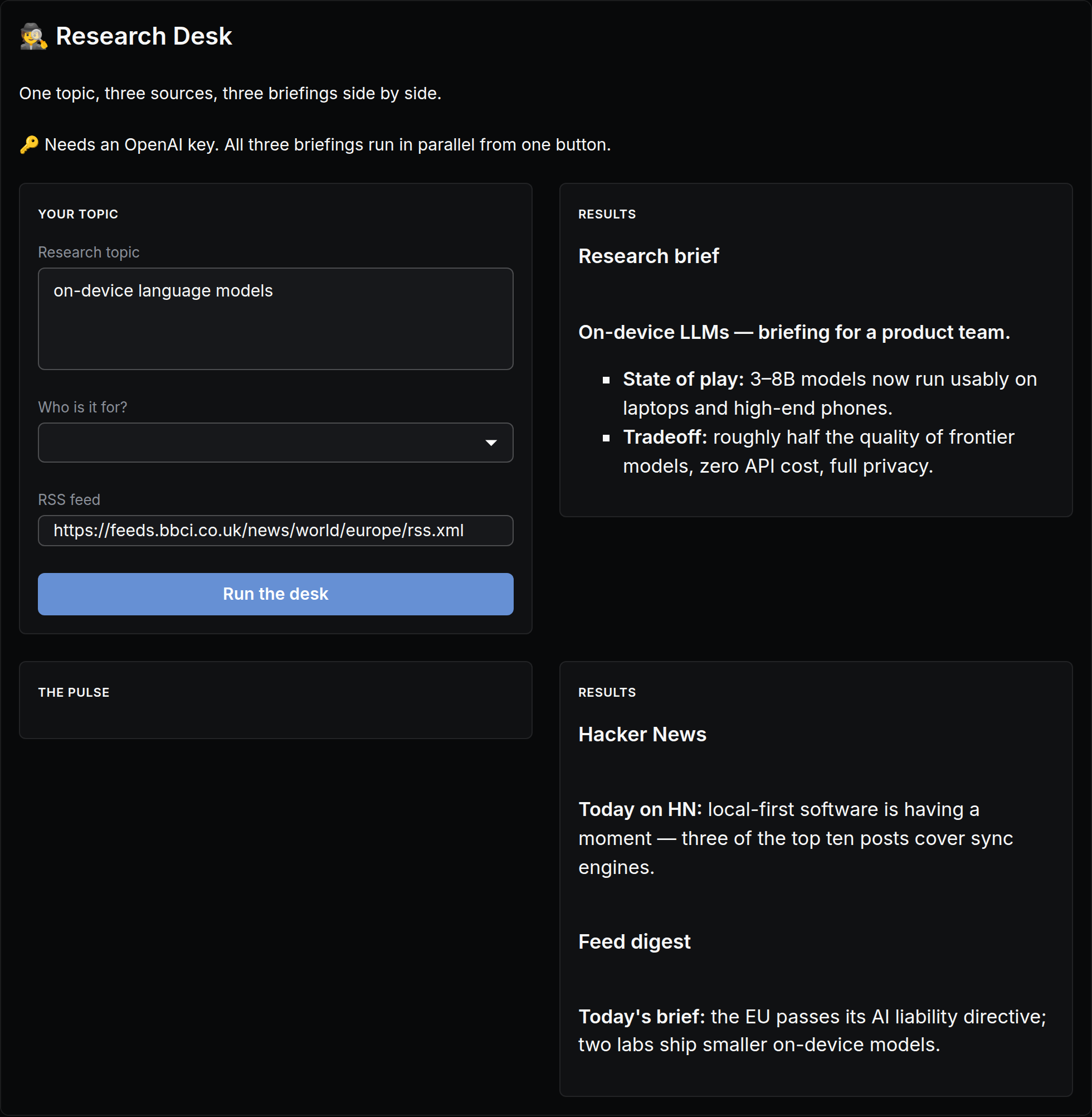
The actual app, as it opens in NodeTool — built with the visual App Builder, no code.
What you put in
- textResearch topic
- choiceWho is it for?
What you get out
- TextResearch brief
- TextHacker News
How it works
- Step 1
Fill in a few fields
Plain-language inputs — research topic, who is it for?. No settings, no jargon.
- Step 2
Click “Run the desk”
The workflow runs behind the scenes — on your machine or with your own provider keys. You pay providers directly, or run local models for free.
- Step 3
Watch results stream in
Results appear live in the app: research brief, hacker news.
It's an app until you want more
Every screen in this app runs a real NodeTool workflow. Open any of them on the canvas to swap models, change prompts, or add steps — then publish your remix as a new app for your team.
More mini apps
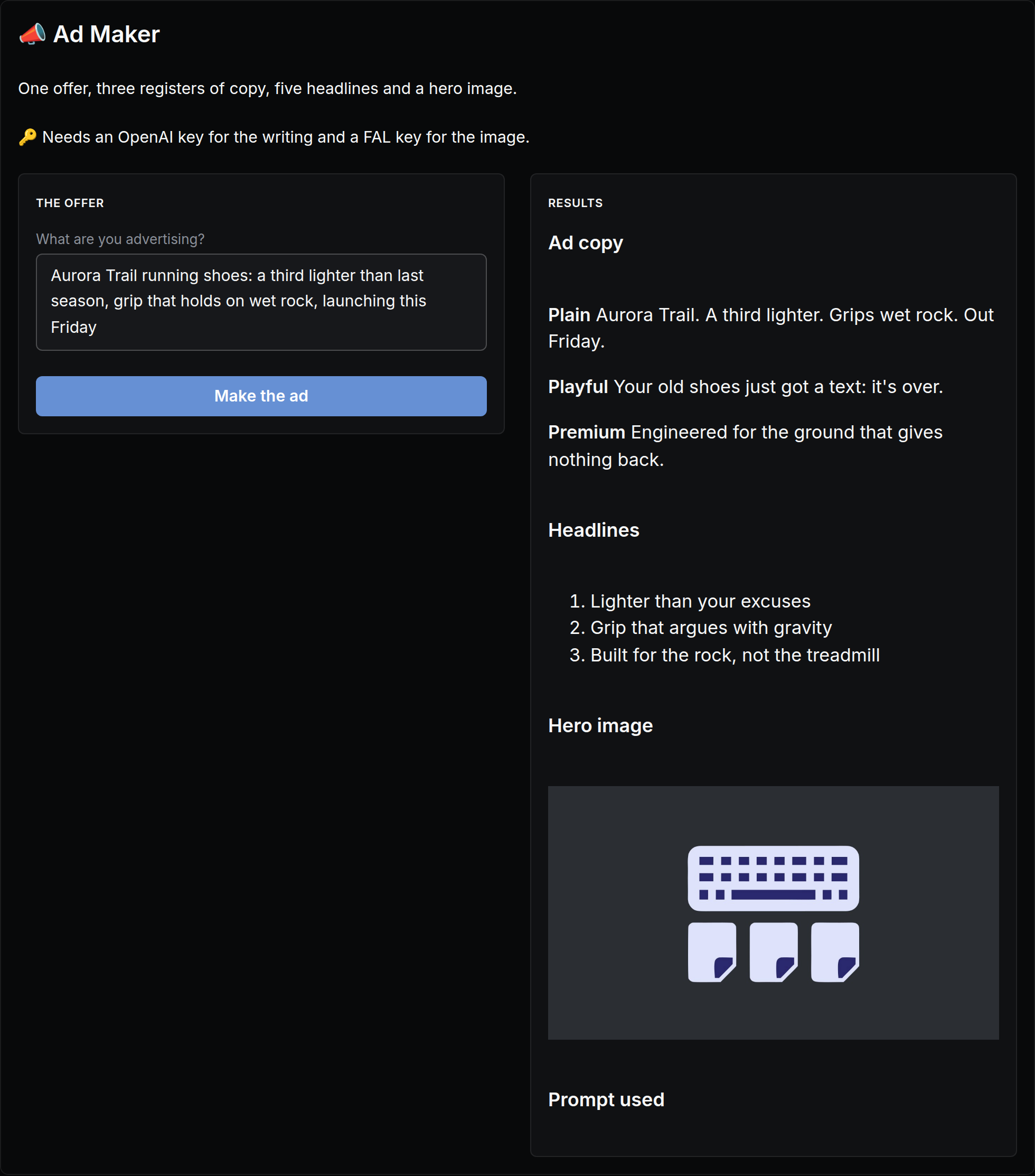
One offer, three registers of copy, five headlines and a hero image.
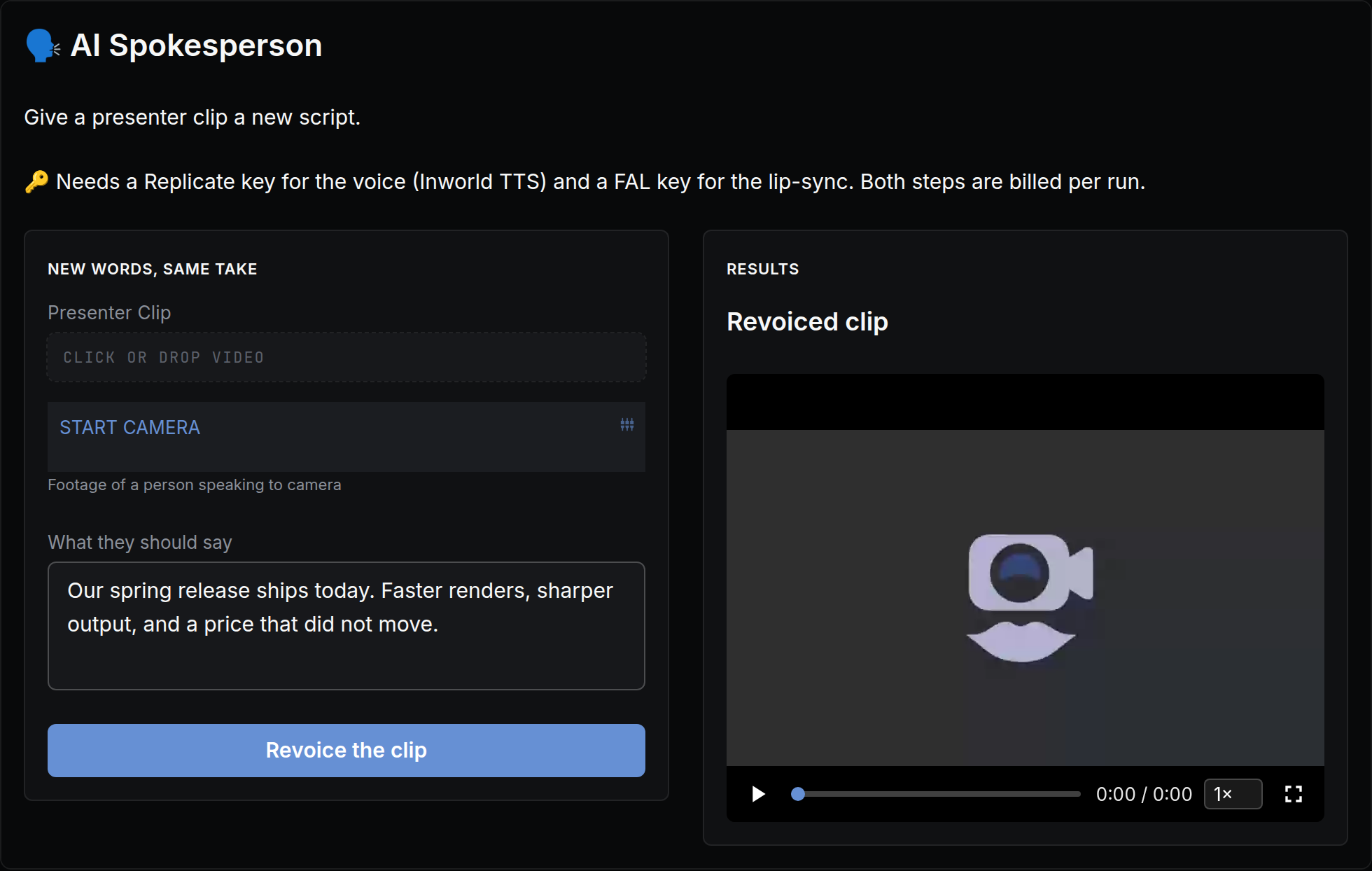
Give a presenter clip a new script.
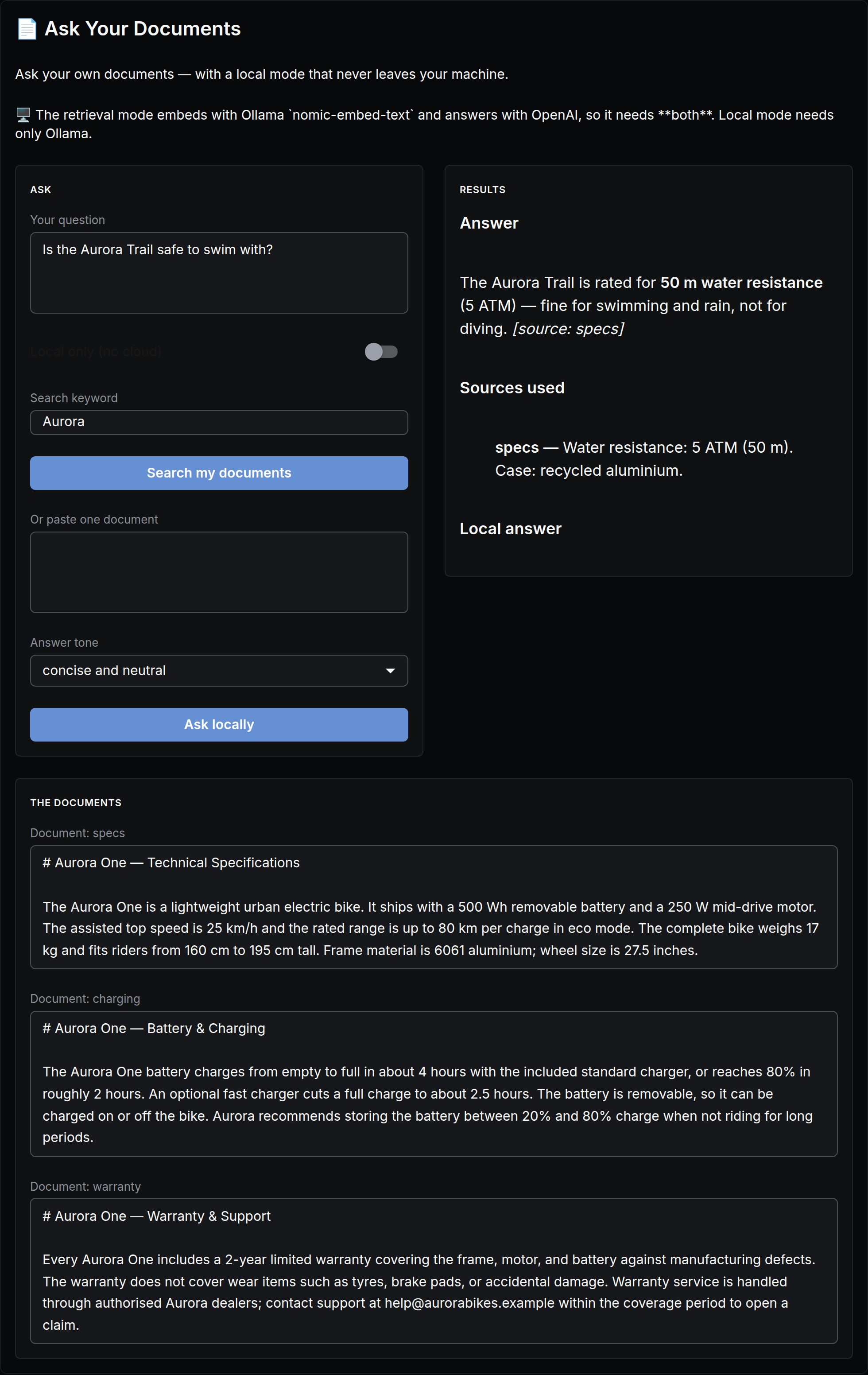
Ask your own documents — with a local mode that never leaves your machine.
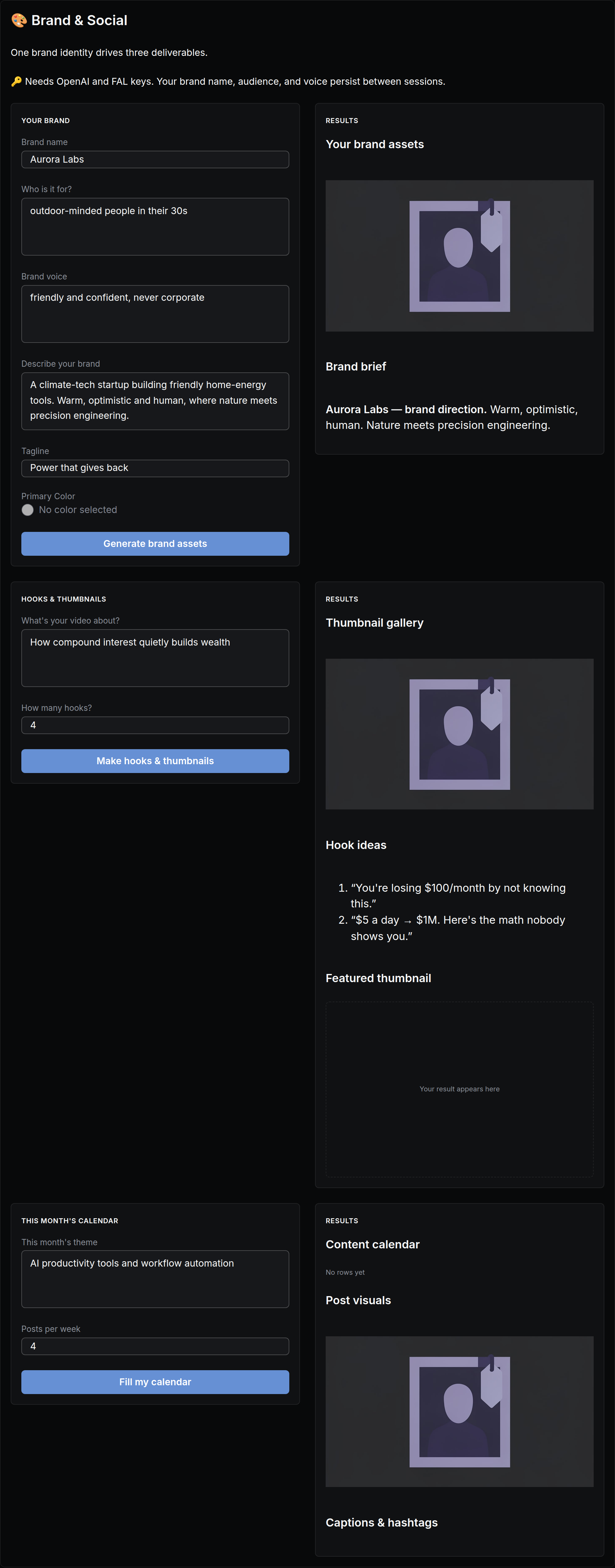
One brand identity drives two deliverables.
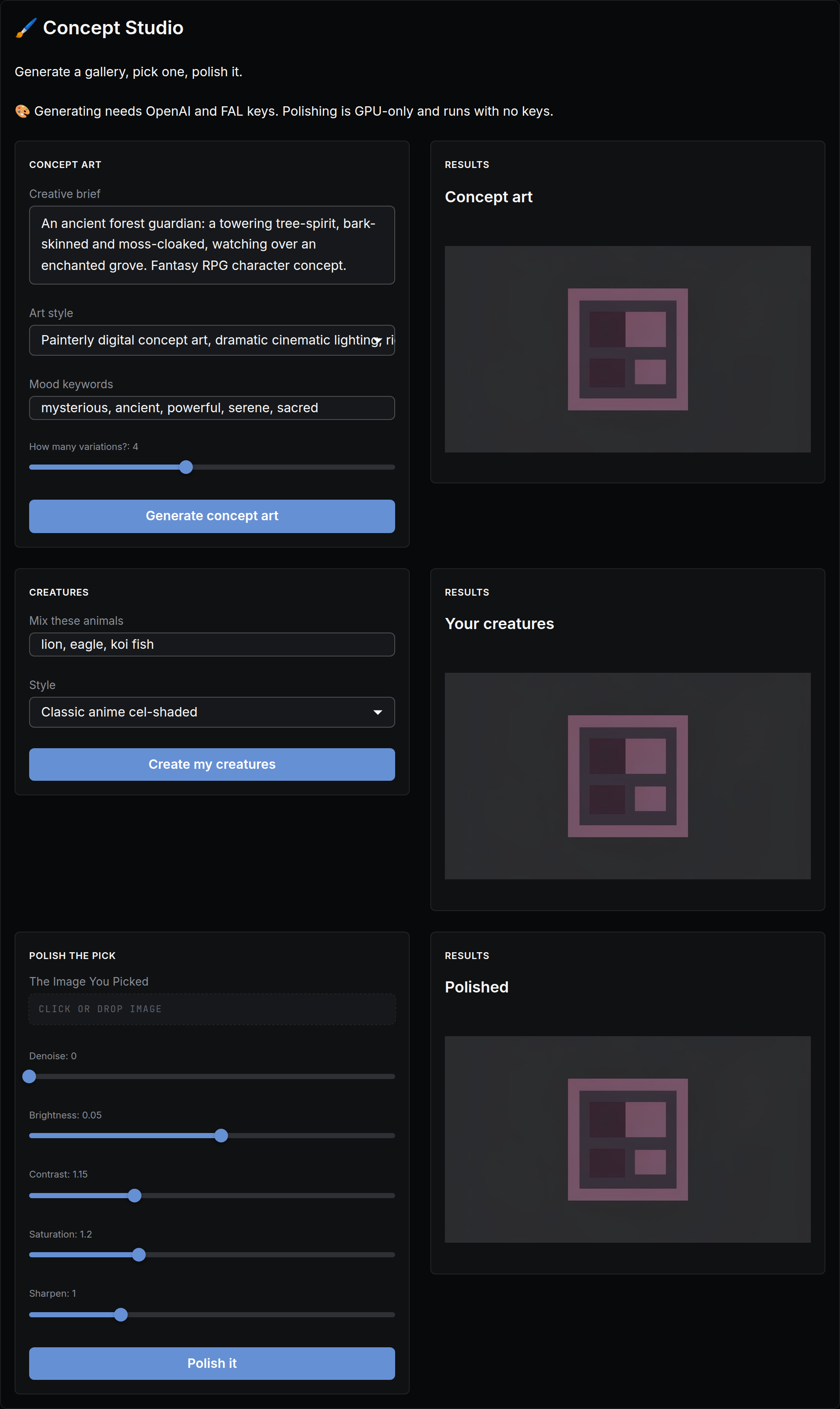
Generate a gallery, pick one, polish it.
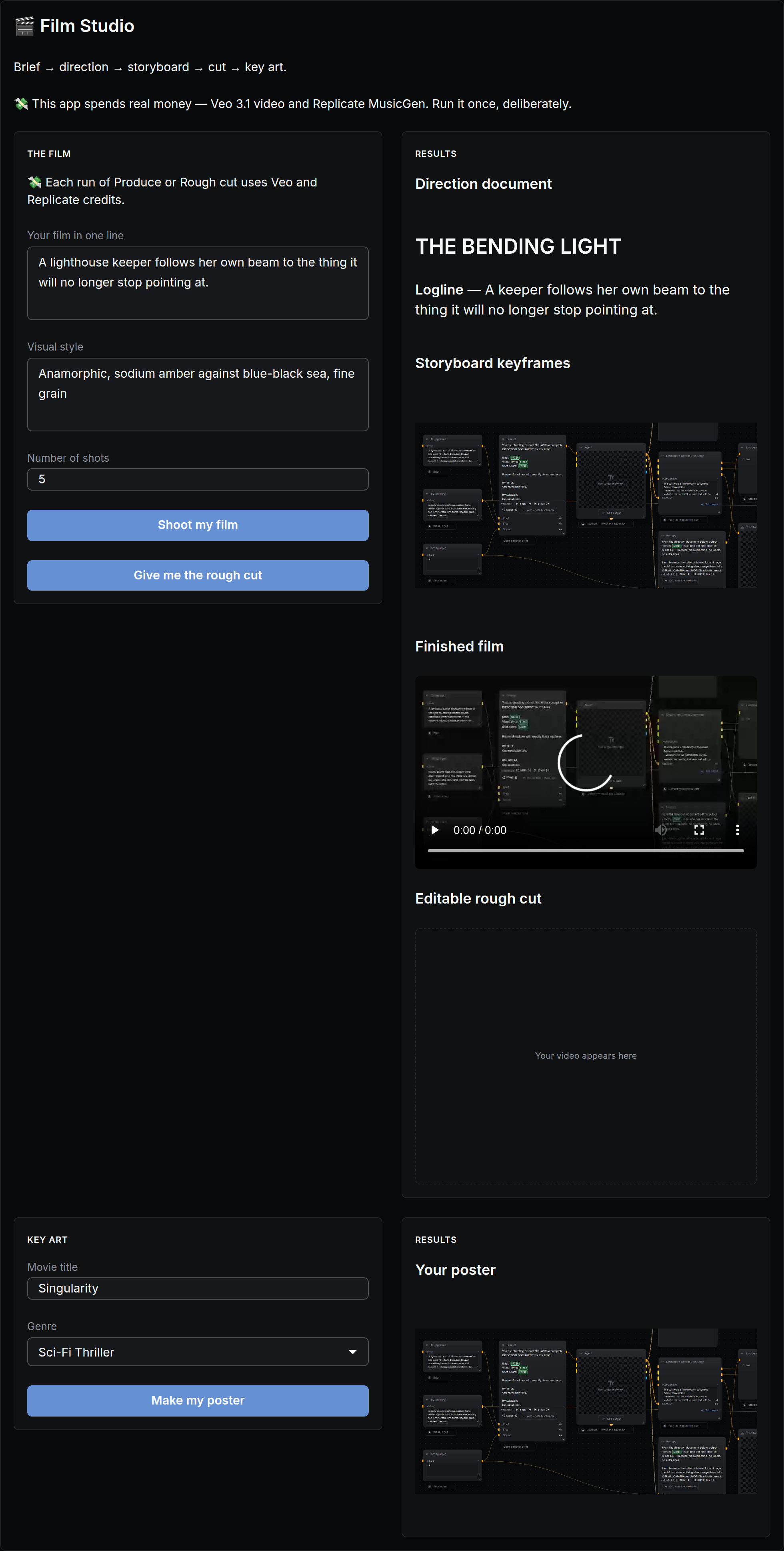
Brief → direction → storyboard → cut → key art.