AI Music Video Generator
Drop in a track and a concept. An agent breaks the song into scenes, renders each as key art, and animates them into a cut that moves with the music.
- Beat-aware scene breakdown from one prompt
- Key art per scene, then animated to video
- Swap any image or video model for your own look
One canvas
for the whole craft
Image, video, audio, and text on a single visual canvas, with the editing tools you already rely on sitting right next to the models. You direct the whole piece instead of generating parts of it.
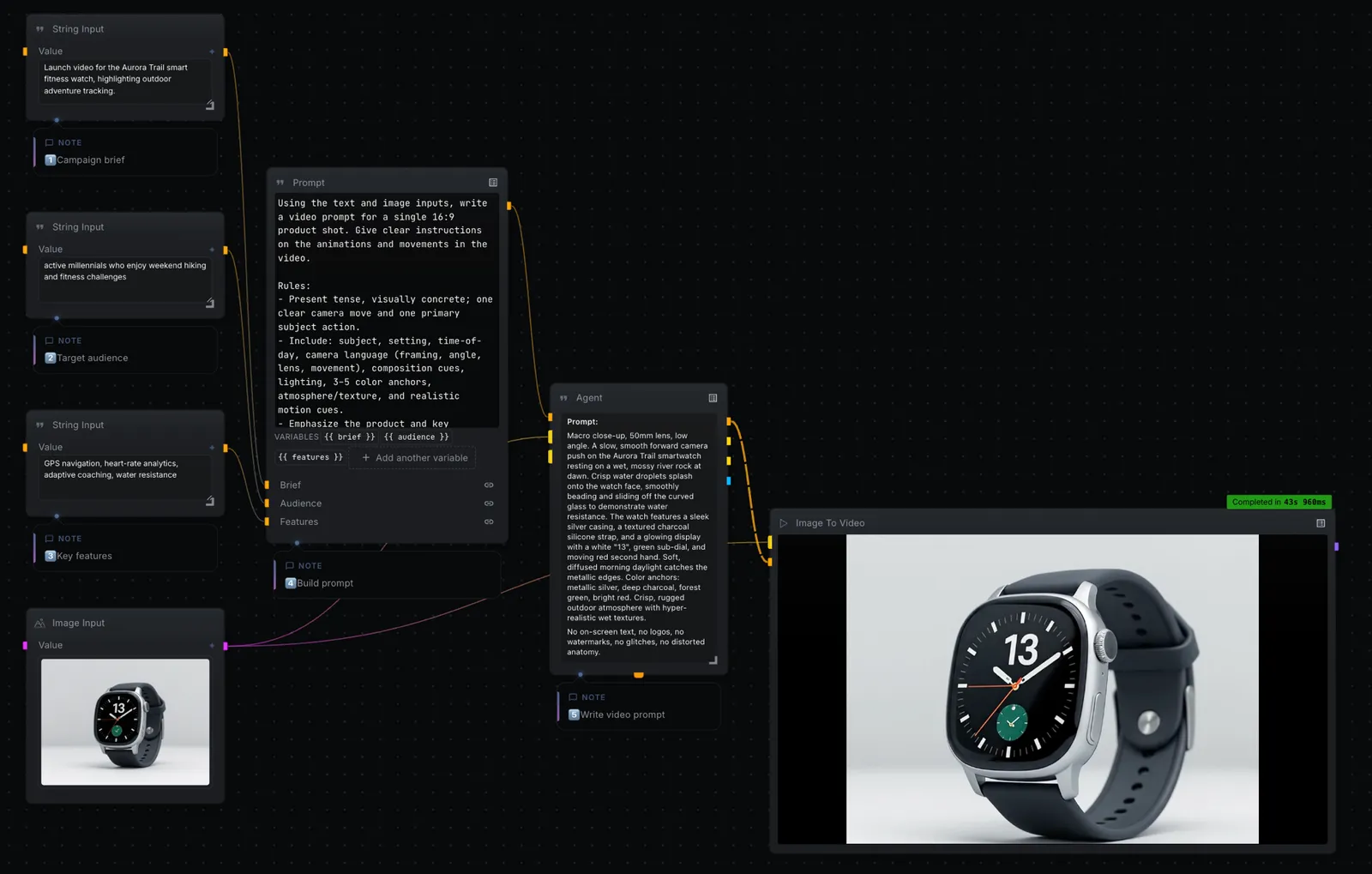
Edit where you generate
Mask, retouch, extend, relight, upscale, layer, and composite. The editing tools you reach for live on the same canvas as the models.
Watch every step render
Results appear as each step finishes. Inspect any frame, swap a model, and re-run from that point on.
Your keys, provider prices
Bring your own keys for FAL, KIE, OpenAI, Anthropic, Gemini, Replicate, and the rest. The bill comes from the provider, not from us.
Image, video, audio, text
Flux, Seedance, Wan, ControlNet, Whisper, ElevenLabs, and Suno, all on one canvas under their real names. You always know which model you are running.
Frequently asked questions
Can I use my own song?
Yes. Feed any audio file into the workflow. The graph reads the track and drives the scene breakdown and pacing from it.
Which models does it use?
It defaults to a text-to-image model for key art and an image-to-video model for motion, but every node is swappable — bring your own keys and pick any provider.
Do I need to code?
No. Open the template in NodeTool Studio, connect your keys, and run it. Rewire nodes on the canvas to change the look.
Build it on your own machine
Free, open source, and yours to run. Download Studio, open the template, and make it yours with your own keys.