String Input
input
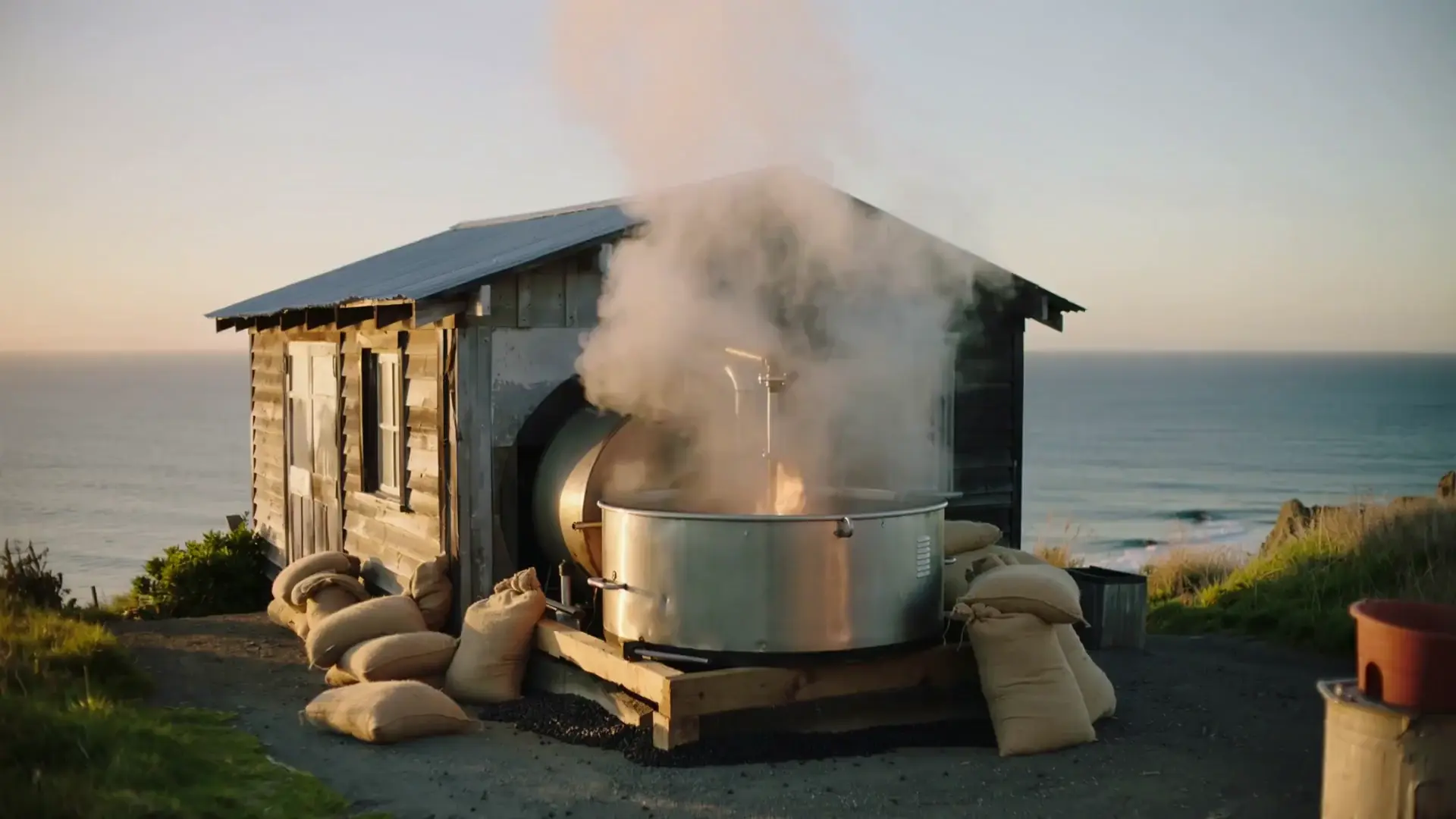
A lighthouse keeper's last night before the light is automated.
NodeTool Cloud is in alpha — run workflows in the browser, on your own keys.NodeTool Cloud is in alpha. Try it →
Type a brief; get a cut film. A language model directs — it writes the screenplay, the shot list and the narration — then each shot is filmed and the clips are assembled into a timeline and rendered. Two video models, not one, and that is deliberate: shot 1 has nothing to seed from so it is text-to-video, while every later shot is seeded from the previous clip's last frame for continuity, which is image-to-video. Kie publishes those as separate model ids, so Continuation Model carries the second. On a provider where one id does both (Gemini/Veo) you can leave it empty. Cost scales with shot count — at three shots on Kling 2.6 this is roughly a dollar of video plus pennies of text.
Install the free desktop app for macOS, Windows, or Linux. It runs on your own machine, no account required to start.
Browse the built-in template library inside Studio and open this workflow onto the canvas. Every node is already wired up.
Connect any model providers this workflow calls with your own API keys, or point it at local models.
Hit Run to execute the graph and watch results stream in. Swap models, edit prompts, or rewire nodes to make it yours.
Free, open source, and yours to run. Download Studio, open the template, and run it with your own keys.