NodeTool Cloud 处于 alpha 阶段。在浏览器中导演影片、运行工作流,使用你自己的密钥。NodeTool Cloud 处于 alpha 阶段。 试用 →

把势头延续下去。
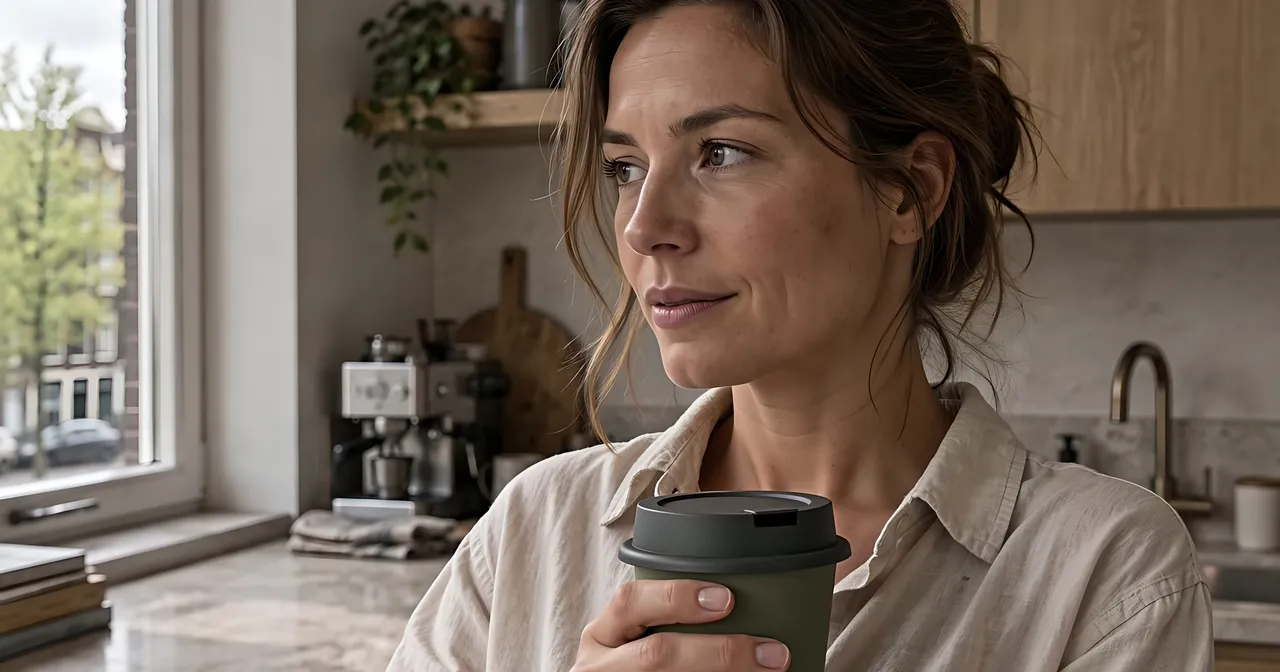
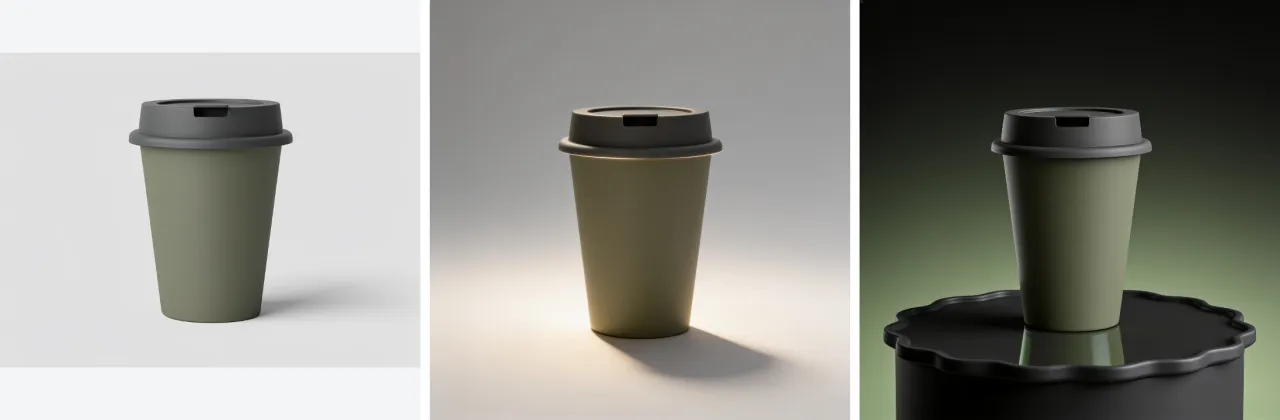
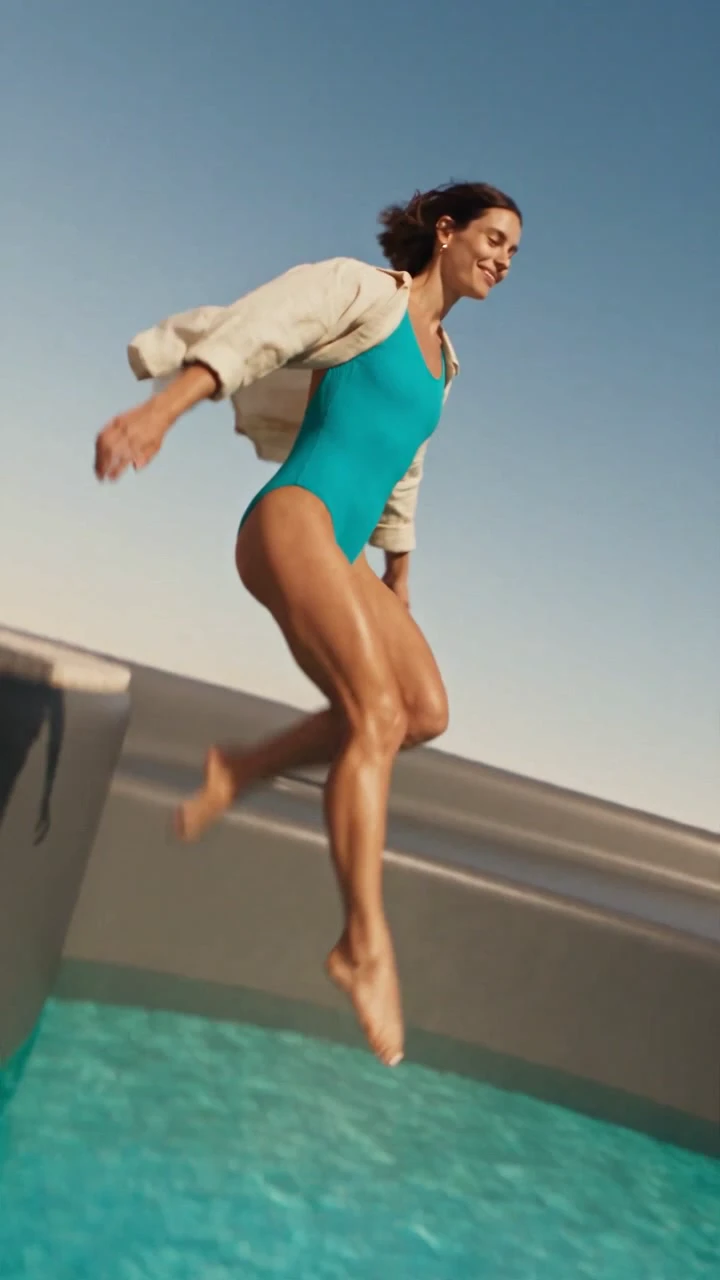
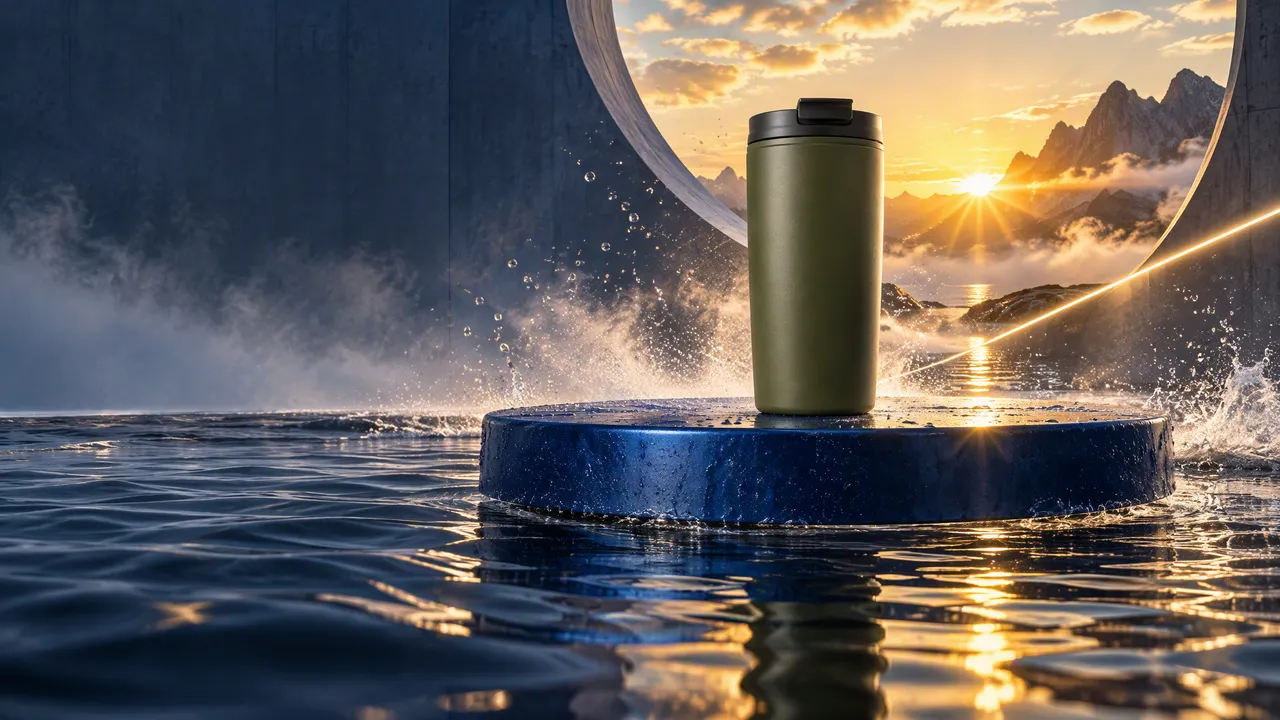
一张干净的水杯参考图,变成有动感的上市视觉、两种社交媒体版式,以及一次有边界的修改。

GPT Image 2.5 Sunburst 通过 AtlasCloud 在 NodeTool 中生成并修改了这组营销素材。
按 Directed Campaign Kit 指南操作
从一张干净的产品参考图开始,选定一个大胆的视觉世界,再延续到主视觉、社交媒体版式和一次可控的修改。
- 简报
- 方向
- 主视觉
- 版式
- 修改
需要准备
- 一张清晰的产品图片
- 可选的营销方向说明或参考图
- 已在 NodeTool 中配置好的语言模型和图像模型
试试示例简报
Create a premium launch campaign for the fictional olive travel cup in the supplied image. Audience: design-conscious commuters who want everyday objects to feel energizing. Message: carry momentum into the day. Visual direction: an olive cup on a cobalt circular platform above mirrored water, framed by monumental curved architecture and an amber mountain sunrise. Freeze fine droplets and use one diagonal streak of light for motion. Keep the exact cup recognizable. Leave clean dark-blue space for editable copy. No generated text, logos, extra cups, handles, or performance claims. Deliver a 16:9 hero, 1:1 social card, 9:16 story frame, and one controlled hero revision with reduced splash and wider copy space.
这是这次运行实际使用的英文简报。
关于这个示例
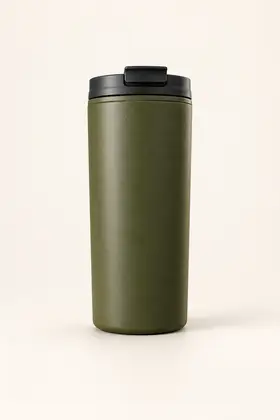
GPT Image 2.5 Sunburst 通过 AtlasCloud 生成了主视觉。方形、竖屏故事、修改版以及干净的产品参考帧,均由对应的 GPT Image 2.5 编辑模型衍生而来。这只水杯是虚构的演示产品,所有文案都可以在生成的图像之外继续编辑。
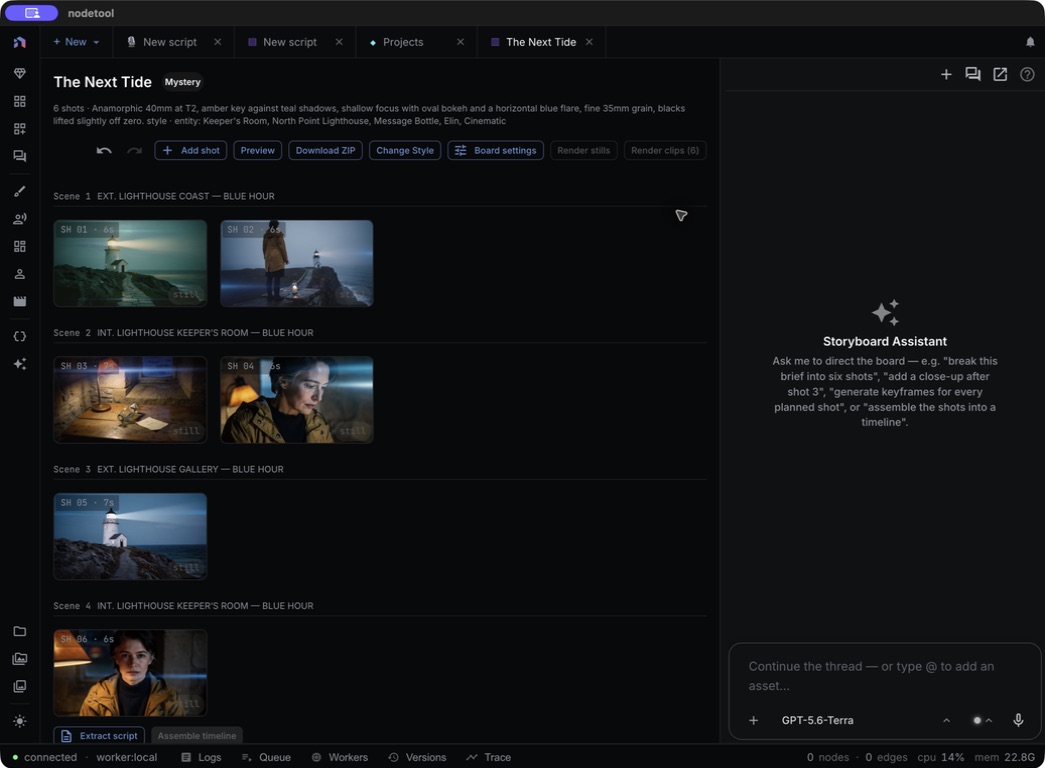
步骤图保留了这次实际运行的英文界面文字和提示词。
Goes in
Campaign prompt (optional)
For example: premium but outdoorsy, aimed at design-conscious commuters
In NodeTool
Directed Campaign Kit · Brief
Reads the product and writes the campaign
- Uploading the image starts the analysis
- A multimodal language model fills the brief and proposes three directions
Comes out
Filled in for you
- Product name
- Campaign message
- Audience
- Exact headline
- Exact CTA
- Directions A, B, C
No image is generated yet.
第 1 步,共 6 步 · 简报
从产品开始
打开 Directed Campaign Kit。先添加可选的营销方向说明,再上传一张清晰的产品图片。上传后会自动与语言模型交互一轮。
上传产品图片
从你自己的想法开始
安装 NodeTool Studio,新建项目并选择 Directed Campaign Kit。加入你的简报和参考素材,生成媒体之前先连接服务商密钥。
Studio 免费开源。媒体生成费用由你直接付给服务商。按上面的指南搭建你自己的项目。