NodeTool Cloud 处于 alpha 阶段。在浏览器中导演影片、运行工作流,使用你自己的密钥。NodeTool Cloud 处于 alpha 阶段。 试用 →

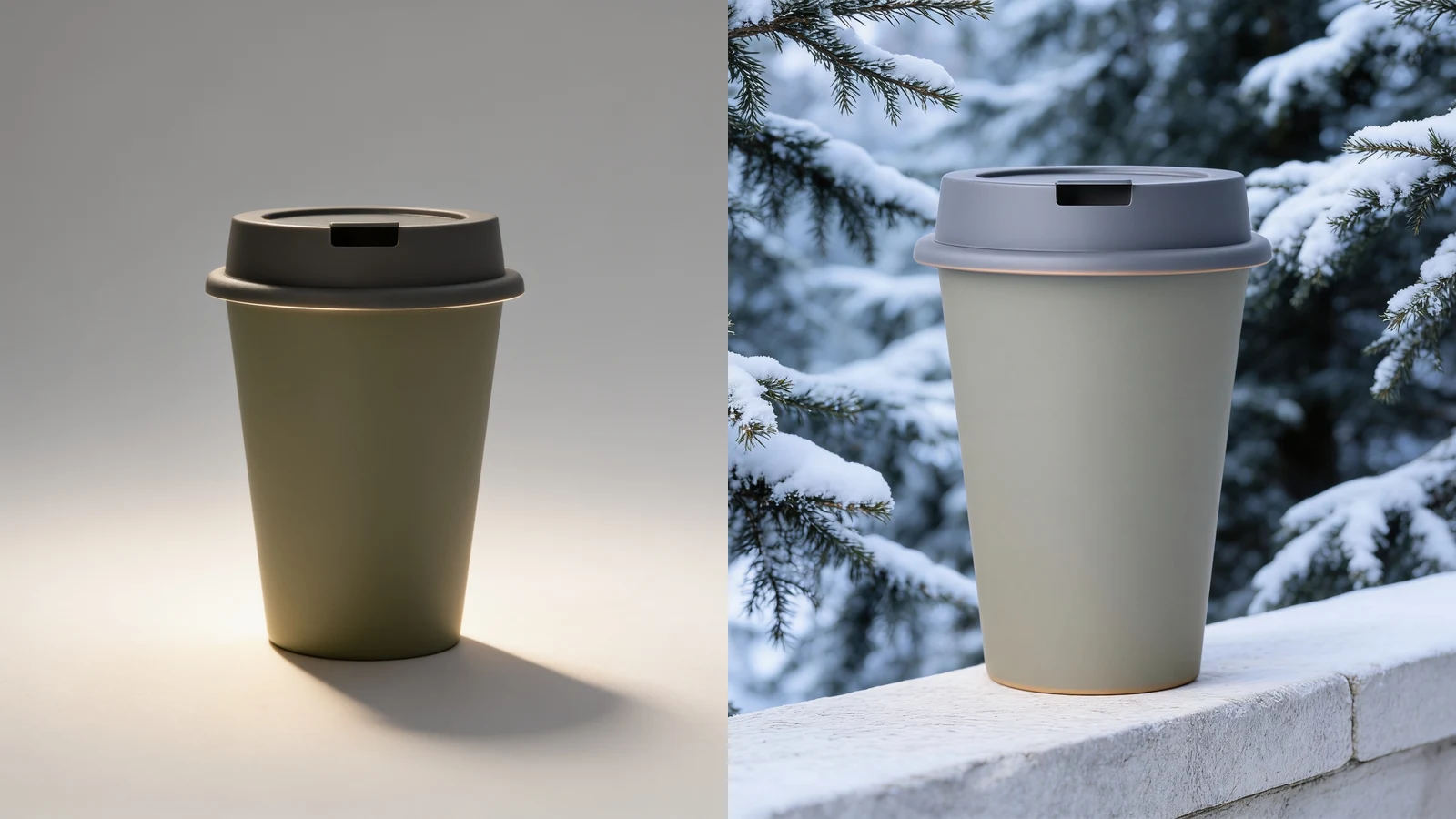
用一张产品参考图建立一套目录素材。
把一张产品照片变成抠图、棚拍图和季节场景。
媒体通过 NodeTool 使用 FAL 生成
按 Storyboard 指南操作
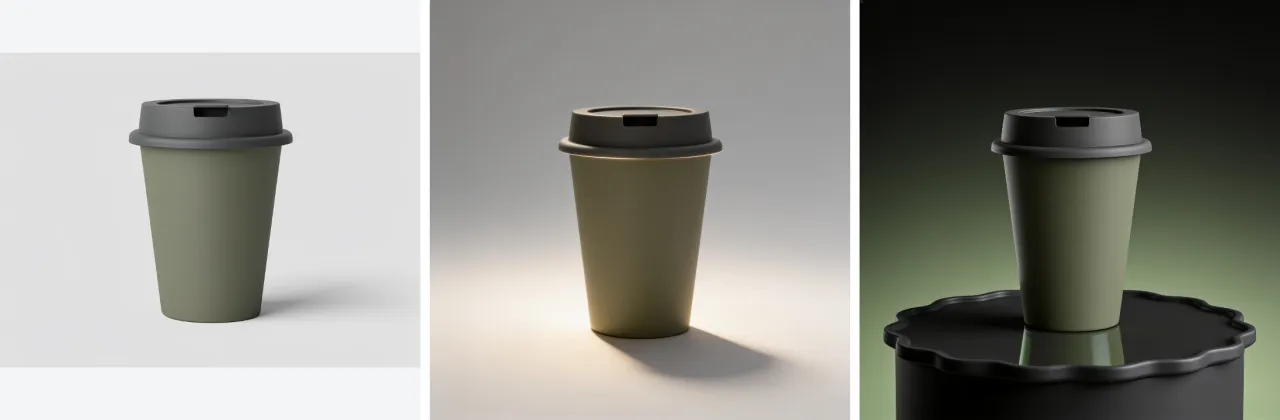
在 Commercial 故事板引导中规划三个产品视角,全程使用同一张产品参考图,然后与智能体一起准备交付文件。
- 创意
- 故事
- 实体
- 风格
需要准备
- 一张清晰的产品照片
- 你需要的视角和画幅
- 用于商品文案的已核实产品信息
试试示例简报
Create three square catalogue views of the Olive Travel Cup. A clean studio hero on a pale limestone plinth, a winter-light scene with a blurred branch in the distance, and a three-quarter hero for a short camera move. Keep the olive body and charcoal lid consistent. No text, labels, or extra products.
这是这次运行实际使用的英文简报。
关于这个示例
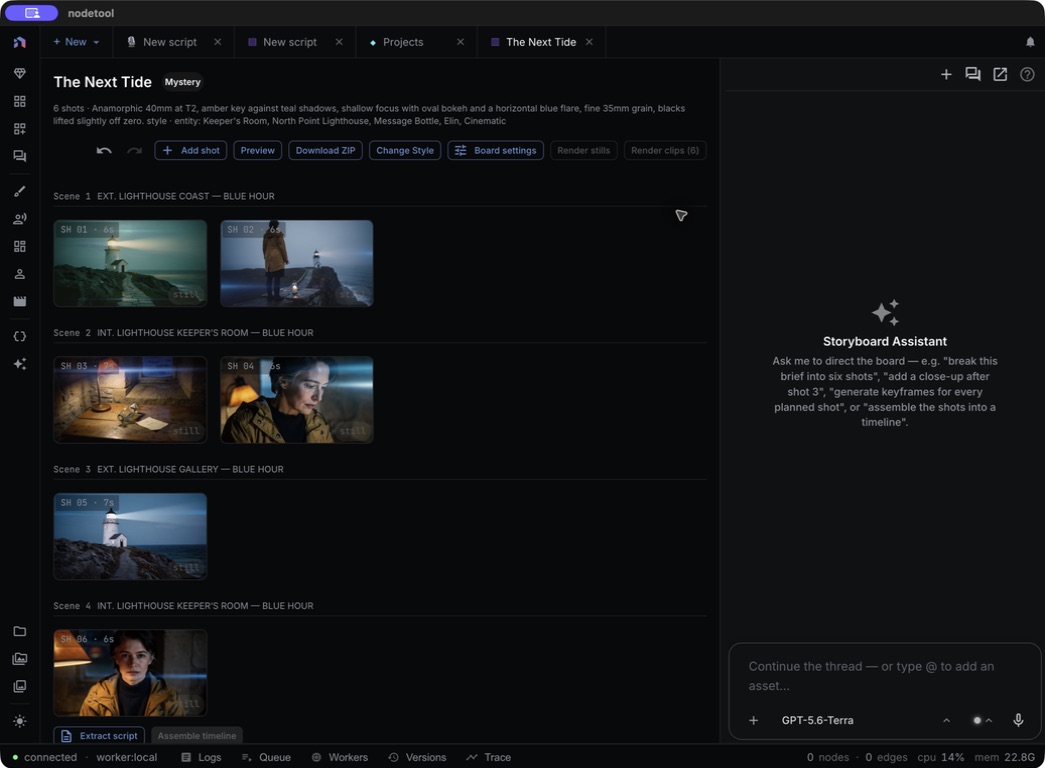
截图显示的是真实的 Commercial 设置。交付图像是基于同一张参考图另行生成的。抠图、动态、放大和商品文案由智能体协助完成。
步骤图保留了这次实际运行的英文界面文字和提示词。
Goes in

In NodeTool
Agent · Cutout
Keep one reference, cut it out if needed
- The same photo anchors every view in the set
Comes out
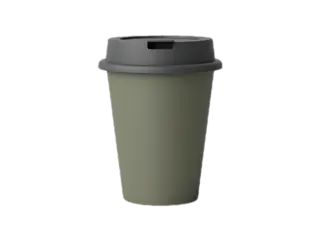
Optional. Check it on light and dark backgrounds.
第 1 步,共 9 步 · 准备
从一张清晰的产品照片开始
选择产品完整、无遮挡的视角。把它作为整套素材的参考图。如果目录需要透明抠图,请让智能体制作。
选择你的参考图
从你自己的想法开始
安装 NodeTool Studio,新建项目并选择 Storyboard。加入你的简报和参考素材,生成媒体之前先连接服务商密钥。
Studio 免费开源。媒体生成费用由你直接付给服务商。按上面的指南搭建你自己的项目。