Script to Screen
Full production spine: a Director agent turns your brief into a direction document (characters, style bible, shot list, narration, music)
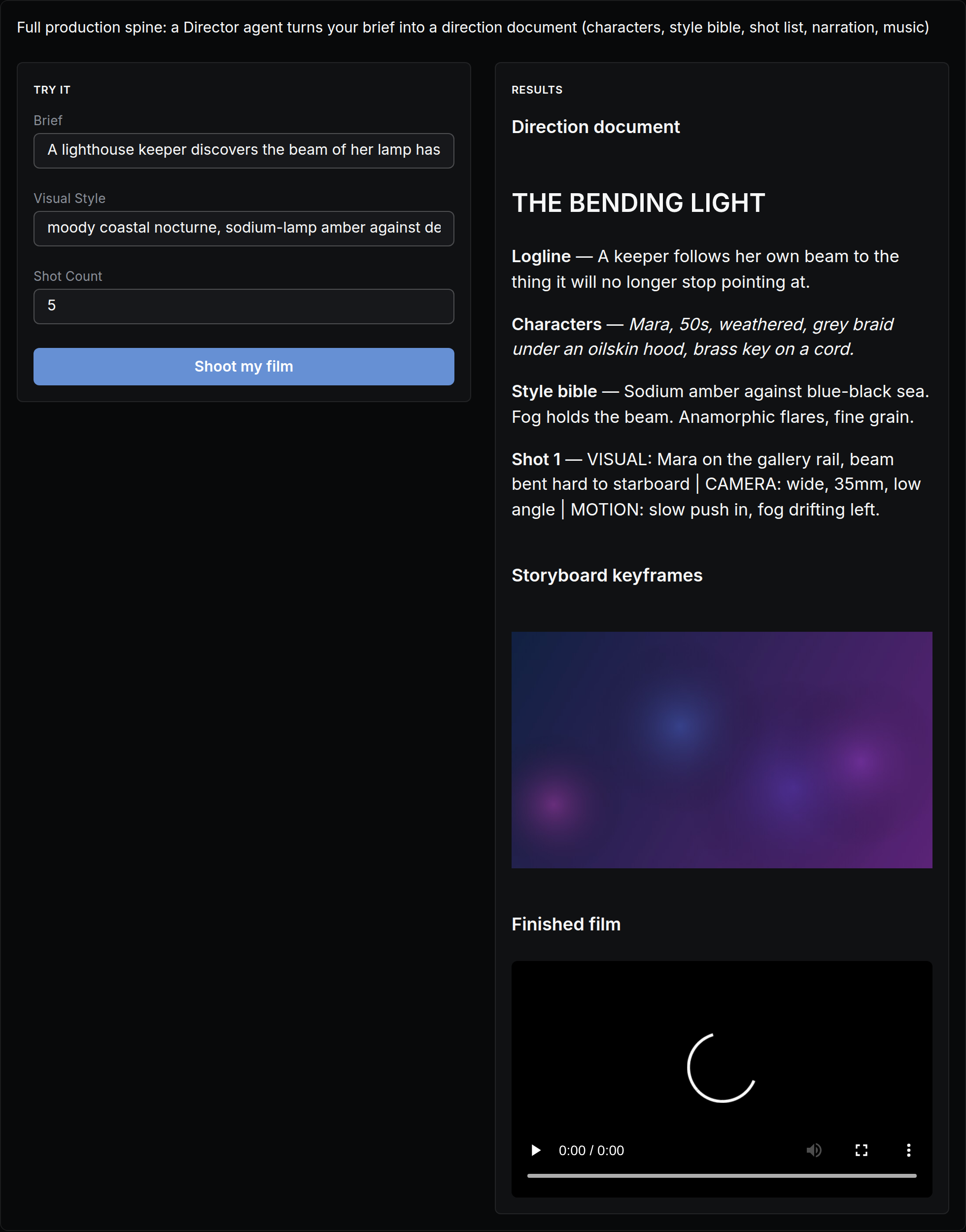
The actual app, as it opens in NodeTool — built with the visual App Builder, no code.
What you put in
- textBrief
- textVisual Style
- textShot Count
What you get out
- TextDirection
- ImagesStoryboard
- VideoFilm
How it works
- Step 1
Fill in a few fields
Plain-language inputs — brief, visual style, shot count. No settings, no jargon.
- Step 2
Click “Shoot my film”
The workflow runs behind the scenes — on your machine or with your own provider keys. You pay providers directly, or run local models for free.
- Step 3
Watch results stream in
Results appear live in the app: direction, storyboard, film.
It's an app until you want more
Every mini app is a real NodeTool workflow underneath. Open the canvas to swap models, change prompts, or add steps — then publish your remix as a new app for your team.
Explore the Script to Screen workflowMore mini apps
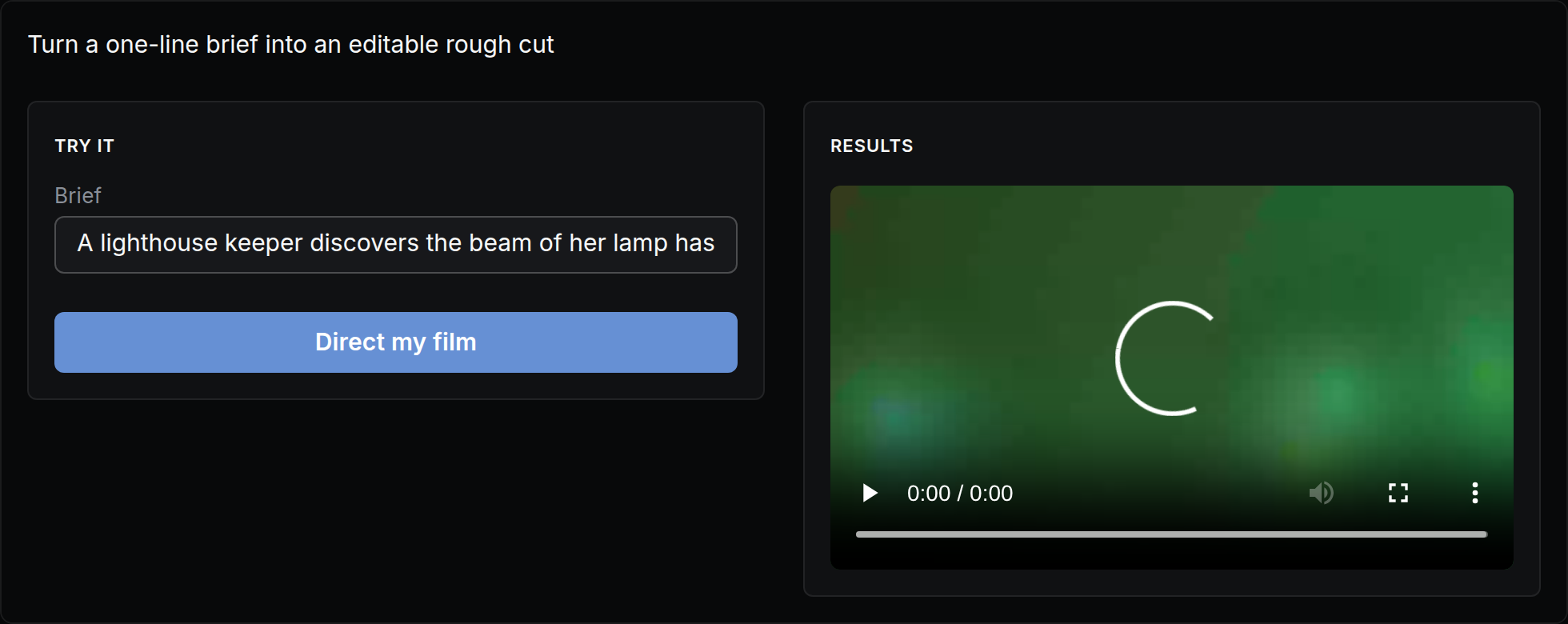
Turn a one-line brief into an editable rough cut
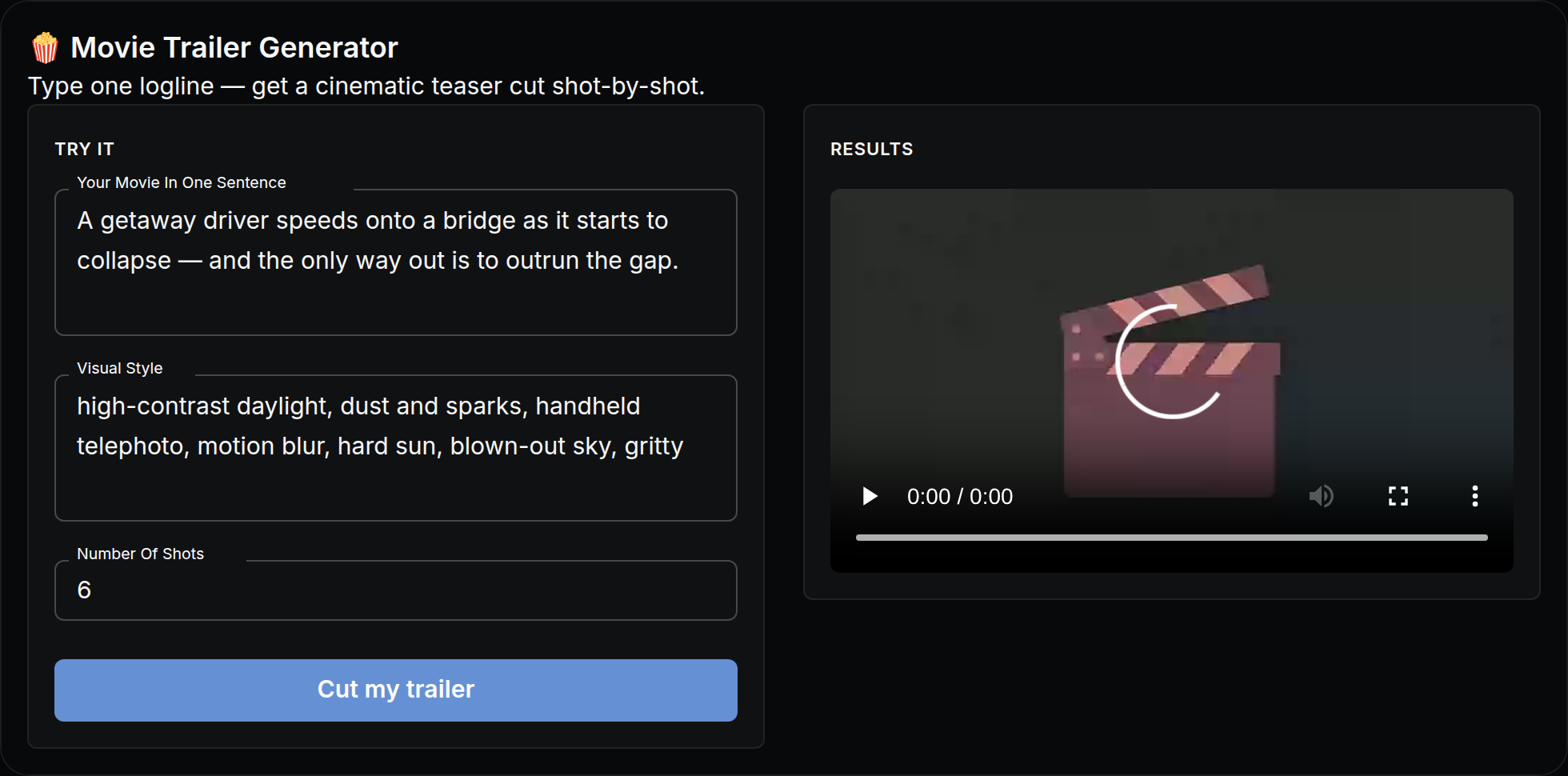
Type one logline — get a cinematic teaser cut shot-by-shot.
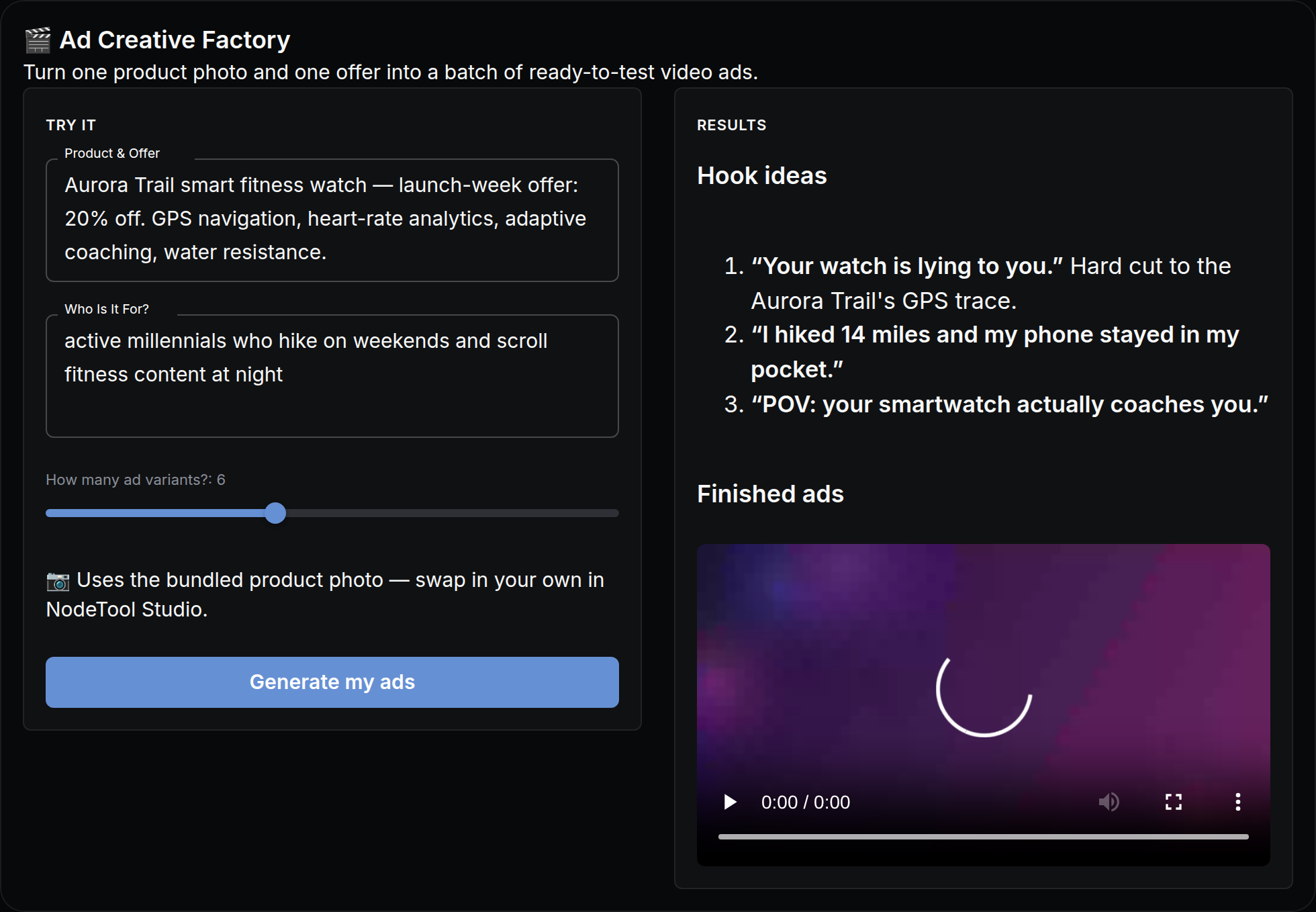
Turn one product photo and one offer into a batch of ready-to-test video ads.
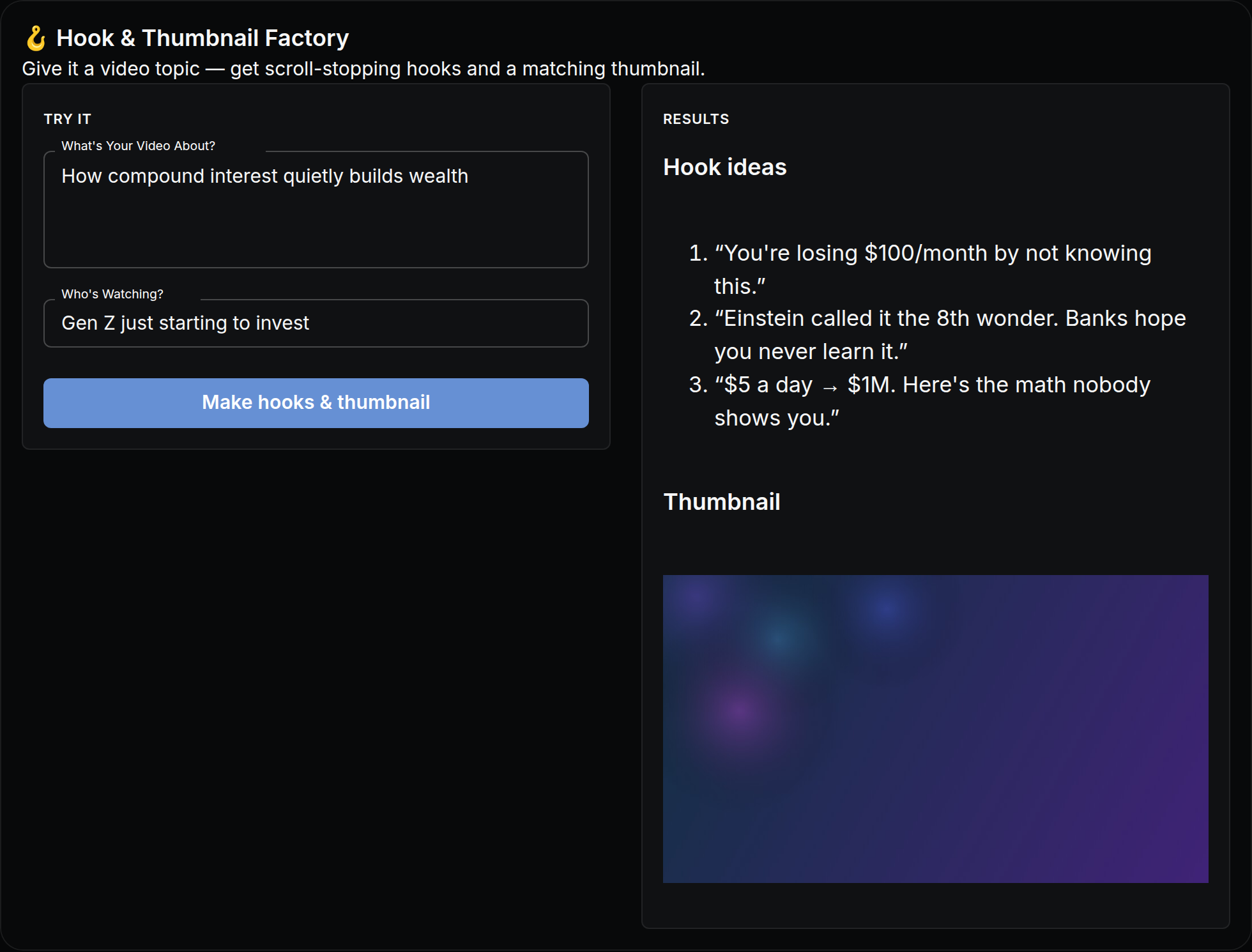
Give it a video topic — get scroll-stopping hooks and a gallery of matching thumbnails.
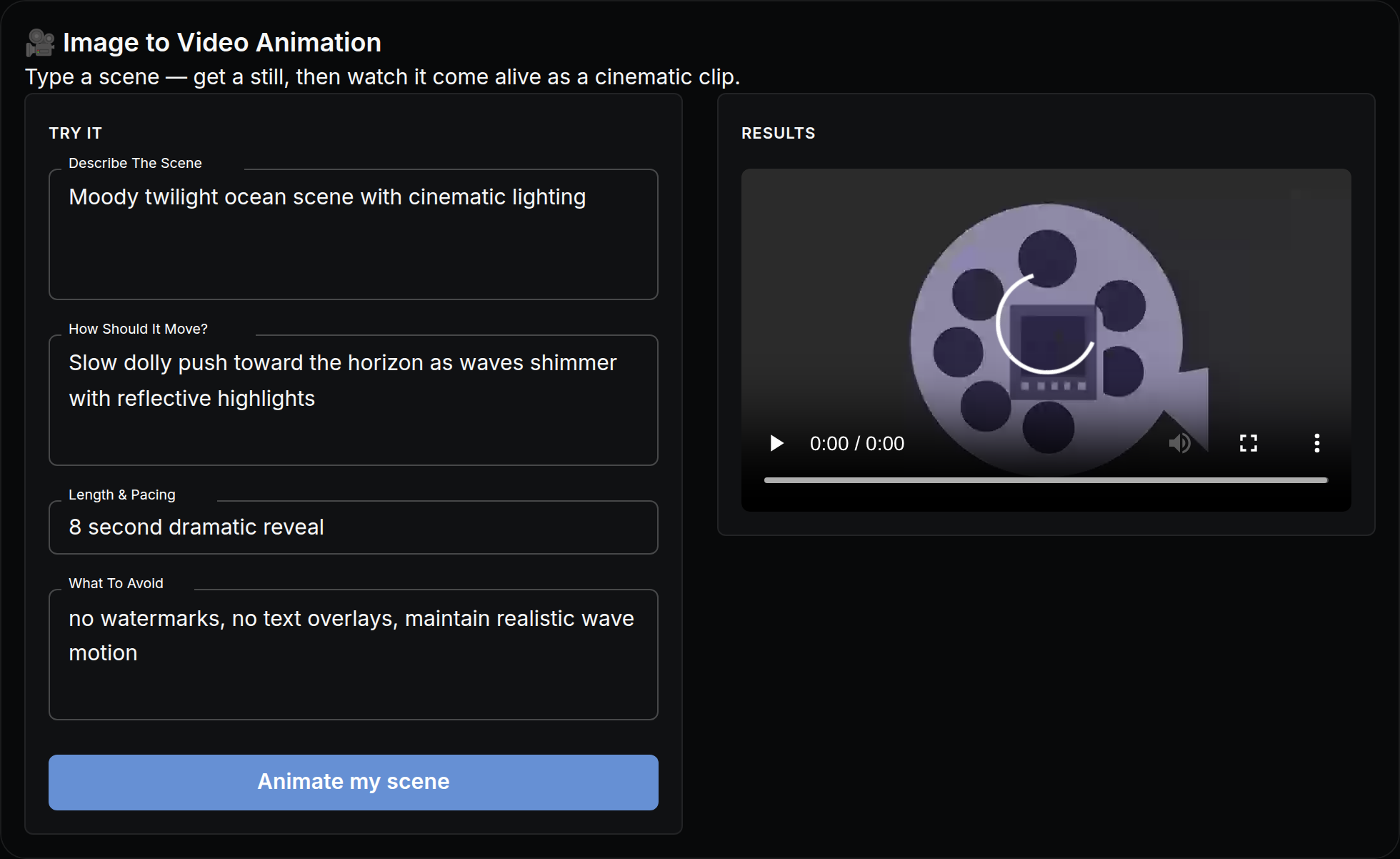
Type a scene — get a still, then watch it come alive as a cinematic clip.
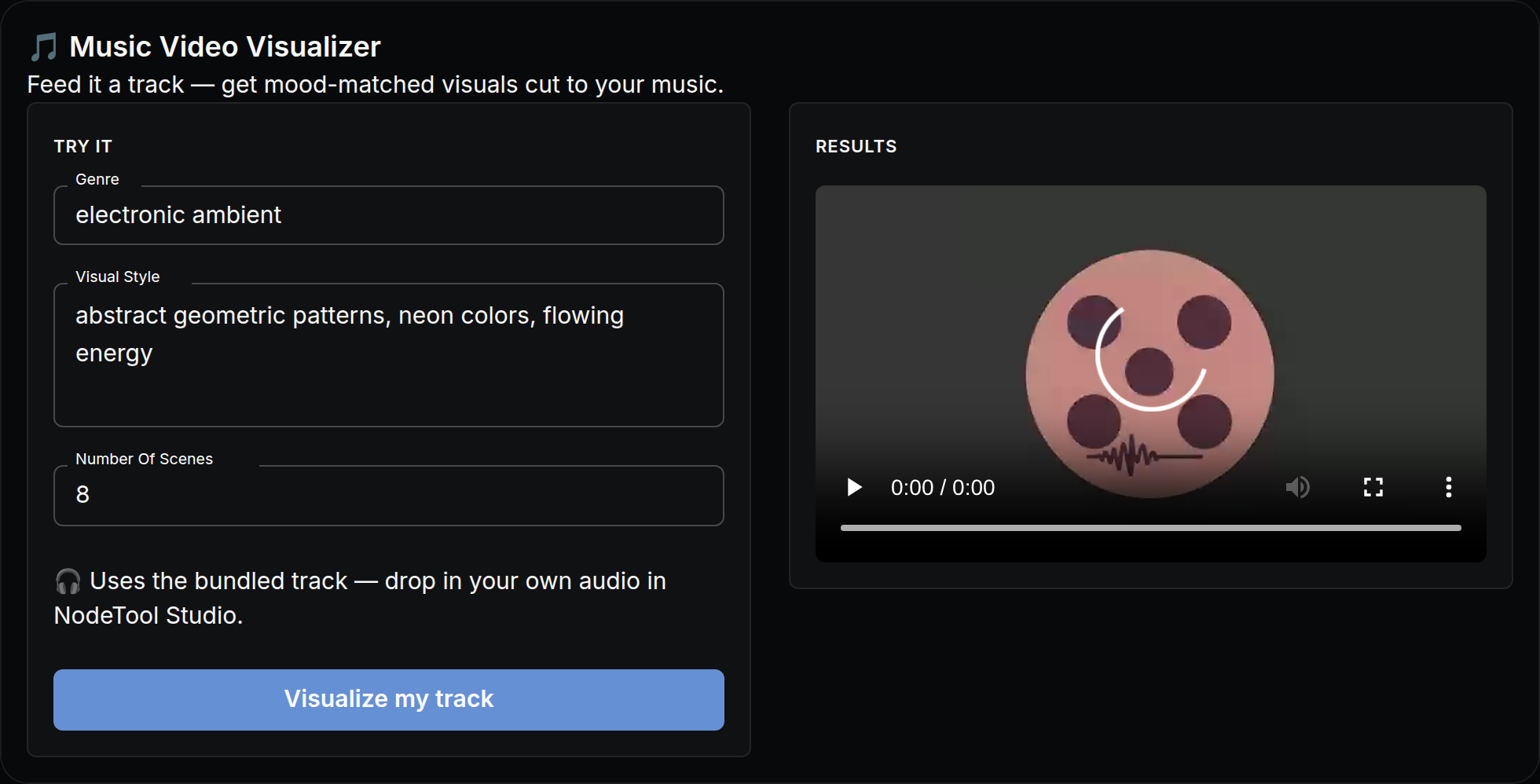
Feed it a track — get mood-matched visuals cut to your music.