All templates
Template·Video

Script to Screen

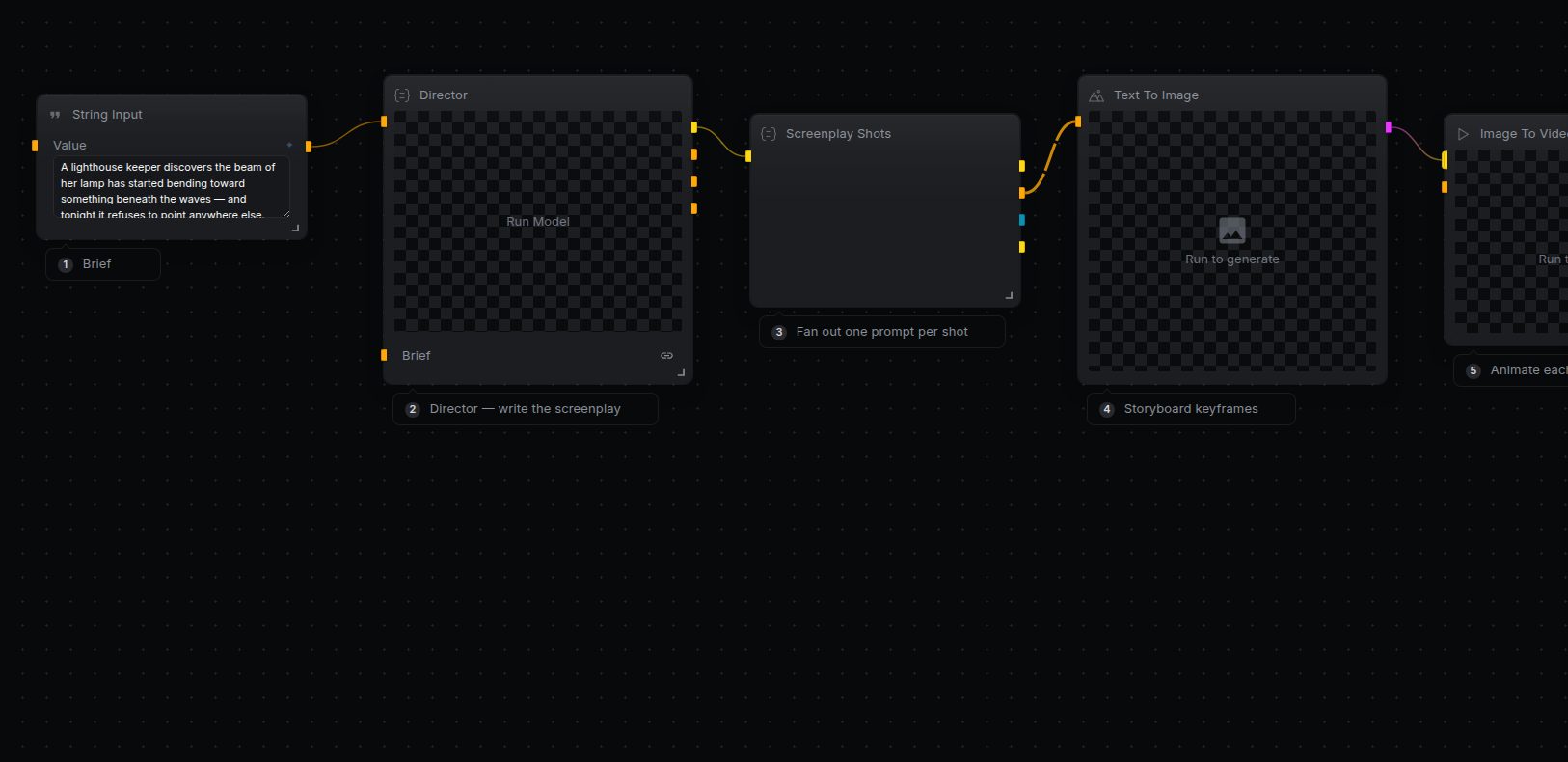
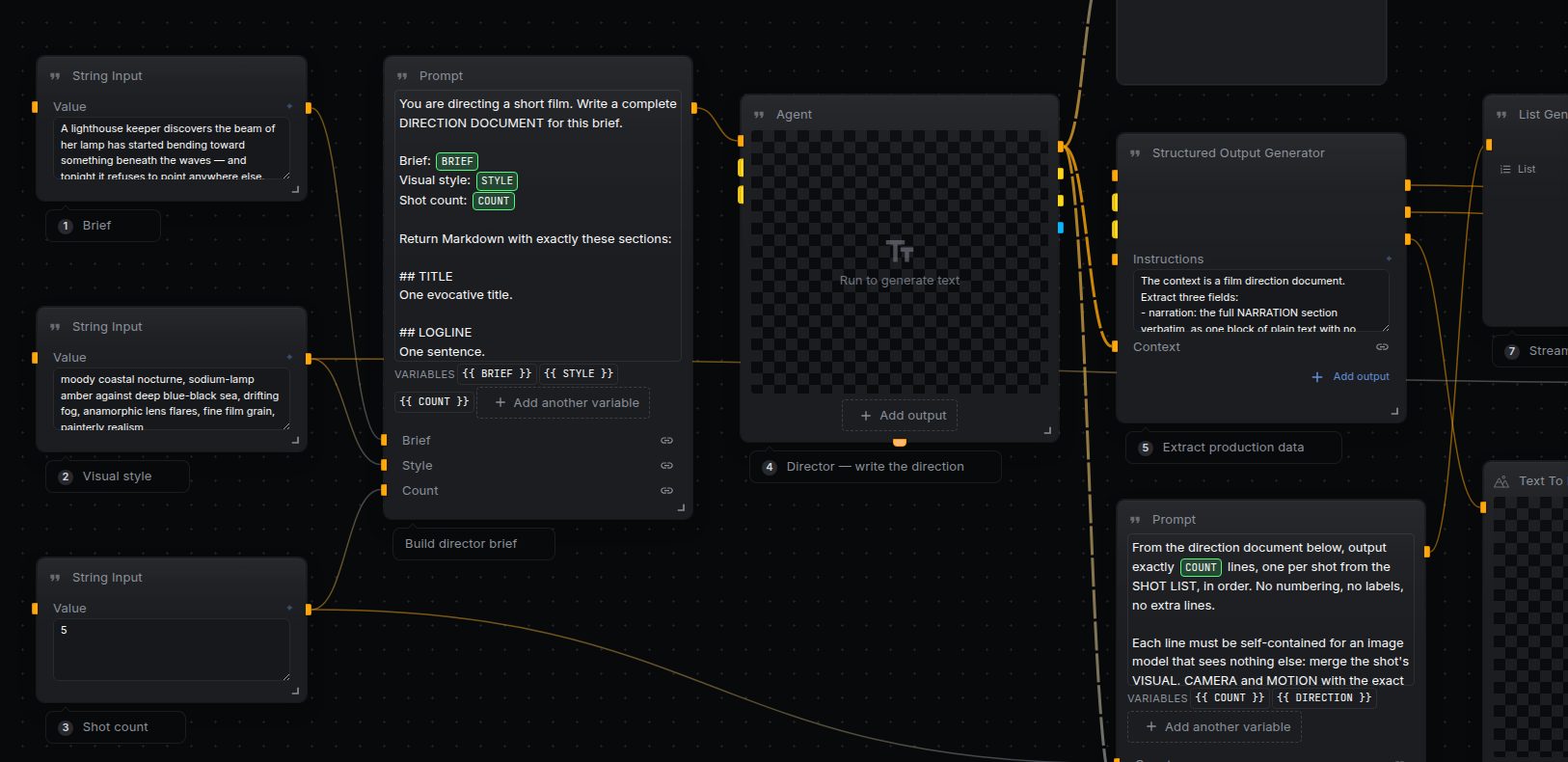
Full production spine: a Director agent turns your brief into a direction document (characters, style bible, shot list, narration, music). A style frame anchors every keyframe for consistency, keyframes form a cheap storyboard you can approve before video spend, then each shot is animated, cut together, and mixed with voiceover and music.
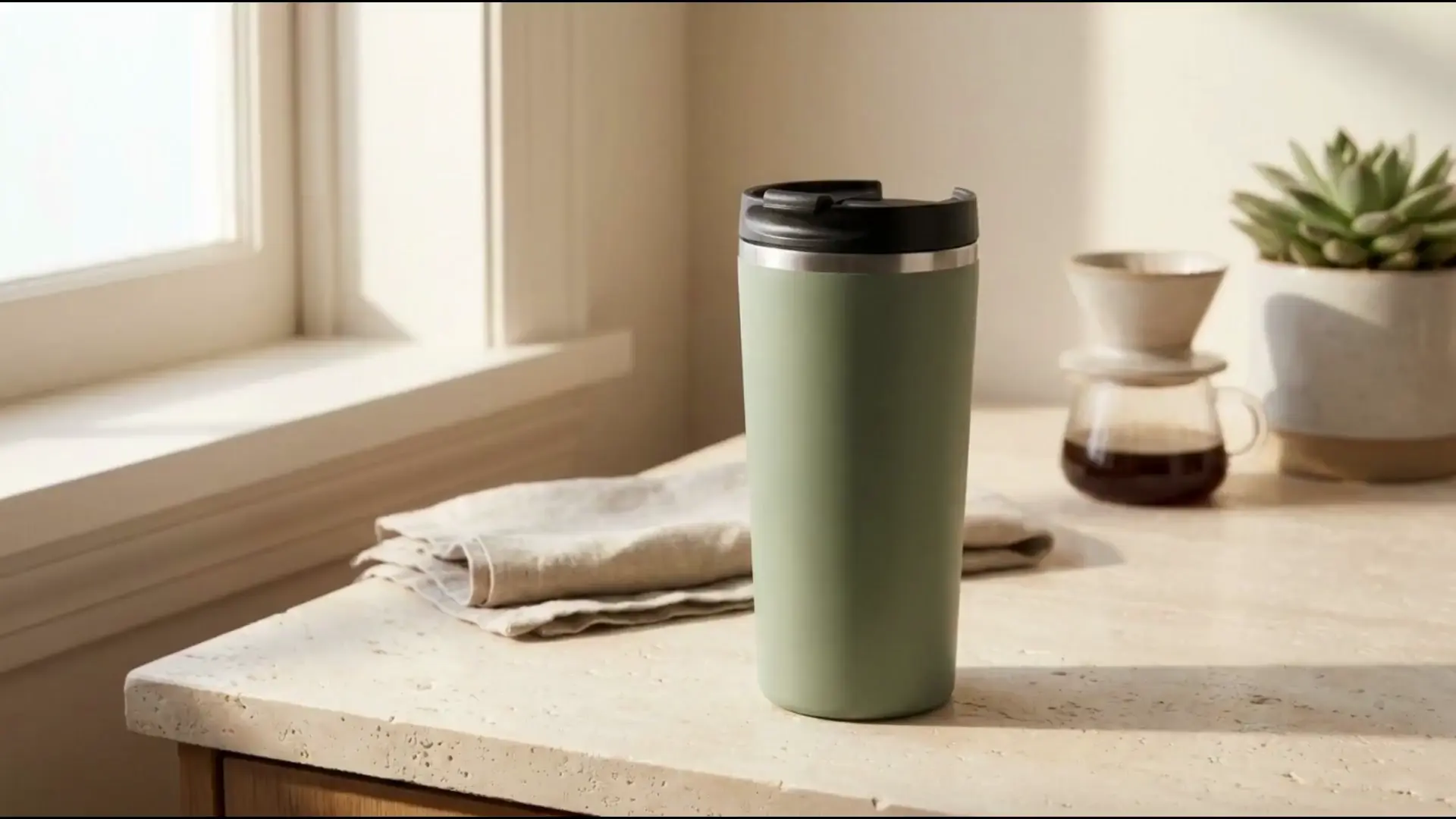
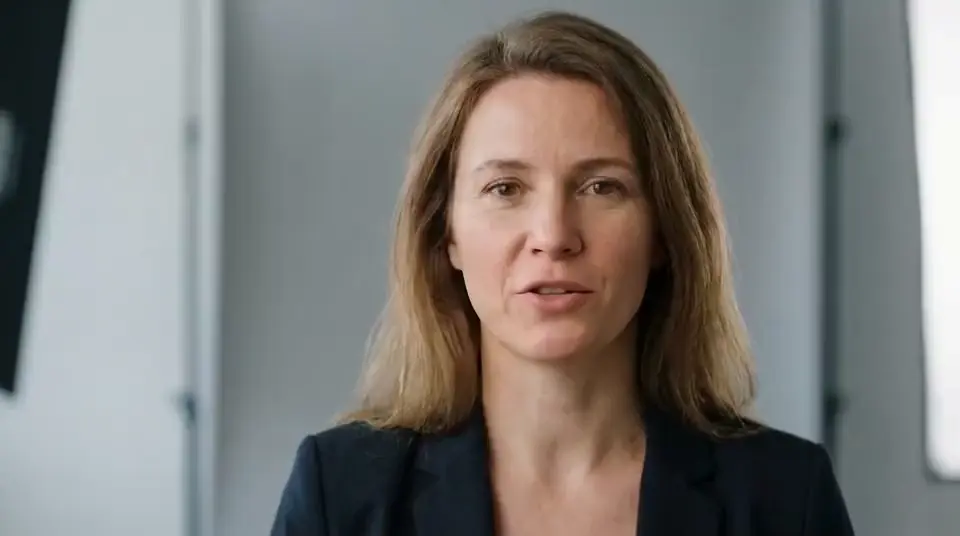
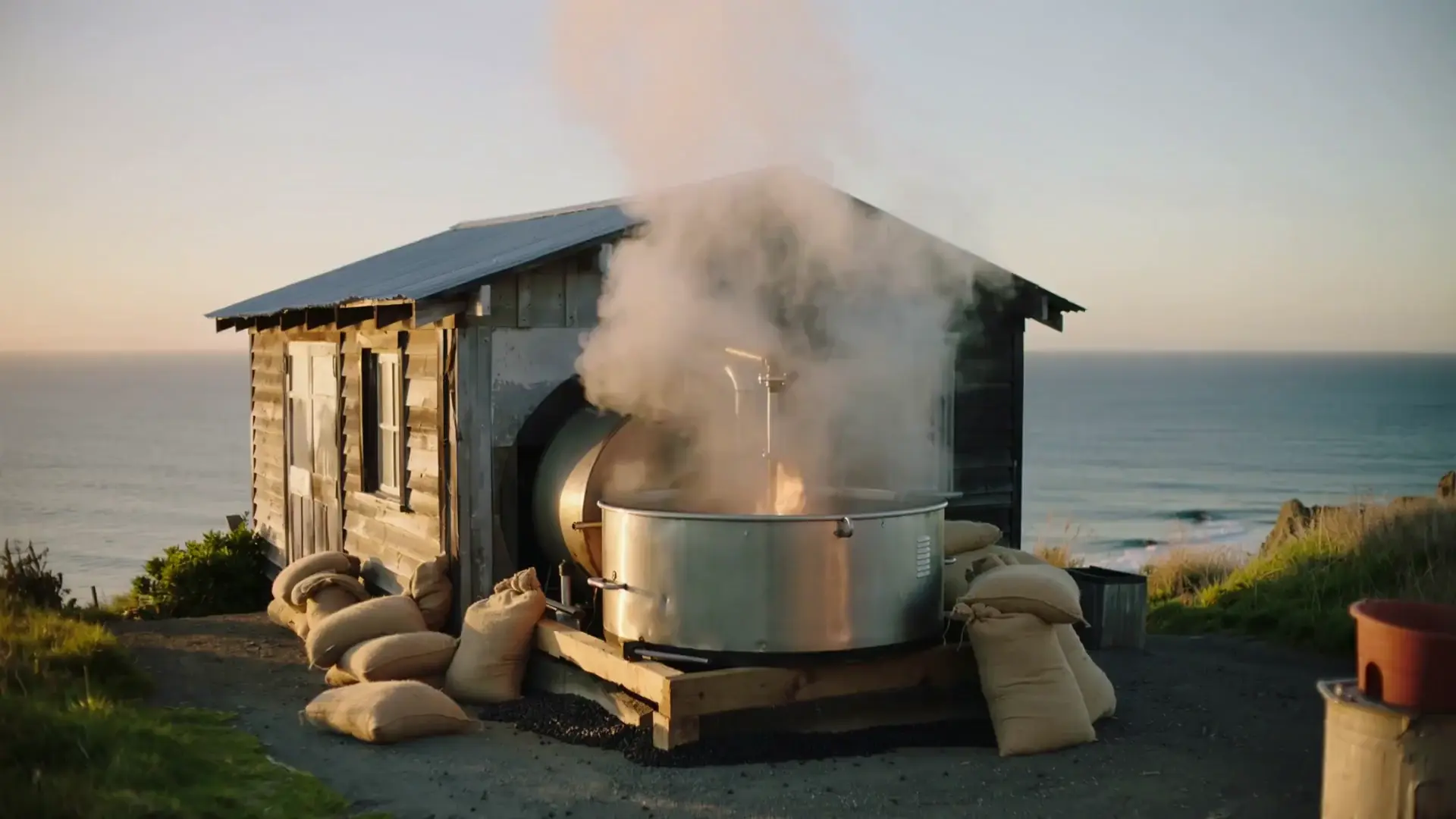
Script to Screen — example output from the NodeTool workflow

The workflow

Workflow Editor
Note
String Input
A lighthouse keeper discovers the beam of her lamp has started bending toward something beneath the waves — and tonight it refuses to point…
String Input
moody coastal nocturne, sodium-lamp amber against deep blue-black sea, drifting fog, anamorphic lens flares, fine film grain, painterly rea…
String Input
5
Prompt
Brief
Style
Count
You are directing a short film. Write a complete DIRECTION DOCUMENT for this brief. Brief: {{ BRIEF }} Visual style: {{ STYLE }} Shot count…
Agent
Prompt
Text
gpt-5-mini
Output
Structured Output Generator
Context
Style Frame Prompt
Narration
Music Prompt
gpt-5-mini
Text To Image
Prompt
fal-ai/flux/schnell
Prompt
Direction
Count
From the direction document below, output exactly {{ COUNT }} lines, one per shot from the SHOT LIST, in order. No numbering, no labels, no…
List Generator
Prompt
gpt-5-mini
Prompt
Shot
Style
Cinematic film still, 16:9. Shot: {{ SHOT }} Visual style: {{ STYLE }}. Dramatic volumetric lighting, rich cinematic color grading, fine fi…
Image To Image
Image
Prompt
fal-ai/flux/schnell
Collect
Input Item
Output
Prompt
Shot
Animate this exact scene. {{ SHOT }} Follow the MOTION direction precisely: move only what it names, keep everything else stable. Preserve…
Image To Video
Image
Prompt
veo-3.1-generate-preview
Collect
Input Item
Concat
Clips
Text To Speech
Text
Audio
tts-1
Text To Music
Prompt
Audio
meta/musicgen
Add Audio
Video
Audio
Add Audio
Video
Audio
Output

Nodes in this workflow

23 nodes · 14 types
  • Prompt
    nodetool.text.Prompt
    ×4
  • Output
    nodetool.output.Output
    ×3
  • String Input
    nodetool.input.StringInput
    ×3
  • Add Audio
    nodetool.video.AddAudio
    ×2
  • Collect
    nodetool.control.Collect
    ×2
  • Agent
    nodetool.agents.Agent
  • Concat
    nodetool.video.Concat
  • Image To Image
    nodetool.image.ImageToImage
  • Image To Video
    nodetool.video.ImageToVideo
  • List Generator
    nodetool.generators.ListGenerator
  • Structured Output Generator
    nodetool.generators.StructuredOutputGenerator
  • Text To Image
    nodetool.image.TextToImage
  • Text To Music
    nodetool.audio.TextToMusic
  • Text To Speech
    nodetool.audio.TextToSpeech

How to run it

  1. 01

    Download NodeTool Studio

    Install the free desktop app for macOS, Windows, or Linux. It runs on your own machine, no account required to start.

  2. 02

    Open the Script to Screen template

    Browse the built-in template library inside Studio and open this workflow onto the canvas. Every node is already wired up.

  3. 03

    Add your keys

    Connect the providers this workflow uses (Add Audio, Agent, Concat). Bring your own keys — you pay the provider directly.

  4. 04

    Run and remix

    Hit Run to execute the graph and watch results stream in. Swap models, edit prompts, or rewire nodes to make it yours.

Run Script to Screen on your machine

Free, open source, and yours to run. Download Studio, open the template, and run it with your own keys.