NodeTool Cloud is in alpha. Try it

All recipes
Recipe·6 workflows

E-commerce SKU Visual Factory

One packshot per SKU becomes the whole channel set: cutout, studio scene, seasonal relight, turntable clip, print master, and the listing copy.

For: Catalogue and marketplace teams with more SKUs than shoot days.

What it produced

Not a mockup. The chain below was run end to end and this came back. The list under the caption is every model that ran: green where it is the model the workflow names, reached through whichever provider this render held a key for, blue where a better one was chosen deliberately, and amber where a different model had to stand in — each with the reason.

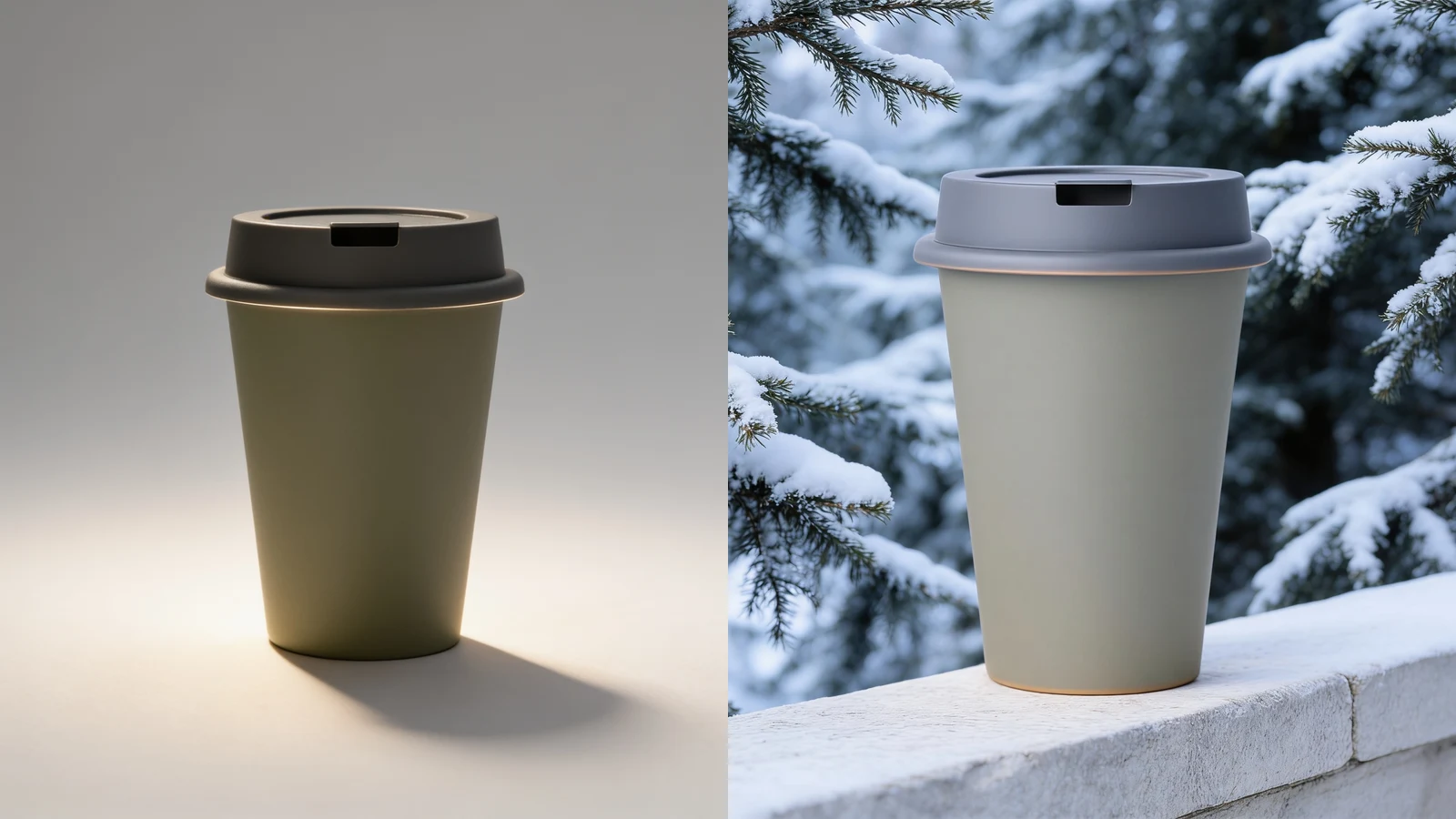
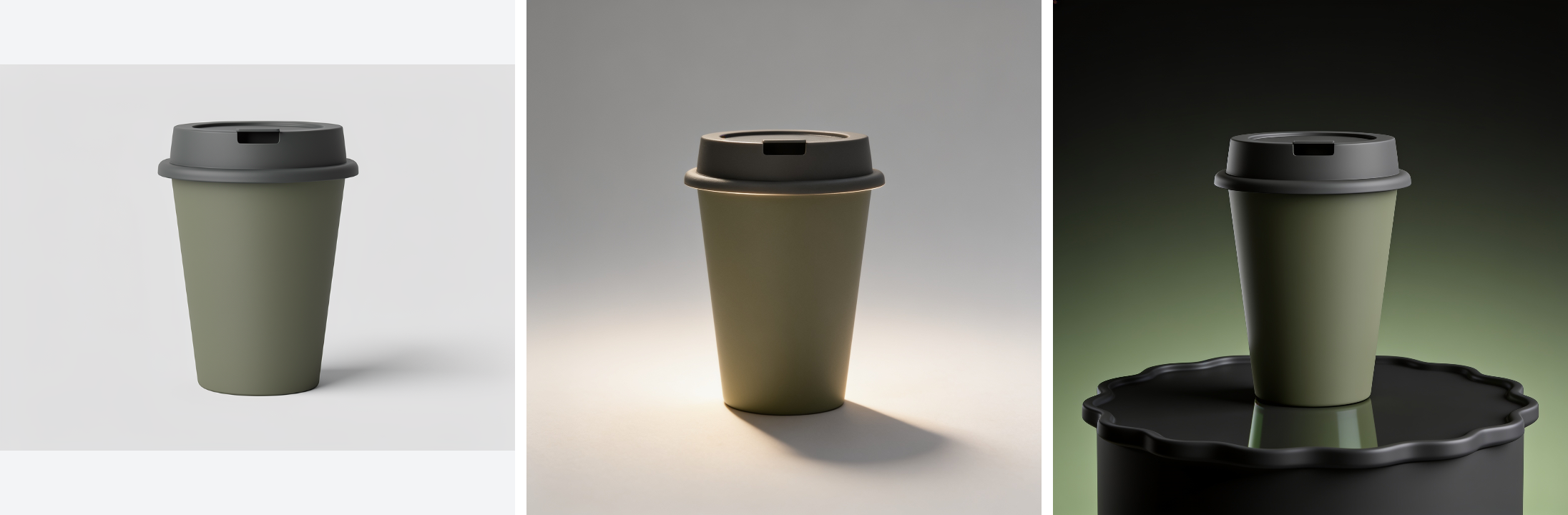
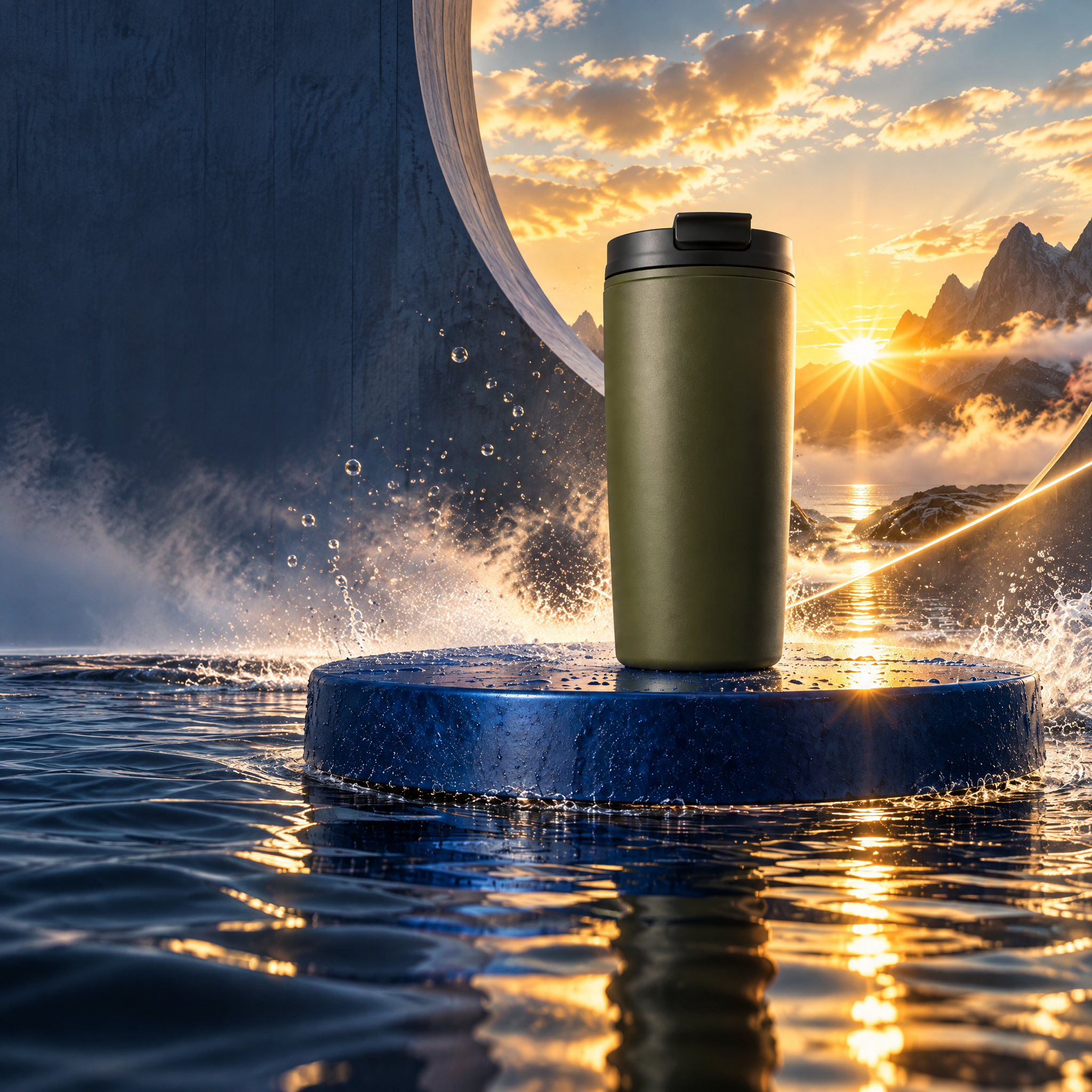
Output from running the E-commerce SKU Visual Factory recipe
One generated packshot carried through the whole chain: cutout on a real alpha channel, placed on a concrete plinth, relit for winter sun, spun into a turntable clip, and mastered at 4096px. The product is the same object in all six.
Produced by
  • replicate:bria/remove-backgroundthe model fal_ai:fal-ai/bria/background/remove names, Bria's own background remover, hosted on Replicate
  • atlascloud:google/nano-banana-pro/editchosen over fal_ai:fal-ai/flux/dev the best image editor reachable from this render. The exact model was tried first and redrew the product: FLUX.1 Dev at the strength 0.45 the workflow sets, against a prompt describing only the scene, returned a different bottle — the one thing this step must not do
  • replicate:qwen-edit-apps/qwen-image-edit-plus-lora-relightstands in for fal_ai:fal-ai/image-apps-v2/relighting fal's relighting app has no equivalent on the providers this render could reach
  • kie:kling-2.6/image-to-videostands in for fal_ai:fal-ai/ltx-2.3/image-to-video/fast no provider reachable from this render serves LTX-2.3
  • replicate:recraft-ai/recraft-crisp-upscalestands in for fal_ai:fal-ai/clarity-upscaler Clarity Upscaler on Replicate is a community model that needs a pinned version hash and 404s without one
  • openrouter:openai/gpt-5-minithe model openai:gpt-5-mini names, billed through OpenRouter

Every step after the first one starts from the cutout, so the product itself is never regenerated. That is the constraint that matters in a catalogue: the customer is buying the object in the photograph, and a model that redraws it has sold them something else.

Run the chain once per SKU. The upscale sits at the end on purpose — one call for the asset you actually print, rather than paying print resolution on every draft.

Keys this chain needs

Read out of the workflows themselves, so this list is what the graphs actually call. You bring the keys and pay each provider directly — NodeTool takes no cut and adds no markup.

The chain, in order

  1. Card art for the Cut a Product Out of Its Background template
    01

    Isolate the product once

    In: the packshot. Out: the product on a real alpha channel rather than a white matte, so the edge survives compositing onto anything later.

    fal-ai/bria/background/remove
    Cut a Product Out of Its Background — see the graph
  2. Card art for the Put a Product on a Studio Backdrop template
    02

    Place it in a described setting

    In: the cutout and a scene description. Out: the product in that scene. An edit model told to change only the surroundings, rather than a strength setting on image-to-image, is what keeps the product unchanged.

    fal-ai/bria/background/removefal-ai/nano-banana/edit
    Put a Product on a Studio Backdrop — see the graph
  3. Card art for the Relight a Product for a Seasonal Campaign template
    03

    Change the season without a reshoot

    In: the placed shot. Out: the same geometry and materials under different light. Relighting moves where the light comes from and nothing else.

    fal-ai/image-apps-v2/relighting
    Relight a Product for a Seasonal Campaign — see the graph
  4. Card art for the Spin a Packshot into a Turntable Clip template
    04

    Give the product page motion

    In: the still. Out: a short clip with a camera move. Image-to-video keeps the product identical, which a text-to-video model would not.

    fal-ai/ltx-2.3/image-to-video/fast
    Spin a Packshot into a Turntable Clip — see the graph
  5. Card art for the Take a Product Shot to Print Resolution template
    05

    Upscale only the keeper

    In: the approved web asset. Out: a print-resolution master. One call at the end of the pipeline instead of print resolution on every draft.

    fal-ai/clarity-upscaler
    Take a Product Shot to Print Resolution — see the graph
  6. Card art for the Write a Listing from the Product Photo template
    06

    Write the copy from the photograph

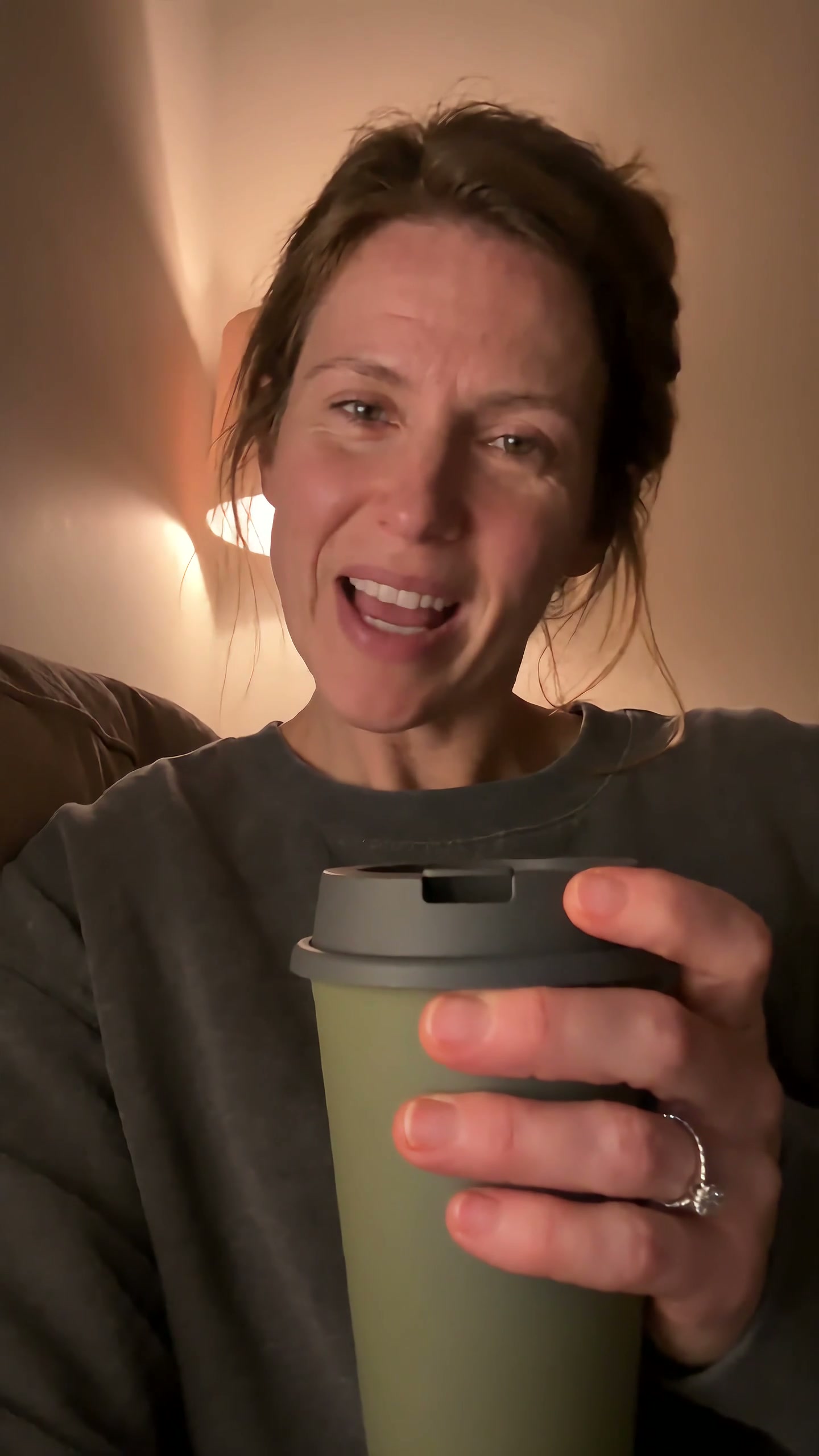
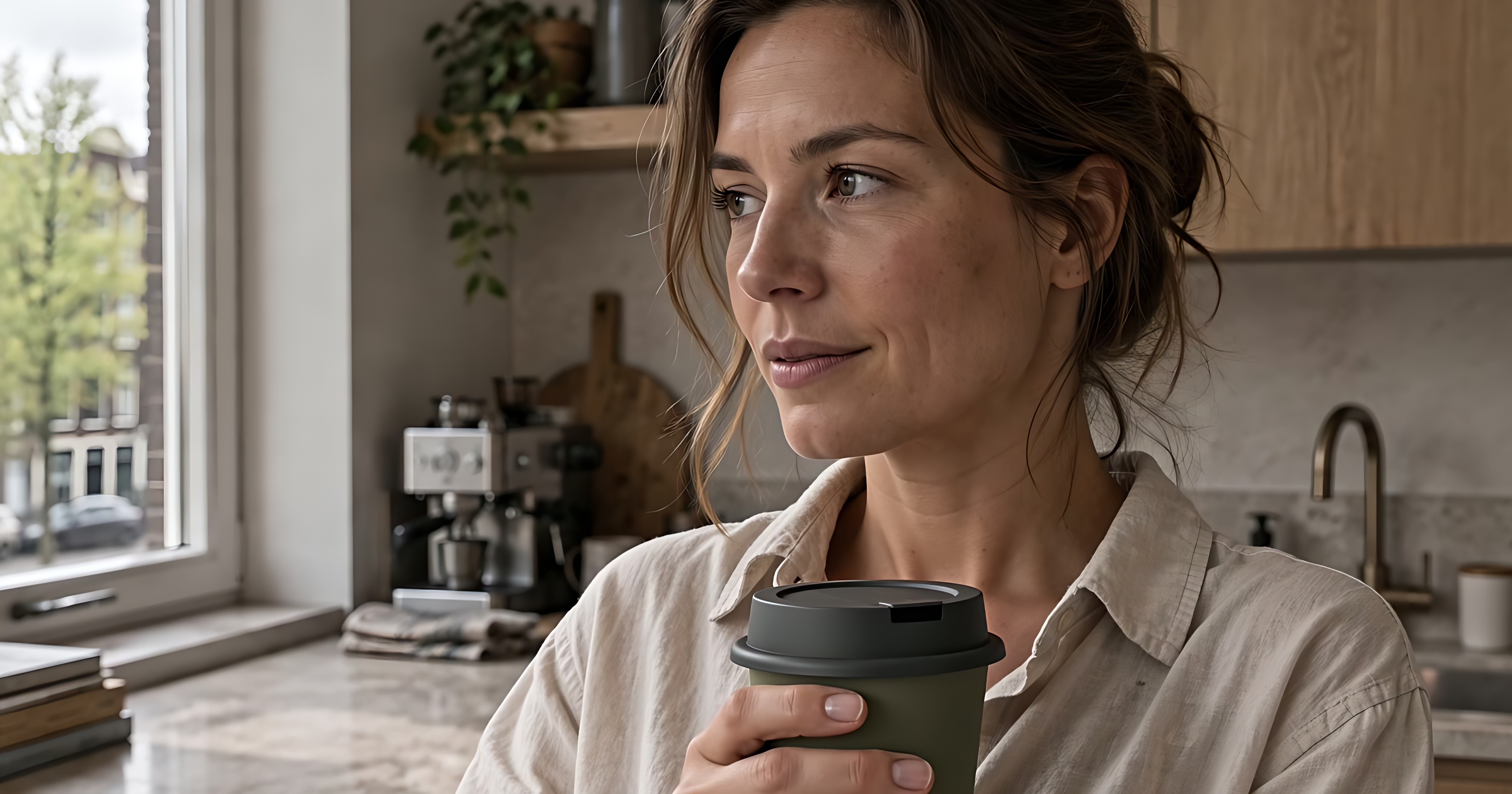
    In: the image itself, not a description of it. Out: marketplace copy that catches finish, proportion, and what the thing sits next to — details a spec sheet leaves out.

    gpt-5-mini
    Write a Listing from the Product Photo — see the graph

What it does not do

  • Background removal is a model, not a matte artist. Hair, mesh, glassware, and anything transparent need a look before they go live.
  • Relighting changes light, not colour management. A brand colour that has to match a printed swatch still needs a proofing step.
  • The listing copy is written from one photograph. It does not know your stock, sizing, or compliance wording.

Running it

  1. 01

    Install Studio

    The desktop app is free and runs on your own machine. No account is needed to open a workflow.

  2. 02

    Import the bundle

    Open the command menu and choose Import Workflow as Bundle. All the workflows in this recipe land in your library at once.

  3. 03

    Add your keys

    Paste each key above into Settings. Studio stores them in your OS keychain and sends them only to that provider.

  4. 04

    Run the chain

    Work down the list. Each step takes what the one before it produced, so you can stop and change your mind at any point.