NodeTool Cloud is in alpha — run workflows in the browser, on your own keys.NodeTool Cloud is in alpha. Try it →

Product
StudioCloud (alpha)AgentsNode-based workflowsAI video editorAI image editorStoryboardsMCP serverSupported modelsDownloadSolutions
DevelopersMarketingGame developmentLocal-firstResearchersAll solutionsResources
TemplatesRecipesPresetsAd libraryCompare alternativesFAQGen-4 Image in a visual AI workflow
Run Runway's Gen-4 Image in a visual AI workflow: reference-guided text-to-image with up to three reference images, at provider list price.
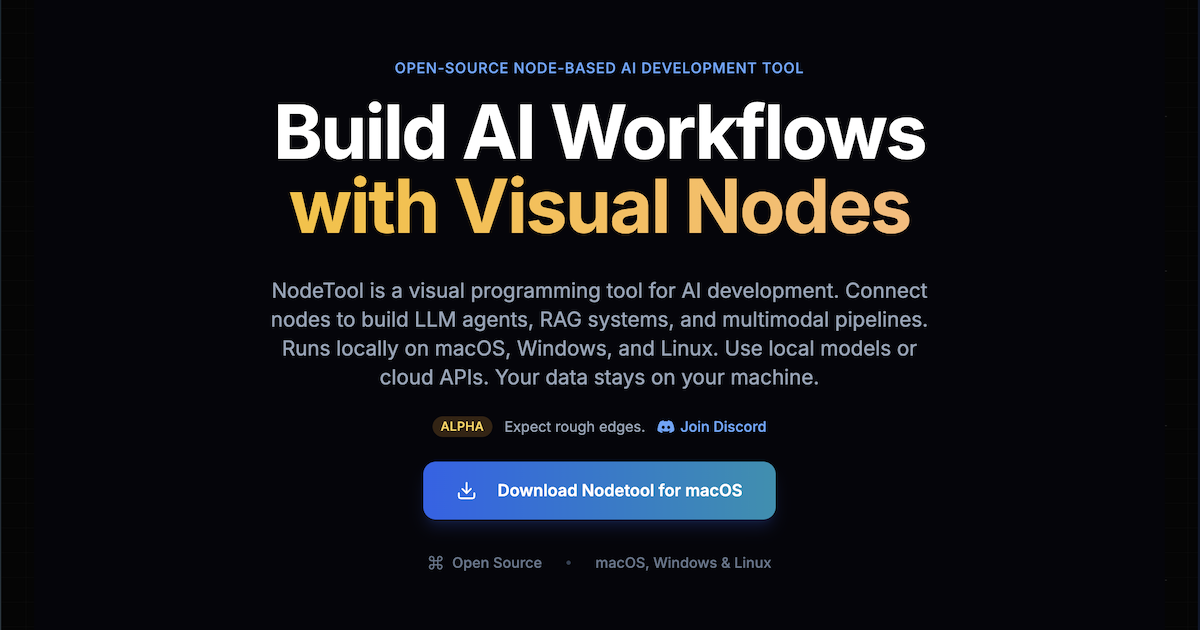
Fresh Gen-4 Image examples are on the way. Meanwhile, here's the NodeTool canvas where you'll run it.
Gen-4 Image is Runway's image model with references. You give it up to three reference images, tag each one, and describe the scene, and it builds the image around those subjects. Gen-4 Image Turbo is cheaper and 2.5 times faster.
References are a good fit for graphs: a character or product image from an upstream node feeds in, and the same references can drive many shots.
NodeTool is bring-your-own-key, so you call Gen-4 Image through a provider you already use and pay that provider's list price. The table below lists the providers that serve it and the model ids their `--list-models` output reports.
Where to run Gen-4 Image
NodeTool is bring-your-own-key: you call Gen-4 Image through a provider you already have access to and pay their list price — no credits, no markup. These providers serve Gen-4 Image today.
| Provider | Setting for your key |
|---|---|
| Replicate | REPLICATE_API_TOKEN |
Frequently asked questions
- How many reference images can Gen-4 Image use?
- Up to three, each with a tag you can refer to in the prompt.
- Gen-4 Image or Turbo?
- Turbo is cheaper and 2.5 times faster. Use Gen-4 Image when you want the full model.
- What does Gen-4 Image cost in NodeTool?
- NodeTool adds no per-image fee. You pay the provider that serves Gen-4 Image at its list price, with your own key.
Run Gen-4 Image your way.
Download NodeTool Studio and build across image, video, audio, and text with your own keys.