NodeTool Cloud is in alpha — run workflows in the browser, on your own keys.NodeTool Cloud is in alpha. Try it →

Product
StudioCloud (alpha)AgentsNode-based workflowsAI video editorAI image editorStoryboardsMCP serverSupported modelsDownloadSolutions
DevelopersMarketingGame developmentLocal-firstResearchersAll solutionsResources
TemplatesRecipesPresetsAd libraryCompare alternativesFAQLeonardo.Ai in a visual AI workflow
Run Leonardo.Ai's Phoenix and Lucid Origin in a visual AI workflow: text-to-image with style and contrast controls, at provider list price.
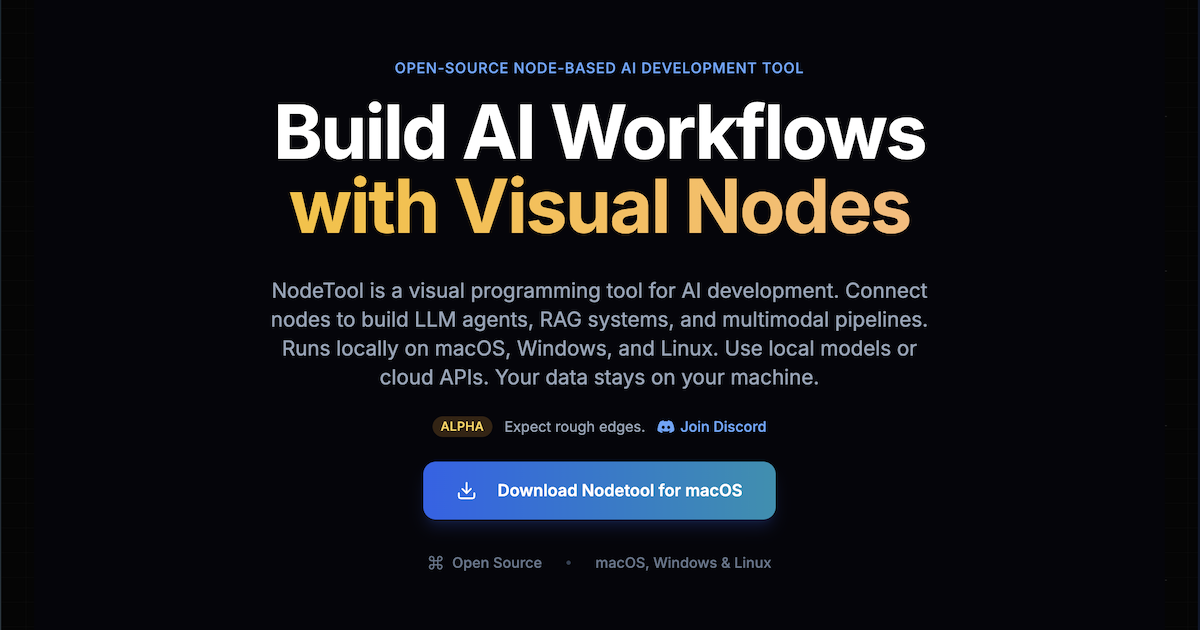
Fresh Leonardo.Ai examples are on the way. Meanwhile, here's the NodeTool canvas where you'll run it.
Phoenix 1.0 is Leonardo.Ai's first foundational model. It produces images up to 5 megapixels in fast, quality, and ultra modes. Lucid Origin targets artistic, high-quality visuals with better prompt adherence, diversity, and definition.
Both nodes take a style, a contrast setting, a generation mode, and a prompt-enhance toggle, and can return several images per run.
NodeTool is bring-your-own-key, so you call Leonardo.Ai through a provider you already use and pay that provider's list price. The table below lists the providers that serve it and the model ids their `--list-models` output reports.
Where to run Leonardo.Ai
NodeTool is bring-your-own-key: you call Leonardo.Ai through a provider you already have access to and pay their list price — no credits, no markup. These providers serve Leonardo.Ai today.
| Provider | Setting for your key |
|---|---|
| Replicate | REPLICATE_API_TOKEN |
Frequently asked questions
- What are the Phoenix generation modes?
- Fast, quality, and ultra. Higher modes trade latency for fidelity.
- Phoenix or Lucid Origin?
- Phoenix is the foundational model with output up to 5 megapixels. Lucid Origin targets artistic visuals with better prompt adherence and definition.
- What does Leonardo.Ai cost in NodeTool?
- NodeTool adds no per-image fee. You pay the provider that serves Leonardo.Ai at its list price, with your own key.
Run Leonardo.Ai your way.
Download NodeTool Studio and build across image, video, audio, and text with your own keys.