NodeTool Cloud is in alpha — run workflows in the browser, on your own keys.NodeTool Cloud is in alpha. Try it →

Product
StudioCloud (alpha)AgentsNode-based workflowsAI video editorAI image editorStoryboardsMCP serverSupported modelsDownloadSolutions
DevelopersMarketingGame developmentLocal-firstResearchersAll solutionsResources
TemplatesRecipesPresetsAd libraryCompare alternativesFAQMeta Muse Image in a visual AI workflow
Run Meta's Muse Image in a visual AI workflow: text-to-image that reasons about the request first, BYOK at provider prices.
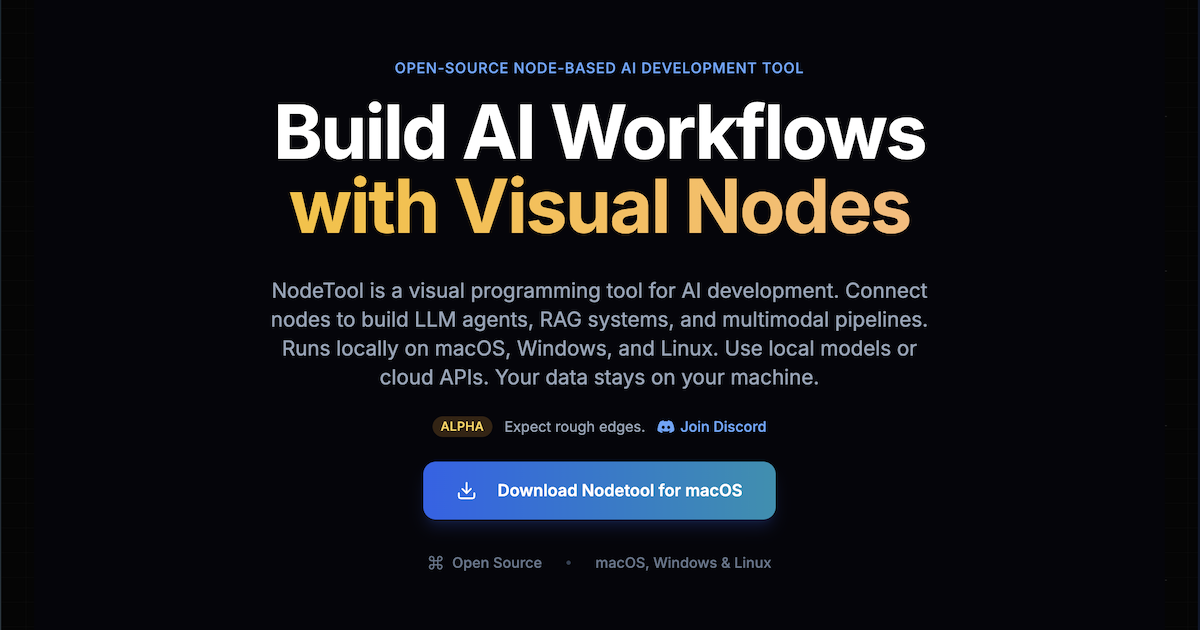
Fresh Meta Muse Image examples are on the way. Meanwhile, here's the NodeTool canvas where you'll run it.
Meta Muse Image generates images from text. Its listing says it reasons about the request before rendering, composing scenes with strong prompt adherence.
As a node it takes a prompt and returns an image, so it drops into the same graphs as any other image model. Compare it with another model by running both nodes on one prompt.
Meta Muse Image is BYOK. The provider table below is generated from the node manifests, so it lists only the providers that serve it today.
Where to run Meta Muse Image
NodeTool is bring-your-own-key: you call Meta Muse Image through a provider you already have access to and pay their list price — no credits, no markup. These providers serve Meta Muse Image today.
| Provider | Setting for your key |
|---|---|
| fal.ai | FAL_API_KEY |
Use Meta Muse Image in a ready-made workflow
Drop Meta Muse Image into a template and you have a repeatable pipeline — prompt in, asset out — that you can edit, re-run, and share as a single file. Open it in NodeTool and swap in your own key.
Open the templateFrequently asked questions
- What does it mean that Muse Image reasons first?
- The listing says the model reasons about the request before rendering. That helps with prompts that describe a scene with several parts.
- How do I run Meta Muse Image in NodeTool?
- Add the Meta Muse Image node to a workflow, connect a text prompt, and run. NodeTool calls a provider you have a key for and returns the image to the canvas.
- What does Meta Muse Image cost in NodeTool?
- You pay the serving provider's list price. NodeTool is bring-your-own-key with no markup.
Run Meta Muse Image your way.
Download NodeTool Studio and build across image, video, audio, and text with your own keys.