NodeTool Cloud is in alpha — run workflows in the browser, on your own keys.NodeTool Cloud is in alpha. Try it →

Product
StudioCloud (alpha)AgentsNode-based workflowsAI video editorAI image editorStoryboardsMCP serverSupported modelsDownloadSolutions
DevelopersMarketingGame developmentLocal-firstResearchersAll solutionsResources
TemplatesRecipesPresetsAd libraryCompare alternativesFAQRetro Diffusion in a visual AI workflow
Run Retro Diffusion in a visual AI workflow: pixel art and tileset generation with palette control, at provider list price.
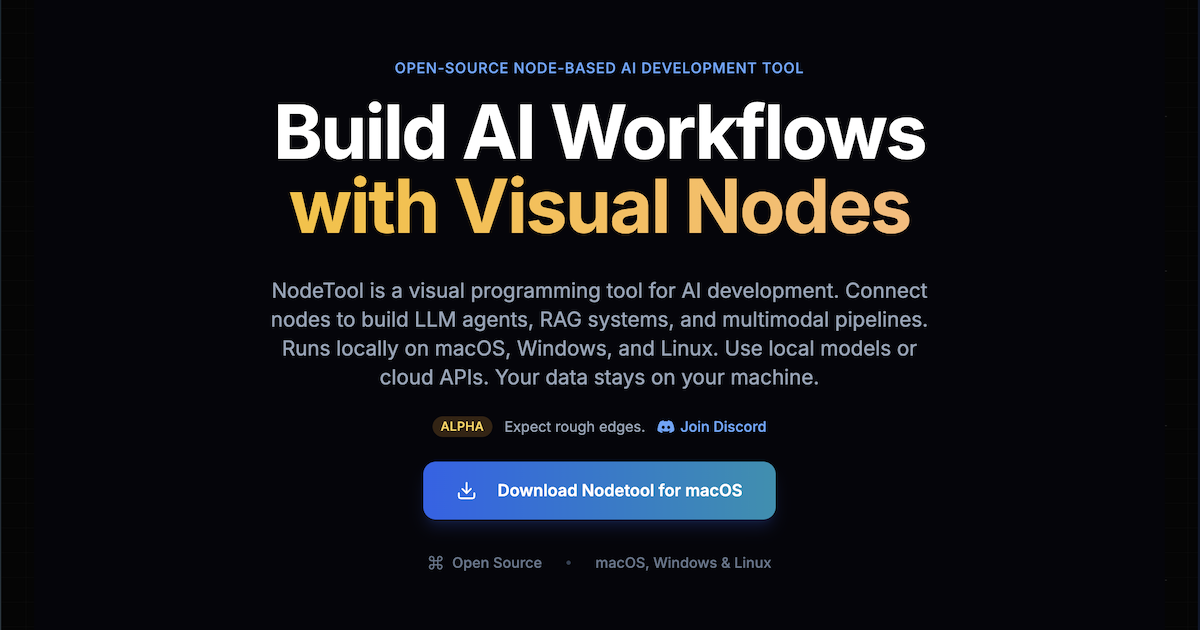
Fresh Retro Diffusion examples are on the way. Meanwhile, here's the NodeTool canvas where you'll run it.
Retro Diffusion generates pixel art. RD Fast is the quick option and RD Plus targets high quality, authentic pixel art. RD Tile generates pixel art tilesets.
The nodes take an input palette, a style, a background removal toggle, and tiling options on the x and y axes, which makes them useful for sprites and game assets.
NodeTool is bring-your-own-key, so you call Retro Diffusion through a provider you already use and pay that provider's list price. The table below lists the providers that serve it and the model ids their `--list-models` output reports.
Where to run Retro Diffusion
NodeTool is bring-your-own-key: you call Retro Diffusion through a provider you already have access to and pay their list price — no credits, no markup. These providers serve Retro Diffusion today.
| Provider | Setting for your key |
|---|---|
| Replicate | REPLICATE_API_TOKEN |
Frequently asked questions
- Which Retro Diffusion model should I use?
- RD Fast for quick drafts, RD Plus for quality, and RD Tile when you need a tileset.
- Can I force a color palette?
- Yes. RD Fast and RD Plus accept an input palette image.
- What does Retro Diffusion cost in NodeTool?
- NodeTool adds no per-image fee. You pay the provider that serves Retro Diffusion at its list price, with your own key.
Run Retro Diffusion your way.
Download NodeTool Studio and build across image, video, audio, and text with your own keys.