Sora 2 in a visual AI workflow
Run OpenAI's Sora 2 in a visual AI workflow — prompt-to-video with sound and strong physical realism, BYOK at provider prices.
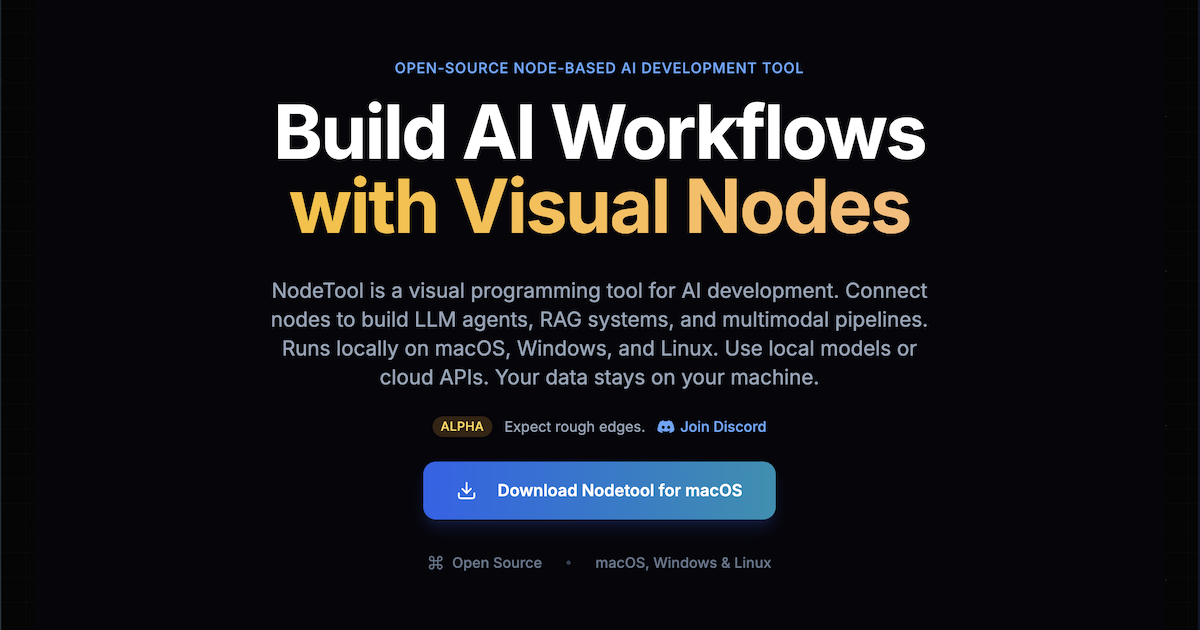
Fresh Sora 2 examples are on the way. Meanwhile, here's the NodeTool canvas where you'll run it.
Sora 2 is OpenAI's text-to-video model, known for physically plausible motion, stable multi-shot scenes, and a synchronized audio track. It handles prompts that describe camera moves and staging, not just subjects, which makes it a natural fit for storyboarding and short narrative pieces.
NodeTool exposes Sora 2 as a video node with text- and image-to-video entry points. Drop it into a graph alongside a prompt writer, a reference image, or a duel against another model, and the whole pipeline is reusable and shareable as a single workflow file.
Sora 2 is BYOK in NodeTool: bring the key for a provider that serves it and pay their price directly. The provider table below is generated from the node manifests, so it matches what each provider actually lists.
Where to run Sora 2
NodeTool is bring-your-own-key: you call Sora 2 through a provider you already have access to and pay their list price — no credits, no markup. These providers serve Sora 2 today.
| Provider | Setting for your key |
|---|---|
| fal.ai | FAL_API_KEY |
| Replicate | REPLICATE_API_TOKEN |
| Together AI | TOGETHER_API_KEY |
Use Sora 2 in a ready-made workflow
Drop Sora 2 into a template and you have a repeatable pipeline — prompt in, asset out — that you can edit, re-run, and share as a single file. Open it in NodeTool and swap in your own key.
Open the templateFrequently asked questions
- Can Sora 2 do image-to-video?
- Yes. Providers expose Sora 2 text-to-video and image-to-video endpoints, both available as nodes in NodeTool.
- Is Sora 2 available without a ChatGPT subscription?
- In NodeTool you call Sora 2 through a provider that serves the API and pay that provider directly. See the provider table for the current options.
- How is Sora 2 different from Veo 3?
- Both are audio-capable text-to-video models. Sora 2 is often preferred for physical realism and longer multi-shot clips; Veo 3 for tightly synchronized native audio. NodeTool's model-vs-model pages put the same prompt through both.
Run Sora 2 your way.
Download NodeTool Studio and build across image, video, audio, and text with your own keys.