AI YouTube Thumbnail Generator
Give it a video title and a hook. The canvas drafts thumbnail concepts, renders a batch of variants, and lays in the text so you can pick a winner.
- A batch of thumbnail variants per title
- Concept, key art, and text composed in one pass
- A/B a few looks without opening an image editor
One canvas
for the whole craft
Image, video, audio, and text on a single visual canvas, with the editing tools you already rely on sitting right next to the models. You direct the whole piece instead of generating parts of it.
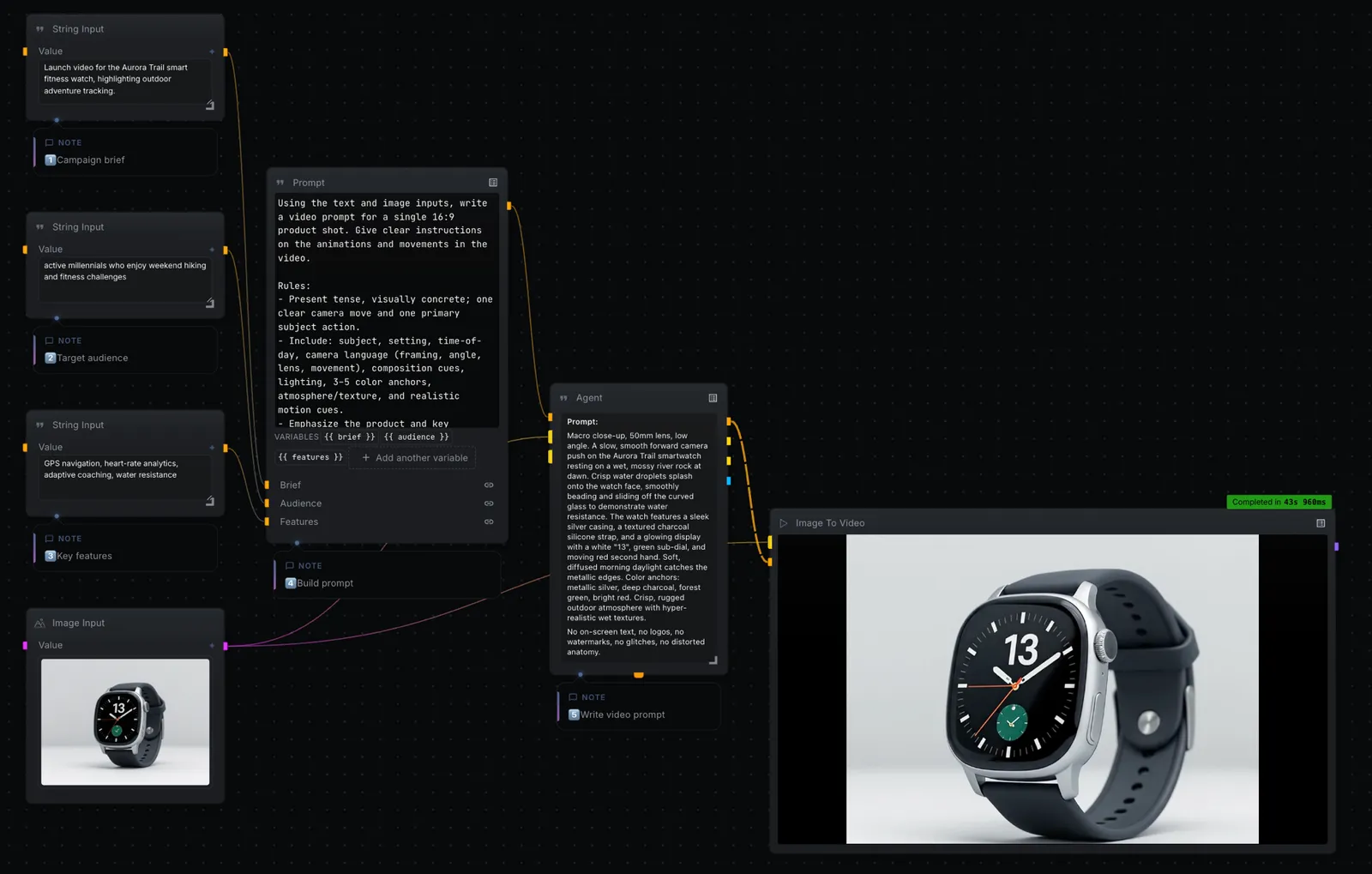
Edit where you generate
Mask, retouch, extend, relight, upscale, layer, and composite. The editing tools you reach for live on the same canvas as the models.
Watch every step render
Results appear as each step finishes. Inspect any frame, swap a model, and re-run from that point on.
Your keys, provider prices
Bring your own keys for FAL, KIE, OpenAI, Anthropic, Gemini, Replicate, and the rest. The bill comes from the provider, not from us.
Image, video, audio, text
Flux, Seedance, Wan, ControlNet, Whisper, ElevenLabs, and Suno, all on one canvas under their real names. You always know which model you are running.
Frequently asked questions
Can it match my channel's style?
Yes — describe the style in the prompt node, or feed a reference image, and the batch follows it.
How many variants do I get?
As many as you set on the batch node. Render a handful, compare them on the canvas, and export the best.
Is it free?
NodeTool Studio is free and open source. You bring your own image-model key and pay that provider directly.
Build it on your own machine
Free, open source, and yours to run. Download Studio, open the template, and make it yours with your own keys.