Image-to-Video AI Models & Workflows
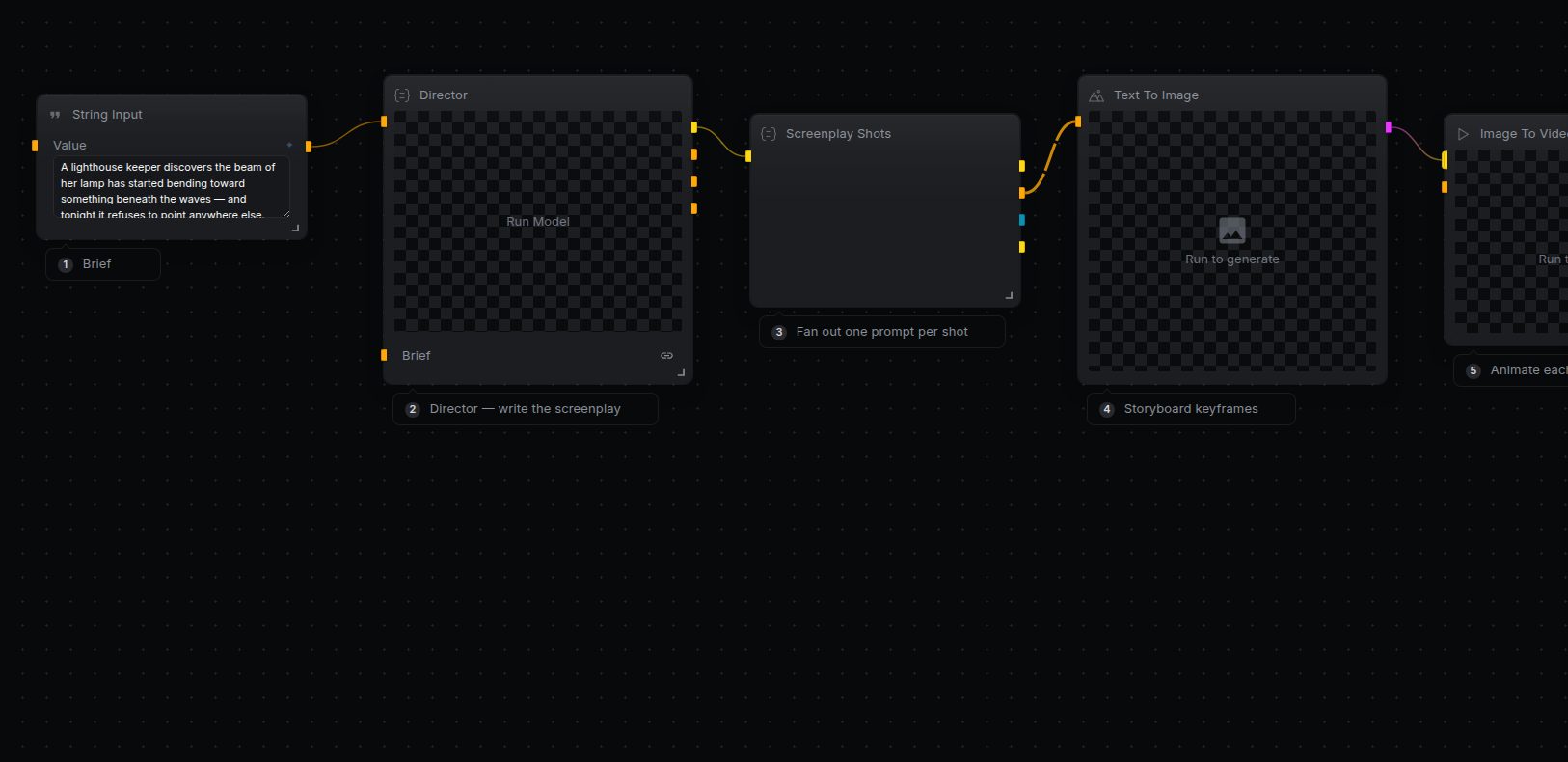
Turn a single frame into motion. Pick an image-to-video model, drop it into a NodeTool workflow, and animate stills into clips — on one canvas with your own keys.
Models for image to video
High-motion image-to-video with strong subject consistency.
Cinematic camera moves and native audio from a still.
Open-weight animation with fine motion control.
Fast, expressive motion for short clips.
Frequently asked questions
What is image-to-video?
It animates a still image into a short video clip — the model infers motion, camera, and timing from your frame and a prompt.
Which image-to-video model is best?
It depends on the look you want: Kling and Veo lead on cinematic motion, while open-weight models like Wan let you run locally and tune control.
How do I run it in NodeTool?
Open one of the image-to-video templates below in Studio, connect the provider key, feed it an image, and run the graph.
Do image to video on your own machine
Free, open source, and yours to run. Download Studio, pick a model, and wire it into a workflow with your own keys.