Document Input
input
NodeTool Cloud is in alpha. Direct films and run workflows in the browser, on your own keys.NodeTool Cloud is in alpha. Try it →
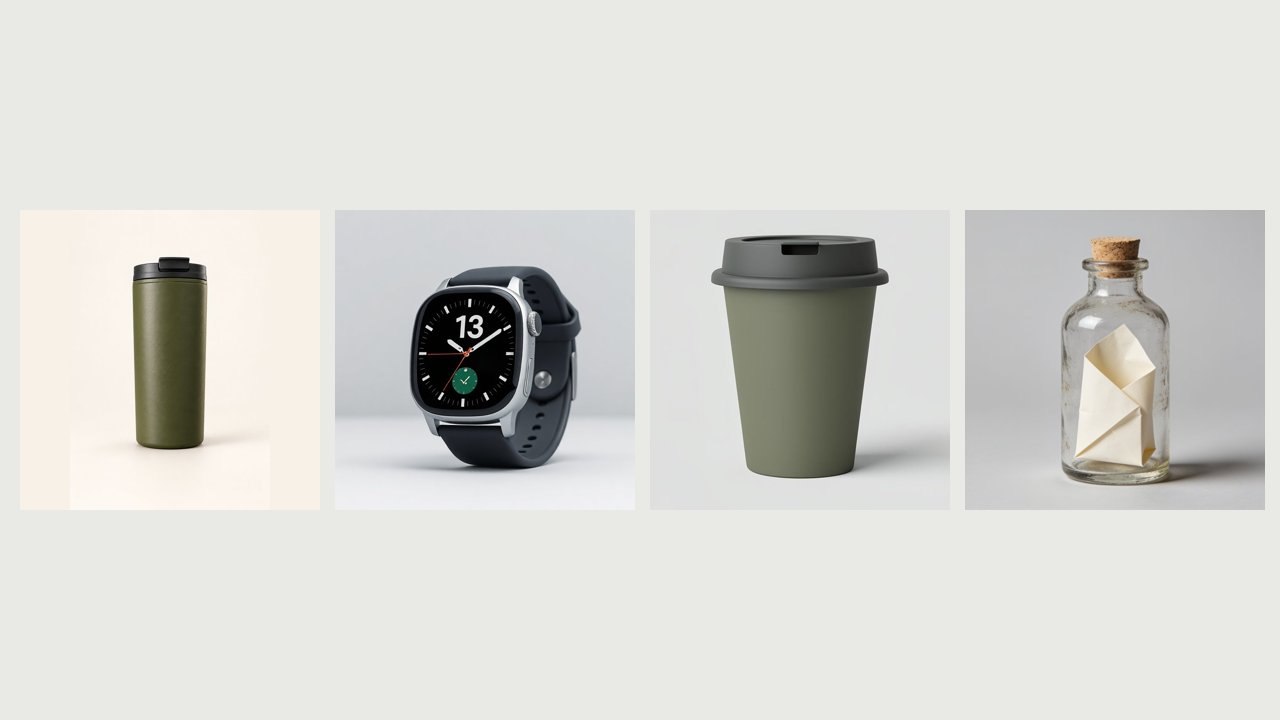
Turn a product catalog into product videos made from reference images. Each row's own photo is image 1, and an optional background and decoration image follow it for the whole range. The prompt is filled from that row's columns, and its role placeholders become image 1, image 2 and image 3.
Install the free desktop app for macOS, Windows, or Linux. It runs on your own machine, no account required to start.
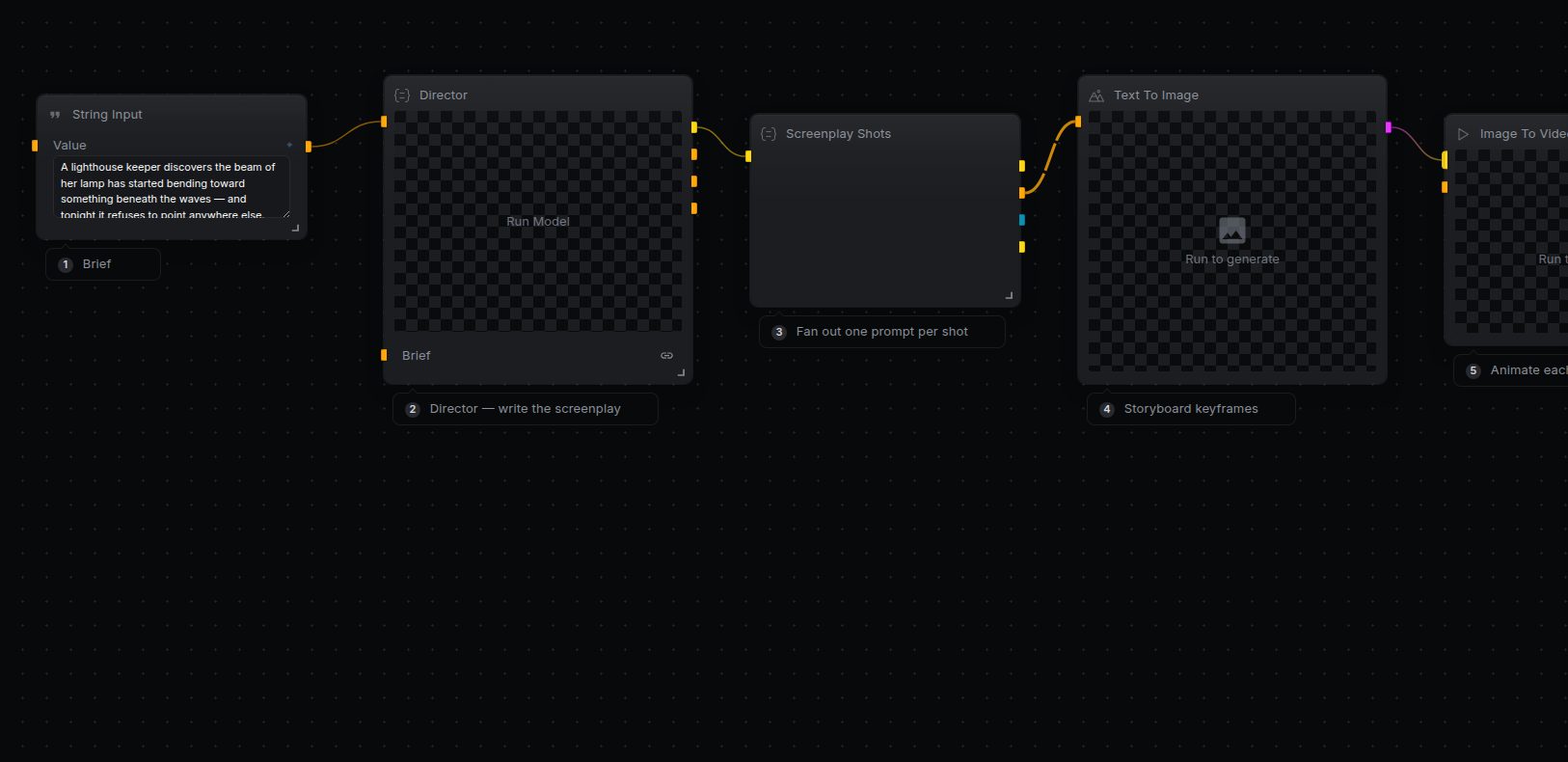
Browse the built-in template library inside Studio and open this workflow onto the canvas. Every node is already wired up.
Connect the providers this workflow uses (Image Input, Reference To Video, Video Model Input). Bring your own keys — you pay the provider directly.
Hit Run to execute the graph and watch results stream in. Swap models, edit prompts, or rewire nodes to make it yours.
Free, open source, and yours to run. Download Studio, open the template, and run it with your own keys.