NodeTool Cloud is in alpha — run workflows in the browser, on your own keys.NodeTool Cloud is in alpha. Try it →

Documentary Teaser Generator
Pitch the film in a sentence and the storyboard comes back readable: a card per shot, a still on every card. Approve the stills, animate those, and the clips land on a multi-track timeline you cut and export. The board below is one run — a deep-sea series teaser, surface to abyss in six shots.
How it works
Four steps, all of them visible: a brief, a board, stills you approve, and a cut on the timeline.
01Write the premise
One sentence about the film, the look you want, and how many shots. That is the whole brief.
A dive from the surface to the abyssal plain · IMAX documentary look · 6 shots
02Direct the storyboard
Press Direct and the board fills with cards — one beat per card, with its action, camera, and motion, all under the look you asked for.
6 cards · framing, lens, angle, movement · one style bible
03Approve the stills
Every card renders a still first. Stills cost cents, so re-roll a card until it looks right — the rest of the board stays put.
Cinematic 16:9 key art · re-roll one card at a time
04Animate and cut
Animate only the cards you approved, then send the board to the timeline: the clips arrive in shot order, ready to trim, narrate, score, and export.
Image-to-video · six clips · 26 seconds · export an MP4
Six cards on the board
This is a single run of the board, straight out of NodeTool. Each card holds one beat, the prompt behind it, the still that prompt rendered, and the length of the clip it became. Re-roll a card you don't like — stills cost cents, and the rest of the board doesn't move.
Style bible · IMAX 70mm look, volumetric light shafts, deep teal-and-black palette with cyan and magenta bioluminescent accents, subtle film grain · 16:9
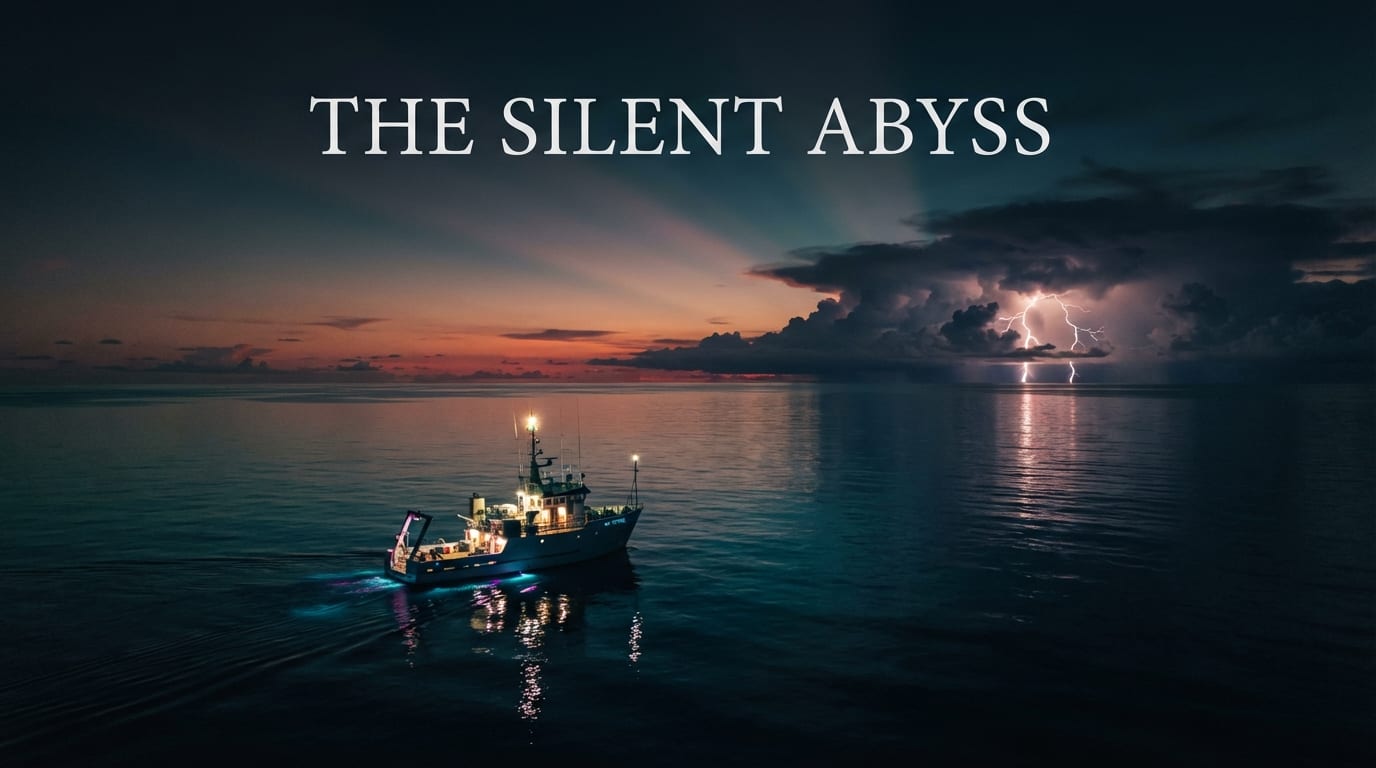
Aerial wide at dusk: lone research vessel on a glass-calm Pacific Ocean, a distant storm cell flashing on the horizon. Title card space in upper third.
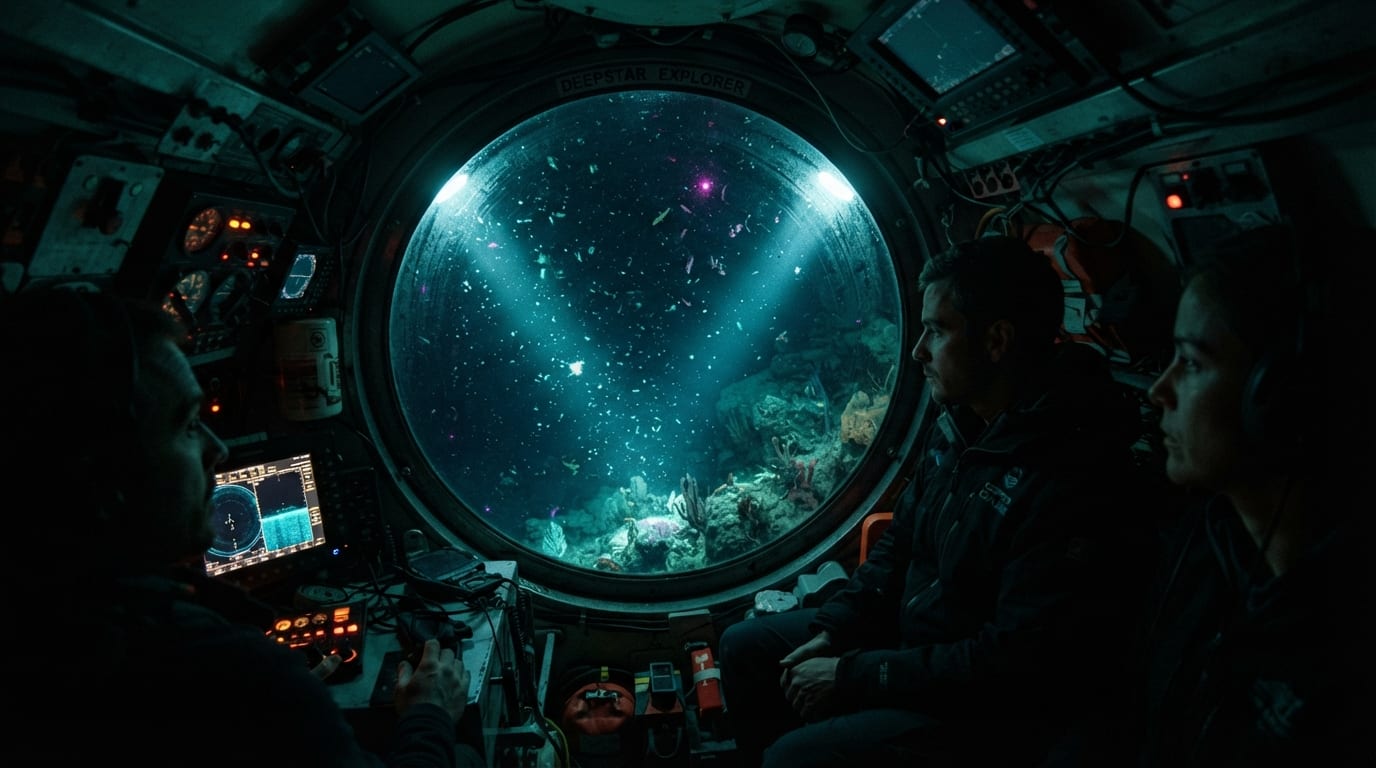
Underwater descent: a two-person submersible's headlights cutting through ink-black water, marine snow drifting upward past the porthole.
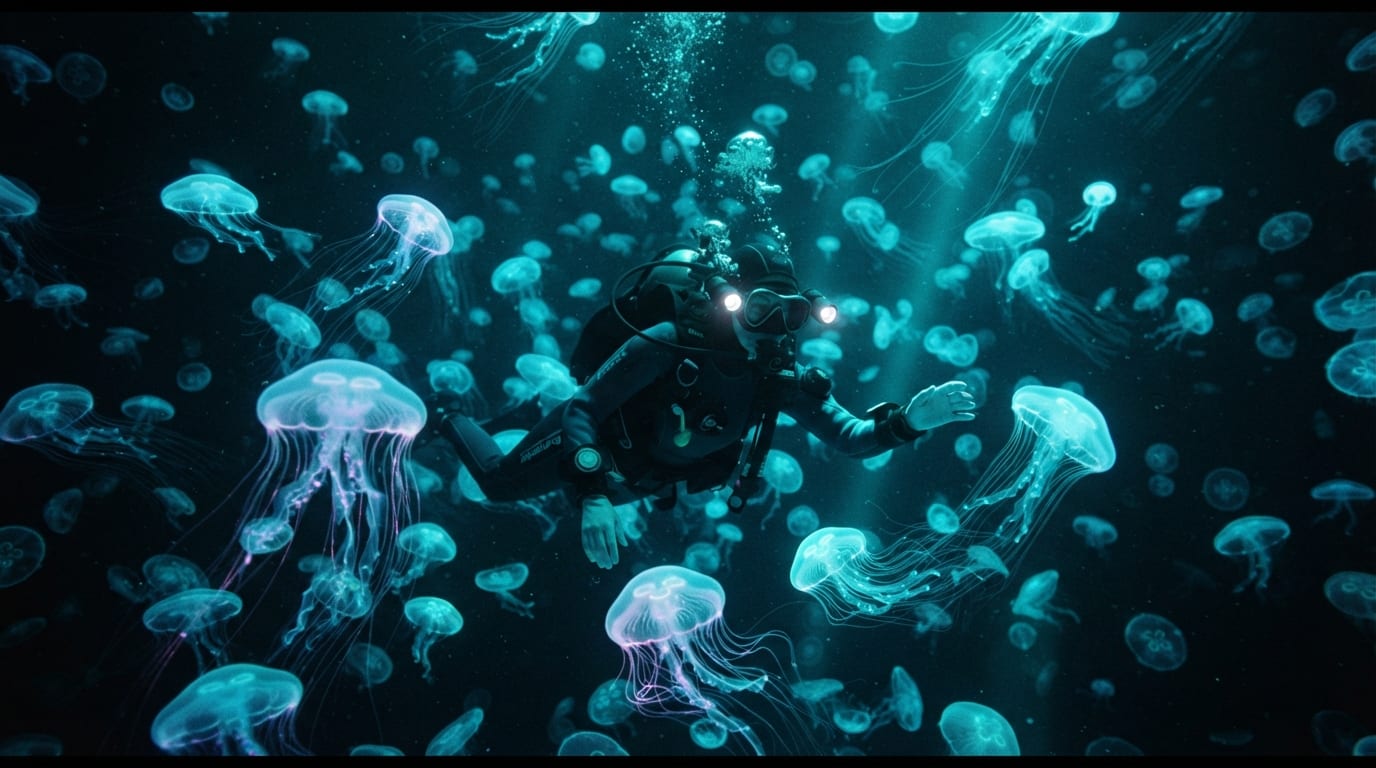
A slow drift through a field of bioluminescent jellyfish pulsing electric cyan against pure darkness, tentacles trailing like circuitry.
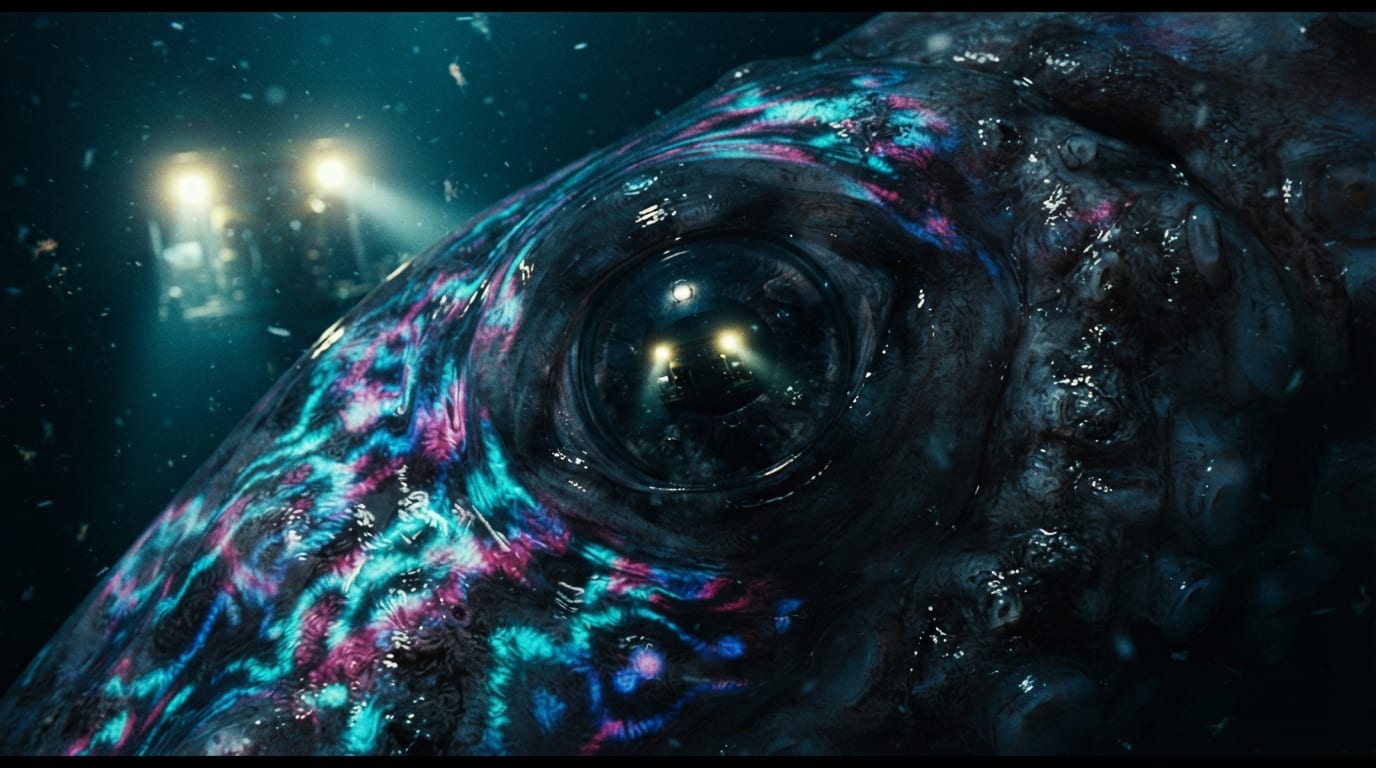
Creature reveal: extreme close-up of a colossal squid's eye reflecting the submersible's floodlights, skin rippling with chromatophore waves.
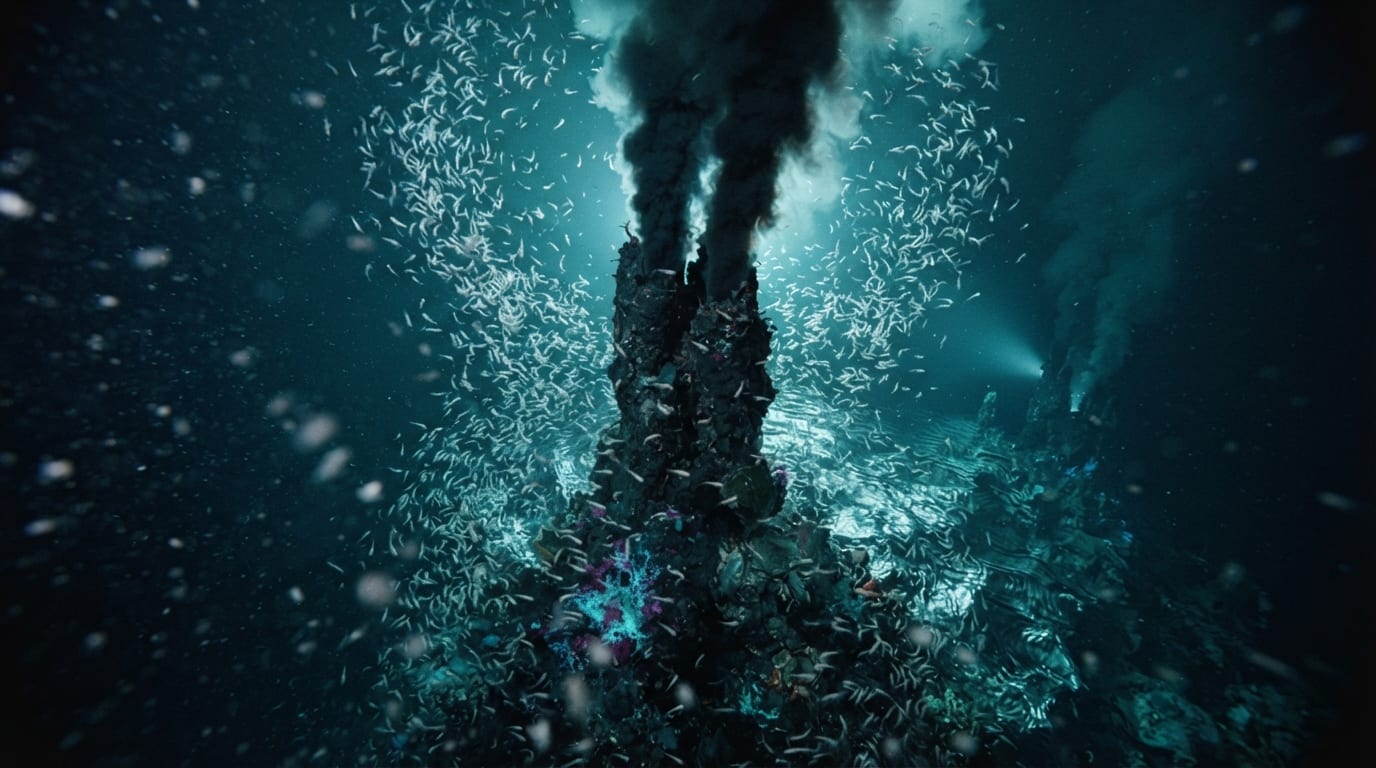
A towering hydrothermal black smoker field, superheated water shimmering, dense swarms of white shrimp circling like snowflakes in reverse.
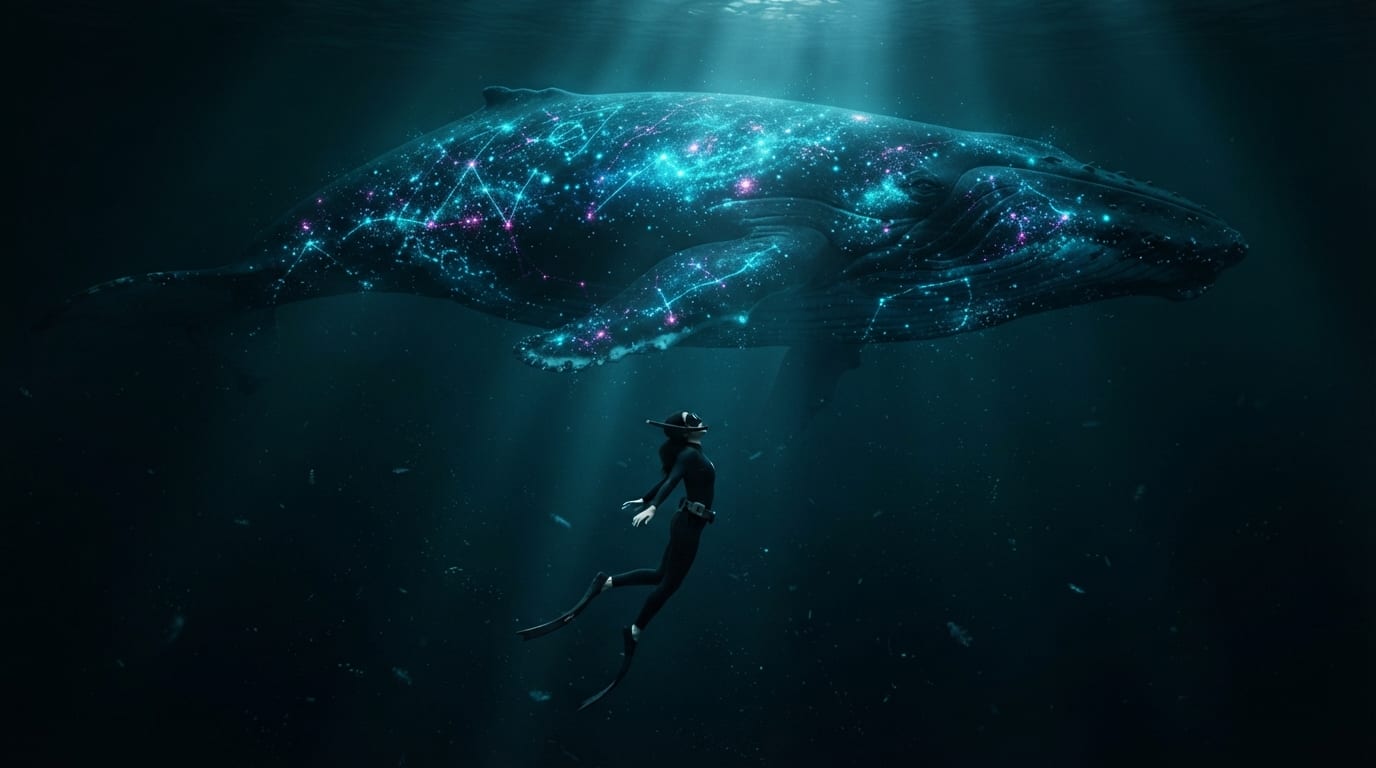
Finale: a tiny freediver suspended in the void as an immense bioluminescent whale glides overhead, its photophore pattern glowing like a mapped galaxy.
Send the board to the timeline
One click and the approved clips land on a track in shot order — here, 26 seconds of them. From there it's a normal edit: trim, reorder, lay narration and score under it, and export the cut.
Direct it yourself
Nothing here is locked. Re-roll a clip, swap a model, or trim one shot — the rest of the board stays where you left it.
Swap the video model
Veo, Seedance, Kling, Runway — pick a different one and render that shot again. The board, the stills, and every clip you already approved stay exactly as they are.
Restyle the whole series
The visual style you typed becomes the style bible behind every card. Change one line from IMAX documentary to handheld 16mm and the next pass boards it that way.
Fix one shot, not the reel
"Push in slower, more marine snow" revises that one clip and swaps it back into the card. Shot 2 changes, shots 1 and 3–6 never re-roll.
Keep the subjects consistent
The vessel, the submersible, the creatures, and the palette are saved as named entities. Name one in a shot and its description rides into that shot's prompt, so the same sub shows up on every dive.
Three models, your pick
The board needs one model per job, and each is a dropdown. They are called with your own keys — the bill comes from the provider, not from us, with no token markups, and you can switch any of them for a better model the day it ships.
Example storyboards
Nature films, shot by shot.
Four short films in the documentary style, each with its storyboard.
- 16:9 · 5 shots
Nature
Fox in Snow
A red fox hears a mouse beneath the snow and dives head first.
- 16:9 · 4 shots
Nature
The Diver and the Whale
A free diver hangs in open blue water as a humpback glides close enough to touch.
- 21:9 · 4 shots
Nature
Summit Reveal
A climber pulls onto a summit as the clouds break below.
- 16:9 · 4 shots
Film
Dust Ballet
A dancer performs alone in an abandoned theatre lit through holes in the roof.
Frequently asked questions
- How do you make a documentary teaser with AI?
- Write the premise, the visual style, and a shot count. NodeTool's storyboard turns that into a card per shot with action and camera notes, renders a still on each card, animates the ones you approve into clips, and sends the board to the timeline where you trim, narrate, score, and export the cut.
- Which models does this use?
- Three, and each one is a dropdown: a reasoning model directs the board, an image model renders each card's still, and a video model animates the approved stills into clips. All three run on your own provider keys.
- Can I keep the same subject across shots?
- Yes. Save the vessel, the submersible, the creatures, and the palette as named entities. Name one in a shot and its description rides into that shot's prompt, so the same subject shows up in every card that mentions it.
- Do I need a video editor to cut the teaser?
- No. The timeline is built in. The approved clips land on a track in shot order, and you trim, reorder, lay narration and music underneath, and export a finished video without leaving NodeTool.
Board your first dive
Download the open-source studio for macOS, Windows, and Linux, open the storyboard, and board a teaser from one line today.