
Concept 14demonstrate
Macro feature proof
Show a specific hardware or product detail, then explain why it matters.
- Length
- 10s
- Beats
- 5
- Frame rate
- 30 fps
- Complexity
- moderate
Orient the viewer by connecting the macro to a recognizable full product.
Use it when
A genuine product detail can explain a specific, qualified benefit.
Pick another concept when
The macro looks impressive but does not support the feature claim.
What you need
- High-resolution product macro and full-product still, or original rendered clip
- Accurate feature statement
- Logo and CTA
Keep this consistent
Extreme detail turns into a useful, understandable product benefit.
Beat sheet
5 beats · 10s
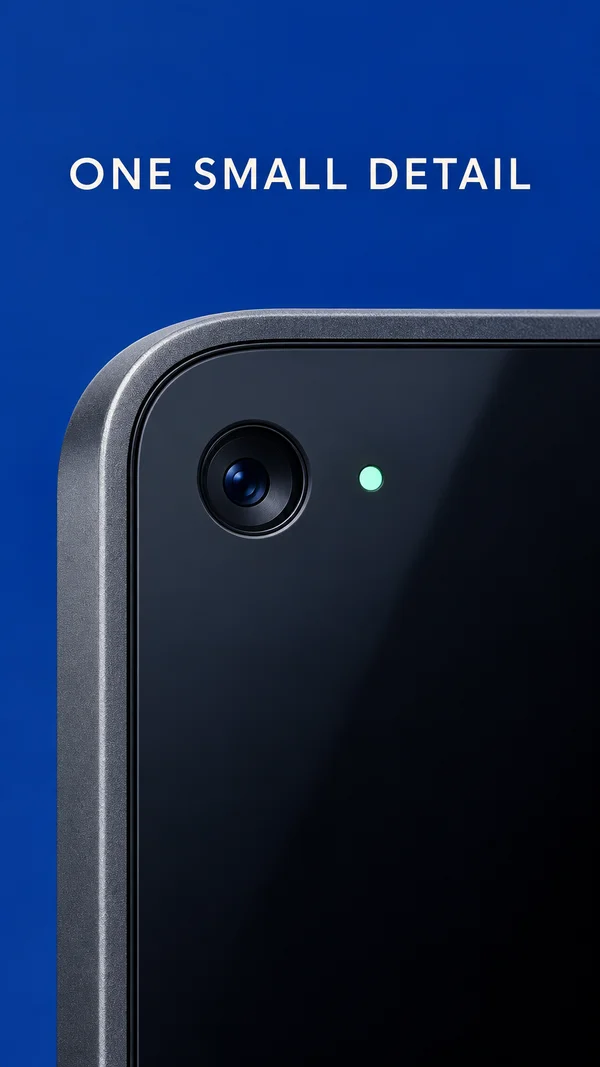
Beat 1 · 0s–1.8s · 1.8s
Macro hook
Feature detail dominates the frame.
- Motion
- Slow scale 1.04→1.00; one short label.
- Sound
- Optional tactile accent.
- Check
- Input has enough resolution for the chosen crop.
Copy slot:Feature name
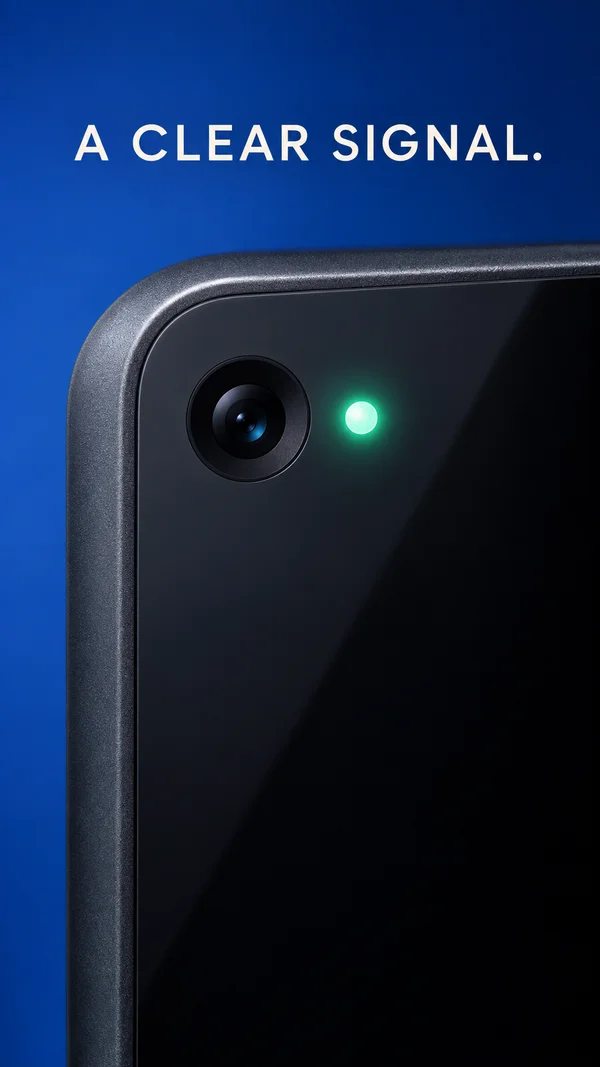
Beat 2 · 1.8s–4.5s · 2.7s
Demonstration
Demonstrate one actual feature state.
- Motion
- Use an authentic clip or swap between approved state images.
- Sound
- Authentic sound only if useful.
- Check
- Do not invent charging speed, security behavior or sensor capabilities.
Copy slot:Feature action
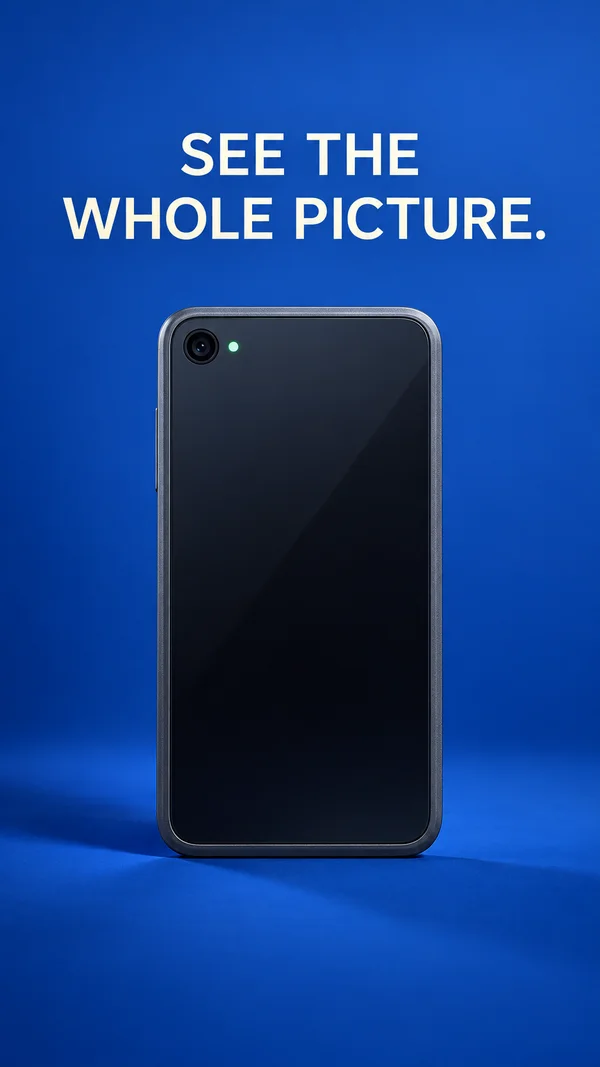
Beat 3 · 4.5s–7s · 2.5s
Context
Reveal the full product.
- Motion
- Match cut to full-product asset; align the feature before the cut.
- Sound
- Resolve accent.
- Check
- A full 3D orbit requires geometry or rendered footage, not a flat crop.
Copy slot:Benefit
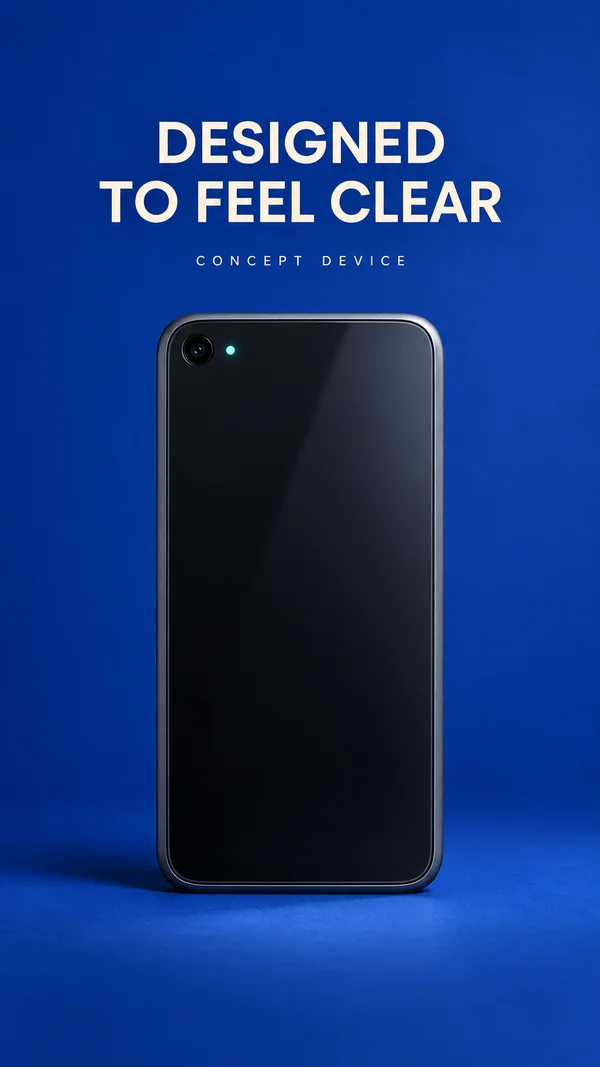
Beat 4 · 7s–8.5s · 1.5s
Proof
Hold concise benefit and any necessary qualification.
- Motion
- Text fade, no new camera move.
- Sound
- Quiet.
- Check
- Qualifications remain legible.
Copy slot:Qualified benefit
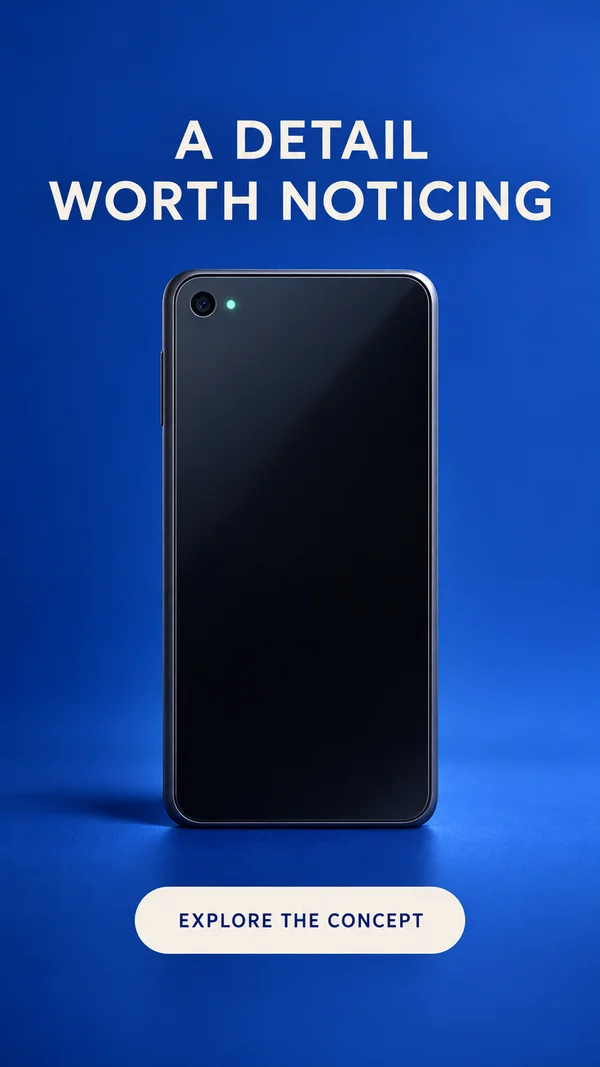
Beat 5 · 8.5s–10s · 1.5s
CTA
Product, brand and CTA.
- Motion
- Hold.
- Sound
- Resolve.
- Check
- End frame contains the actual client product.
Copy slot:CTA
Copy budget
Word counts are a starting point. Keep required qualifications.
- Feature name7 words
- Feature action7 words
- Benefit7 words
- Qualified benefit16 words
- CTA4 words
Layer stack
Top of the frame first.
- 6CTA
- 5Required disclaimer
- 4Headline
- 3Feature highlight
- 2Product image/footage
- 1Color stage
Adapt the format
- 9:16
- Use the reference composition. Check placement overlays with the actual destination preview.
- 4:5
- Reflow the composition into a wider canvas; increase useful media width and recheck every line break.
- 1:1
- Reduce vertical gaps; keep a single dominant focal point and preserve the intended reading order.
Review the finished ad
- The macro corresponds to the same product detail in the wider view.
- Required qualifications are legible for the entire benefit claim.
- The final brand and CTA are fully settled and readable before export ends.
Watch out
- Keep original product geometry and labels accurate.
- Do not remove legally necessary feature qualifications when adapting the format.
Fallback. Use a high-res still for the macro and a match cut to a second still. Avoid fake perspective rotation.
Variations
- 6 s: macro 1.5 s, full product/result 2.5 s, CTA 2 s.
- 4:5: use a wider macro instead of cropping off the key hardware feature.