
Concept 16explain
A capability sequence on connected paths
Explain an onboarding or service journey in a compact diagram.
- Length
- 12s
- Beats
- 5
- Frame rate
- 30 fps
- Complexity
- moderate
Follow one continuous path with a single active stage.
Use it when
The order of onboarding or service steps is the message.
Pick another concept when
Benefits are independent rather than sequential.
What you need
- 3–4 approved capability icons
- Optional authorized customer/representative imagery
- Outcome and CTA
Keep this consistent
A continuous visual path communicates progression; one node is active at a time.
Beat sheet
5 beats · 12s

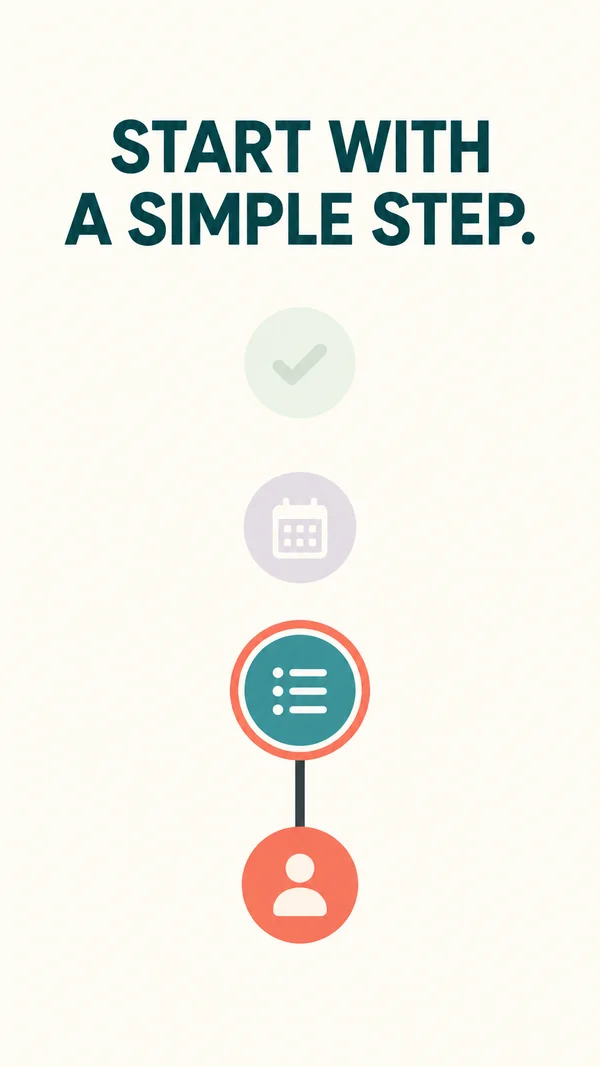
Beat 1 · 0s–1.8s · 1.8s
Hook
First node and the desired outcome appear together.
- Motion
- Node pops in 240 ms; short headline settles.
- Sound
- Single beat.
- Check
- The diagram is not presented as a literal measured customer timeline.
Copy slot:Outcome hook
Beat 2 · 1.8s–4.2s · 2.4s
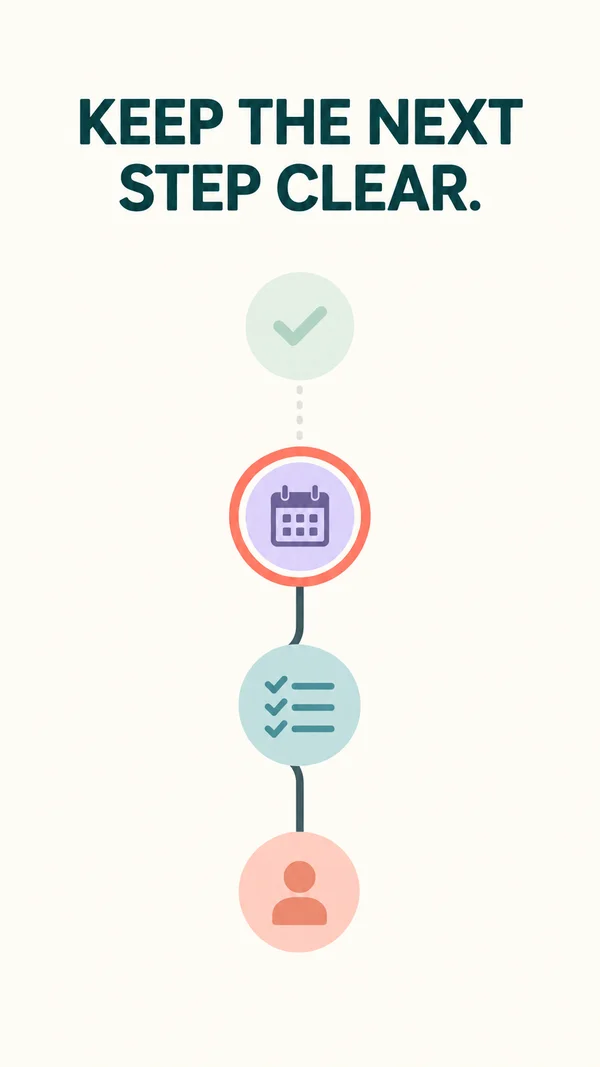
Stage 1
Path connects the first and second nodes.
- Motion
- Stroke trim grows over 500 ms; second node activates on arrival.
- Sound
- Connection tick.
- Check
- Use a compatible authored path or static line fallback.
Copy slot:Stage 1
Beat 3 · 4.2s–6.6s · 2.4s
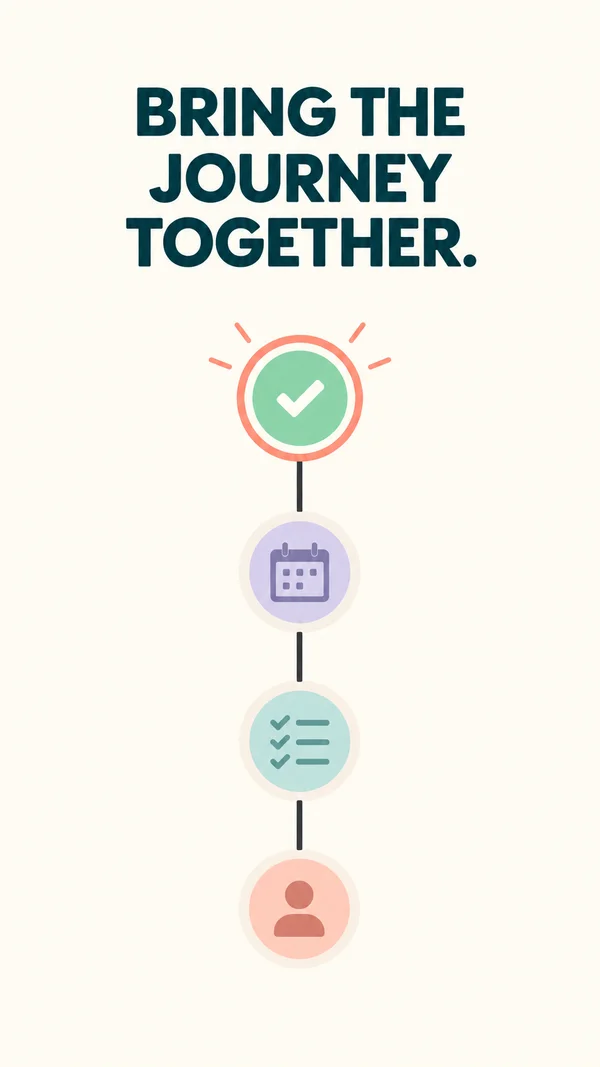
Stage 2
Next node becomes active.
- Motion
- Repeat the same motion grammar; previous node dims slightly.
- Sound
- Matching tick.
- Check
- Labels stay close to their nodes.
Copy slot:Stage 2
Beat 4 · 6.6s–9s · 2.4s
Stage 3
Final node completes the journey.
- Motion
- Trim finishes; final node gets one restrained emphasis.
- Sound
- Resolution accent.
- Check
- No invented customer logos or endorsements.
Copy slot:Stage 3
Beat 5 · 9s–12s · 3s
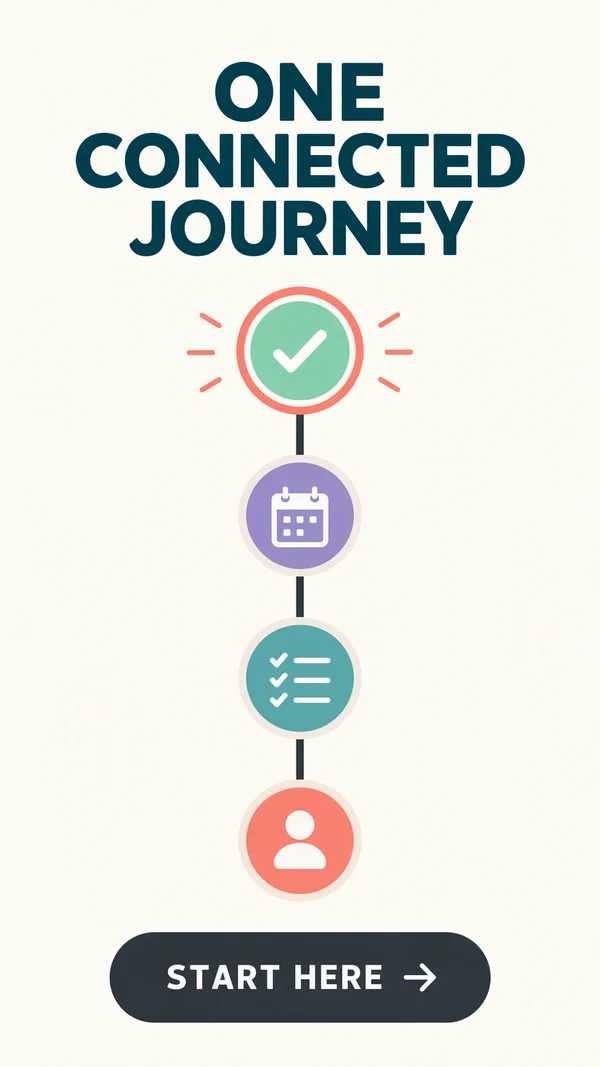
Outcome and CTA
Entire journey is visible with a concrete next step.
- Motion
- Pull back <=8%; hold CTA >=2 s.
- Sound
- Quiet finish.
- Check
- Avoid shrinking the diagram below phone legibility.
Copy slot:Outcome and CTA
Copy budget
Word counts are a starting point. Keep required qualifications.
- Outcome hook7 words
- Stage 17 words
- Stage 27 words
- Stage 37 words
- Outcome and CTA8 words
Layer stack
Top of the frame first.
- 6CTA
- 5Stage labels
- 4Icon/portrait nodes
- 3Progress accent
- 2Connector paths
- 1Background
Adapt the format
- 9:16
- Arrange stages along a vertical path; keep the active stage and next step visible.
- 4:5
- Reflow the composition into a wider canvas; increase useful media width and recheck every line break.
- 1:1
- Use a three-node horizontal or gently curved journey with short labels; verify direction remains clear.
Review the finished ad
- The active stage and direction of travel remain unambiguous.
- Each stage label describes a real step in the intended order.
- The final brand and CTA are fully settled and readable before export ends.
Watch out
- Do not use a portrait as a testimonial without authorization.
- In 9:16, use a vertical path rather than compressing a wide diagram.
Fallback. Use static connector lines and staggered circle/icon entrances; no path animation is strictly required.
Variations
- 9:16: vertical progression.
- 4:5 or 1:1: a three-node horizontal journey can work with short labels.