NodeTool Cloud is in alpha. Direct films and run workflows in the browser, on your own keys.NodeTool Cloud is in alpha. Try it →

Product
StudioCloud (alpha)AgentsNode-based workflowsAI video editorAI image editorStoryboardsMCP serverSupported modelsDownloadSolutions
DevelopersMarketingGame developmentLocal-firstResearchersAll solutionsResources
TemplatesRecipesPresetsAd libraryCompare alternativesFAQDreamina alternative: Every shot stays editable.
Generate with the video model you choose, then arrange, trim, and re-render single shots on a multi-track timeline in the same project.
- Open source
- Local and hosted models
- Your own provider accounts
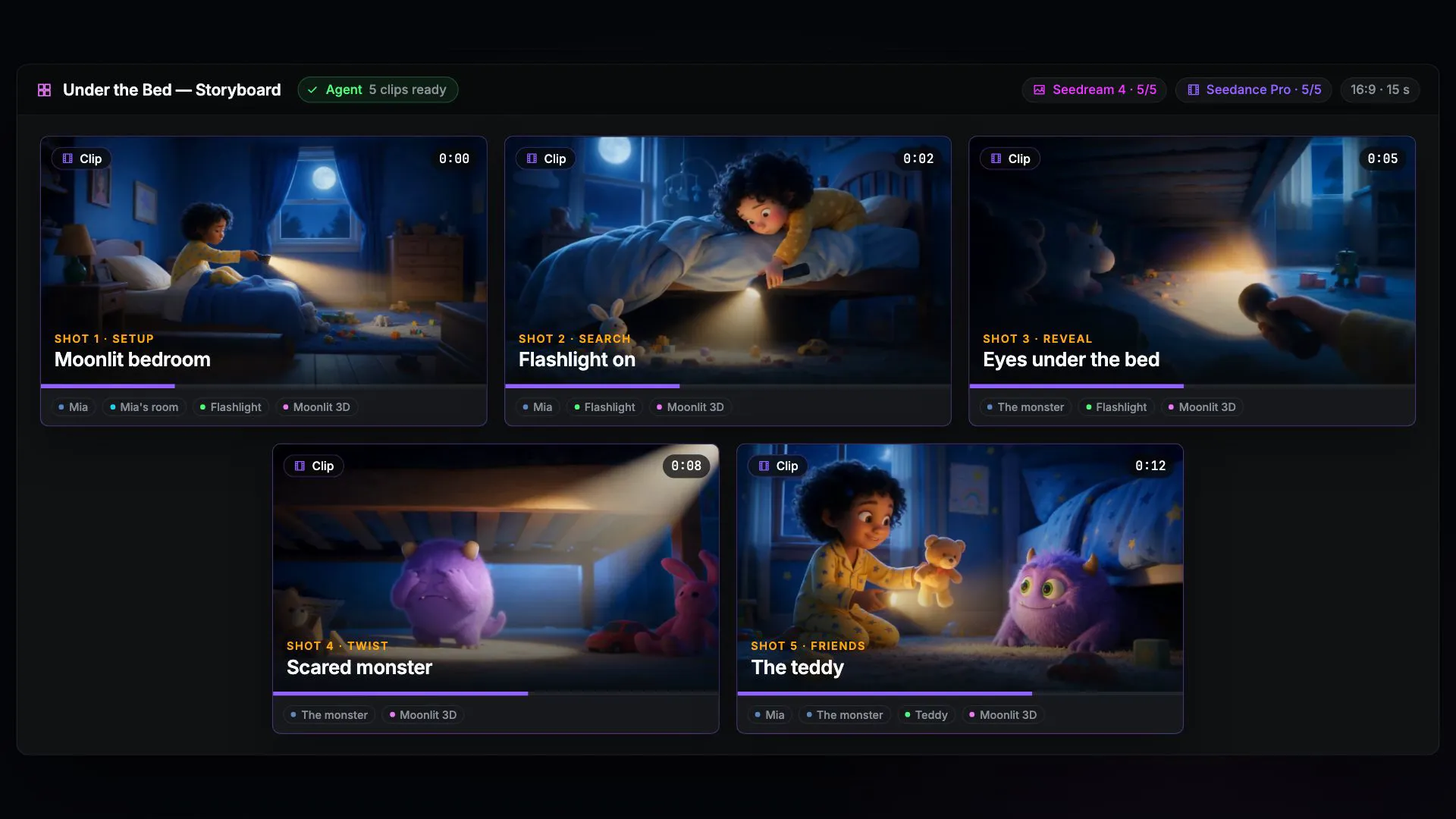
From generation to a cut you can change
Each stage has its own editor, and the agent works in the same editors you do.
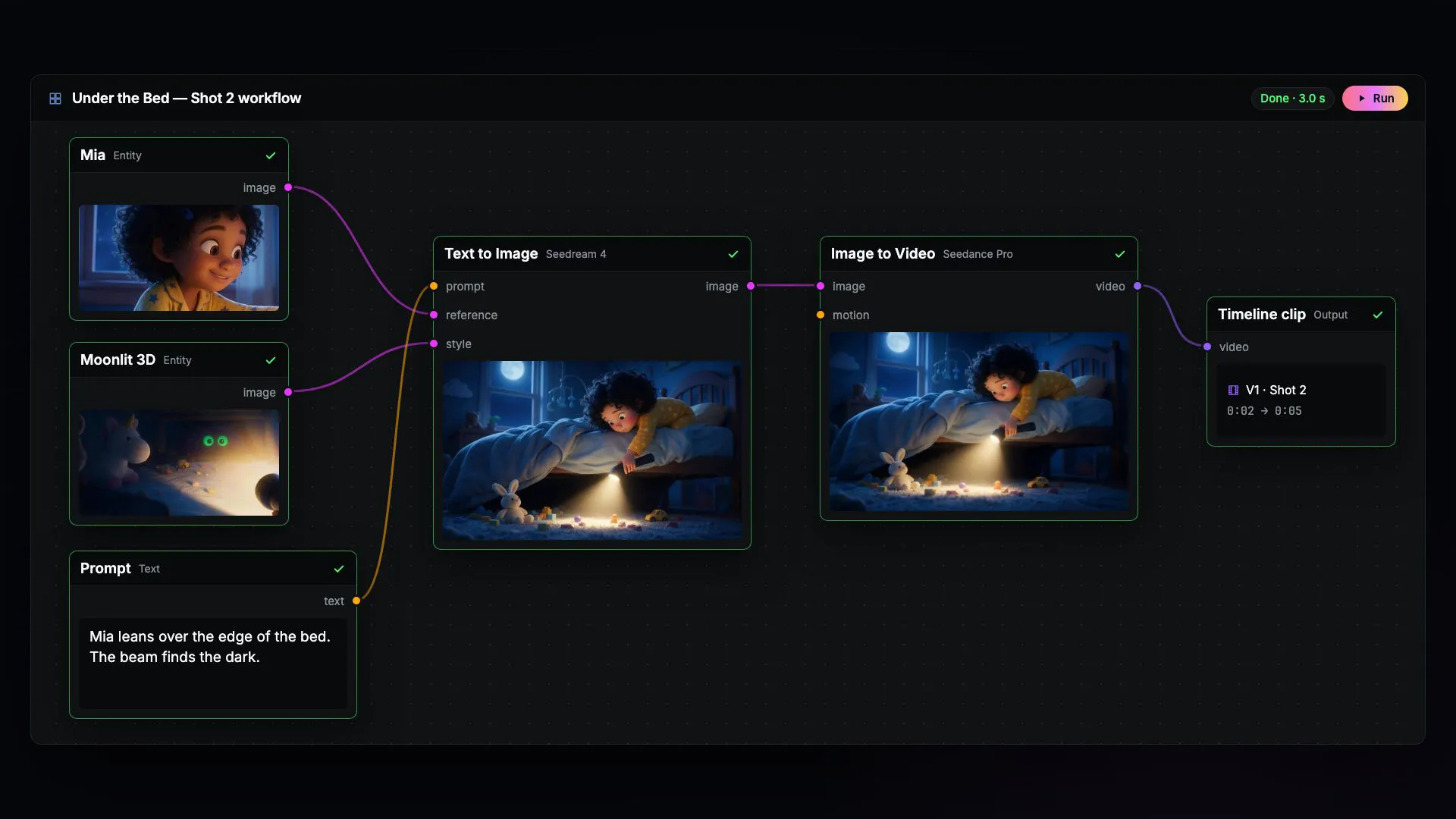
1. Build
Agent and node graph
Describe the film. The agent writes the workflow, and every step stays visible in the node editor.
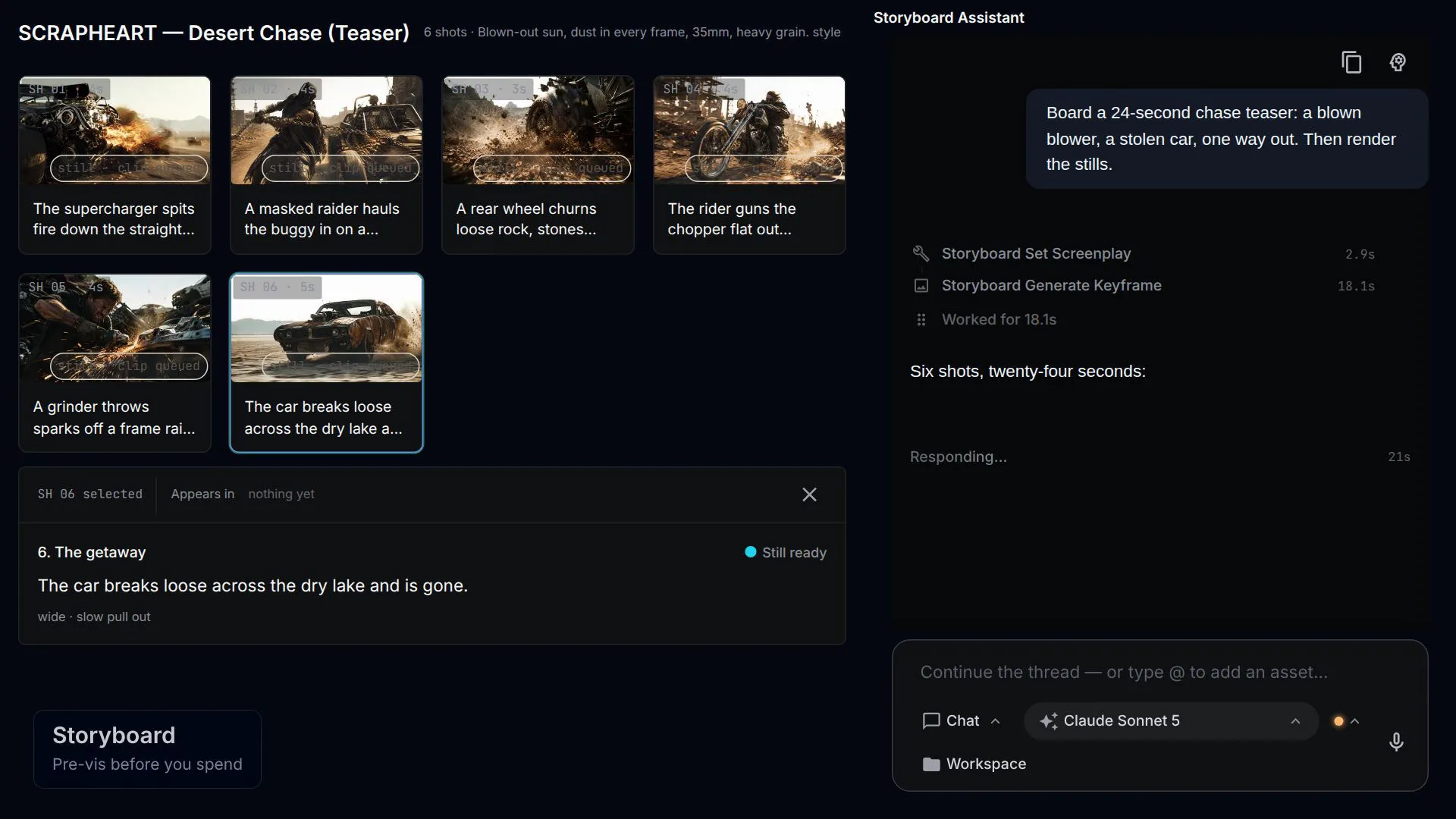
2. Generate
Shots and takes
Stills settle the look on the storyboard. Only the shots you approve become video.
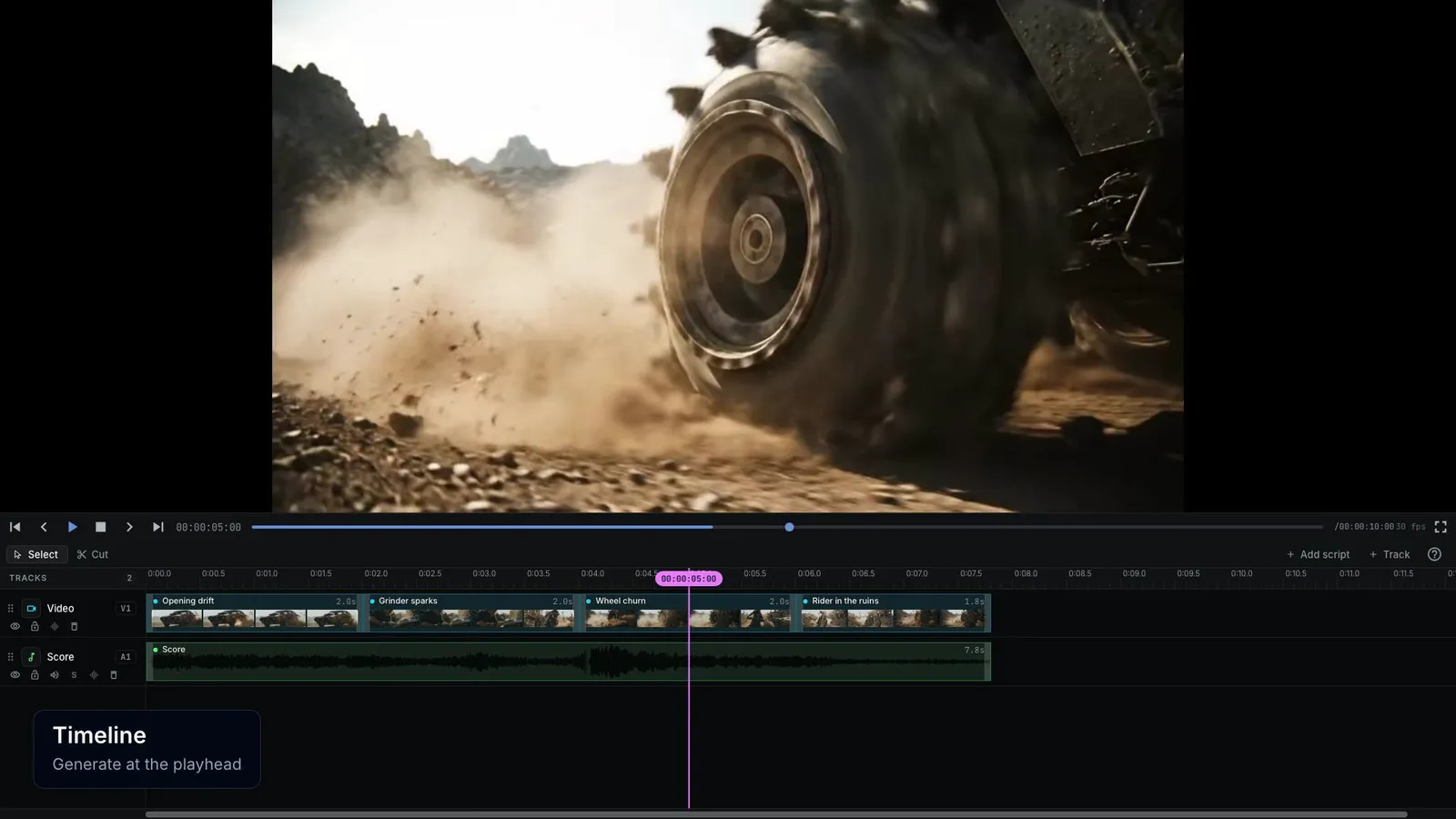
3. Finish
An editable cut
Arrange, trim, and layer clips on the timeline, or ask the agent to tighten the opening.
NodeTool vs Dreamina
Dreamina is a hosted creative platform for images, video, and avatars. NodeTool is an open-source creative workspace for image, video, audio, and text workflows, with agents, desktop or self-hosted deployment, and your own provider accounts.
| Feature | Dreamina | NodeTool |
|---|---|---|
| Starting point | Creative templates and task-specific studios | Agents, saved graphs, and shipped workflows |
| Video direction | Image, sketch, and reference-led tools | Storyboard plus model-specific provider settings |
| Avatars | Dedicated avatar creation tools | Capabilities of selected provider nodes |
| Workspace control | Hosted Dreamina experience | Open-source workspace and direct provider accounts |
Check current capabilities and plan terms: Dreamina image, video, and marketing tools
Build a trailer from an editable brief
Follow a logline through shot planning, keyframes, video generation, and a joined trailer. Change the brief or any model in the graph.
Gemini and KIE API keys. The shipped graph uses Gemini for direction and Veo video, and KIE for GPT Image-2 keyframes. Each shot incurs image and video generation charges.
- In Studio, open Movie Trailer Generator from the template library.
- Connect Gemini and KIE in provider settings and review the selected models.
- Enter a Logline and Visual Style. Set Shot Count to 1 for a first paid test instead of the template's six-shot default.
- Run the workflow and inspect the trailer output. Save the graph before changing the brief or adding shots.
When Dreamina is the better choice
Dreamina suits creators who want its templates and dedicated marketing or avatar tools. NodeTool suits repeated work where you need to revise the brief, switch a generation step, and inspect the result. Template convenience and workflow control address different production needs.
What are the best Dreamina alternatives?
NodeToolRecommended
An open-source canvas for image, video, audio, and text that runs on your own keys — the video studio alternative you can host yourself.
macOS, Windows, Linux, or self-hosted · Open source (AGPL-3.0)
OpenArt
CompareHosted image, video, and audio creation studio
Kling AI
CompareCreative video platform with motion and reference controls
Pika
CompareHosted creative platform for video, images, and audio
Luma Dream Machine
CompareCreative workspace for image and video ideas
PixVerse
CompareGenerative media platform with production APIs
Frequently asked questions
- Is Dreamina only an image generator?
- No. Dreamina lists video, avatars, and marketing studios alongside image generation and editing.
- Does the starter use Seedance?
- The shipped trailer starter uses Gemini and KIE, including Veo video. Other models require a compatible provider node and account.
- Can NodeTool run the workspace locally?
- Yes. Studio runs on your desktop. Hosted model calls still run through their providers and incur their charges.
Revise the brief without losing the graph.
Inspect a trailer starter and begin with one paid shot.