
CommercialsStoryboard
Cold Brew Pour
An iced cold brew ad built on one slow pour and the first cold sip.
- Length
- 11s
- Shots
- 4
- Format
- 9:16
The storyboard
4 shots, 15 seconds planned. Each still is the keyframe for its shot. The direction beside it describes the action and the camera.
 Shot 1
0:003s
Ice drop
- Framing
- Macro close up
- Camera movement
- Static, slow motion
A single large ice cube falls into the tall glass that already holds a few clear ice cubes, water droplets leaping from the impact. Only ice cubes in the glass: no coffee and no milk yet.
 Shot 2
0:024s
Coffee pour
- Framing
- Close up
- Camera movement
- Slow tilt down following the pour
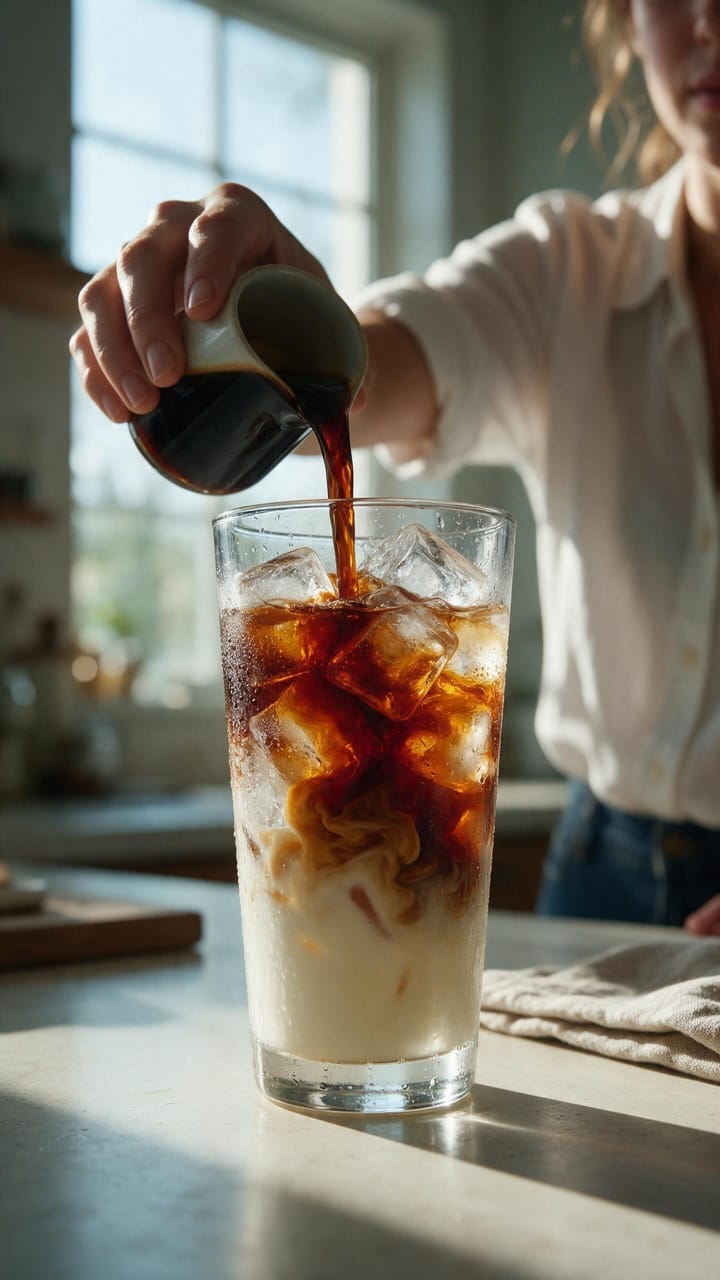
Dark cold brew pours into the iced glass in a thick stream, clouds of coffee blooming through the ice.
 Shot 3
0:054s
Cream swirl
- Framing
- Extreme close up
- Camera movement
- Slow push in
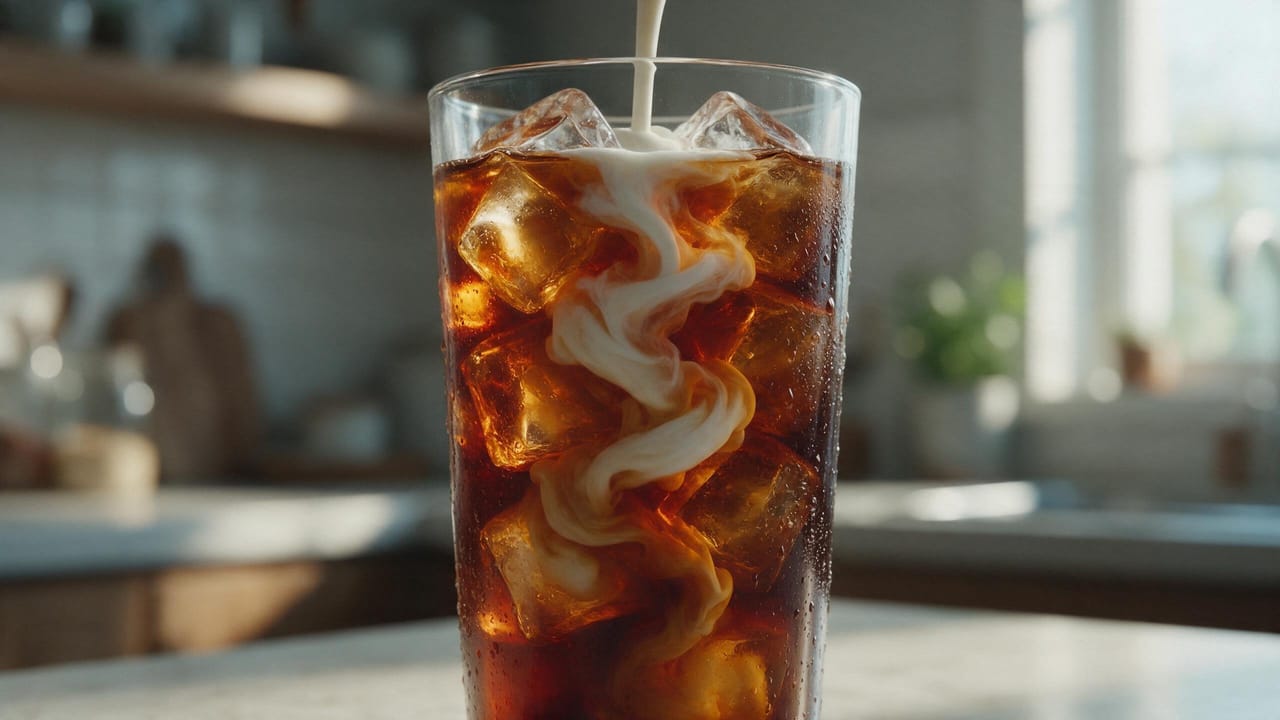
A ribbon of cream is poured in and spirals down through the amber coffee, glowing in the window light.
 Shot 4
0:074s
Cold sip
- Framing
- Medium close up
- Camera movement
- Static
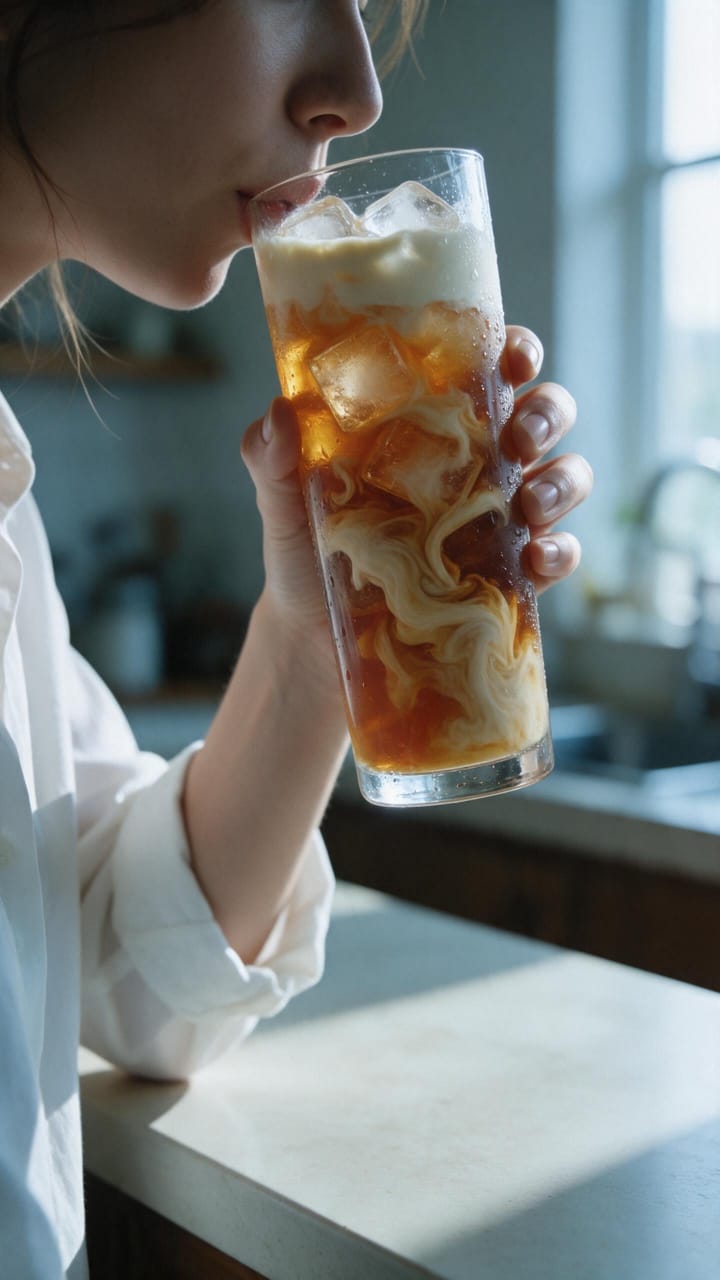
The drinker lifts the glass to her lips and drinks, condensation sliding down the glass over her fingers. The glass shows the same drink as the previous shot: amber cold brew with thick swirls of pale cream marbled through it and a cream layer at the top.
The brief
An iced cold brew ad built on one slow pour. Ice, coffee and condensation carry the whole film, and the last shot is the reward: a long, cold sip.
Visual style
Premium beverage commercial, macro photography, shallow depth of field. Cool morning light from frame right, deep amber coffee against pale cream milk, crisp highlights on the glass.
Change a shot, render again
This storyboard ships as an example in NodeTool. Open it in the Studio, edit the direction for any shot, and render a new take.