All tasks
Task·video
AI Video Upscaling Models & Workflows
Sharpen, denoise, and upscale footage. Choose an enhancement model, wire it into a NodeTool workflow, and lift low-res clips to a cleaner resolution.

Models for video upscaling
Topaz Video AI
videoTopaz
Detail-preserving upscaling and frame interpolation.
Real-ESRGAN
imageLocal
Open-weight upscaler, applied per frame.
SeedVR2
videoByteDance
Diffusion-based video restoration and upscaling.

Frequently asked questions
How does AI video upscaling work?
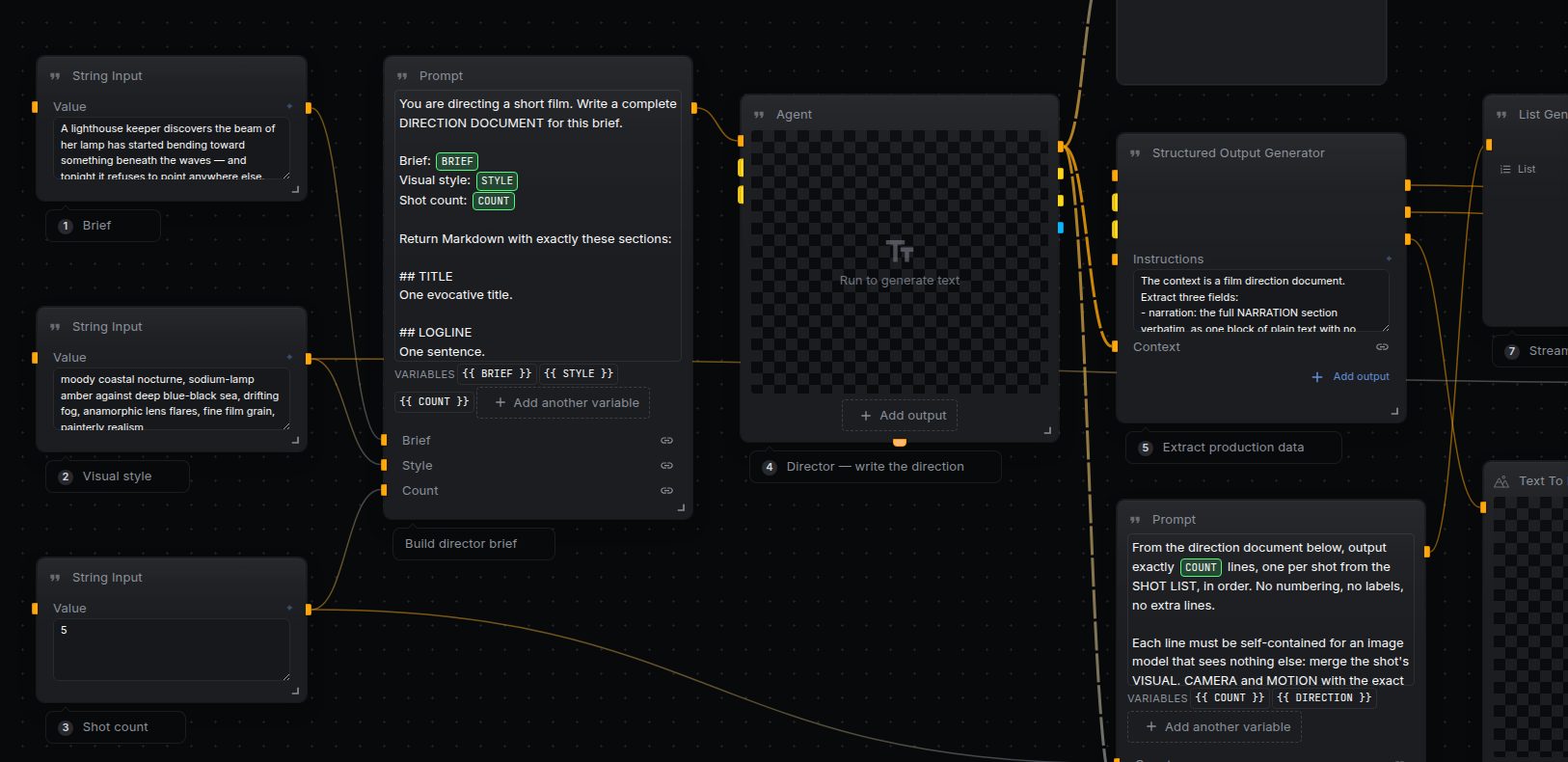
The workflow splits the clip into frames, upscales each with an enhancement model, then reassembles the frames back into video.
Can I upscale and color-correct at once?
Yes — chain an upscaling node with color and sharpening nodes in the same graph so each frame gets the full treatment.
What resolution can I reach?
That's set by the model and your prompt. Most upscalers target 2×–4× the source resolution.
Do video upscaling on your own machine
Free, open source, and yours to run. Download Studio, pick a model, and wire it into a workflow with your own keys.