
Concept 04demonstrate
Benefit-led dashboard punch-in
Make one product action and its result concrete.
- Length
- 12s
- Beats
- 5
- Frame rate
- 30 fps
- Complexity
- moderate
Keep the action target spatially stable through the result reveal.
Use it when
You can supply a real before/action/after sequence from the product.
Pick another concept when
Only fictional UI concepts are available for a factual demonstration.
What you need
- Clean UI crop or approved screen recording
- Before/after state of a real product action
- Optional verified numeric result
- Headline and CTA
Keep this consistent
The viewer sees one action and its result; a counter is optional and must carry a real, approved value.
Beat sheet
5 beats · 12s
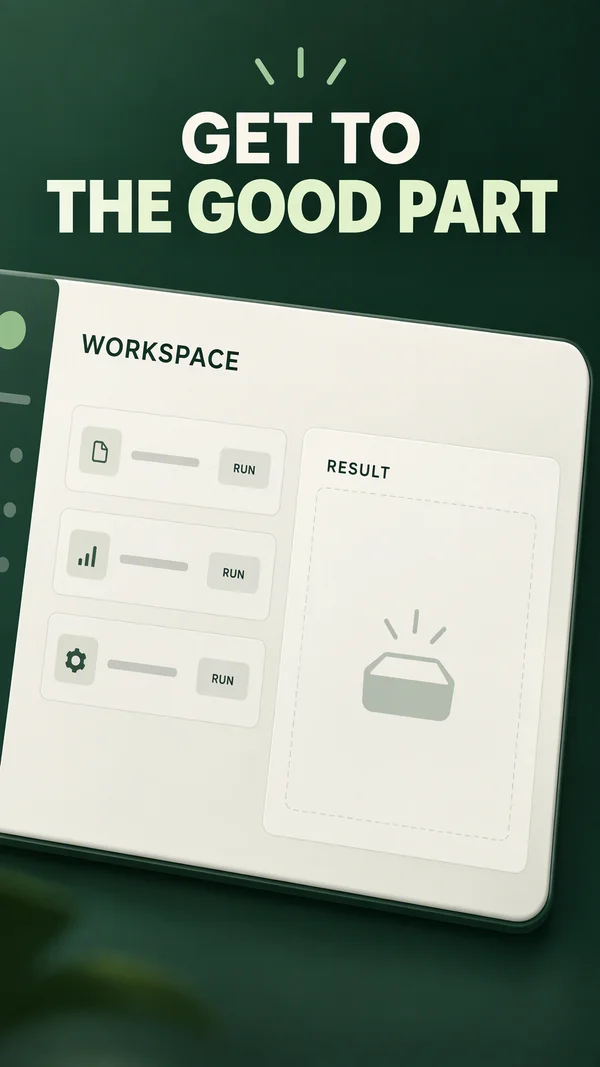
Beat 1 · 0s–1.8s · 1.8s
Hook
Outcome headline appears above a zoomed crop.
- Motion
- 250 ms upward slide; no full-dashboard flyover.
- Sound
- Optional VO repeats the outcome.
- Check
- Keep the opening UI state legible; confirm counter timing in the rendered preview.
Copy slot:Outcome hook
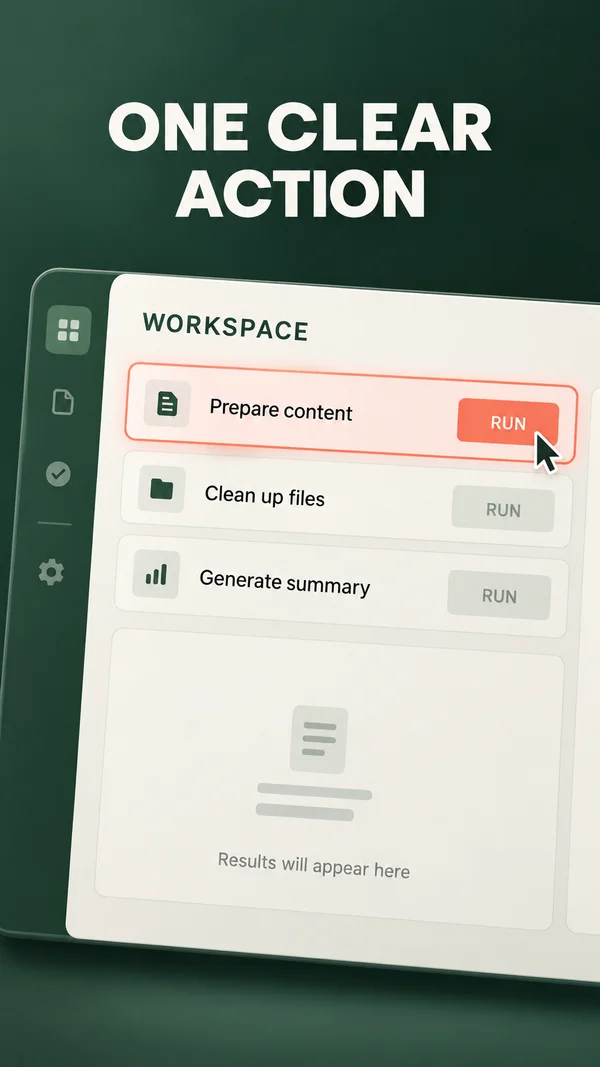
Beat 2 · 1.8s–4.3s · 2.5s
Action
Highlight the relevant control or row.
- Motion
- Highlight bounds expand over 200 ms; use a real screen recording for actual interaction.
- Sound
- One UI click if authentic.
- Check
- Do not simulate functionality the product lacks.
Copy slot:Action label
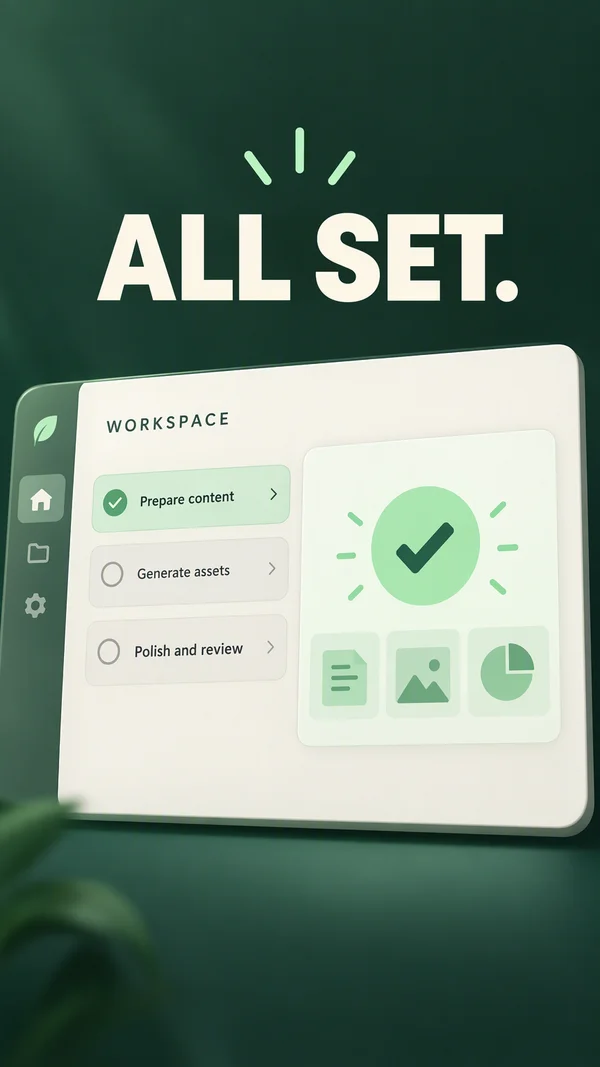
Beat 3 · 4.3s–7.2s · 2.9s
Result
Replace or reveal the result state.
- Motion
- Wipe the result panel over 350 ms; optional ticker reaches approved value in 700 ms.
- Sound
- Small confirmation tone.
- Check
- Ticker values must be approved, accurate, and readable.
Copy slot:Verified result

Beat 4 · 7.2s–9.5s · 2.3s
Context
Pull back enough to show where the result lives.
- Motion
- Scale 1.12→1.00 in 500 ms; supporting line fades in.
- Sound
- No new sound required.
- Check
- Do not shrink important UI to illegibility.
Copy slot:Context
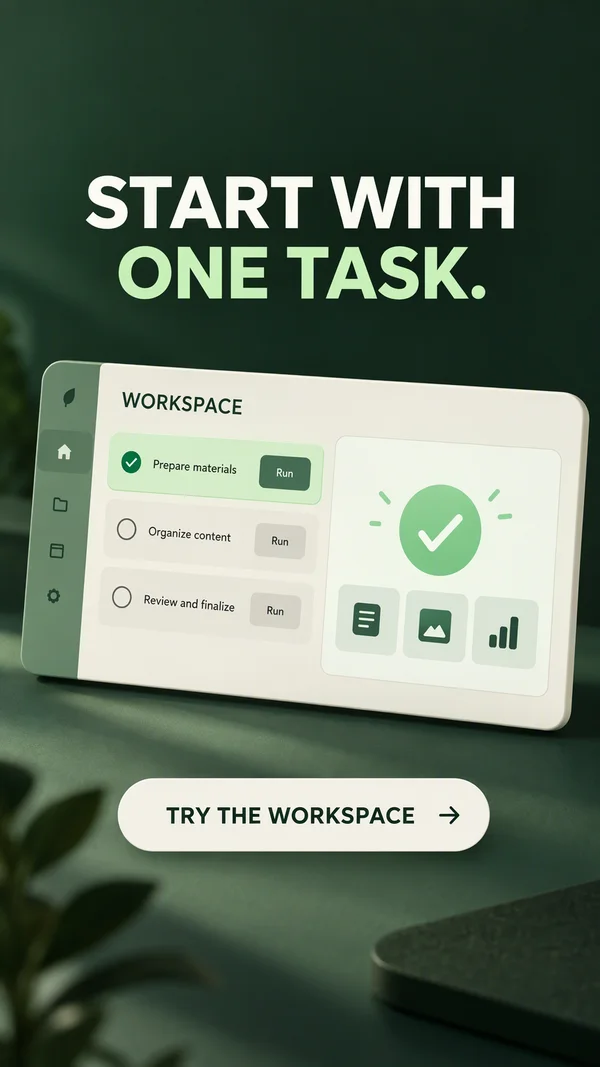
Beat 5 · 9.5s–12s · 2.5s
CTA
Hold result plus a specific next action.
- Motion
- Static final card.
- Sound
- Resolve.
- Check
- Use only substantiated numeric claims; omit unsupported percentages.
Copy slot:CTA
Copy budget
Word counts are a starting point. Keep required qualifications.
- Outcome hook7 words
- Action label7 words
- Verified result7 words
- Context16 words
- CTA4 words
Layer stack
Top of the frame first.
- 6Caption and CTA
- 5Metric text
- 4Highlight shape
- 3Screen crop or recording
- 2UI frame
- 1Background
Adapt the format
- 9:16
- Use the reference composition. Check placement overlays with the actual destination preview.
- 4:5
- Reflow the composition into a wider canvas; increase useful media width and recheck every line break.
- 1:1
- Reduce vertical gaps; keep a single dominant focal point and preserve the intended reading order.
Review the finished ad
- The result follows the depicted action without an unexplained state jump.
- Any metric has an approved source and an explicit context.
- The final brand and CTA are fully settled and readable before export ends.
Watch out
- Use only substantiated results in a published ad; an illustrated dashboard is a concept.
- UI text should be actual or clearly simplified, never fabricated account data.
Fallback. Use two static UI state images with a wipe. Omit the counter unless a verified value exists.
Variations
- 6 s: one action, one result, CTA.
- Square: use a wide UI crop; vertical: focus on one row or card.