
Concept 10connection
Integration puzzle that snaps together
Represent connected products or integrations as a satisfying assembly.
- Length
- 10s
- Beats
- 5
- Frame rate
- 30 fps
- Complexity
- advanced
Individual pieces remain identifiable as they assemble into one object.
Use it when
Assembly is a useful metaphor for supported integrations or components.
Pick another concept when
The viewer might mistake a visual metaphor for a literal product demo.
What you need
- Licensed/original 3D animation, or 6–9 flat icon tiles
- Approved integration names/icons
- One benefit and CTA
Keep this consistent
Separate elements become one coherent object; the assembly is the proof metaphor, not the actual proof of integration.
Beat sheet
5 beats · 10s
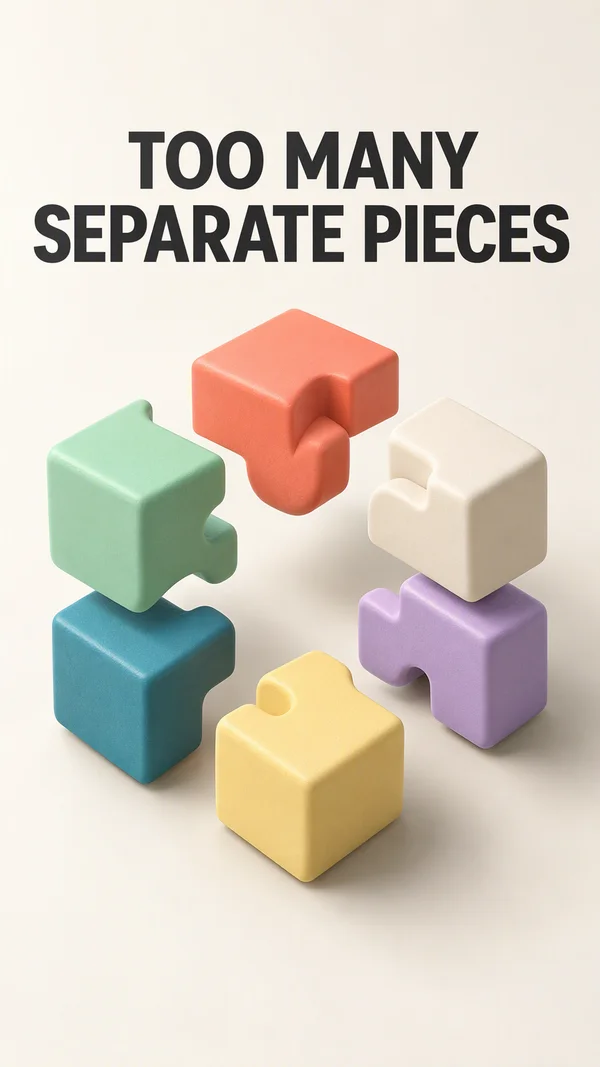
Beat 1 · 0s–1.5s · 1.5s
Hook
Separated tiles or a partly assembled object are already visible.
- Motion
- Small opposing offsets create tension.
- Sound
- Light ticks.
- Check
- Every displayed integration must actually exist.
Copy slot:Integration problem

Beat 2 · 1.5s–4s · 2.5s
Assembly
Tiles move toward their assigned cells.
- Motion
- Stagger by 100 ms; 350 ms easeOutBack with <=5% overshoot, or play rendered assembly footage.
- Sound
- One click per connection, mixed quietly.
- Check
- No overlapping tile labels during the final settle.
Copy slot:Connection label

Beat 3 · 4s–6.5s · 2.5s
Resolve
The completed object rotates slightly or pulses once.
- Motion
- Native 2D version uses scale only; true depth uses an original 3D asset.
- Sound
- Single resolve accent.
- Check
- Do not call a tilted flat PNG a full 3D reconstruction.
Copy slot:Benefit
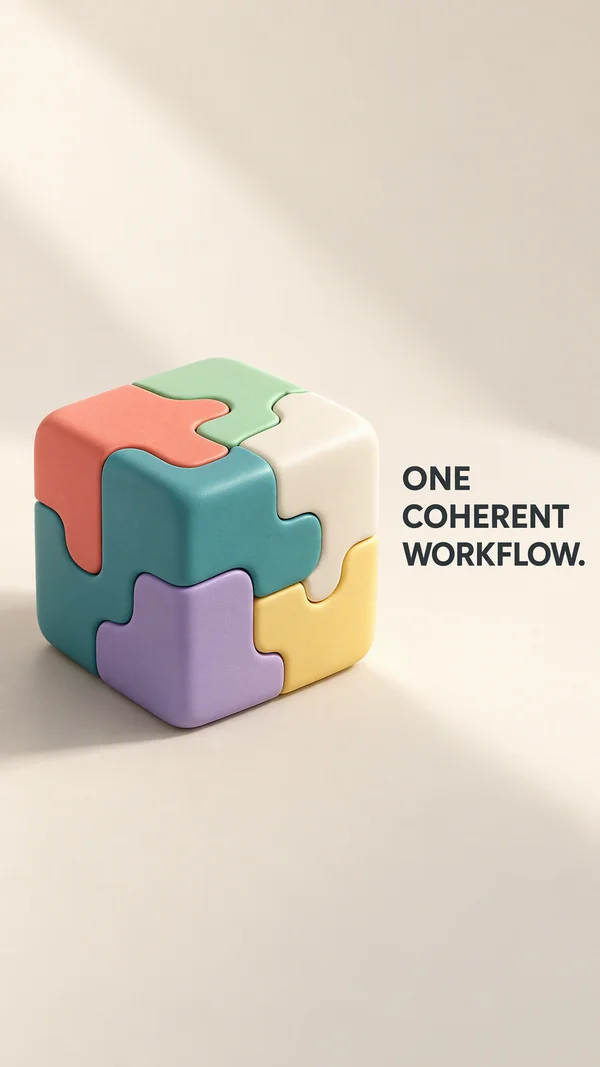
Beat 4 · 6.5s–8s · 1.5s
Explain
Short supported benefit sits beside the coherent system.
- Motion
- Type fade; object holds.
- Sound
- Optional VO.
- Check
- The value proposition is specific, not only abstract eye candy.
Copy slot:Benefit detail
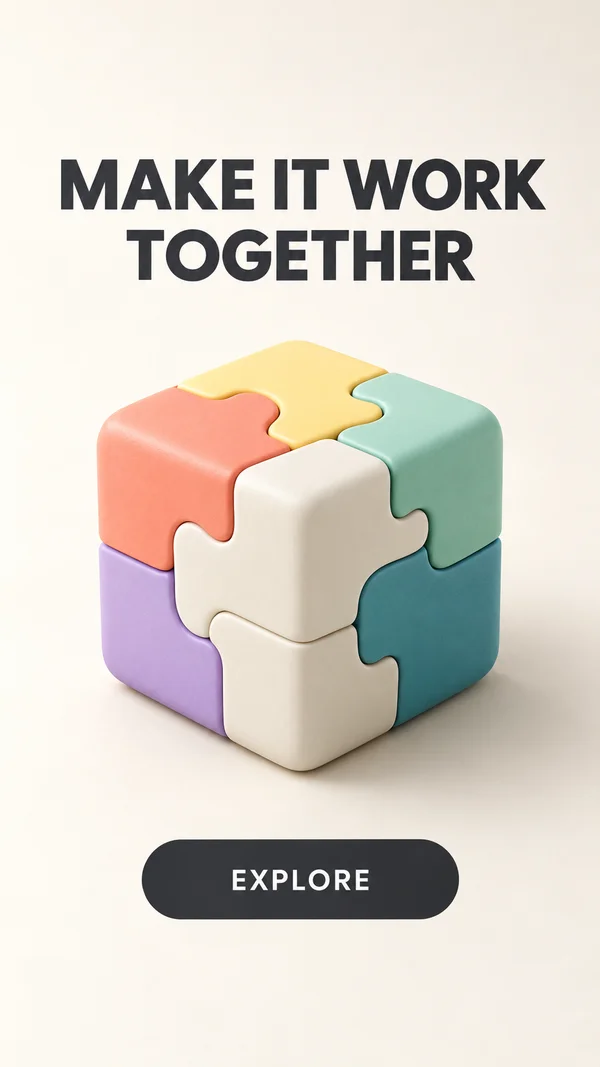
Beat 5 · 8s–10s · 2s
CTA
Final object and next step.
- Motion
- Hold.
- Sound
- Resolve.
- Check
- Logo and integration licenses checked.
Copy slot:CTA
Copy budget
Word counts are a starting point. Keep required qualifications.
- Integration problem7 words
- Connection label7 words
- Benefit7 words
- Benefit detail7 words
- CTA4 words
Layer stack
Top of the frame first.
- 5CTA
- 4Benefit text
- 3Puzzle asset or tile groups
- 2Shadow
- 1Background
Adapt the format
- 9:16
- Use the reference composition. Check placement overlays with the actual destination preview.
- 4:5
- Reflow the composition into a wider canvas; increase useful media width and recheck every line break.
- 1:1
- Reduce vertical gaps; keep a single dominant focal point and preserve the intended reading order.
Review the finished ad
- No tile passes through another unless the intended overlap is explicit.
- Names and icons correspond to supported, approved integrations.
- The final brand and CTA are fully settled and readable before export ends.
Watch out
- Tactile lighting and physical depth require suitable original rendered media.
- Use native model clips only after validating the deployed host; imported rendered video is the conservative path.
Fallback. Use a 2D 3×3 tile grid. Match the assembly logic without copying the original tactile CG.
Variations
- 6 s: separated 1 s, assemble 2 s, benefit 1 s, CTA 2 s.
- 2D version: use flat assembly shapes with consistent overlap and shadows.