
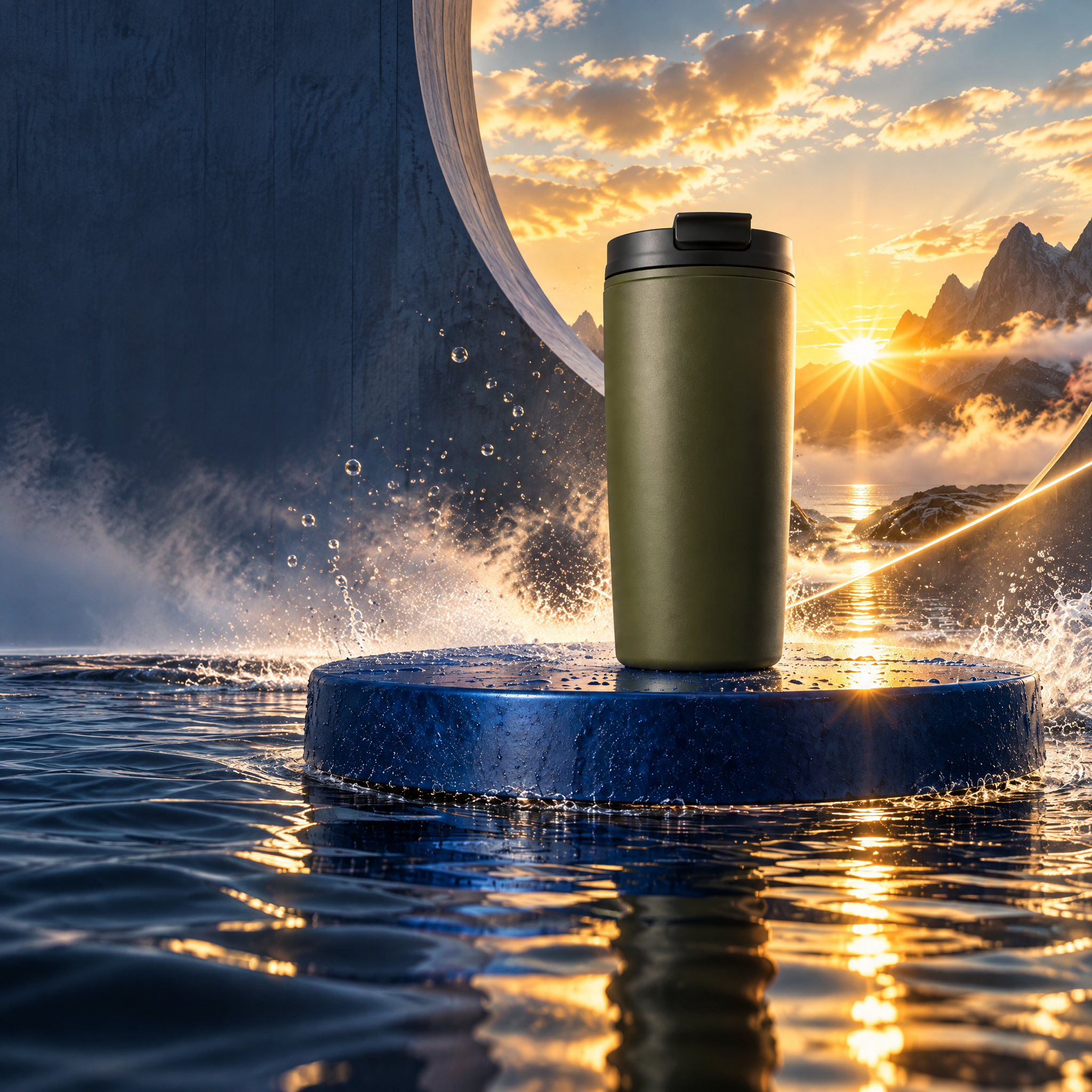
Directed campaign kit
Carry the momentum.
One clean cup reference becomes a kinetic launch world, two social formats, and a bounded revision.
Explore projectNodeTool Cloud is in alpha — run workflows in the browser, on your own keys.NodeTool Cloud is in alpha. Try it →
NodeTool example project
Review a translation, choose a voice, and edit the delivery line by line. Finish with a new-language voiceover or a separate lip-sync pass.
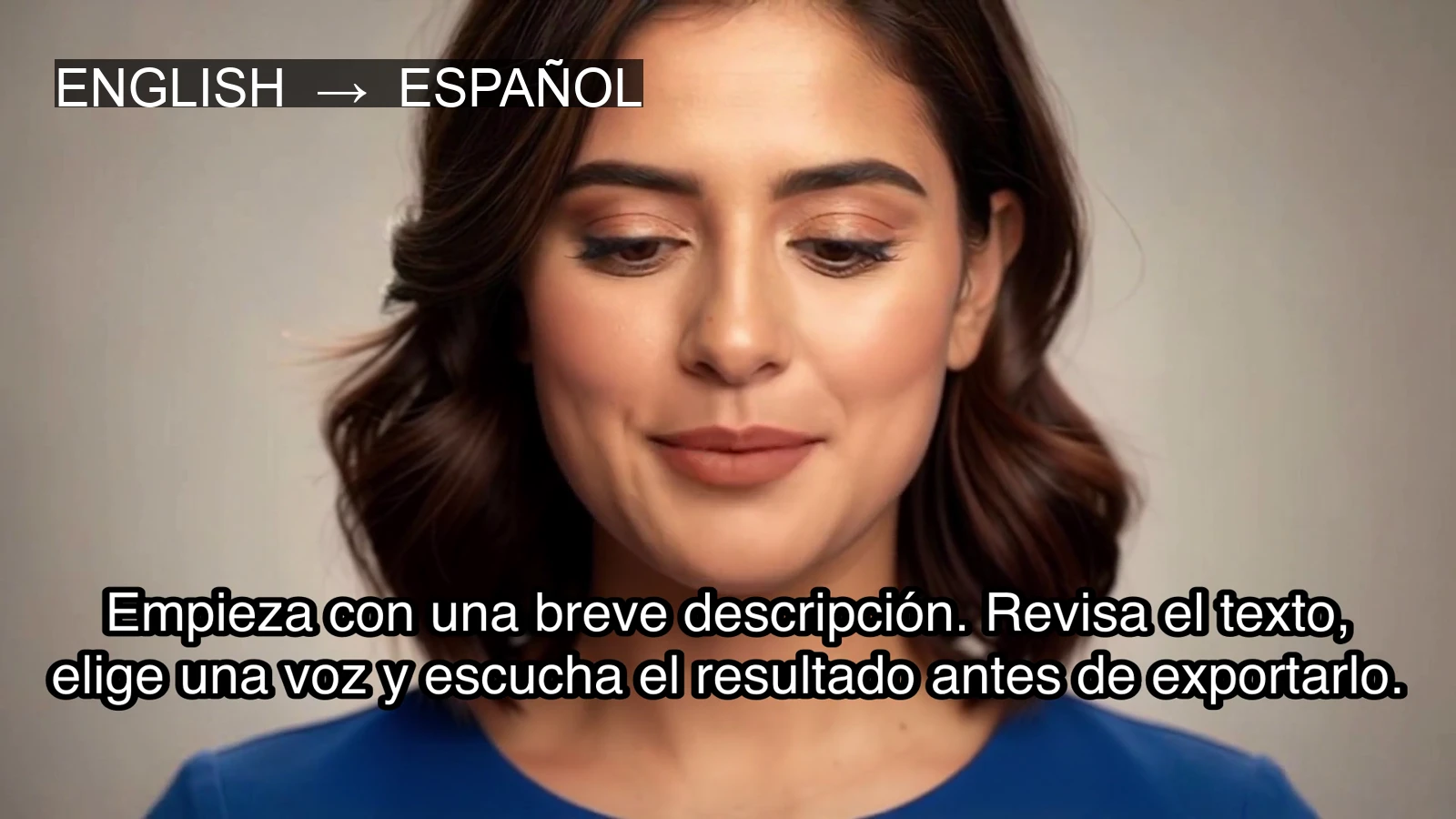
An English presenter, revoiced in Spanish. Edit the translation and revise individual voice lines.

Media generated with FAL, Replicate, and AtlasCloud through NodeTool
Prepare the translation with the agent, then review and voice it in the Script guide. Timing and lip sync come last.
Empieza con una breve descripción. Revisa el texto, elige una voz y escucha el resultado antes de exportarlo. Si necesitas cambiar una frase, edítala y vuelve a grabarla. Tu guion sigue siendo editable, así que la siguiente versión parte del trabajo que ya tienes.
Screenshots show a Spanish Script session using Kokoro ef_dora. The comparison video used the Inworld Ashley voice. Choosing a language in Voices does not translate the script.
Step 1 of 9 · Prepare
Ask the agent to transcribe the source, then compare the text with the audio. Translate it into your target language and review the meaning, names, and pronunciation before opening Script.
Review the translated words
Install NodeTool Studio, create a project, and choose Script. Add your brief and references, then connect your provider keys before generating media.
Studio is free and open source. You pay providers directly for media generation. Set up your own project using the guide above.
Directed campaign kit
One clean cup reference becomes a kinetic launch world, two social formats, and a bounded revision.
Explore project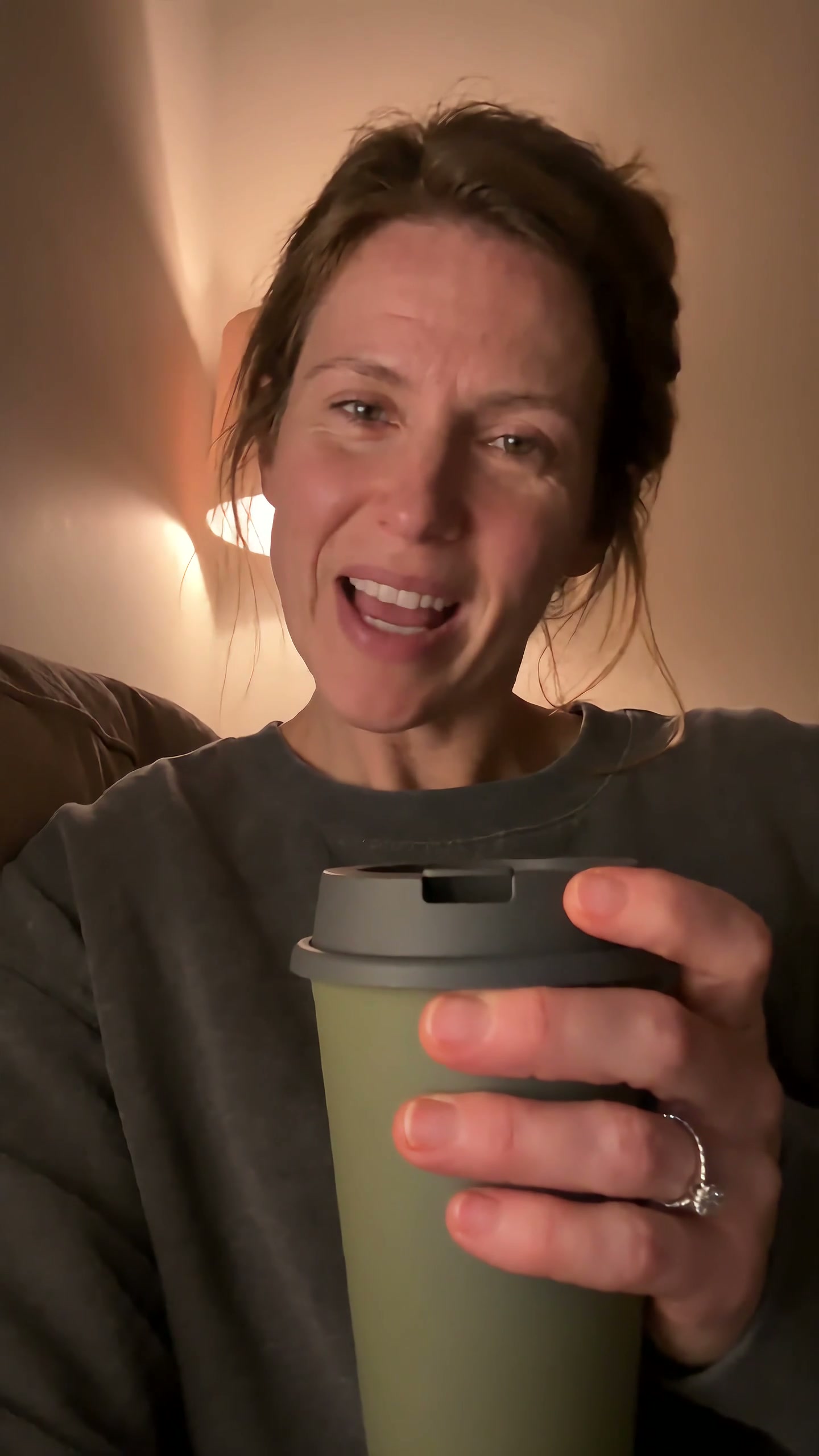
UGC product video
A self-aware purchase becomes a small source of reassurance as the same cup follows one chaotic day.
Explore project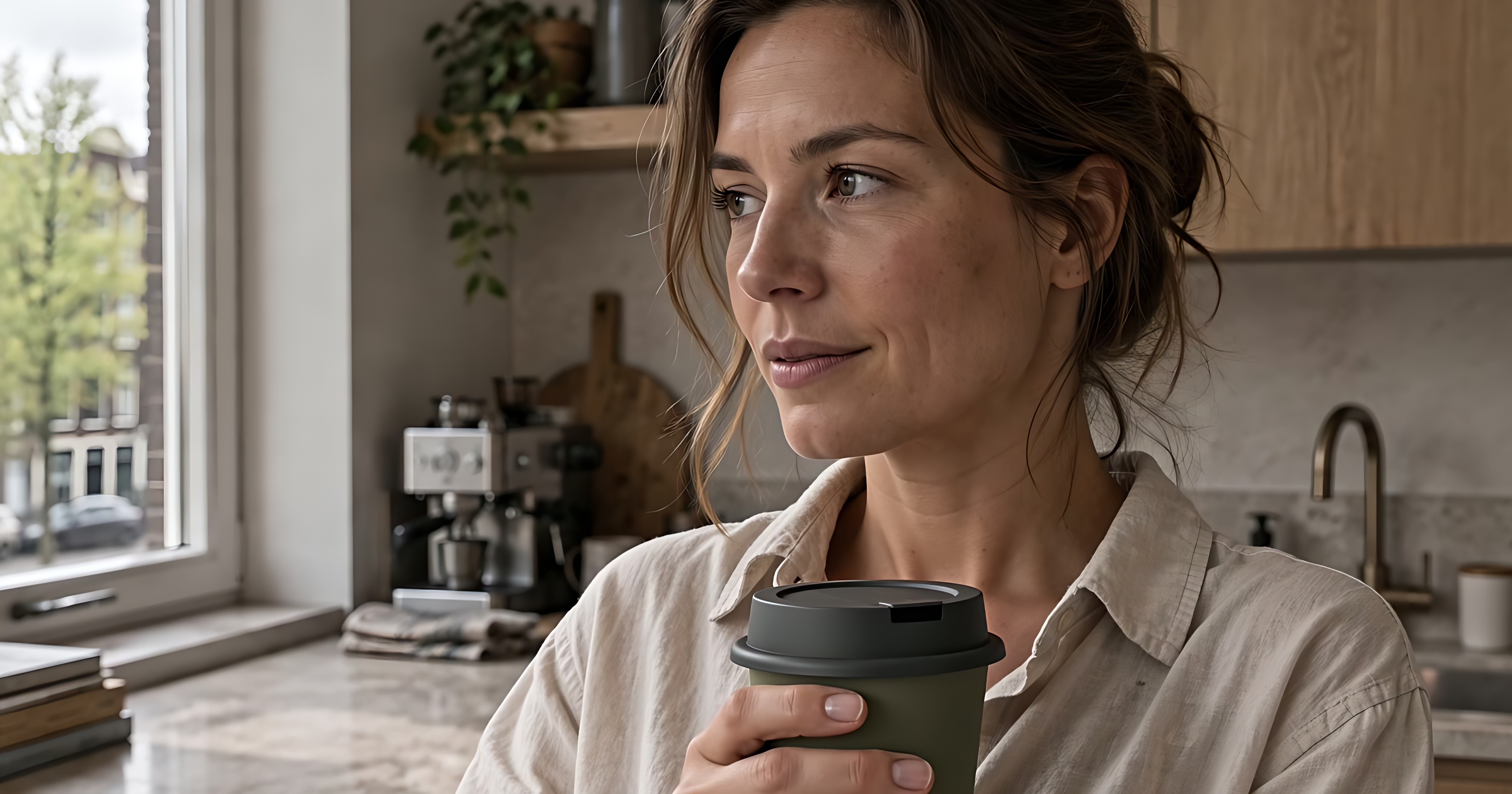
Product commercials
Fresh coffee pours, she takes a quiet moment, then heads out with her cup. Three shots follow one morning ritual.
Explore project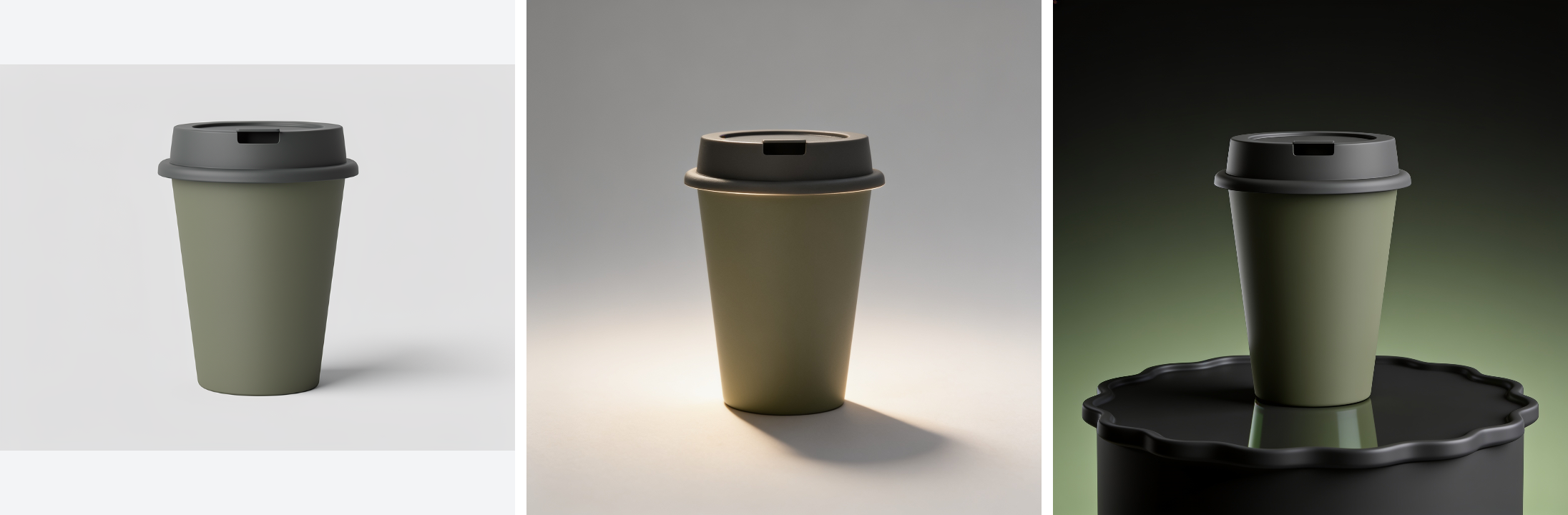
Product catalogue assets
Turn one product photo into a cutout, studio shots, and seasonal scenes.
Explore project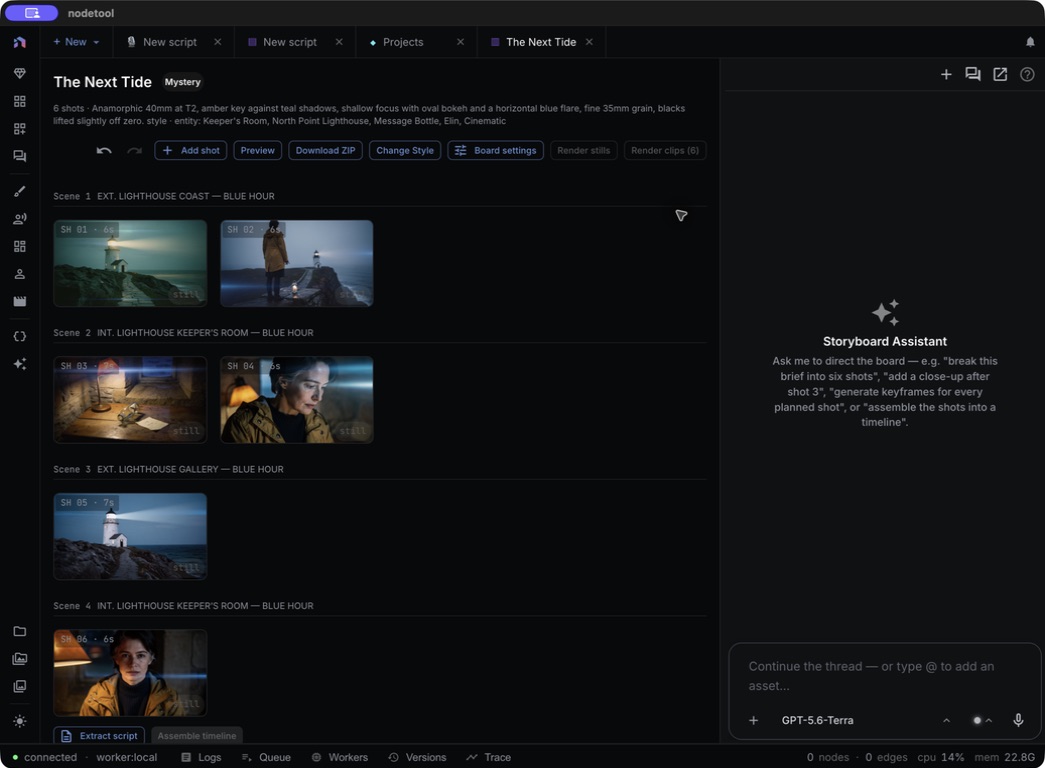
Storyboard to trailer
The Next Tide: a six-shot storyboard with a shared cast, locations, and props.
Explore project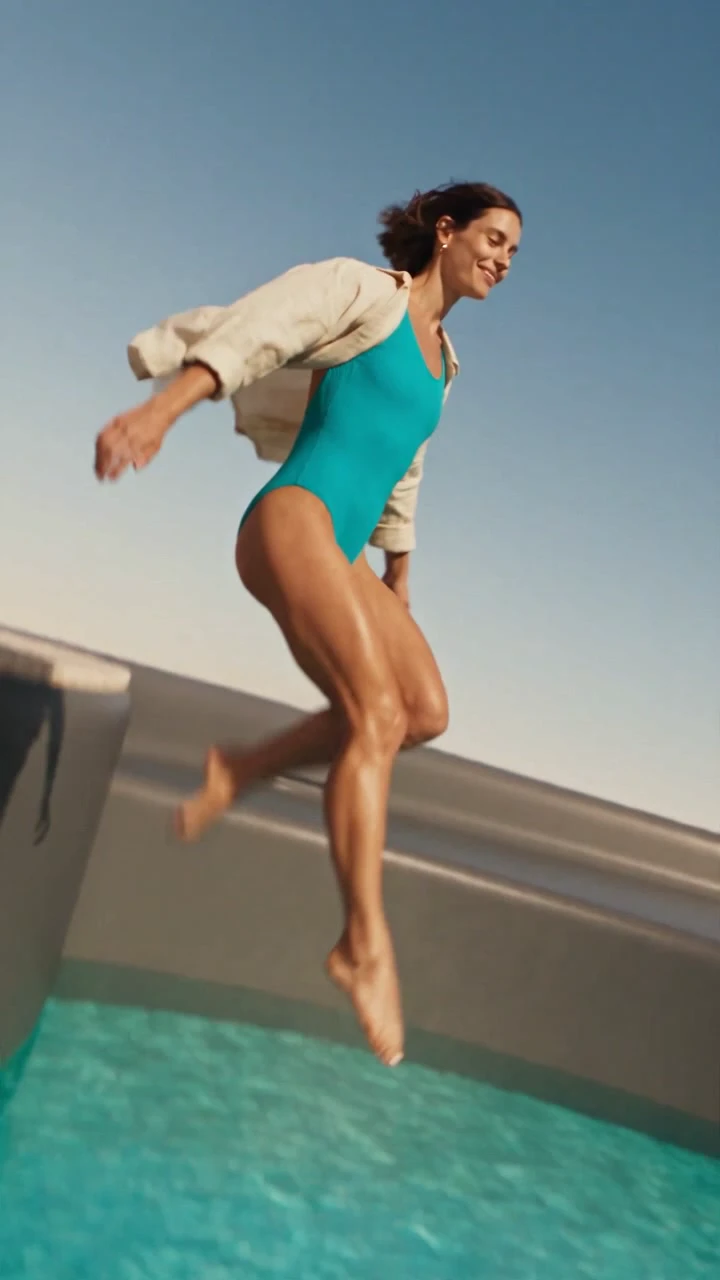
Impossible product worlds
A desert flight reveals a pool in a giant cup. A woman jumps in, then drinks from the same product at human scale.
Explore project