
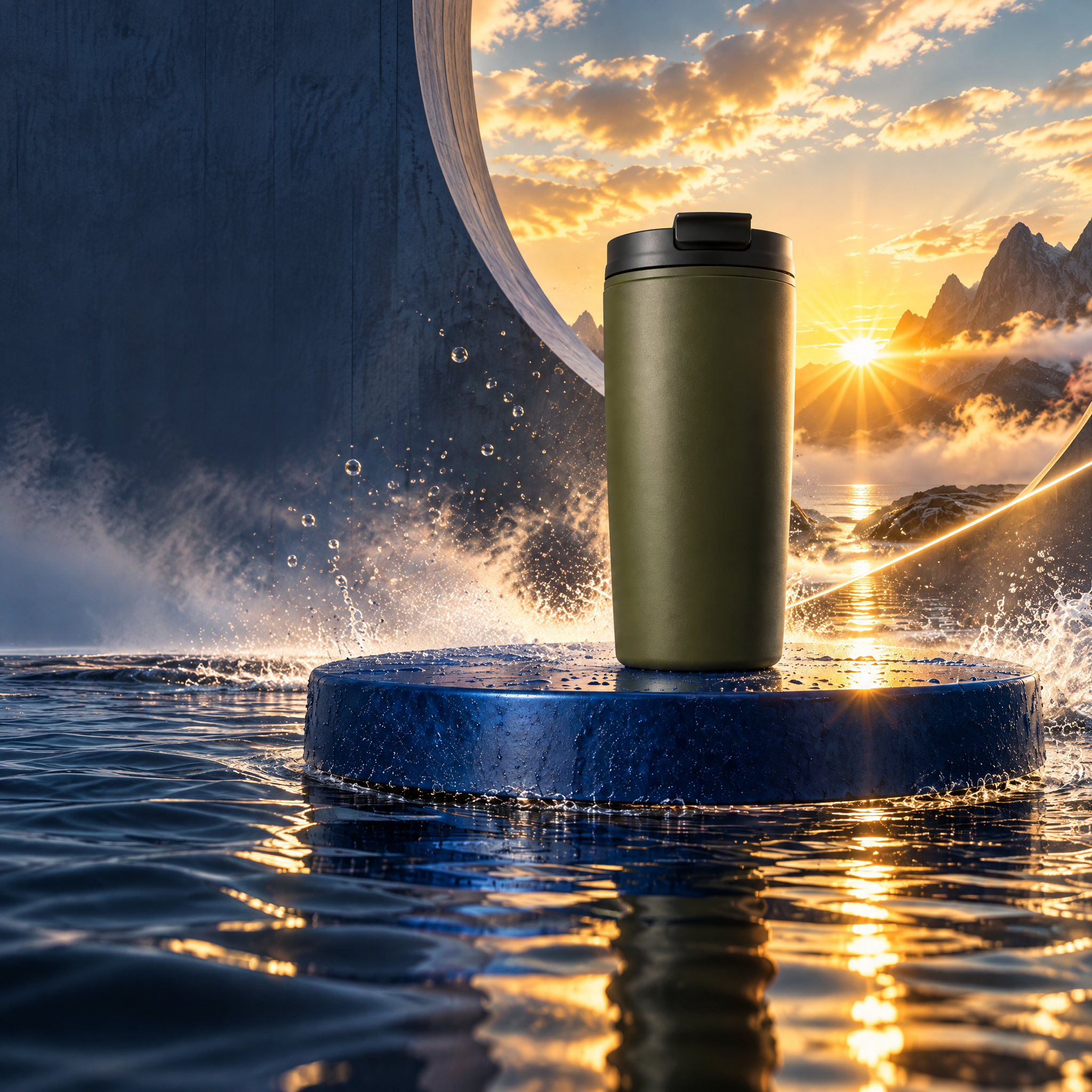
Directed campaign kit
Carry the momentum.
One clean cup reference becomes a kinetic launch world, two social formats, and a bounded revision.
Explore projectNodeTool Cloud is in alpha — run workflows in the browser, on your own keys.NodeTool Cloud is in alpha. Try it →
NodeTool example project
Give your product a story. Direct the shots, shape the sound, and finish your ad in the timeline.

Fresh coffee pours, she takes a quiet moment, then heads out with her cup. Three shots follow one morning ritual.
Opening and exit supplied from Dreamina. Middle shot generated with Seedance 2.0 via Fal. Edited in NodeTool, then enhanced to 2K with AtlasCloud.
Plan three shots, lock the cast and product, render the clips, then finish the ad in NodeTool.
Make a 13-second photographic commercial for the Olive Travel Cup: pour coffee, pause, then leave home. Keep the same woman, cup, clothes, and room. Use soft window light, restrained camera movement, and natural location sound. Widescreen 16:9. No generated lettering or product claims.
Dreamina supplied the opening and exit. Seedance 2.0 supplied the middle shot. The edit and sound were finished in NodeTool.
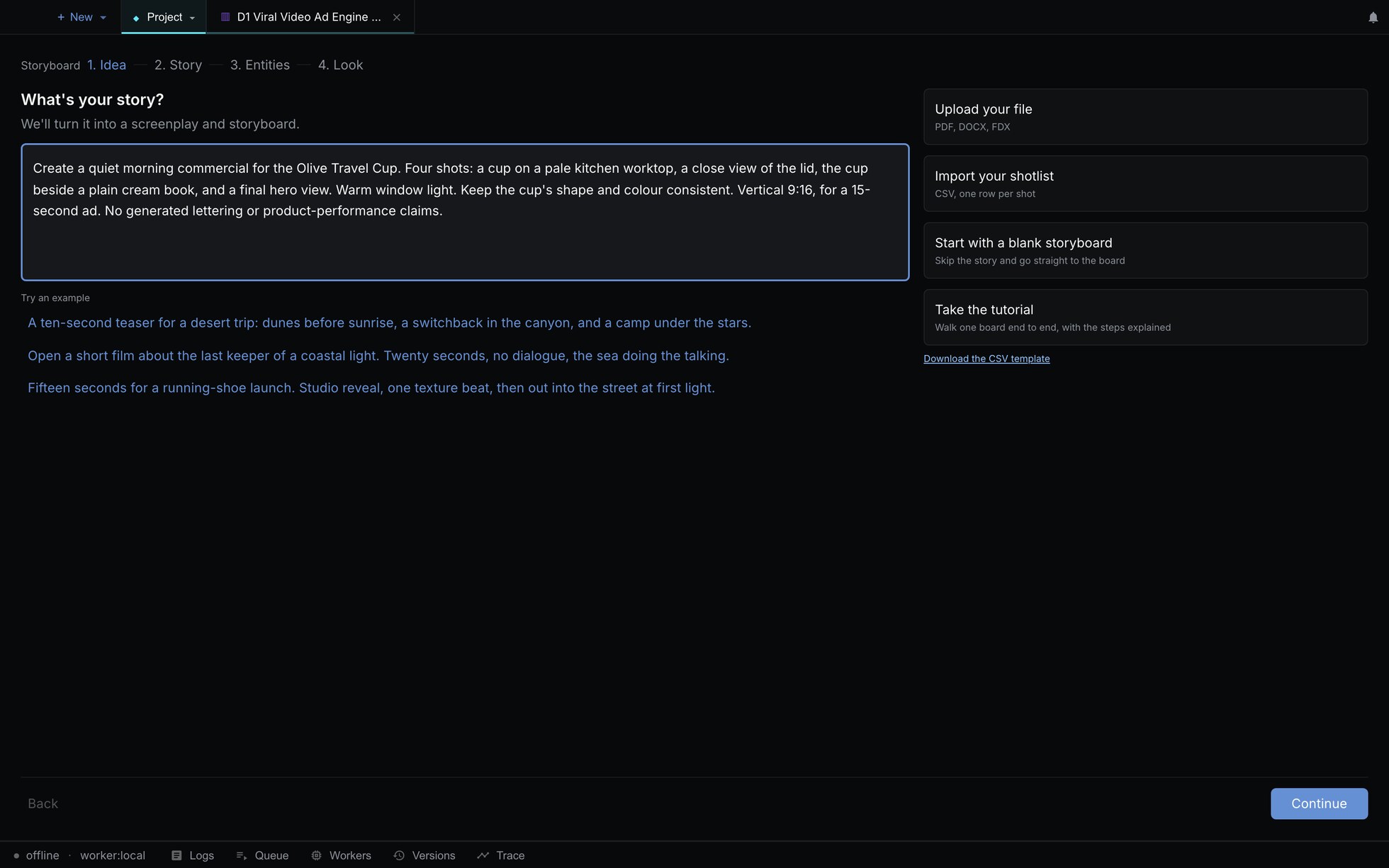
Step 1 of 8 · Guided setup
Describe the person, place, product action, format, and sound.
Write the brief
Install NodeTool Studio, create a project, and choose Storyboard. Add your brief and references, then connect your provider keys before generating media.
Studio is free and open source. You pay providers directly for media generation. Set up your own project using the guide above.
Directed campaign kit
One clean cup reference becomes a kinetic launch world, two social formats, and a bounded revision.
Explore project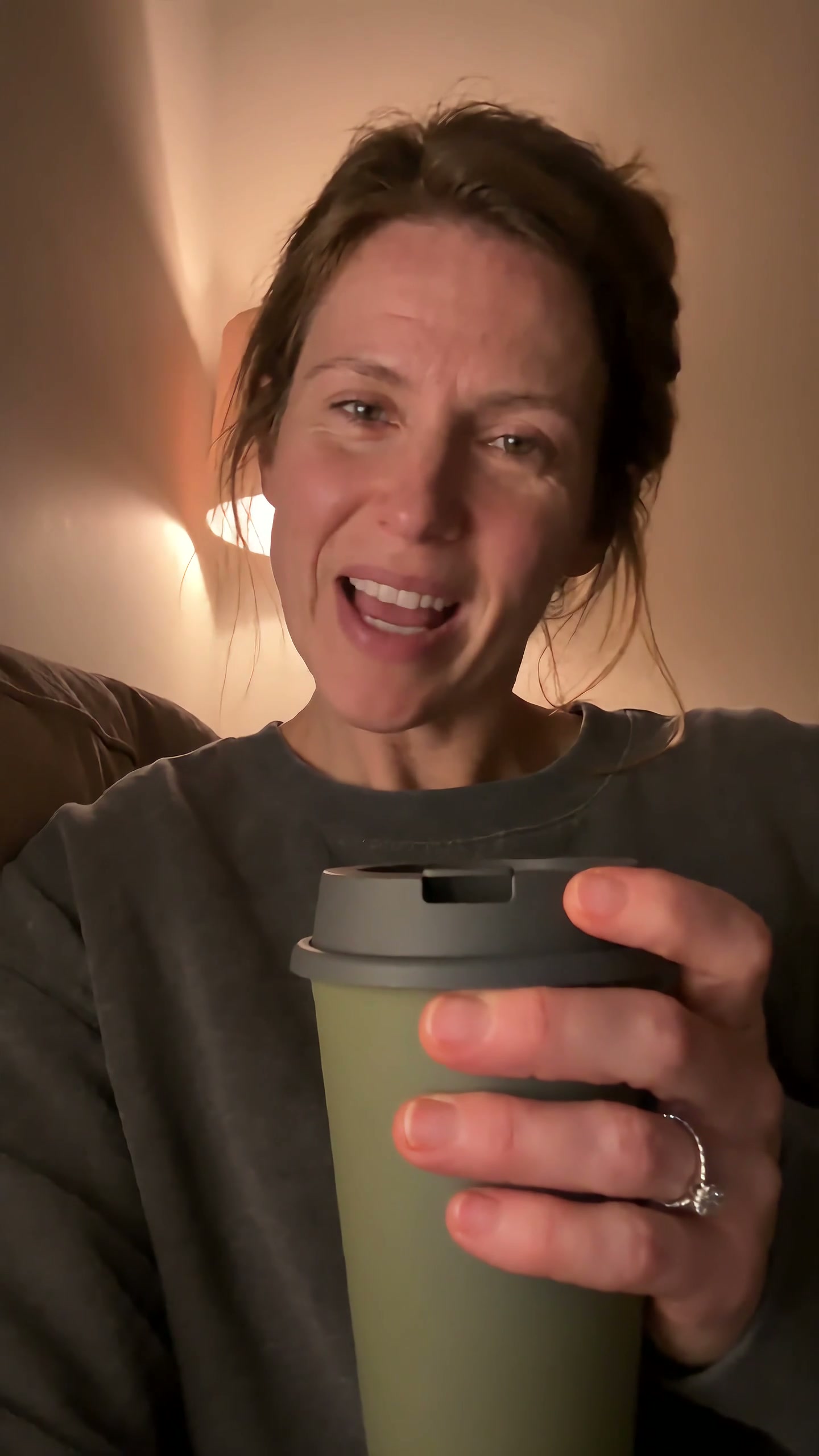
UGC product video
A self-aware purchase becomes a small source of reassurance as the same cup follows one chaotic day.
Explore project
Multilingual video
An English presenter, revoiced in Spanish. Edit the translation and revise individual voice lines.
Explore project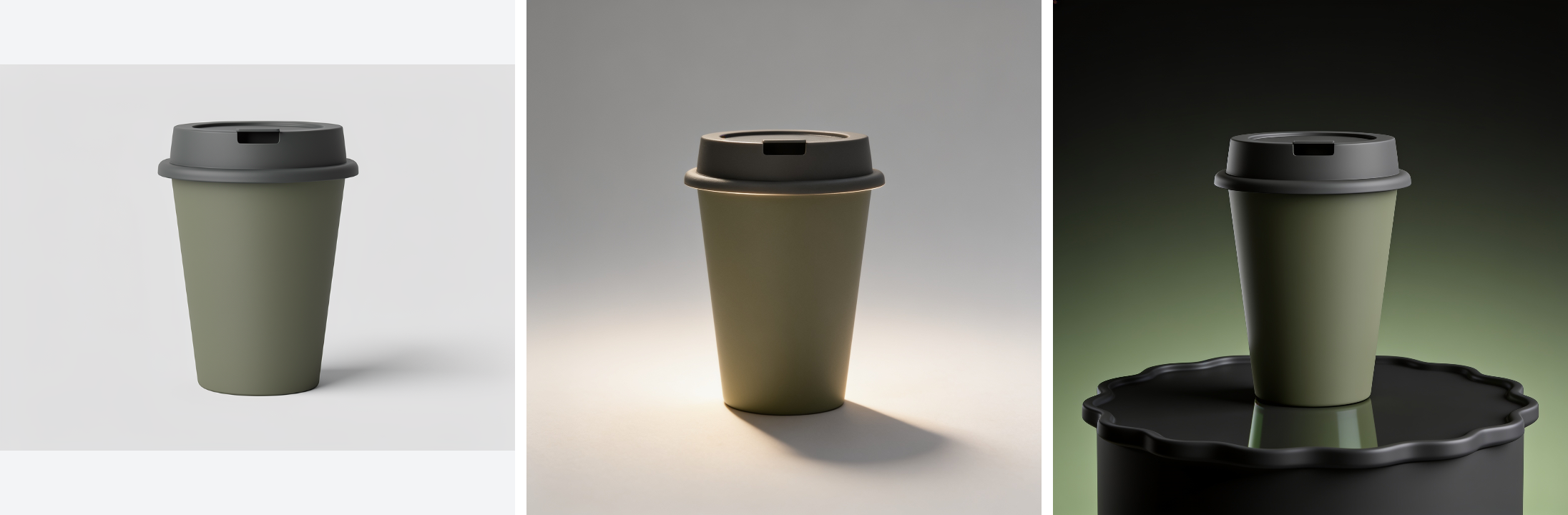
Product catalogue assets
Turn one product photo into a cutout, studio shots, and seasonal scenes.
Explore project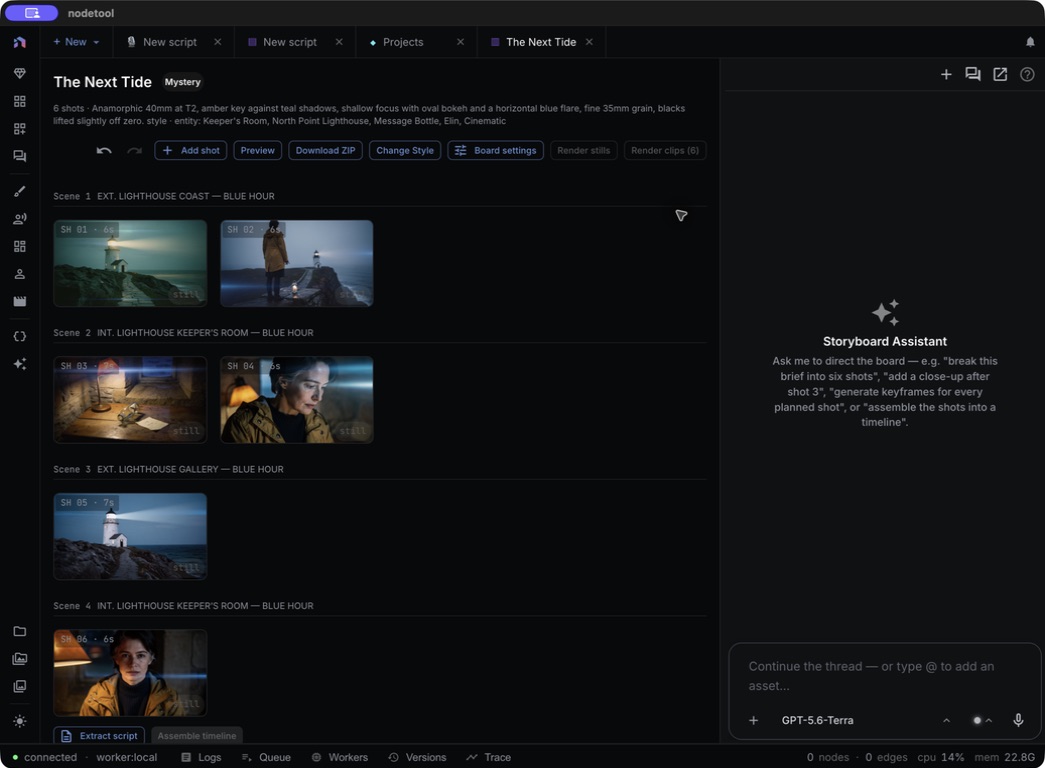
Storyboard to trailer
The Next Tide: a six-shot storyboard with a shared cast, locations, and props.
Explore project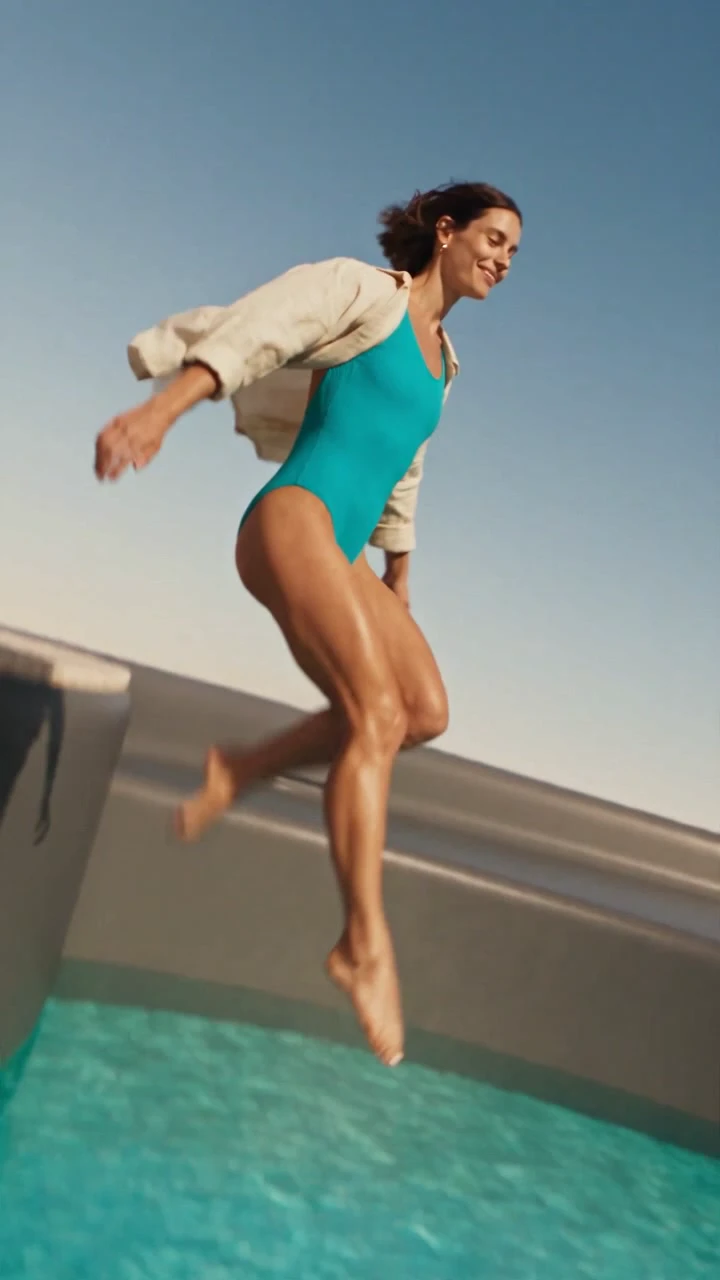
Impossible product worlds
A desert flight reveals a pool in a giant cup. A woman jumps in, then drinks from the same product at human scale.
Explore project