
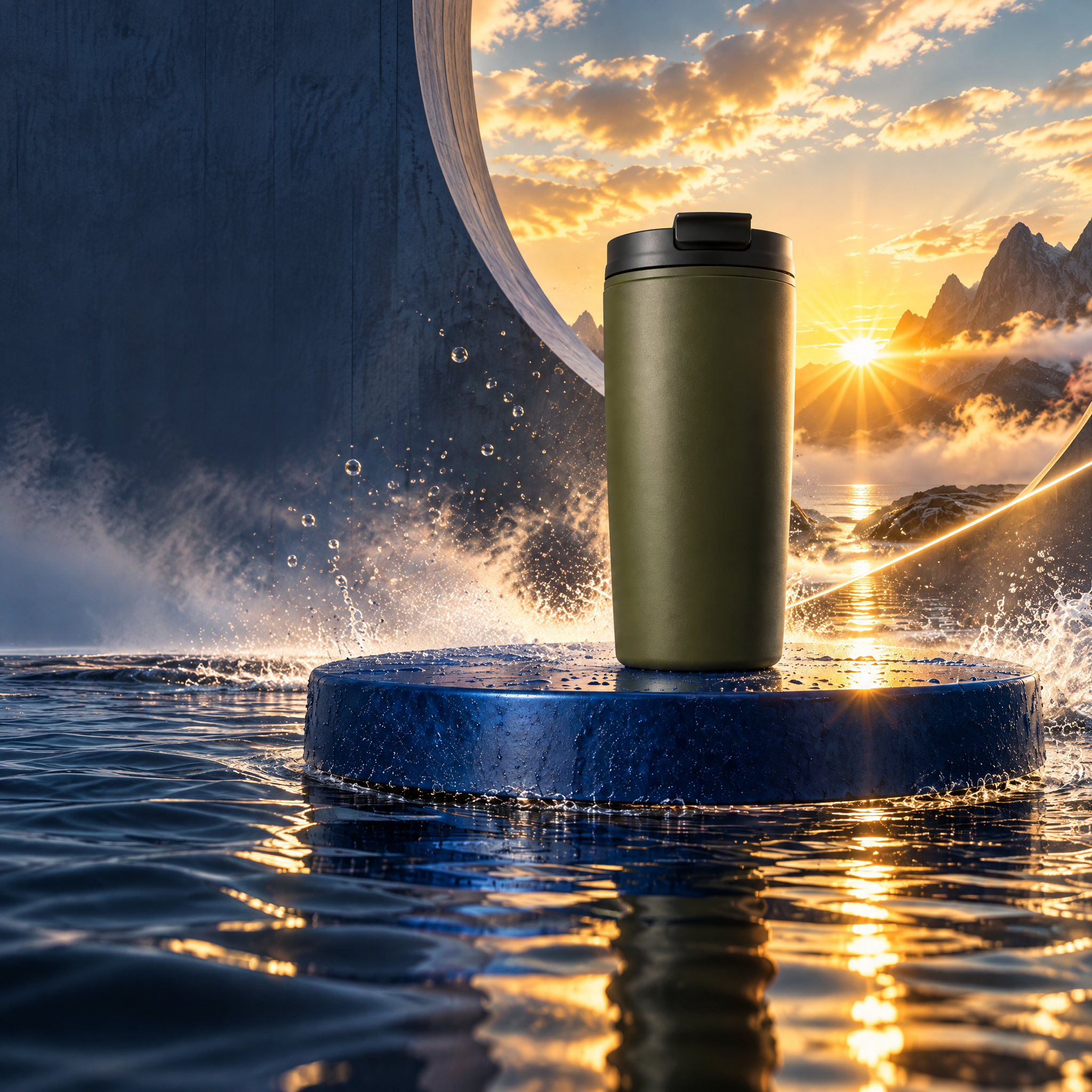
Directed campaign kit
Carry the momentum.
One clean cup reference becomes a kinetic launch world, two social formats, and a bounded revision.
Explore projectNodeTool Cloud is in alpha — run workflows in the browser, on your own keys.NodeTool Cloud is in alpha. Try it →
NodeTool example project
Chase a swimmer into a pool hidden in a giant cup, then return to human scale as she drinks from it.
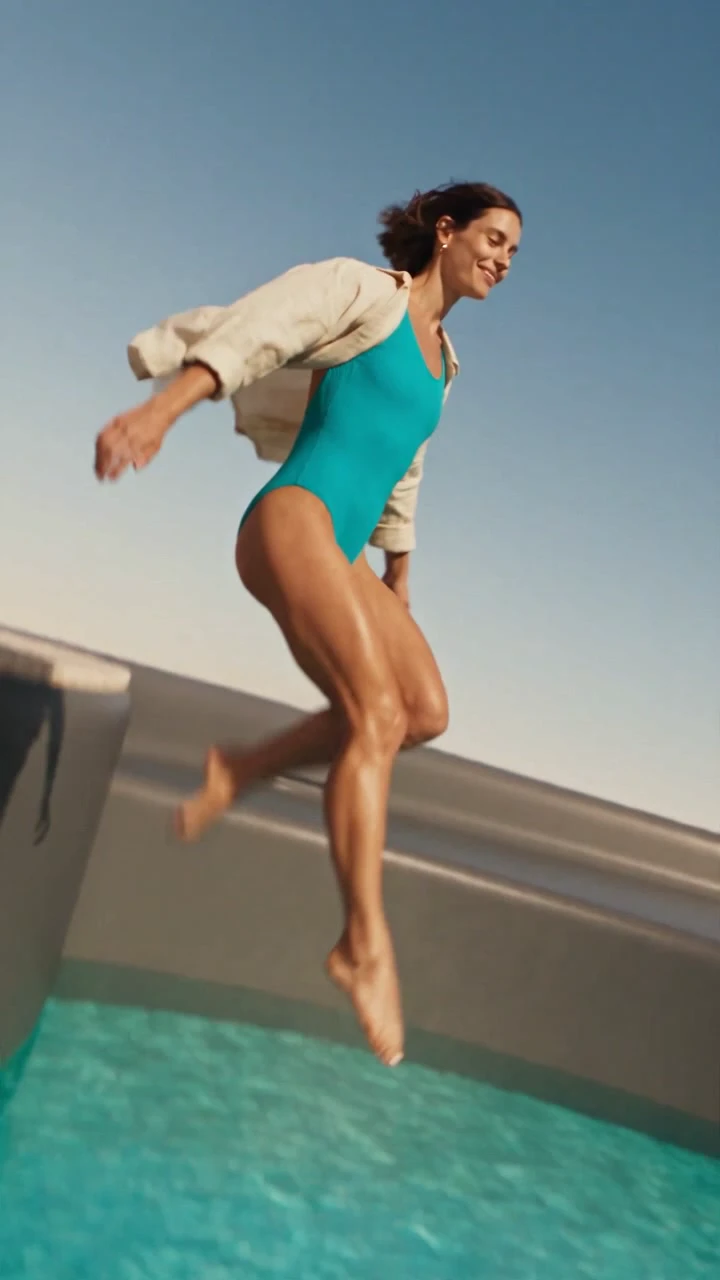
A desert flight reveals a pool in a giant cup. A woman jumps in, then drinks from the same product at human scale.

Finished video supplied from Dreamina
Write the product world as a timed brief, pin the cup photo as the identity reference, then direct the 15-second take in Dreamina.
Create a 15-second vertical 9:16 photorealistic surreal product commercial with energetic, controlled camera motion. @Image1 is only the product identity reference. Preserve the Olive Travel Cup's muted-olive tapered matte body, charcoal fitted flat lid, raised lid rim, and rectangular drinking opening. No handle, logo, lettering, duplication, or changing proportions. [00:00-00:06] Race low over golden dunes toward the cup at monumental scale. Climb its body, crest the lid rim, and tilt down to reveal a turquoise pool already recessed inside the fitted lid. Continue the same unbroken move as a woman in a cobalt swimsuit and open cream resort shirt runs along the pale stone deck. [00:06-00:09] Track beside her, orbit as she jumps, and follow her through a large realistic splash into the water. [00:09-00:15] Match cut through the splash to ordinary scale. Whip-pan to the same woman holding the same cup on a sunny resort terrace. Curve toward her as she raises it and drinks, then settle on a clear product view. Use warm hard sunlight, crisp shadows, realistic water and fabric, and an original rising percussion-and-bass score with wind, footsteps, splash, and underwater bubbles. Avoid product morphing, detached parts, extra objects, warped limbs, face changes, camera jitter, generated text, subtitles, logos, and watermarks.
Dreamina supplied the finished 15.072-second video. The published file is a 720×1280 H.264 render with AAC stereo audio. The source is a flattened video, so the camera beats and soundtrack are not editable on the recipe page.

Step 1 of 7 · Prepare
Start with an unobstructed product photo. Note the silhouette, colour, lid, opening, and finish before adding the impossible setting.
Choose the product reference
Install NodeTool Studio, create a project, and choose Dreamina. Add your brief and references, then connect your provider keys before generating media.
Studio is free and open source. You pay providers directly for media generation. Set up your own project using the guide above.
Directed campaign kit
One clean cup reference becomes a kinetic launch world, two social formats, and a bounded revision.
Explore project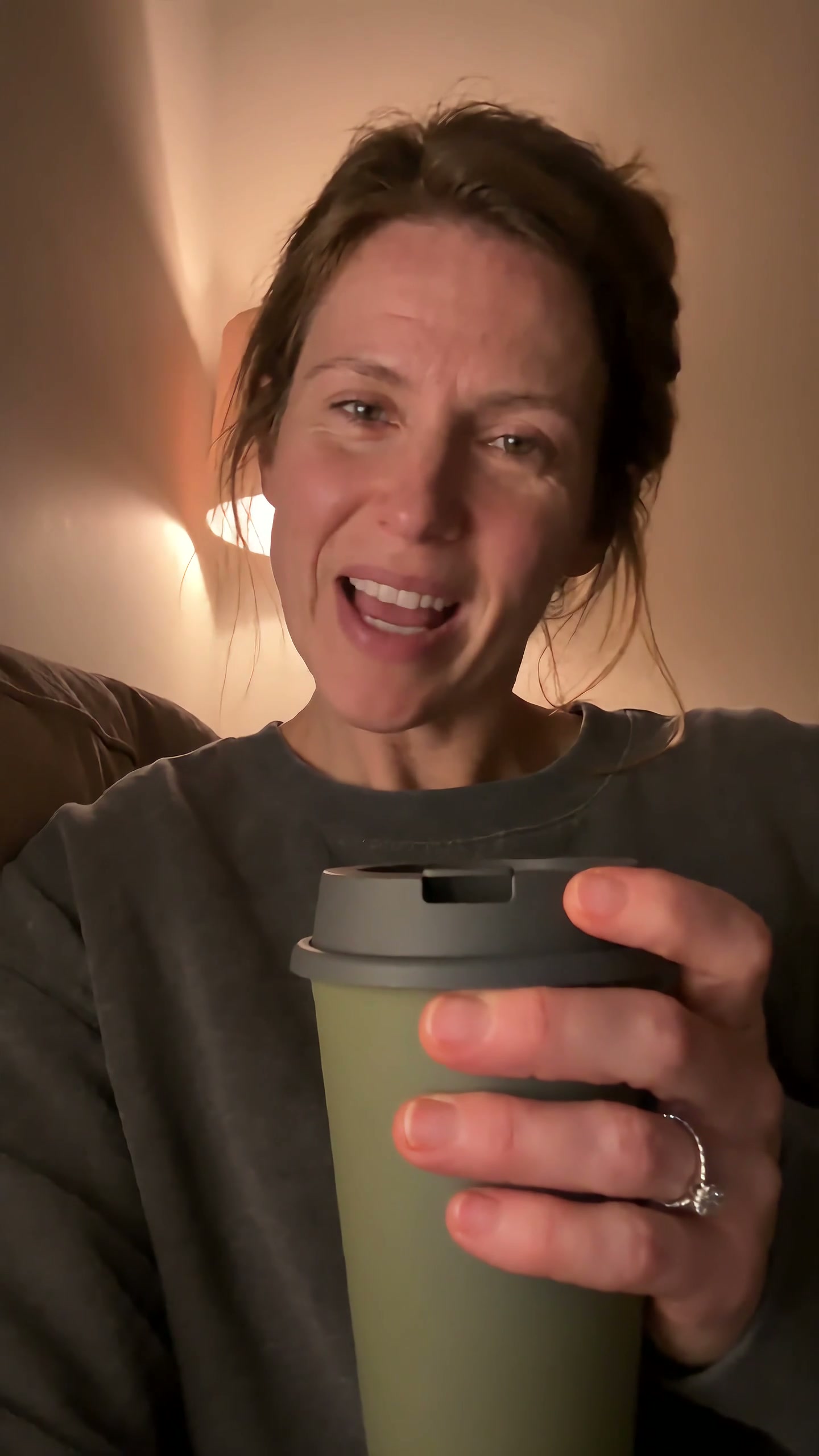
UGC product video
A self-aware purchase becomes a small source of reassurance as the same cup follows one chaotic day.
Explore project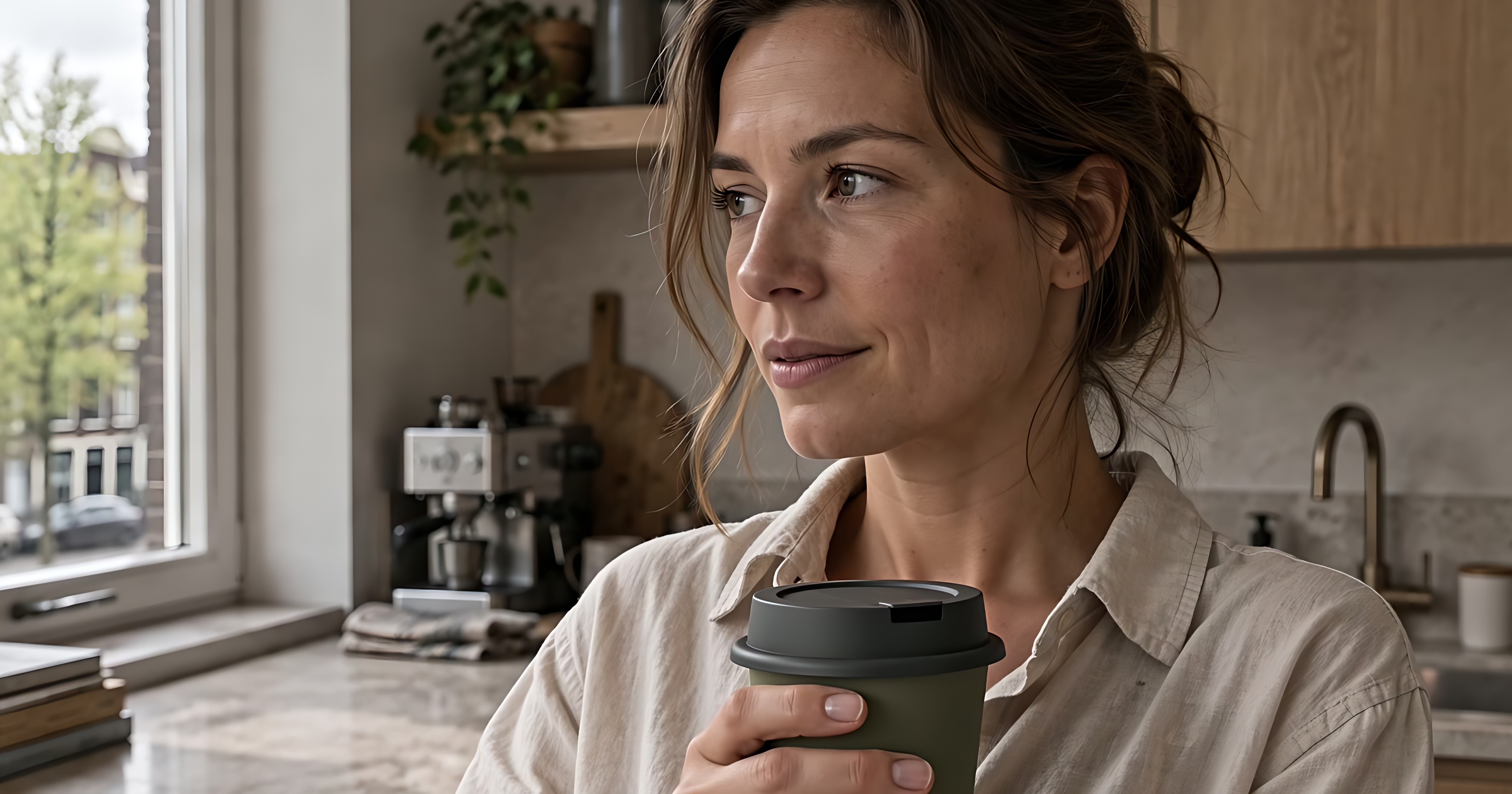
Product commercials
Fresh coffee pours, she takes a quiet moment, then heads out with her cup. Three shots follow one morning ritual.
Explore project
Multilingual video
An English presenter, revoiced in Spanish. Edit the translation and revise individual voice lines.
Explore project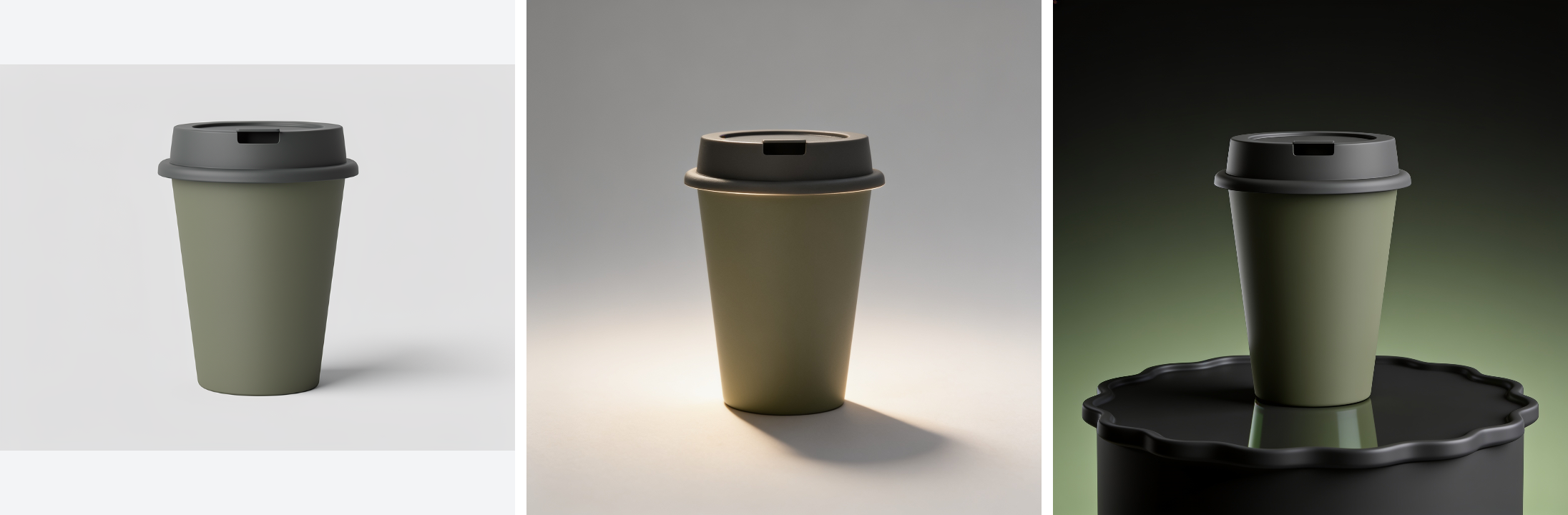
Product catalogue assets
Turn one product photo into a cutout, studio shots, and seasonal scenes.
Explore project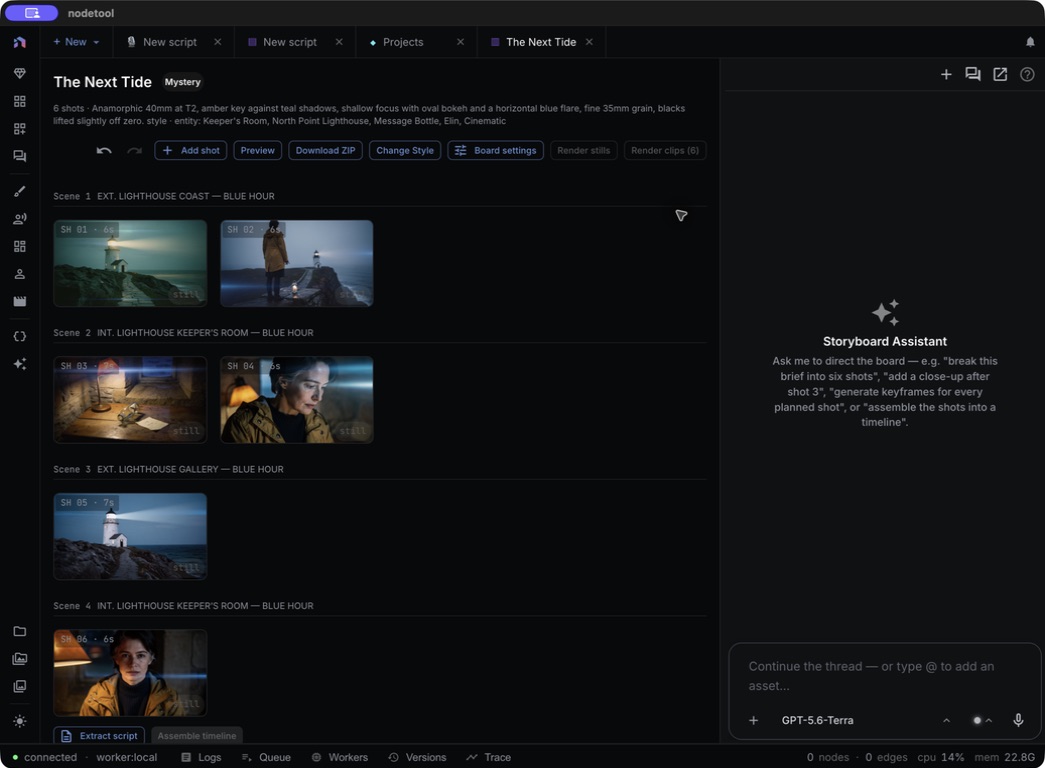
Storyboard to trailer
The Next Tide: a six-shot storyboard with a shared cast, locations, and props.
Explore project