
CommercialsStoryboard
Movement in Gold
A luxury watch seen as a living mechanism, from gears to wrist.
- Length
- 15s
- Shots
- 4
- Format
- 16:9
The storyboard
4 shots, 15 seconds planned. Each still is the keyframe for its shot. The direction beside it describes the action and the camera.
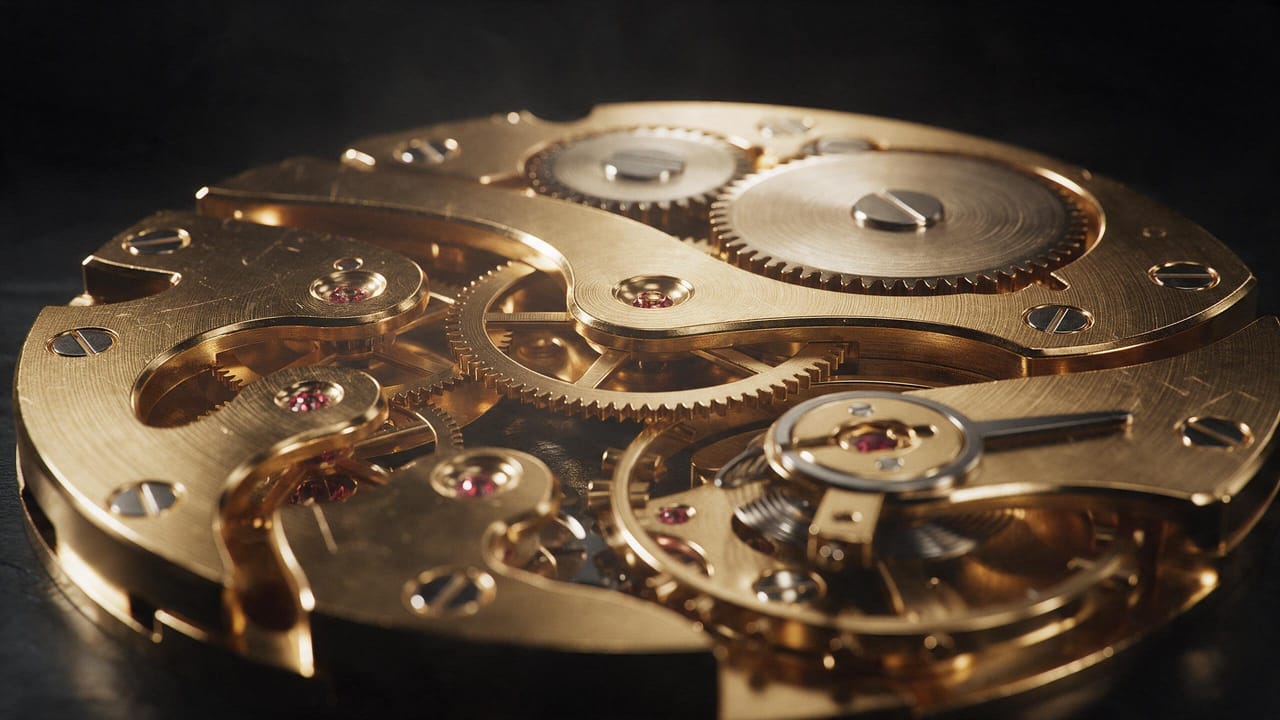 Shot 1
0:004s
Gear turn
- Framing
- Extreme macro
- Camera movement
- Slow push in
Extreme macro of a gold gear train filling the whole frame, tiny red jewels glowing between the wheels. Only gears, no watch case or dial in the shot.
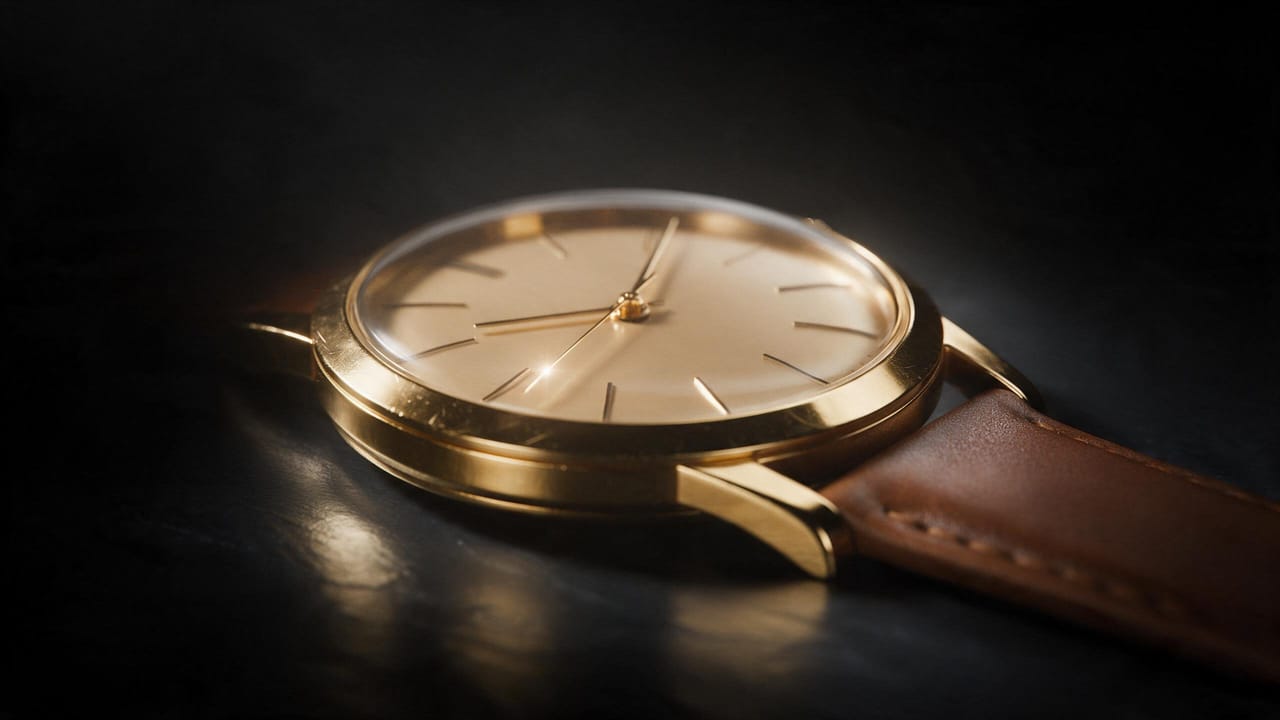 Shot 2
0:044s
Second hand
- Framing
- Macro close up
- Camera movement
- Rack focus from the hand to the dial edge
The thin second hand sweeps across the champagne dial, catching a bright glint at each marker.
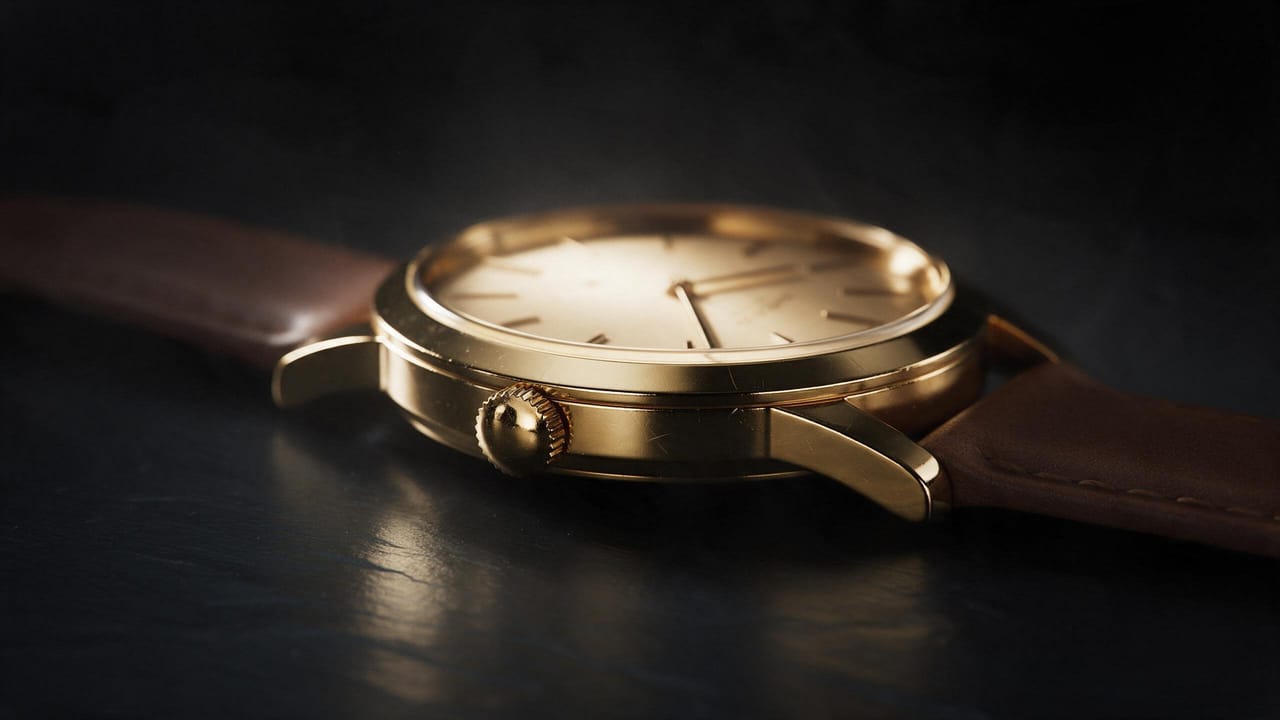 Shot 3
0:083s
Crown detail
- Framing
- Close up
- Camera movement
- Slow orbit left
The knurled gold crown of the watch stands perfectly still on the case edge, the gold shimmering as light glides across it, the thin second hand sweeping on the champagne dial behind. No people and no hands in the shot.
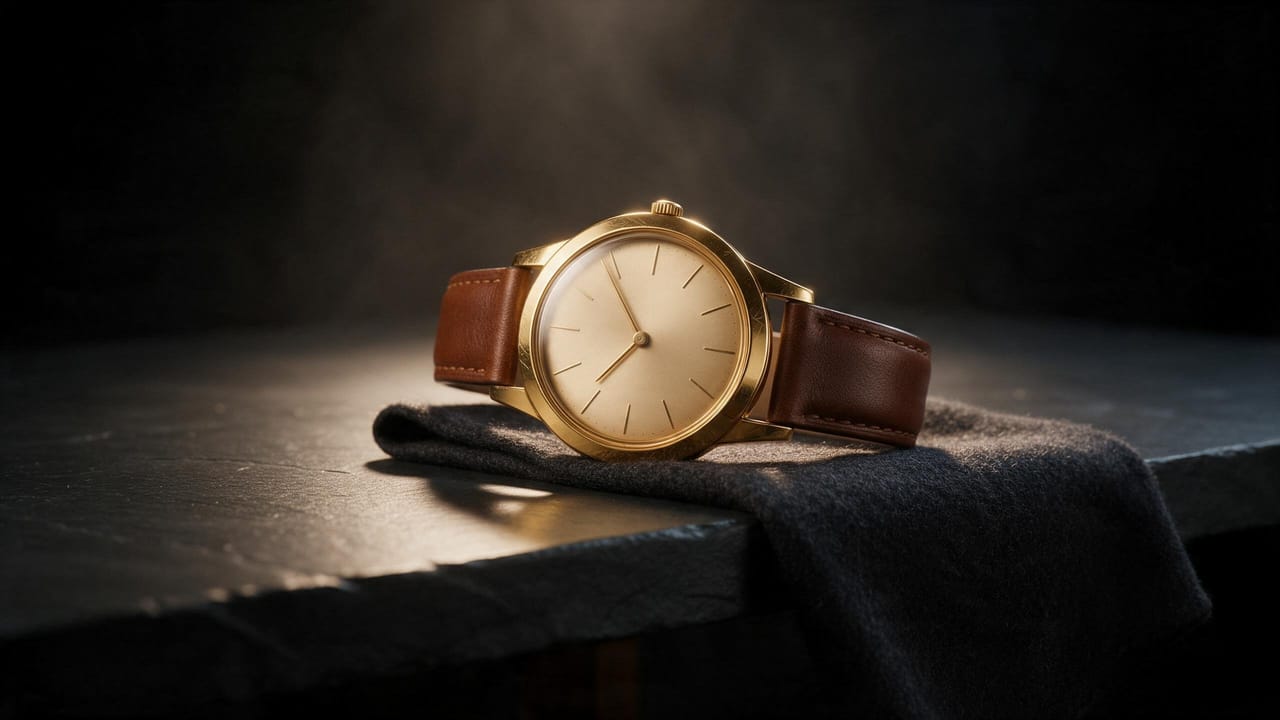 Shot 4
0:114s
On the wrist
- Framing
- Medium close up
- Camera movement
- Slow pull back
The watch lies on a dark table edge on a folded charcoal wool cloth, the dial glowing. No people, no wrist and no hands in the shot.
The brief
A luxury watch ad that treats the movement as the star. Macro shots of gears and a sweeping second hand build to one calm shot of the watch on a wrist.
Visual style
High-end watch commercial, probe macro lens, black studio with a single warm key light and crisp gold highlights. Deep blacks, brushed metal, razor-thin depth of field.
Change a shot, render again
This storyboard ships as an example in NodeTool. Open it in the Studio, edit the direction for any shot, and render a new take.